
Change your email
Move your account to a new email address.
Before you start
Section titled “Before you start”- You must be signed in.
- You need access to the new email inbox. Syndik8 sends a confirmation link there, and the change only takes effect once you open it.
- Open the Profile tab.
- In the Security section, tap Change email.
- Enter the new address in the New Email field. The dialog shows your current email so you can see what you’re replacing.
- Tap Update Email. Syndik8 sends a confirmation link to the new address and closes the dialog.
- Open the new inbox and tap Confirm New Email Address in that email. If the button doesn’t work, copy the link printed underneath it into your browser instead.
- Syndik8 opens and confirms the address has changed.
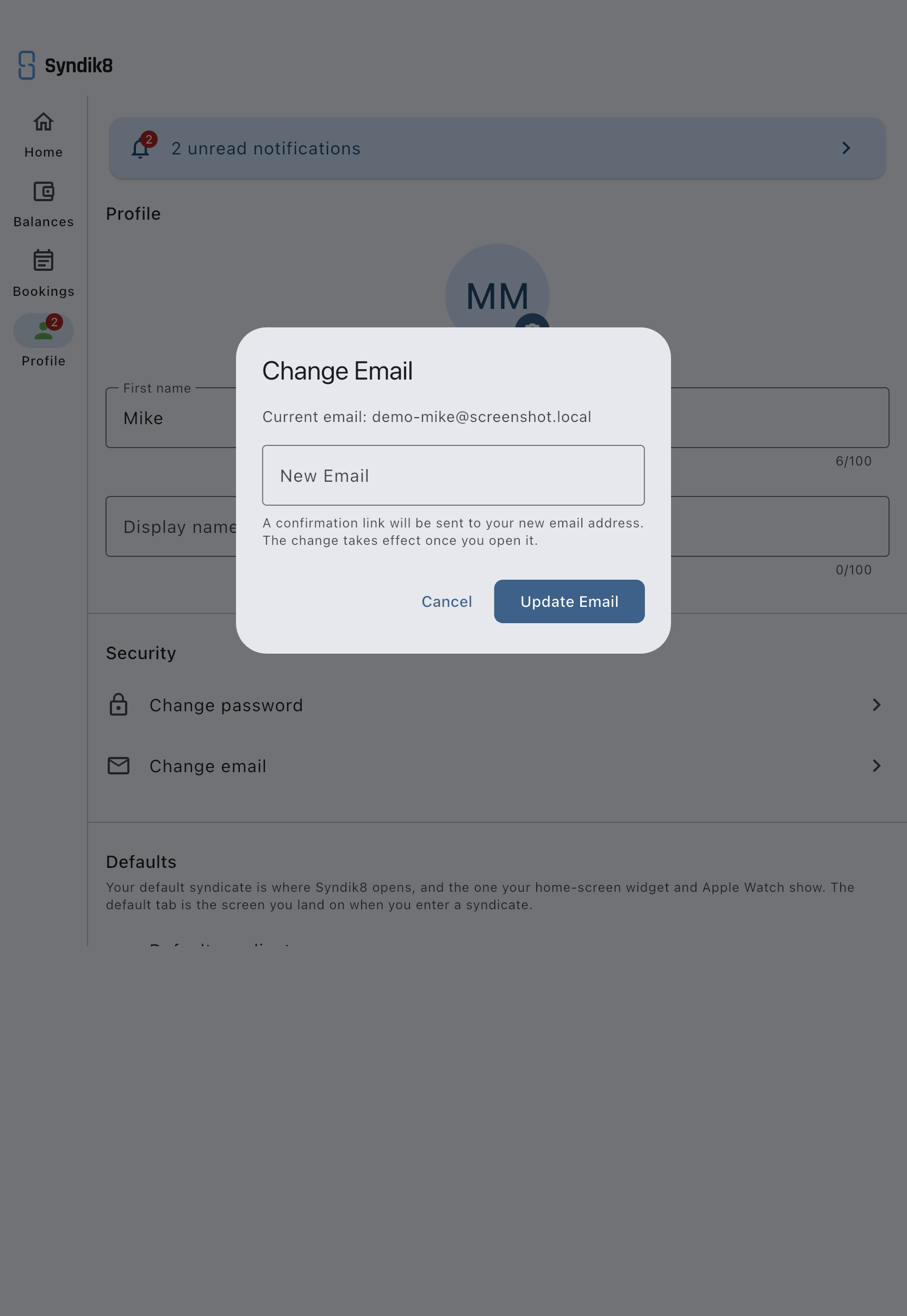
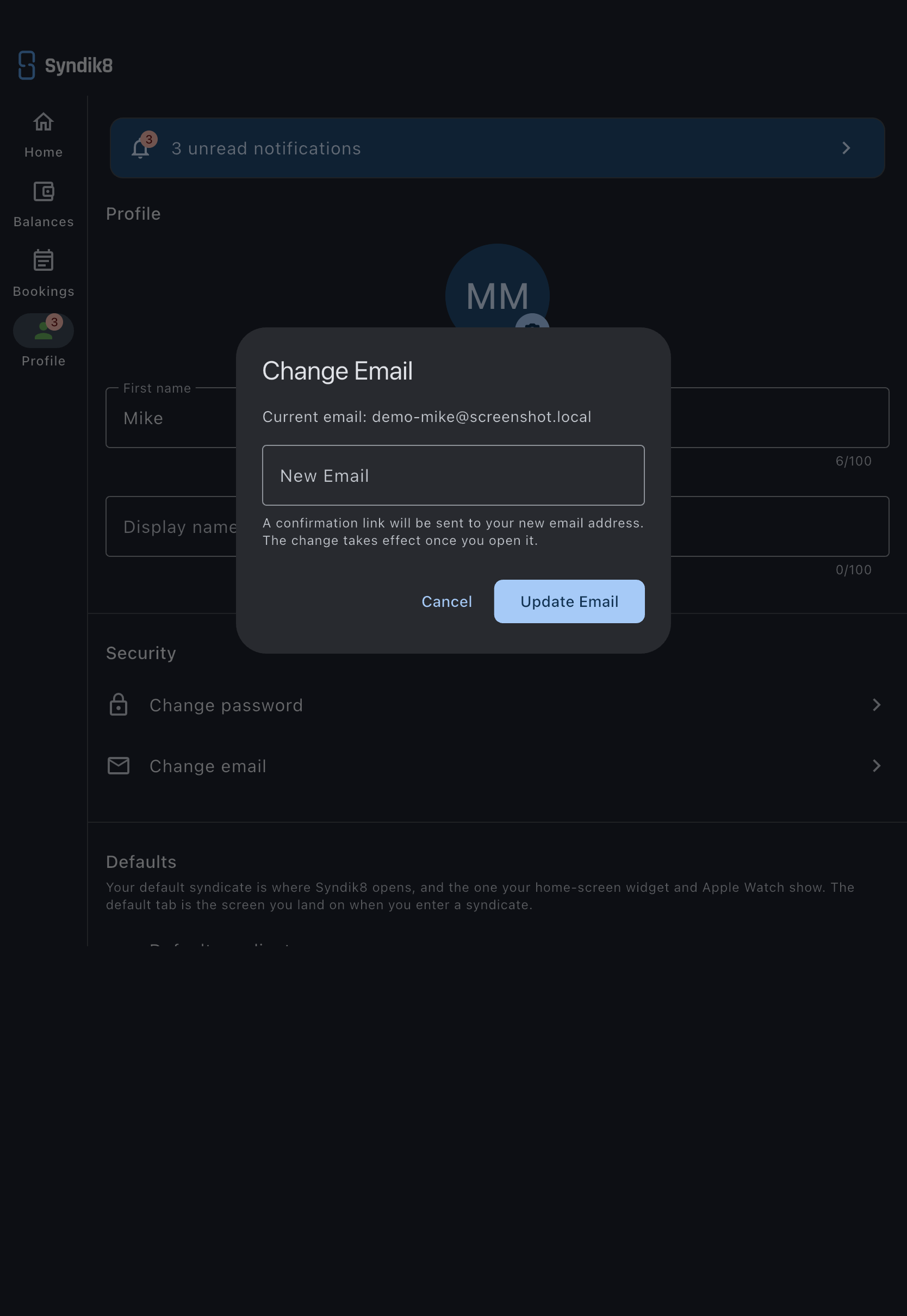
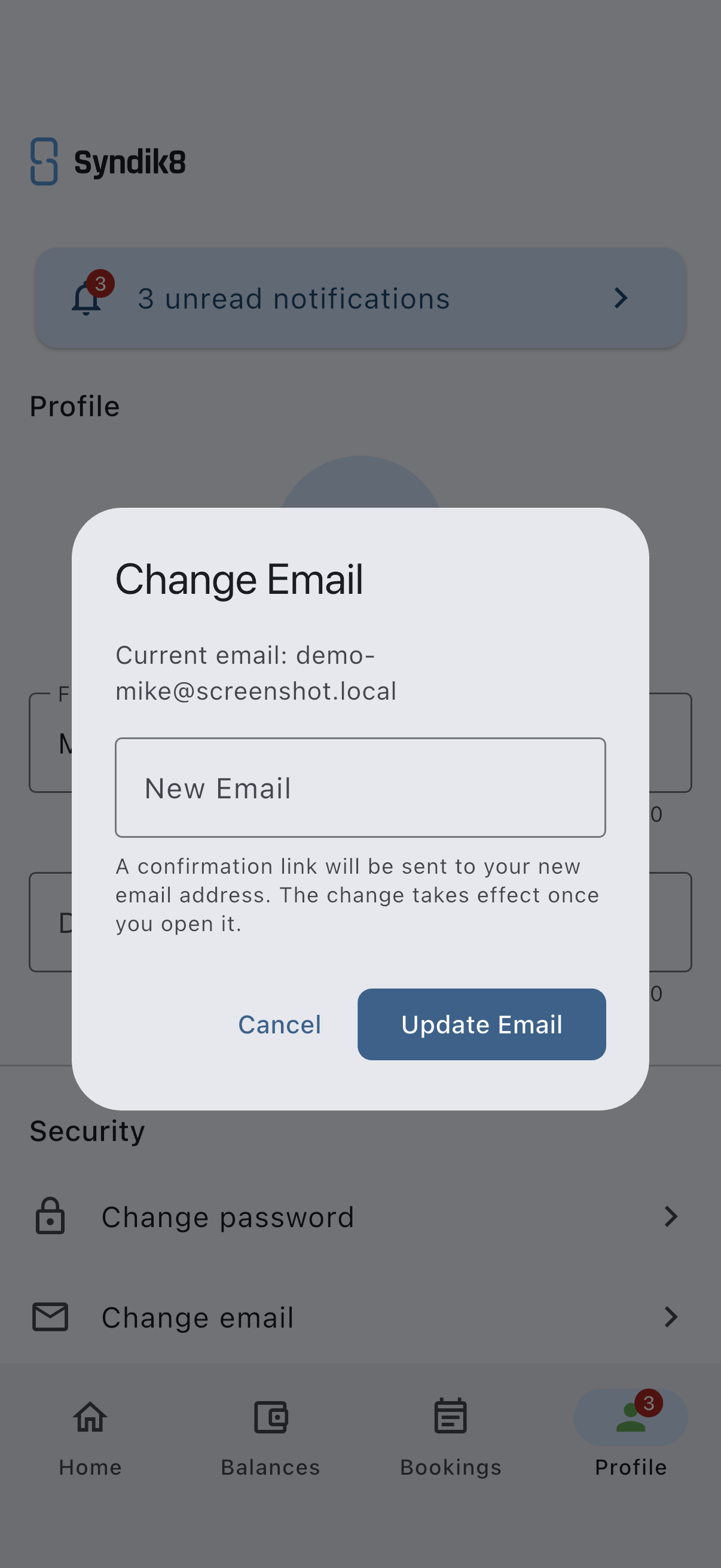
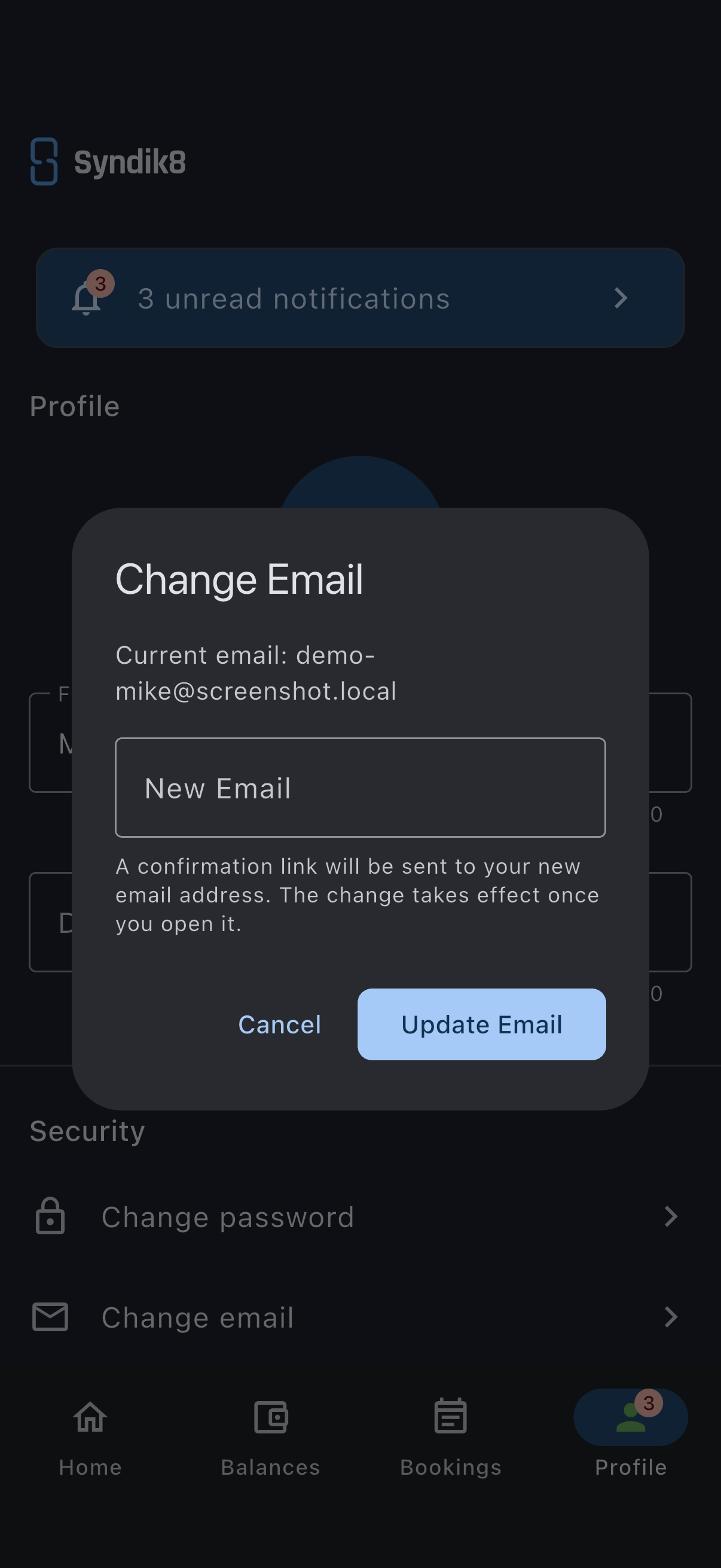
The dialog is a single step. There is no code to type back into the app: everything after Update Email happens in your inbox.
You may also receive a second email at your old address asking you to confirm the same change. If you do, open that link too — the change completes only once both have been confirmed.
From this point forward you sign in with the new email. Your password, memberships, bookings, and balances are unchanged.
If it goes wrong
Section titled “If it goes wrong”- “New email must be different from current” error. You entered the address you’re already using. Enter a different one.
- No confirmation email arrives at the new address. Check spam. If it’s still missing, re-open Change Email and request it again; typos in the new address are the most common cause.
- The link has expired. Confirmation links last one hour and work only once. Re-open Change Email and request a fresh one.
- You’ve confirmed the link but still sign in with the old address. Check your old inbox for a second confirmation email. Until both are confirmed, the old address stays active.