
Upload a syndicate document
Add a document that belongs to the syndicate as a whole: the syndicate agreement, house rules, bank mandate, or hangar lease.
Before you start
Section titled “Before you start”- Only admins can upload. Members see the library but not the upload button.
- Have the file on your device. PDFs, JPEGs, PNGs, and WebP up to 20 MB are accepted.
- Open the syndicate and tap Documents on the dashboard.
- Scroll to the top. The syndicate section is first, above the per-asset sections.
- Tap + on the syndicate section header. The upload screen opens with the syndicate pre-selected as the owner.
- Tap Choose file and pick the document. If the file is too big or not a format Syndik8 accepts, you’re told straight away and the file isn’t added; see What can go wrong.
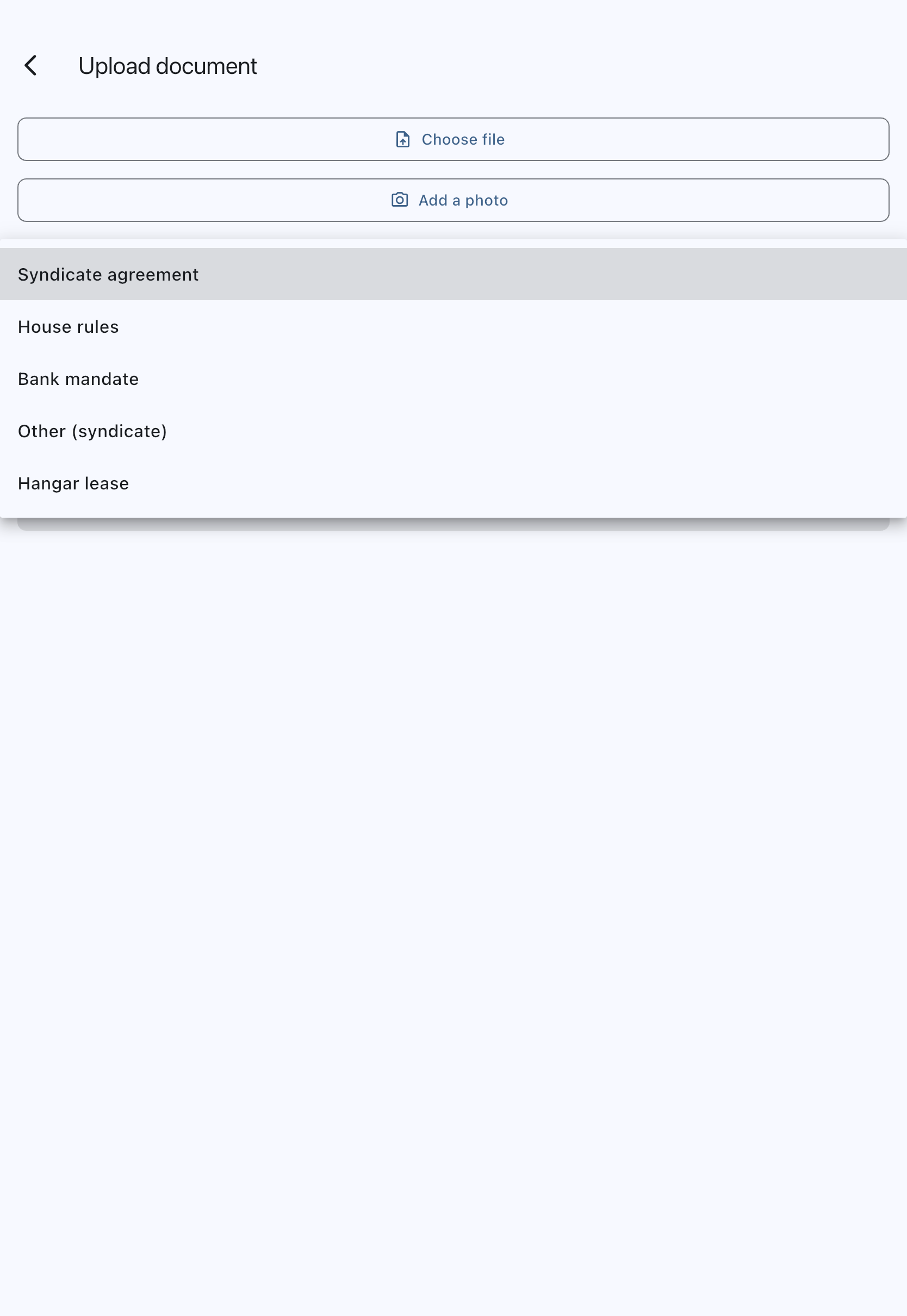
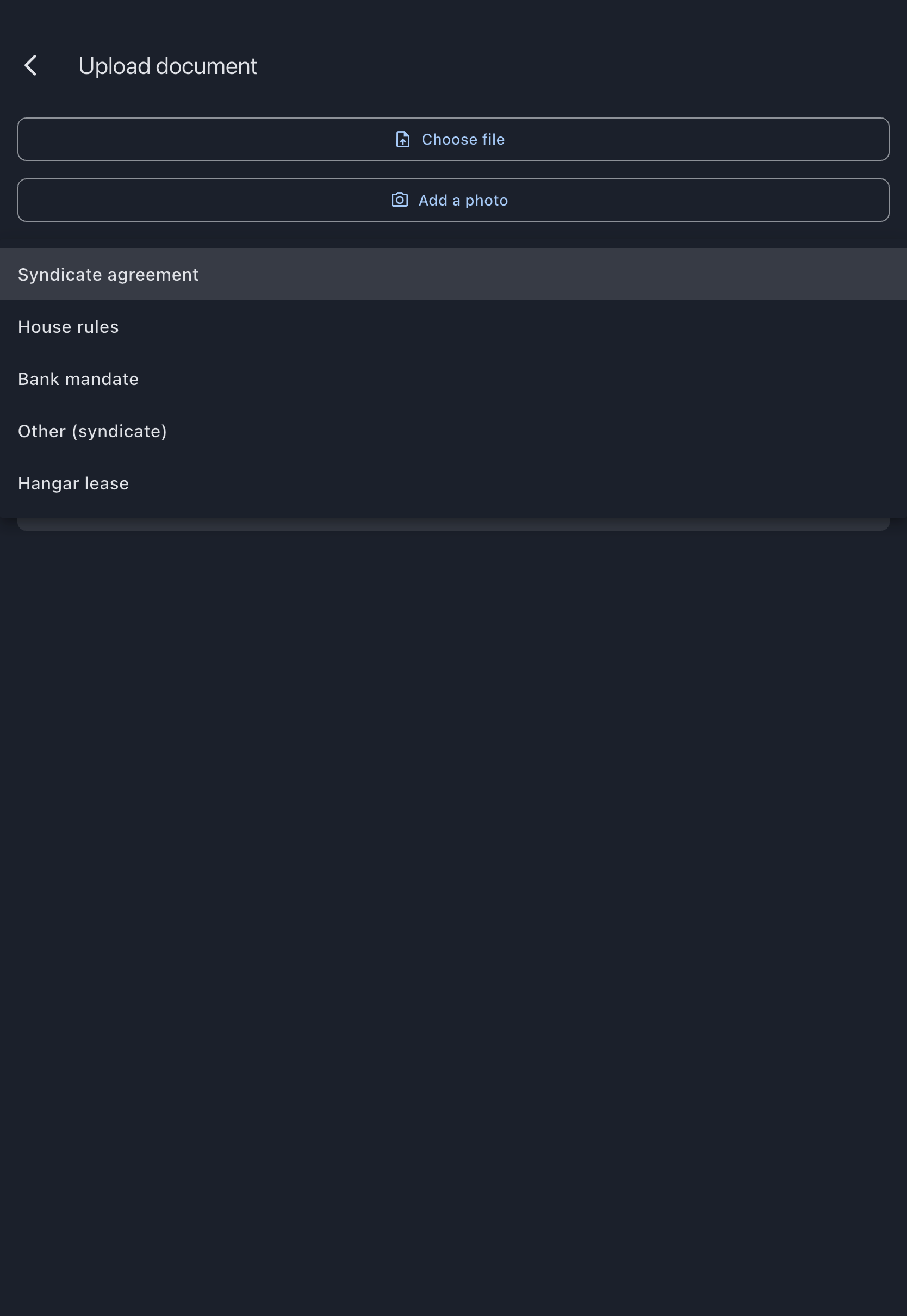
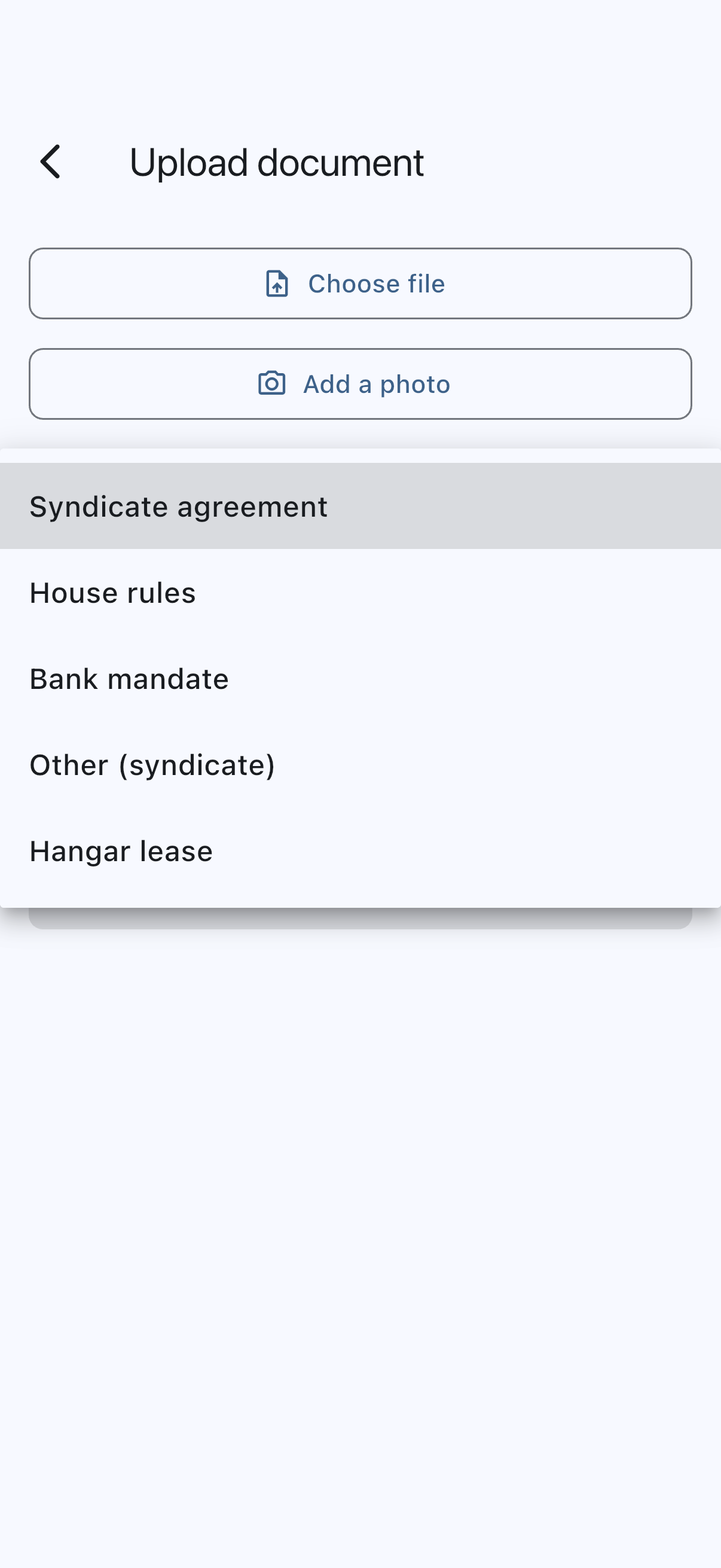
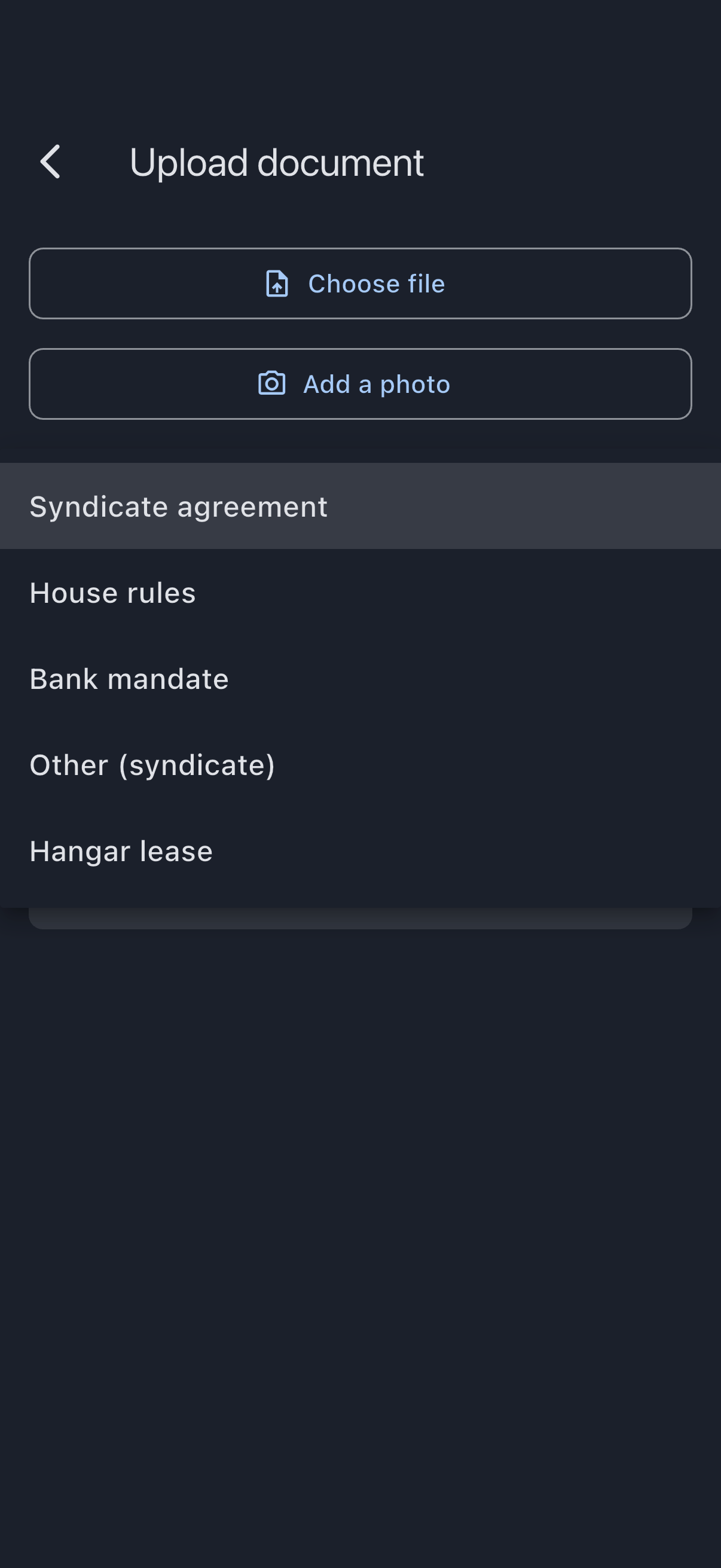
- Choose a Type from the dropdown. Only syndicate-level types are offered: syndicate agreement, house rules, bank mandate, hangar lease, or Other (syndicate).
- The Title is filled in for you from the file name. Edit it if you want something clearer (e.g. “House Rules v3, approved at 2026 AGM”). Titles can contain up to 80 characters; shorten a longer file-name suggestion before uploading.
- (Optional) Set an Expiry date if relevant. Most syndicate documents do not expire; leave the field blank if so.
- Tap Upload.
You’ll see a “Document uploaded.” confirmation and be returned to the library. The new document appears at the top of the syndicate section.
What can go wrong
Section titled “What can go wrong”- “This file is over 20 MB. Save a smaller copy and try again.”: shown as soon as you choose the file, before you fill in anything else. Re-export at a lower DPI or split into multiple documents, then choose the smaller file.
- “Syndik8 accepts PDF, JPEG, PNG or WebP files.”: shown as soon as you choose the file, when it is some other format. Print it to PDF, or photograph the document with Add a photo, and choose that instead.
- “Upload failed. Please try again.”: the file was fine but the upload didn’t go through, usually because there’s no connection. The form keeps what you entered; tap Upload again once you’re back online.