
Report a squawk
Report a squawk
Section titled “Report a squawk”File a defect or discrepancy report against an asset so the syndicate can track and resolve it.
Before you start
Section titled “Before you start”- Any member of the syndicate can report a squawk.
- By default, a squawk you report opens immediately, so a grounding squawk takes the asset out of service straight away. If your syndicate has turned Require admin confirmation for squawks on (it is off by default, and is mainly used by groups with student pilots) and you are not an admin, your squawk instead starts in
pendingstatus until an admin reviews it. - A grounding squawk blocks future bookings on the asset as soon as it becomes
open. By default that is the moment you report it; where confirmation is required, it takes effect once an admin confirms the report. An admin’s own grounding report always takes effect straight away.
- Open the asset: Syndicate → Assets → [asset].
- Open Squawks on the asset.
- Tap Report squawk.
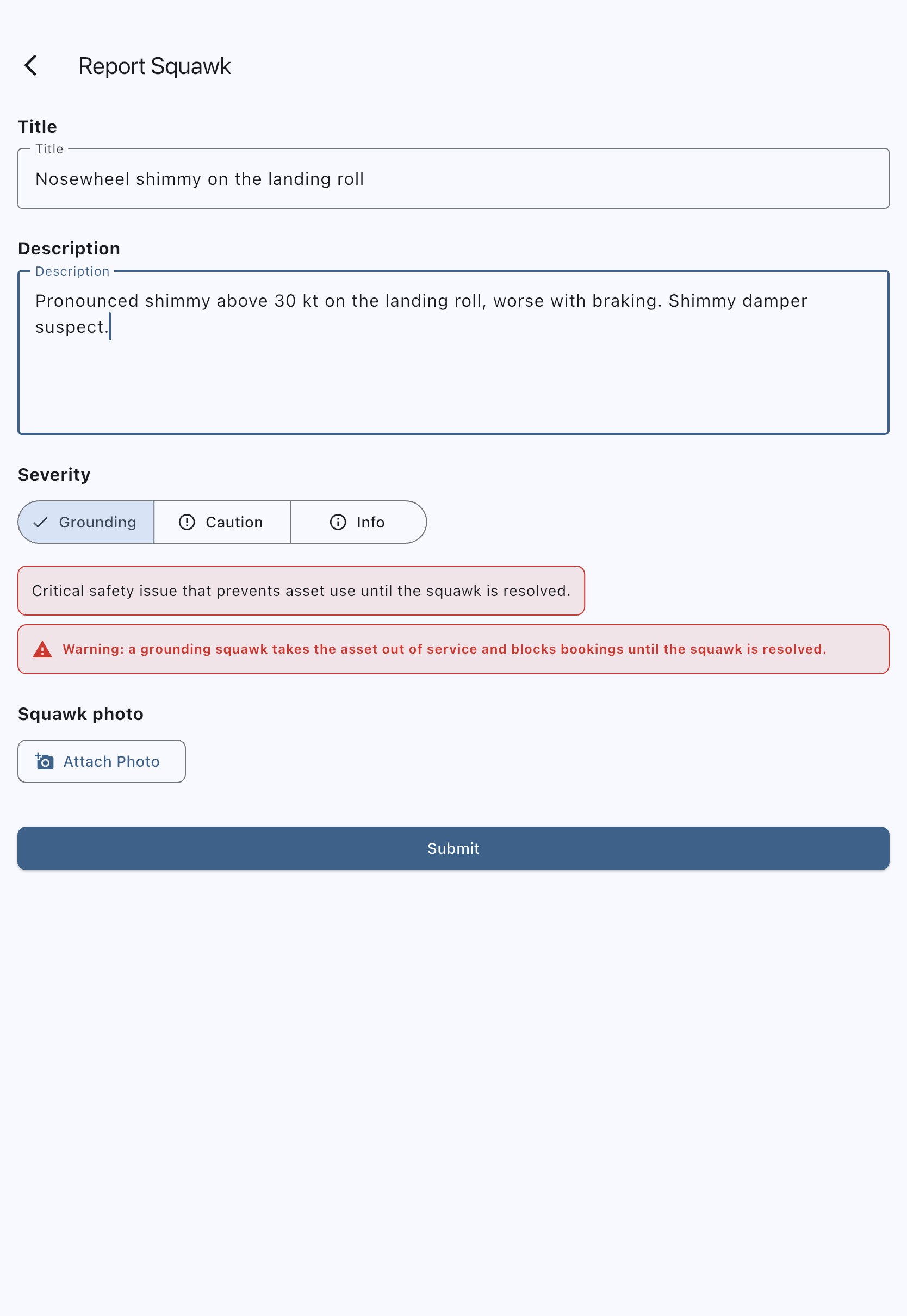
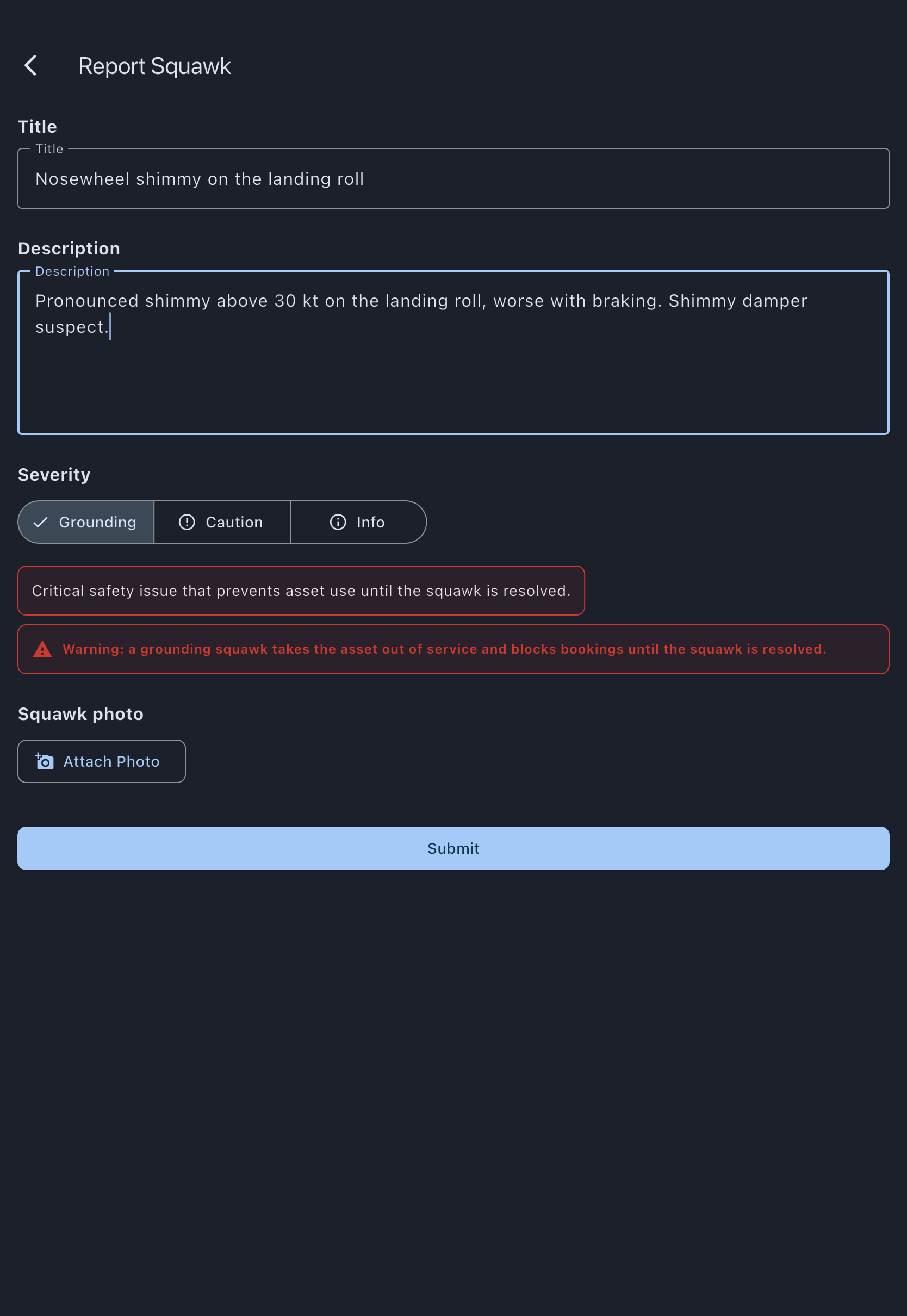
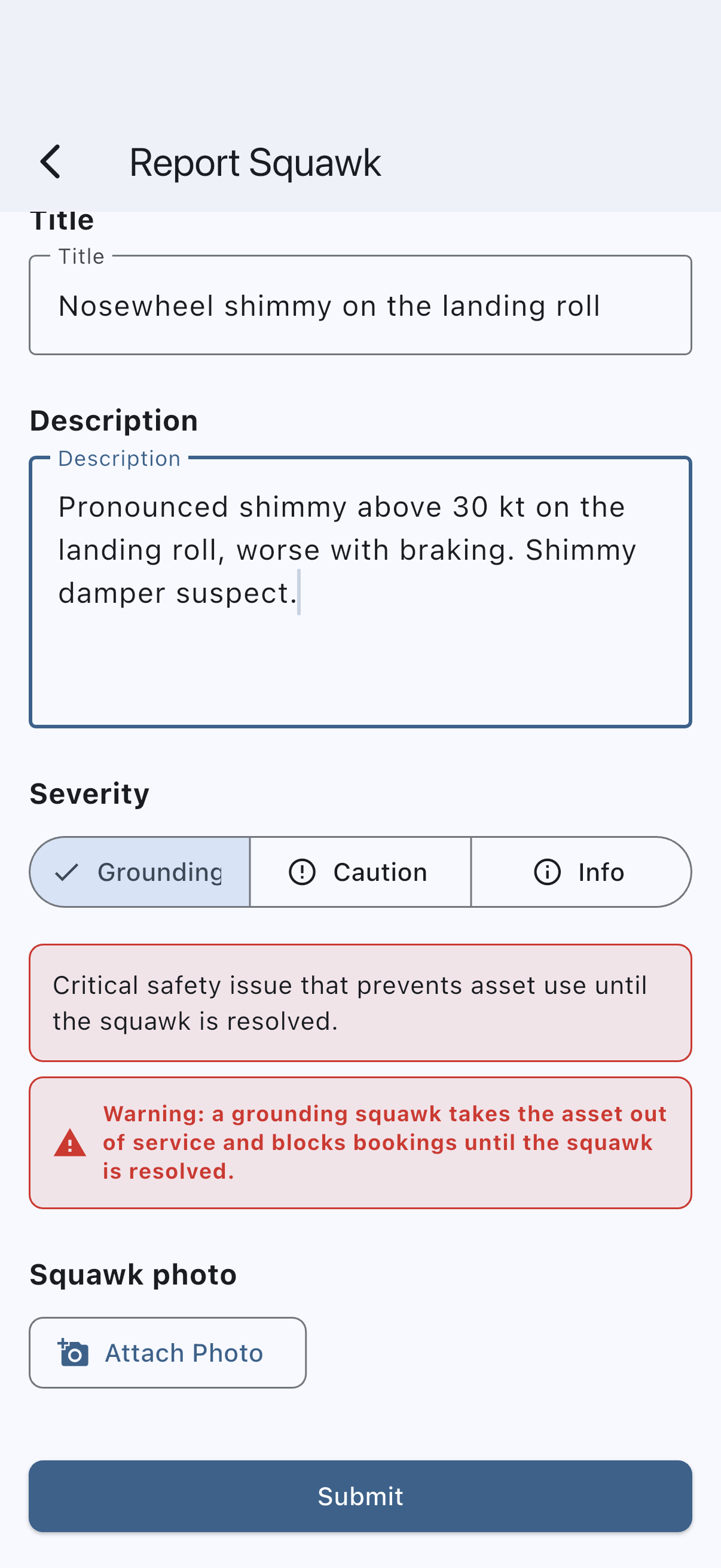
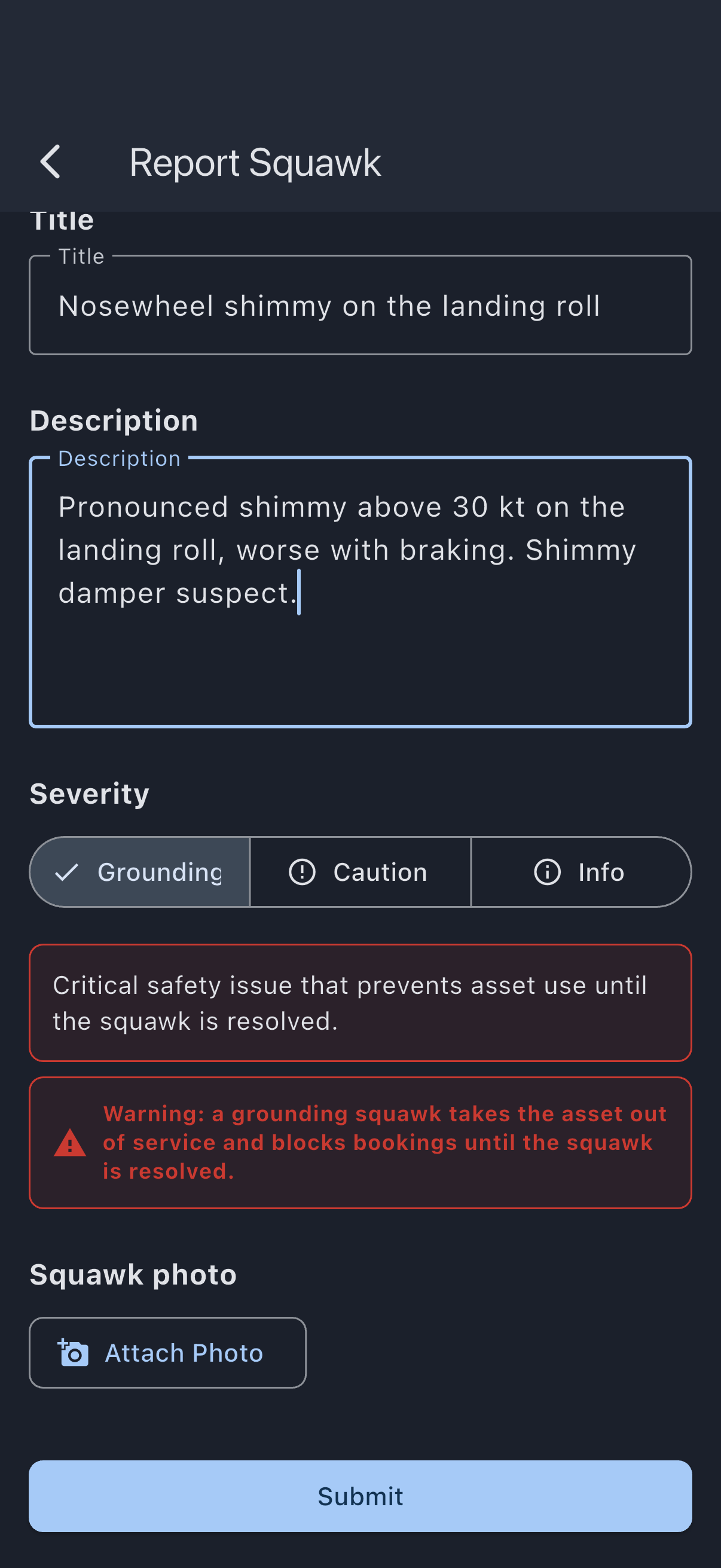
- Enter a short Title (a brief summary of the issue).
- Enter a Description (at least 10 characters). Be specific: what you observed, when, and under what conditions.
- Choose the Severity:
- Grounding: critical safety issue that prevents asset use until the squawk is resolved.
- Caution: should be addressed soon. The asset can still be used with caution.
- Info: informational note. No impact on usage or safety.
- Optionally, under Squawk photo, tap Attach Photo to add a picture of the defect. Whoever picks up the issue can then see it before they get to the aircraft.
- Check what the severity you picked means: a description of it appears under the selector. If you chose Grounding, a warning also reads: “Warning: a grounding squawk takes the asset out of service and blocks bookings until the squawk is resolved.”
- Tap Submit.
You see Squawk reported successfully. If confirmation is required, it appears in the admin’s pending-approvals queue.
If it goes wrong
Section titled “If it goes wrong”- “Title is required”: enter at least one character in the Title field.
- “Description must be at least 10 characters”: expand the description.
- “Select a severity level”: pick one of the three options.
- Photo won’t upload: on mobile it does not need to. Submit the report anyway — the picture is held on the device, marked Will upload when online, and goes up on its own once the signal returns. On the web there is no such queue, so retry the attach or submit without a photo.
See also
Section titled “See also”- Squawk severities: what each severity does
- Squawk statuses: the lifecycle from pending to terminal
- Airworthiness rules: how grounding squawks affect bookings
- Confirm or dismiss a reported squawk: admin follow-up
- Schedule a repair for a squawk: book in the work once confirmed