
Create a syndicate event
Add a syndicate-level event — an AGM, a fly-in, a safety evening, a social — to the calendar so every member can see it.
Before you start
Section titled “Before you start”- You must be an admin of the syndicate. Members cannot create events.
- An event is not a booking. It doesn’t attach to a specific asset and doesn’t interfere with booking conflict detection.
- Events are included by default in every member’s personal ICS calendar feed.
- Go to the syndicate Calendar tab.
- Open the create-booking dialog the same way you would for a booking — drag across the time on the grid, or long-press a day in Month view.
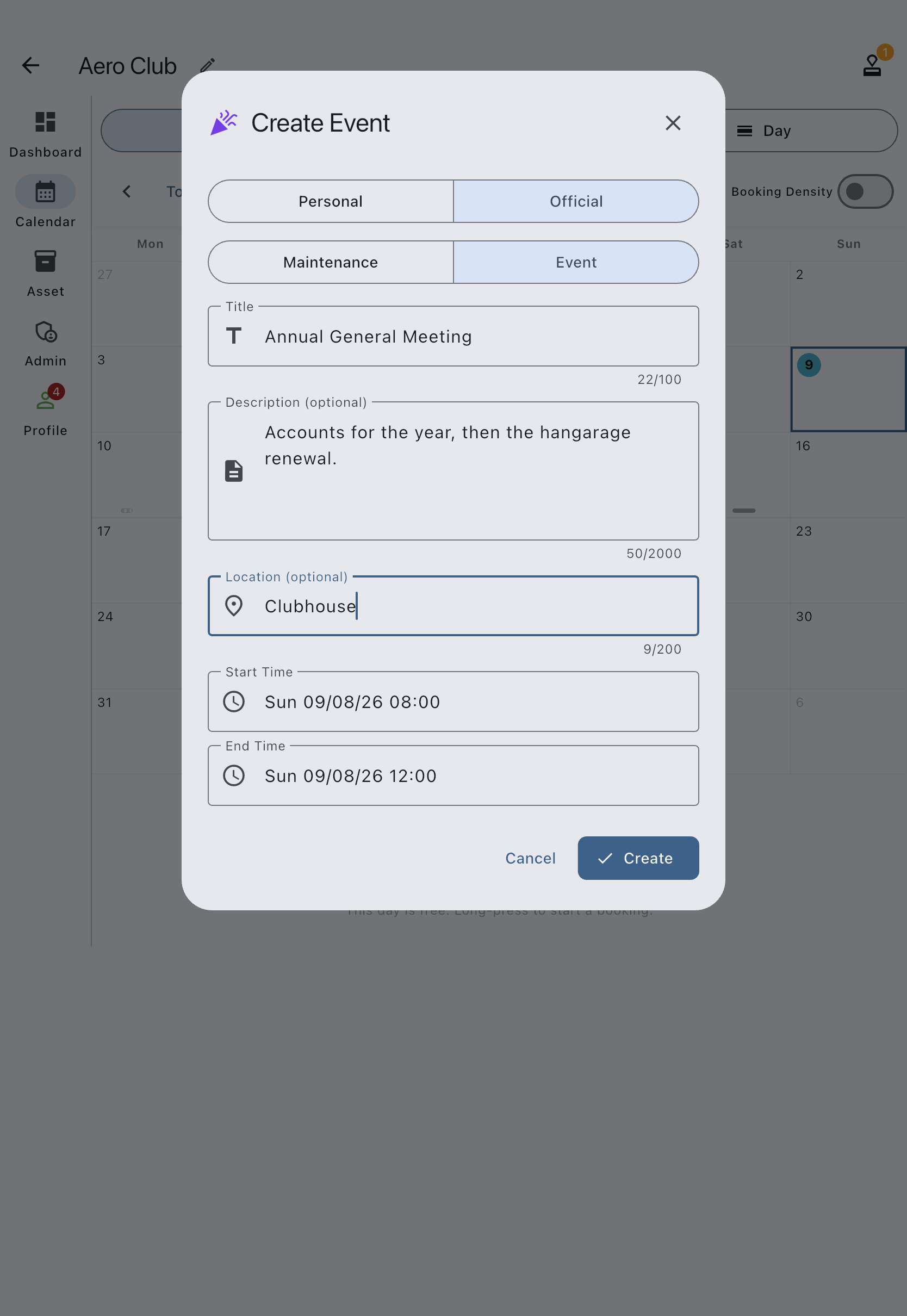
- At the top of the dialog, tap Official. A Maintenance / Event sub-selector appears below it — tap Event.
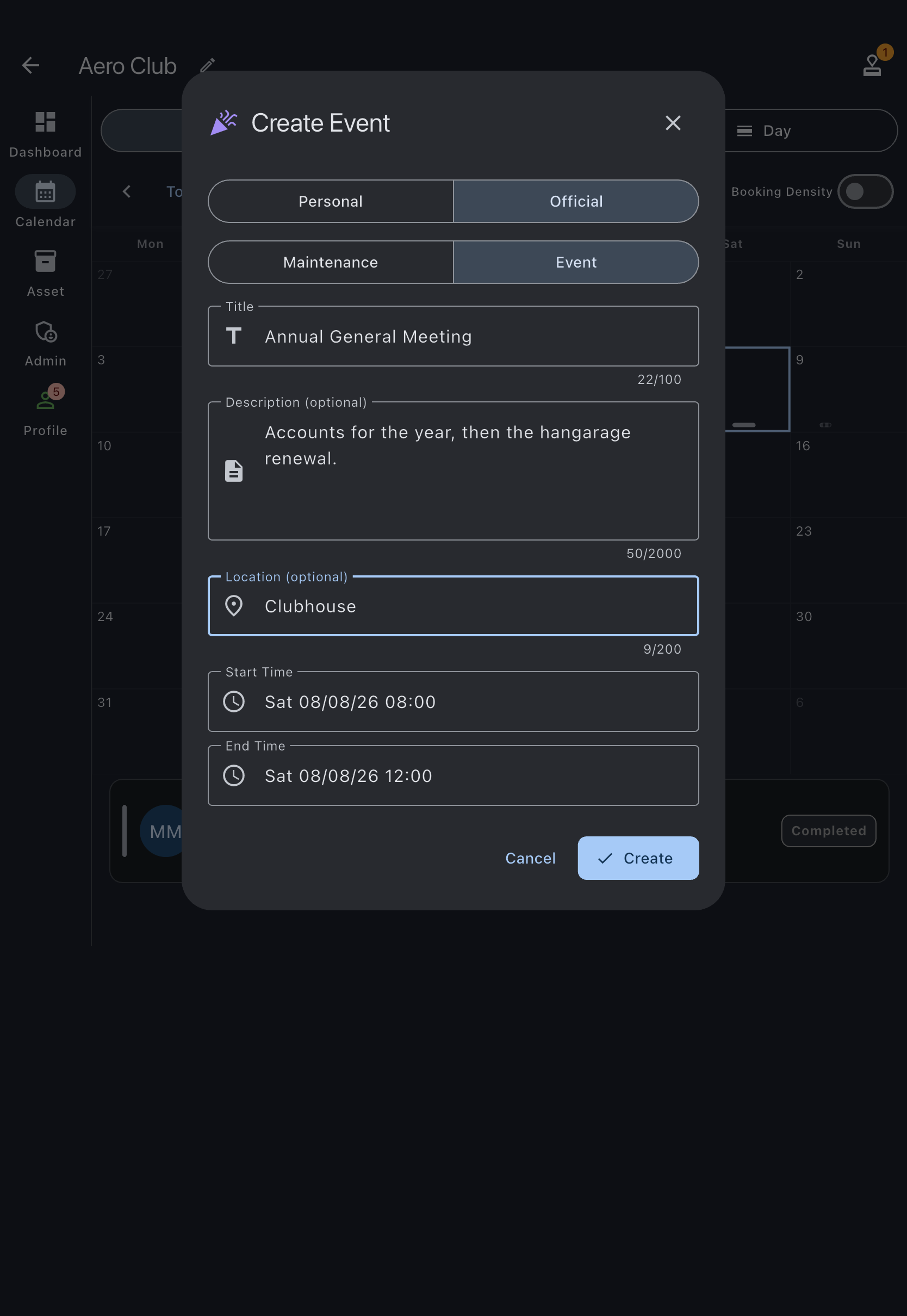
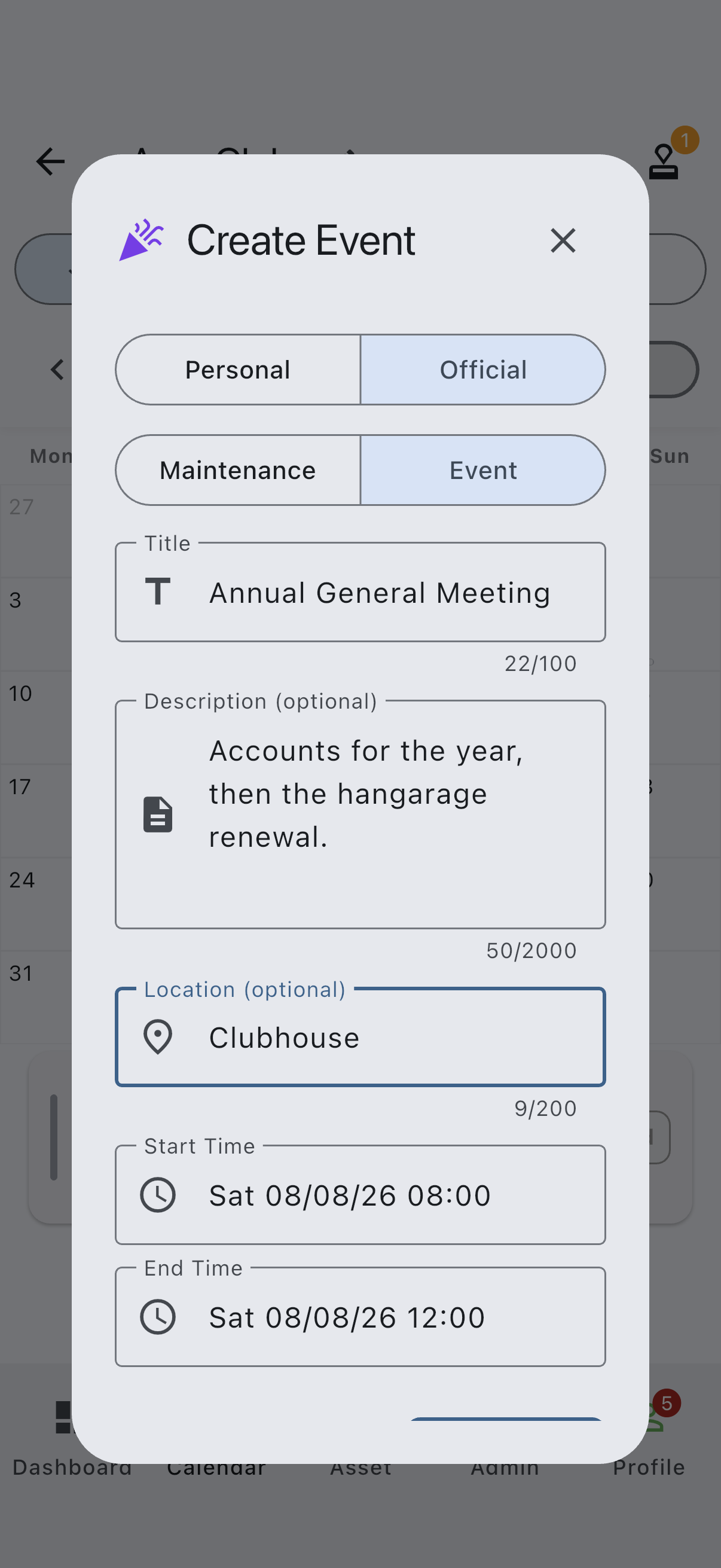
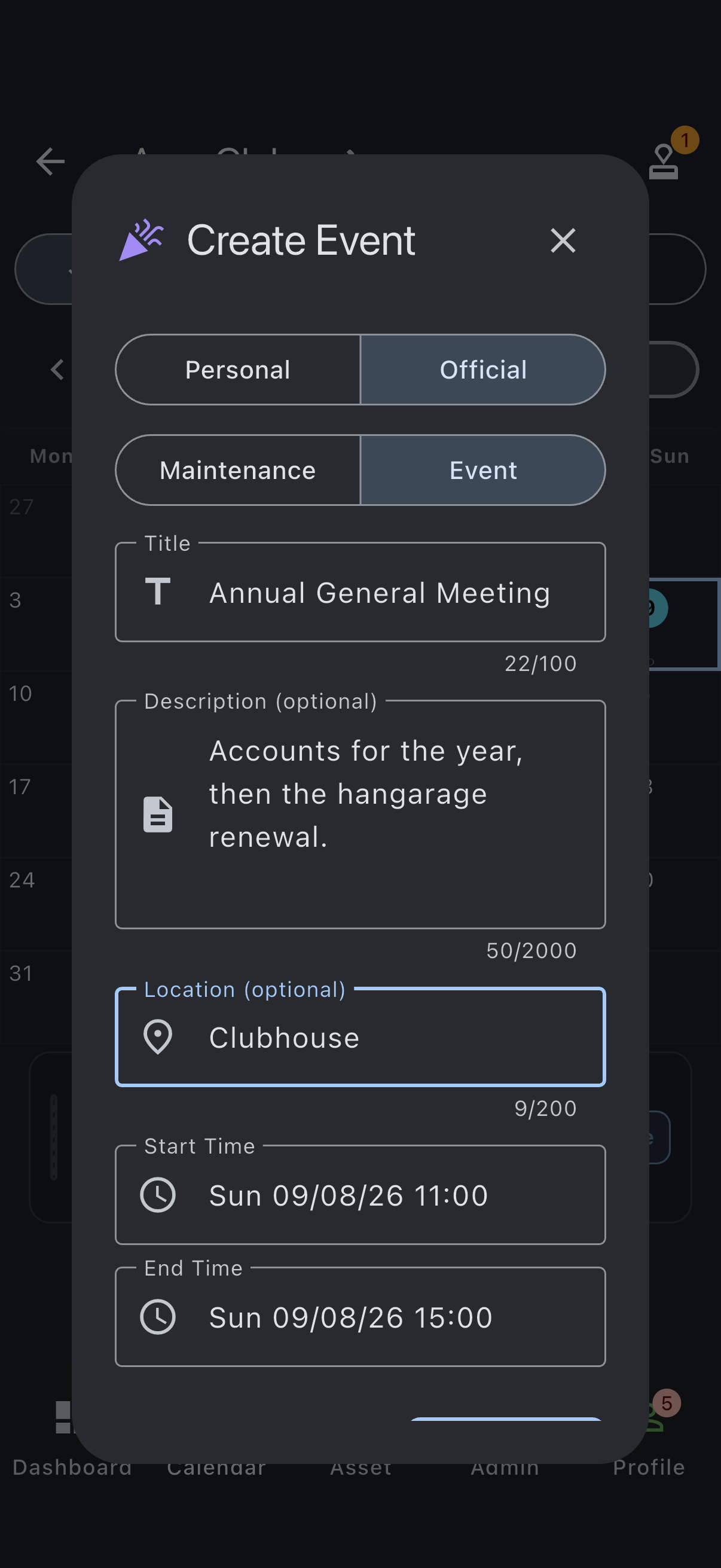
The dialog retitles itself to Create Event and the event-specific fields appear.
- Enter a Title (required, up to 100 characters).
- Fill in Description (optional) (up to 2,000 characters) with any detail members should know.
- Fill in Location (optional) (up to 200 characters). This is free text, a plain label rather than a maps reference.
- Adjust the Start Time and End Time if you need to.
- Tap Create.
You’ll see an “Event created” snackbar. The event appears on the syndicate calendar alongside bookings.
Editing or deleting an event
Section titled “Editing or deleting an event”Events do not have their own screen or route. Everything happens in dialogs on the calendar.
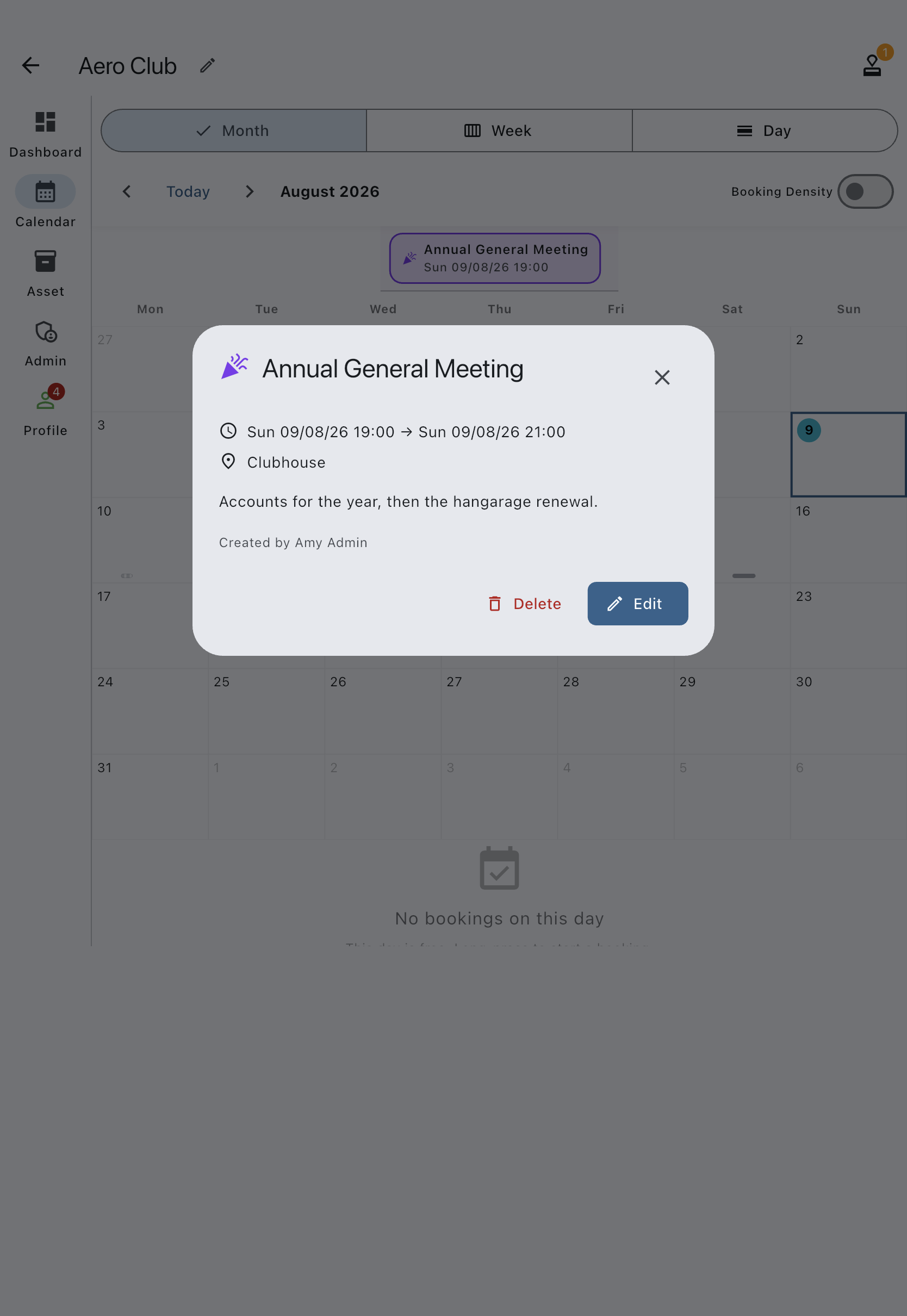
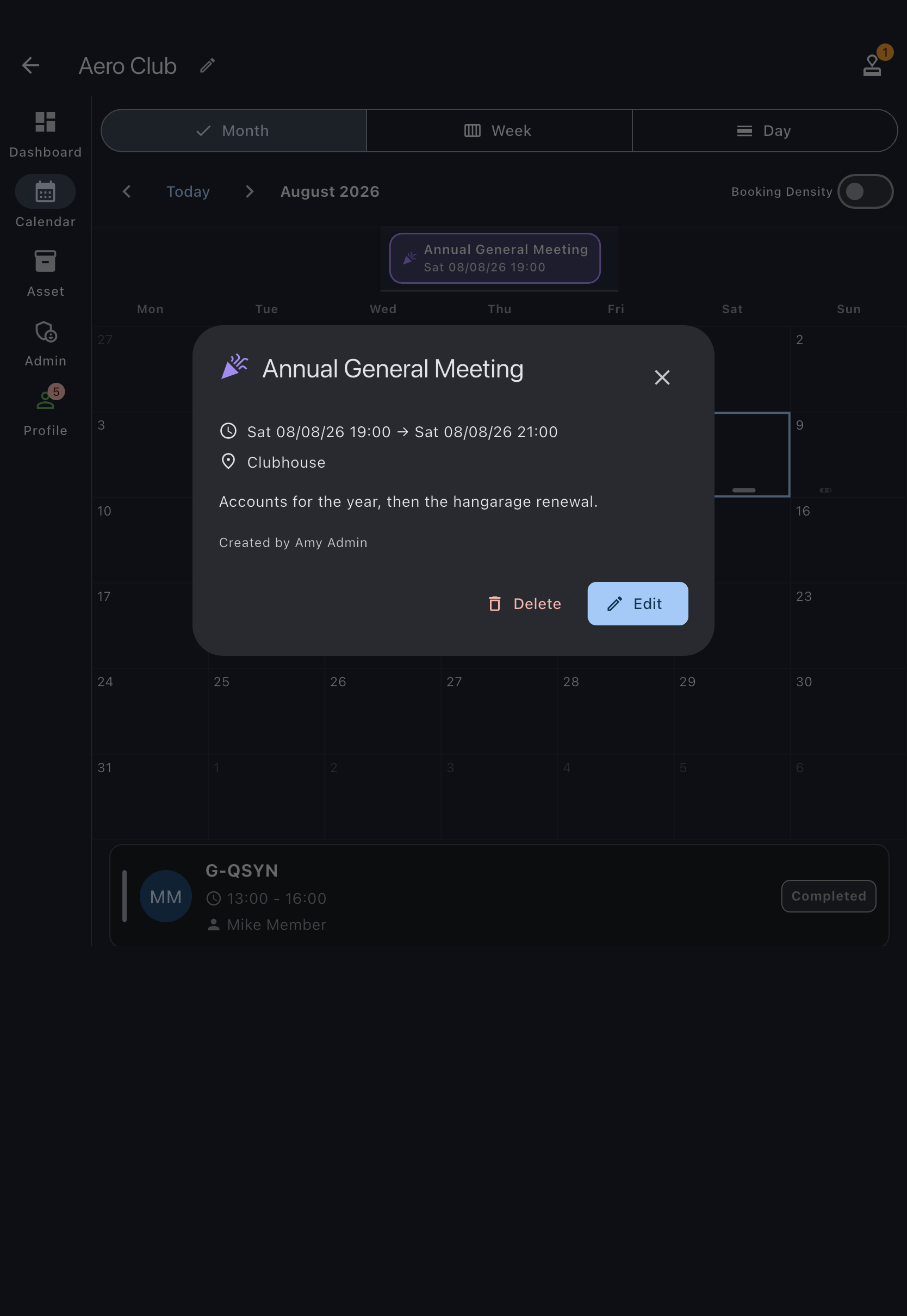
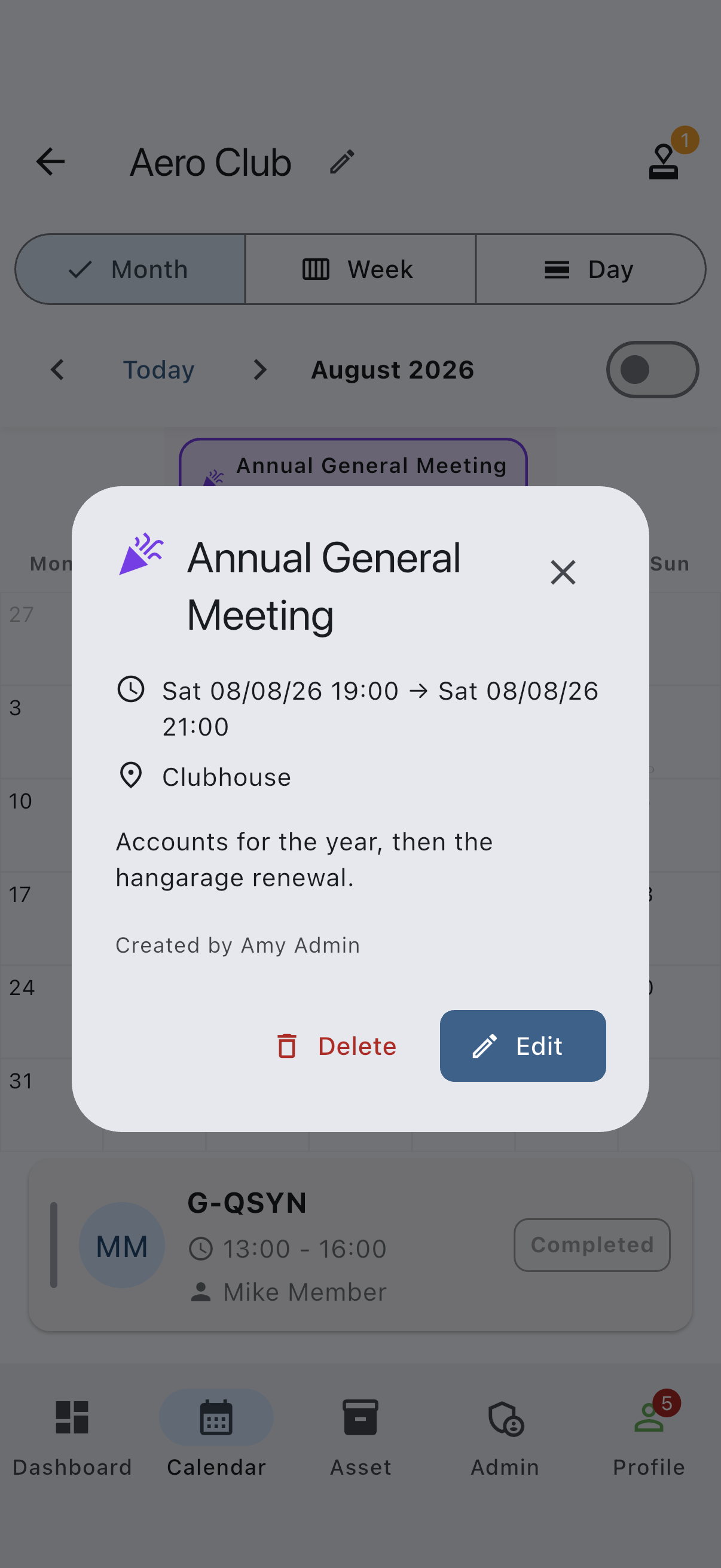
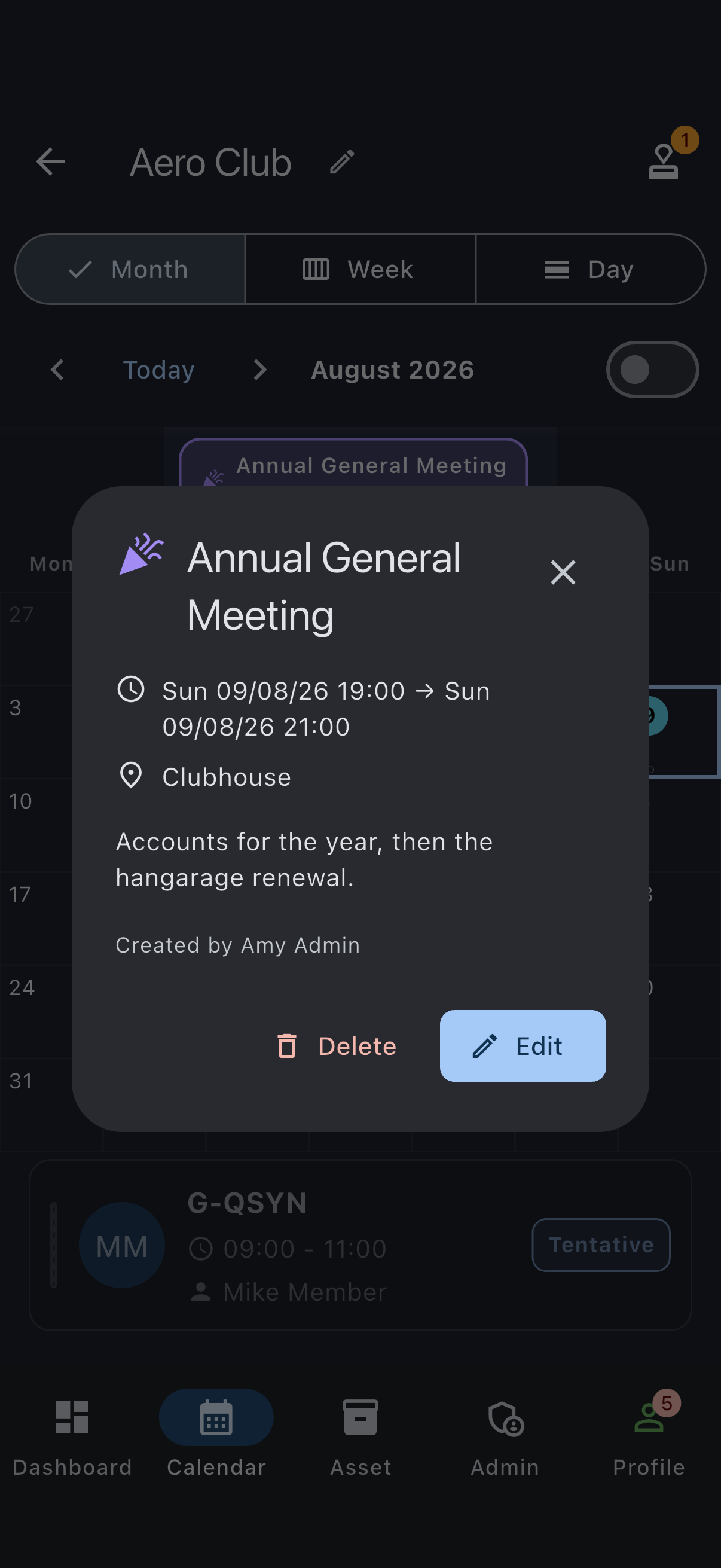
- Tap the event on the calendar. A details dialog opens, headed with the event title and showing its location, description and creator.
- Admins get Delete and Edit buttons at the bottom of that dialog. There is no Close button for admins; dismiss the dialog with the X in its header. Members who are not admins see a single Close button instead, and no way to edit or delete.
- Edit reopens the form as a dialog titled Edit Event. Change what you need and tap Save.
- Delete asks Delete event? first, warning that it removes the event for everyone in the syndicate and cannot be undone. Confirm with Delete to get an “Event deleted” snackbar.
If it goes wrong
Section titled “If it goes wrong”- The Official selector isn’t there — you are not an admin in this syndicate.
- “Please enter a title” — events require a title.
- “Title must be 100 characters or fewer” / “Description must be 2,000 characters or fewer” / “Location must be 200 characters or fewer” — shorten the offending field.
- “Failed to create event” — check your connection and try again.