
Subscribe to your calendar
Get your Syndik8 bookings to show up in the calendar app you already use: Google Calendar, Apple Calendar, Outlook, or any client that supports ICS subscriptions.
Before you start
Section titled “Before you start”- You must be signed in. The feed is personal to you: it contains only your bookings and the events of syndicates you belong to.
- The feed URL is a credential. Anyone with the URL can read your bookings. Don’t paste it into chat or screenshots.
Generate your feed
Section titled “Generate your feed”- Open the Bookings tab.
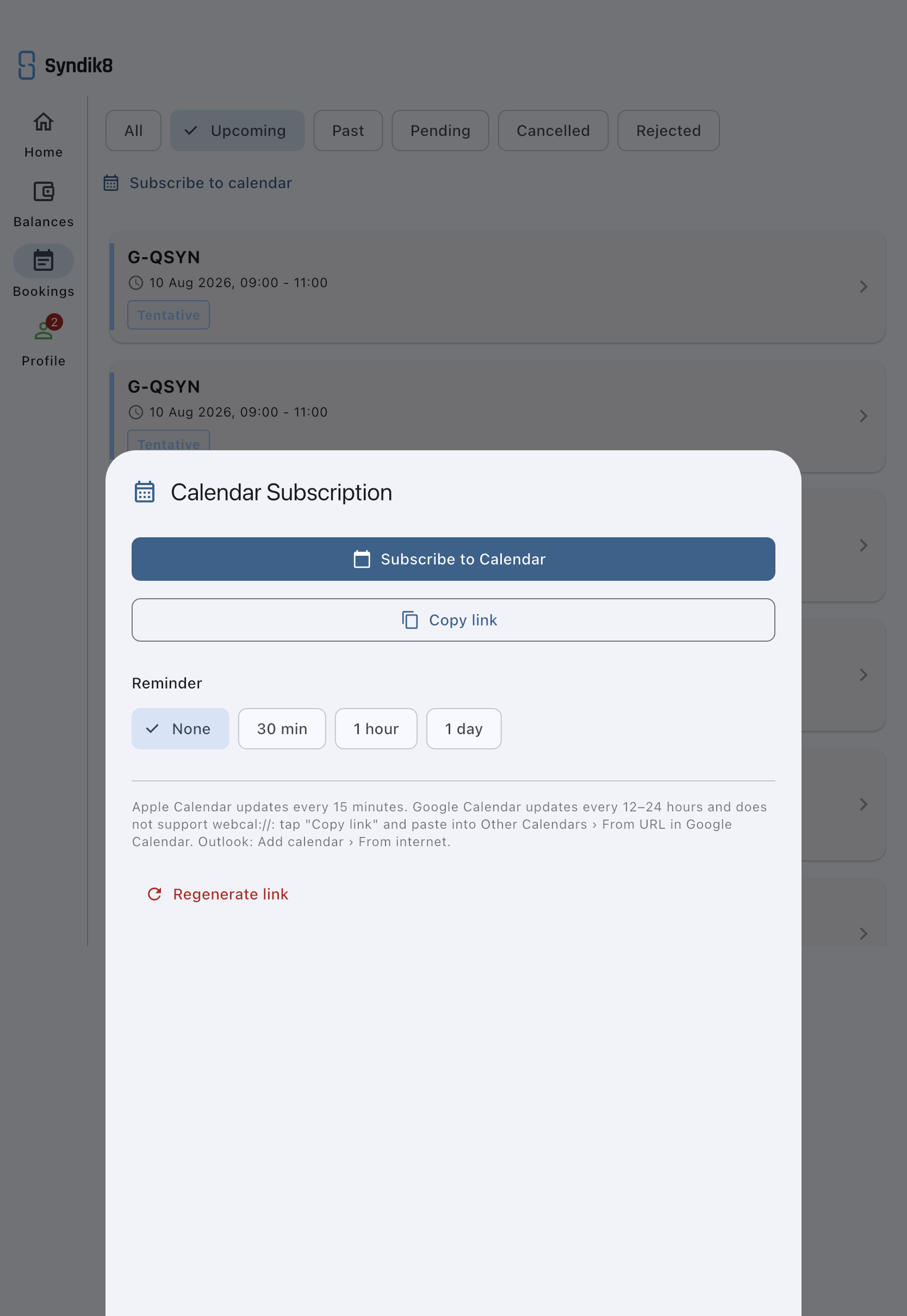
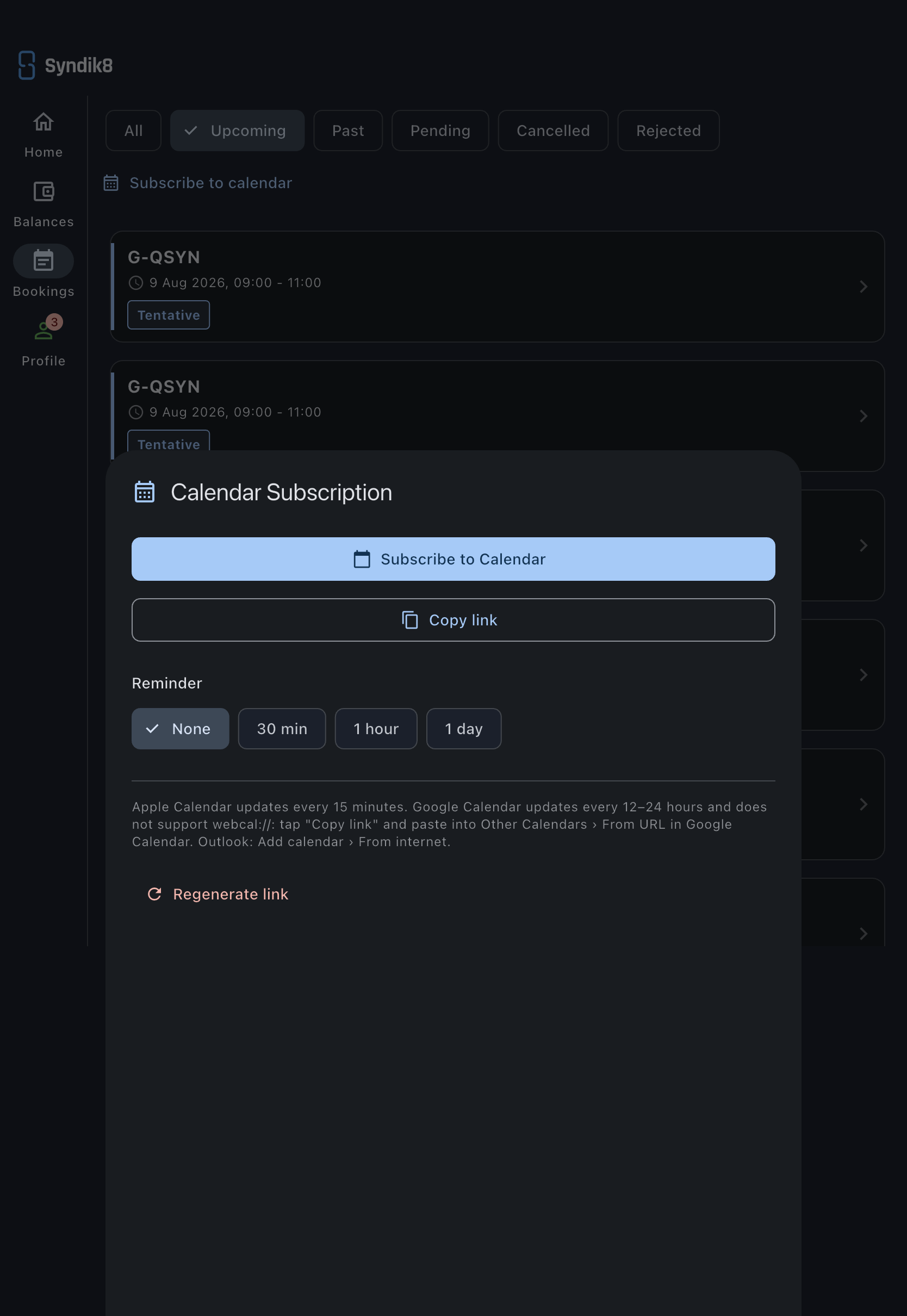
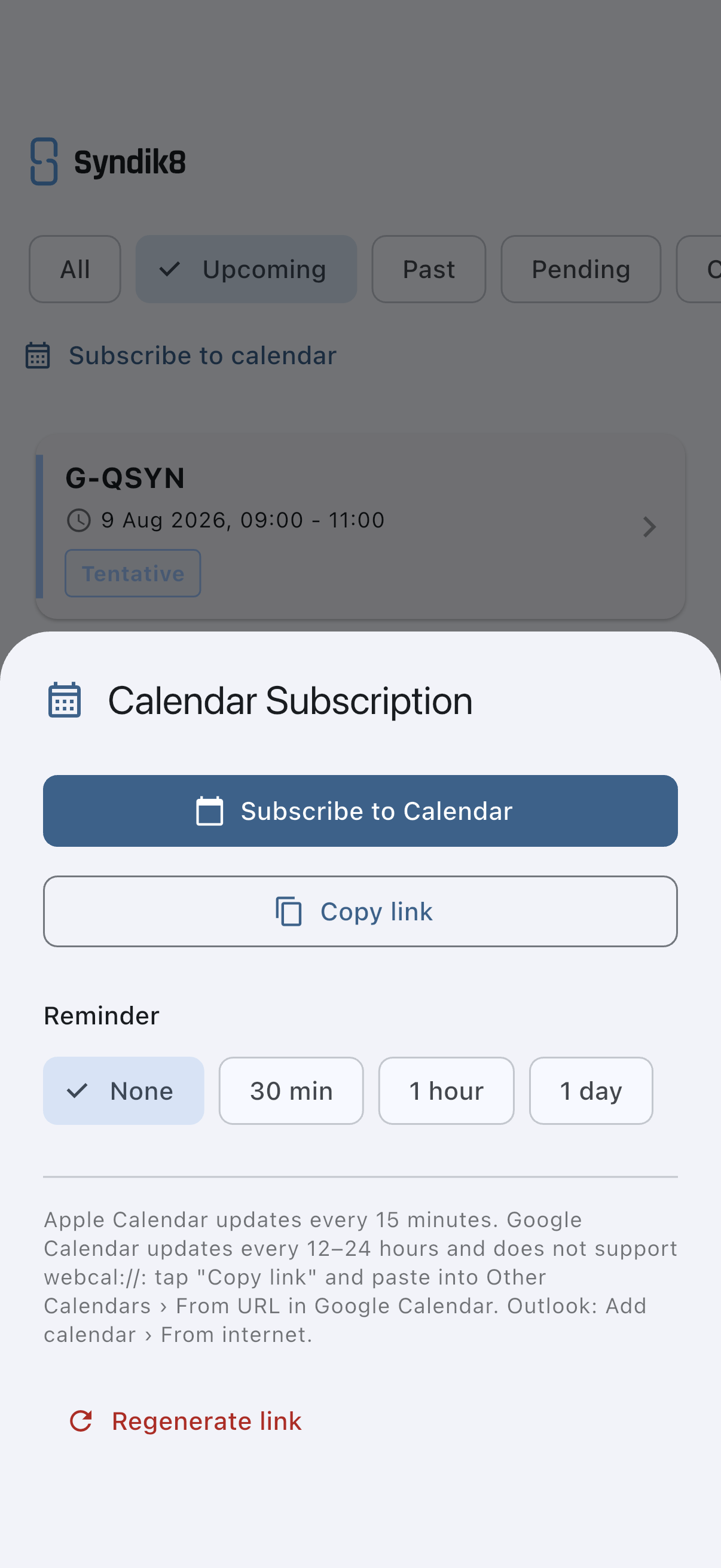
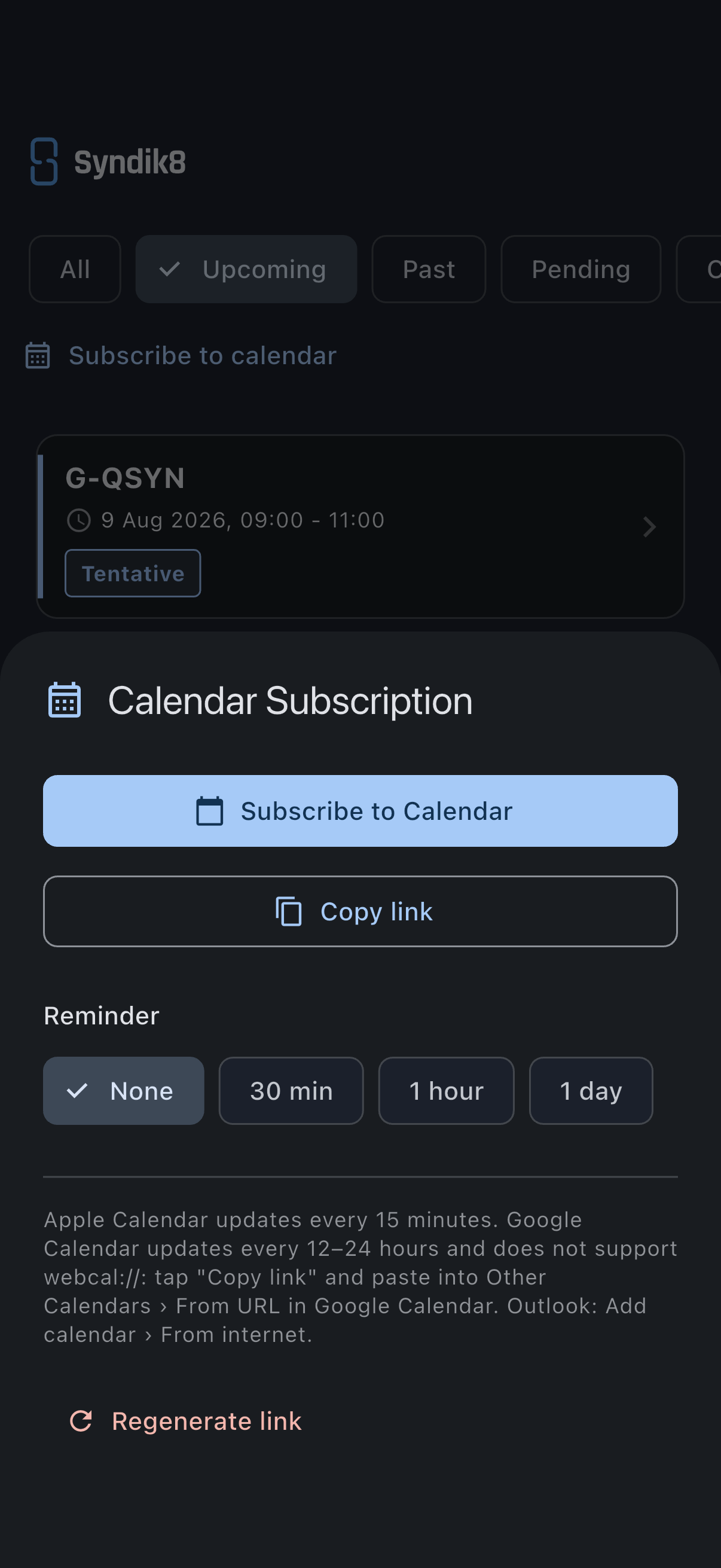
- Tap Subscribe to calendar at the top. A bottom sheet opens.
- The first time you open it there is no feed yet. Tap Set up calendar subscription.
A URL is generated for you. You’ll now see the subscribe and copy-link buttons.
Subscribe on iOS, macOS, or Windows
Section titled “Subscribe on iOS, macOS, or Windows”- In the Subscribe to calendar sheet, tap Subscribe to Calendar.
- Your operating system’s calendar app opens and offers to add the feed. Accept.
This uses a webcal:// link that OS-level calendars recognise directly.
Subscribe in Google Calendar
Section titled “Subscribe in Google Calendar”Google Calendar does not accept webcal:// links. Use the HTTPS URL instead.
- In the Subscribe to calendar sheet, tap Copy link. You’ll see a “Link copied” snackbar.
- Open Google Calendar in a browser.
- On the left, next to Other calendars, click the + and choose From URL.
- Paste the link and click Add calendar.
Google Calendar refreshes the feed every 12–24 hours on its own schedule.
Subscribe in Outlook
Section titled “Subscribe in Outlook”- Tap Copy link to put the URL on your clipboard.
- In Outlook, go to Add calendar → From internet and paste the link.
Set a reminder on every event
Section titled “Set a reminder on every event”You can add a reminder that fires before every booking in the feed.
- Open the Subscribe to calendar sheet.
- Under Reminder, pick None, 30 min, 1 hour, or 1 day.
The reminder is included in the feed itself as a VALARM block, so it fires in whichever calendar app is reading the feed.
Regenerate the link
Section titled “Regenerate the link”If you’ve shared the URL by mistake, or want to force-expire the old one:
- Open the Subscribe to calendar sheet.
- Tap Regenerate link.
- Confirm in the dialog.
The old URL stops working immediately. Any calendar app still pointed at the old URL will stop updating, so re-subscribe with the new URL.
What’s in the feed
Section titled “What’s in the feed”- Your own bookings. Confirmed and completed appear as firm entries; pending, tentative, and suspended appear as tentative entries with a
Pending:,Tentative:, orSuspended:prefix in the title. - Events for every syndicate you belong to (AGMs, fly-ins, meetings). These are included by default; there is no in-app toggle to exclude them.
What is not included: other members’ bookings, cancelled or rejected bookings, squawks, financial detail.
If it goes wrong
Section titled “If it goes wrong”- “Failed to load calendar link”: you are offline, or the server is not reachable. Try again when you have a connection.
- Google Calendar won’t accept the link: you pasted the
webcal://URL. Google needs thehttps://version. Use Copy link, not Subscribe to Calendar. - The feed is empty: you don’t have any bookings yet, or you are a viewer. Viewers cannot create bookings, so their feed will be empty.
- Updates take a long time to arrive: calendar apps poll on their own schedule. Apple Calendar refreshes around every 15 minutes; Google Calendar every 12–24 hours. Syndik8 cannot push updates to subscribed clients.