
Pencil in a tentative booking
Pencil in a slot without taking it out of circulation, so you can come back and confirm it later.
Before you start
Section titled “Before you start”- You must be a member or admin. Viewers cannot book.
- A tentative booking is non-binding. It does not block other members from booking the same slot. If someone else confirms first, they take the slot.
- Open the Calendar tab.
- Start a new booking the usual way: drag across the time range (see Drag to book) or long-press a day in Month view.
- In the create-booking dialog, check the asset, start time, and end time.
- Tick the Pencil in (tentative) checkbox.
- Tap Create.
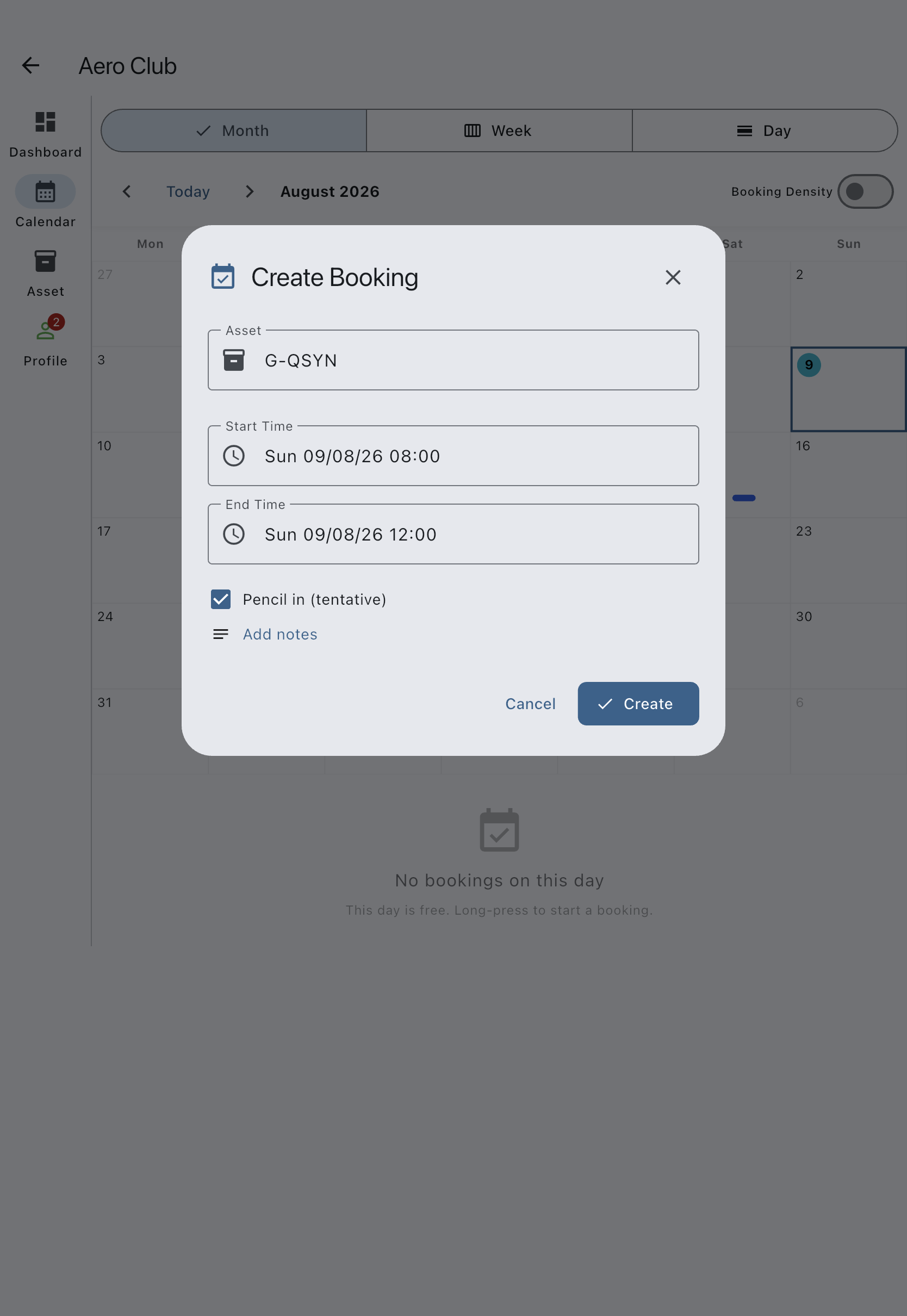
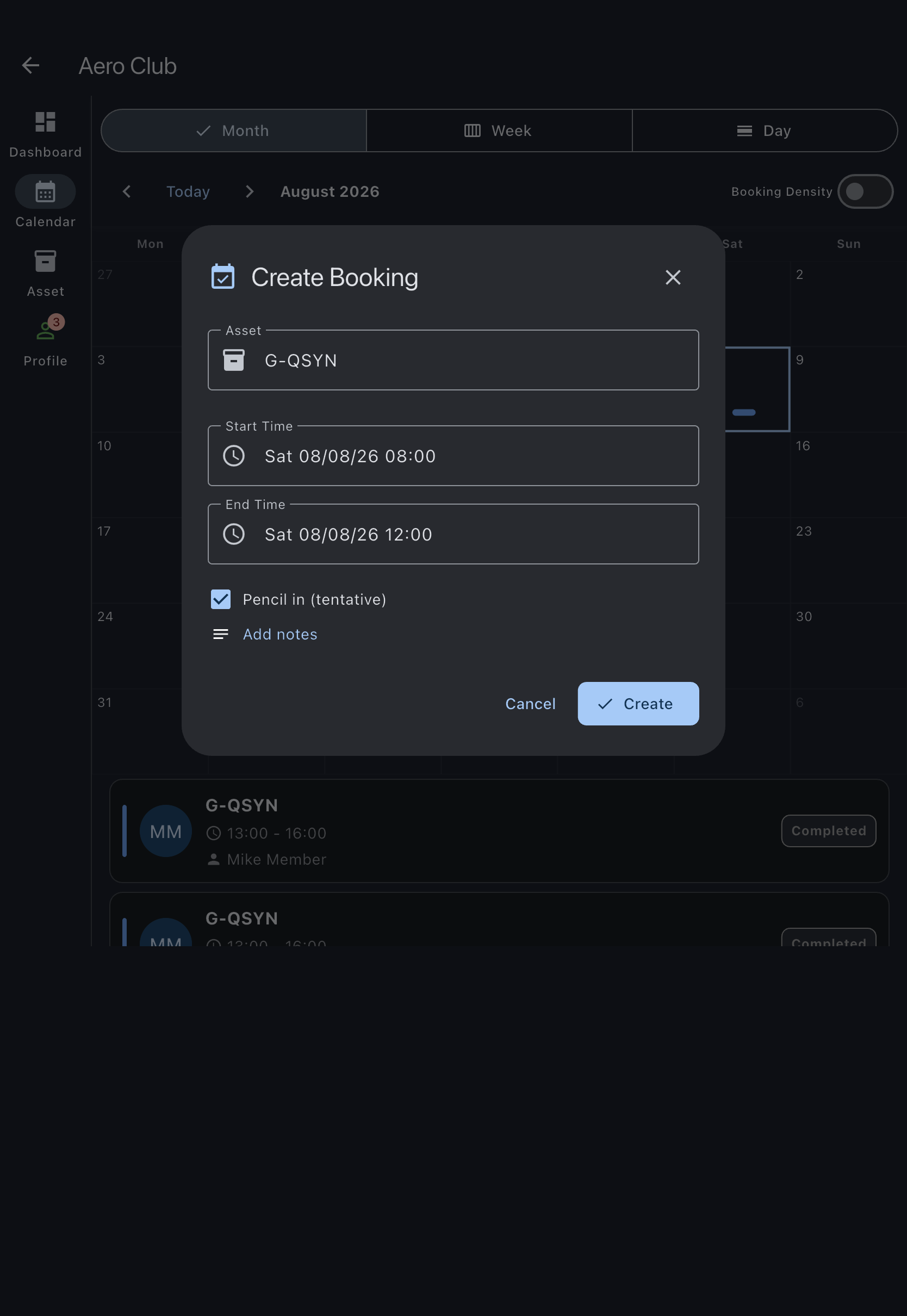
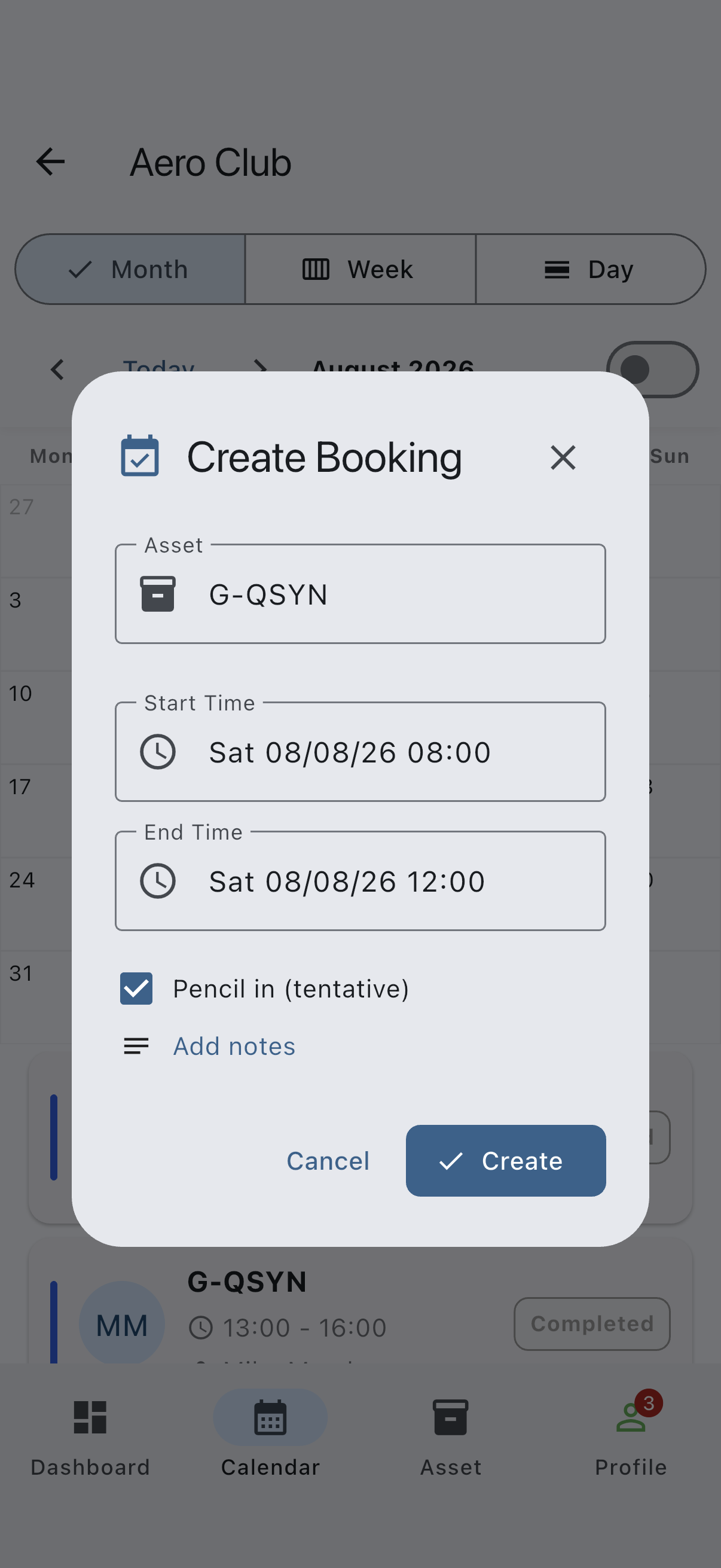
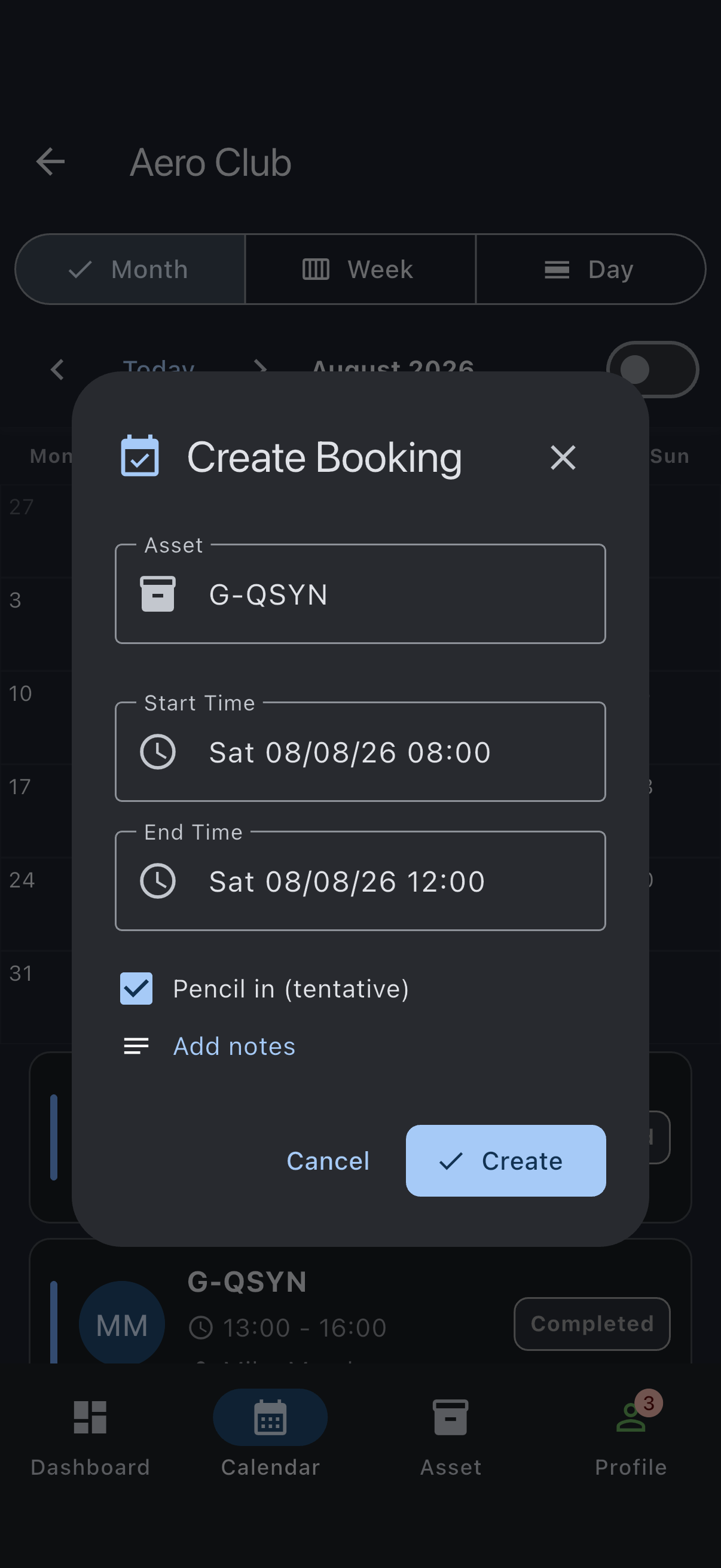
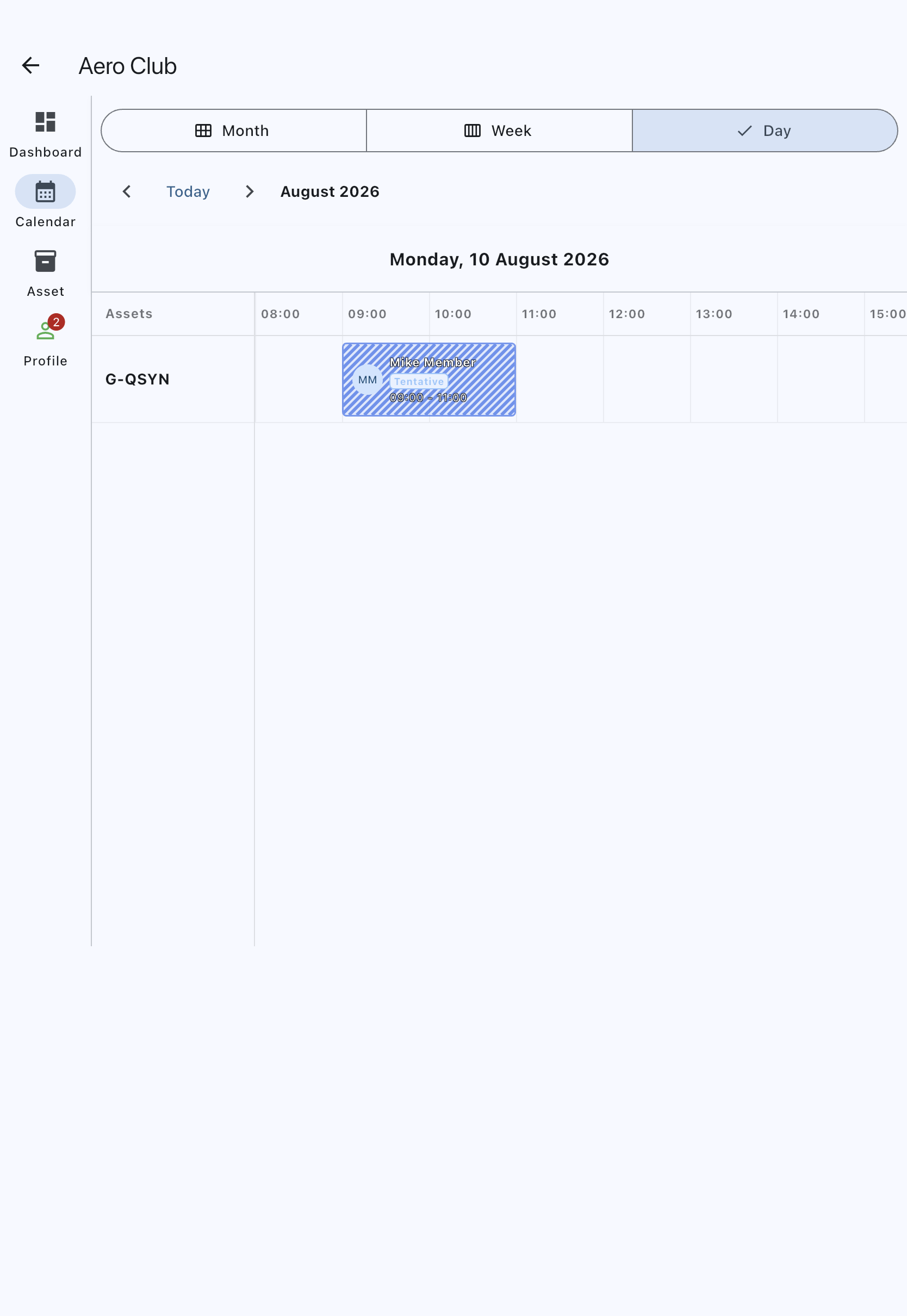
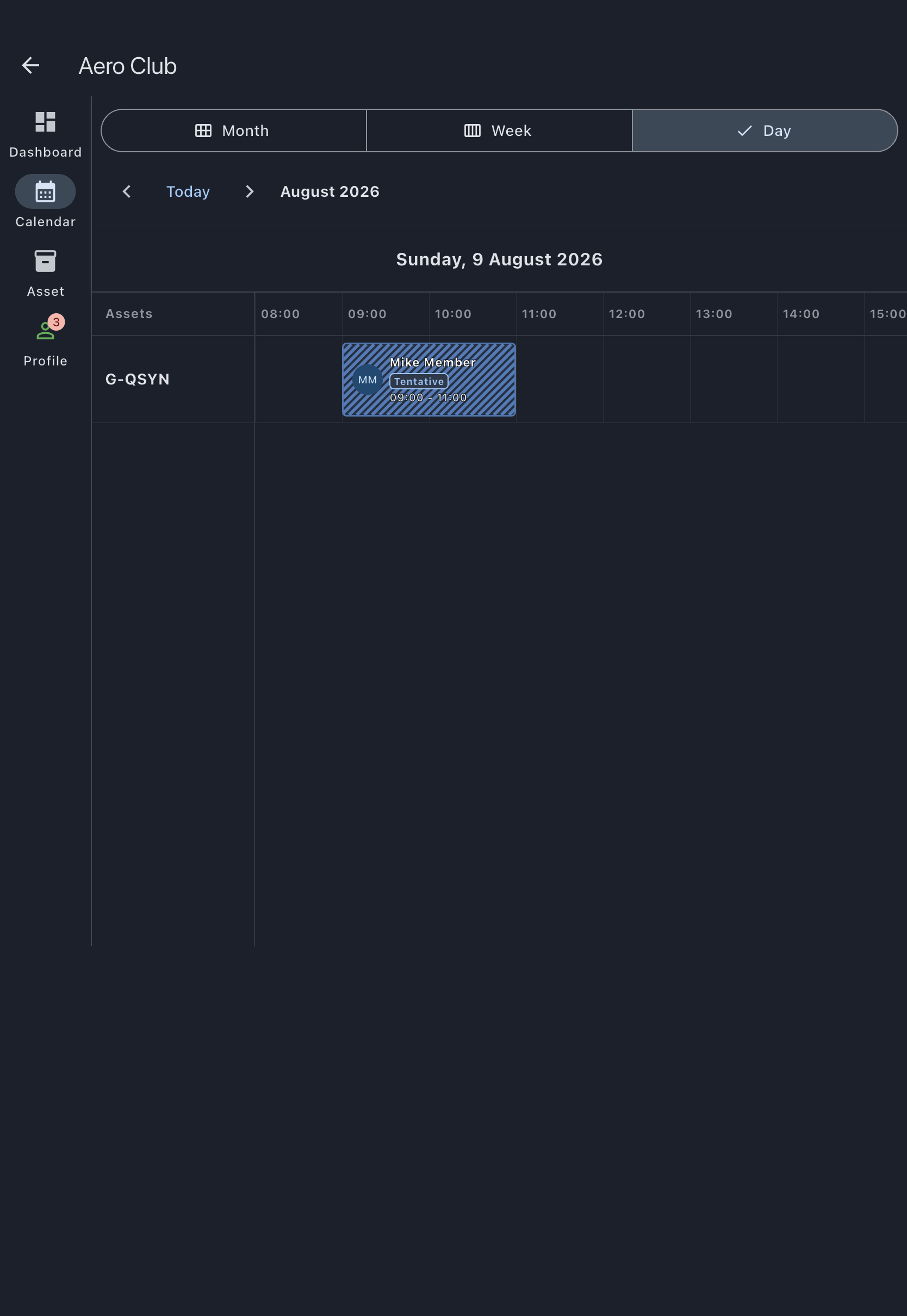
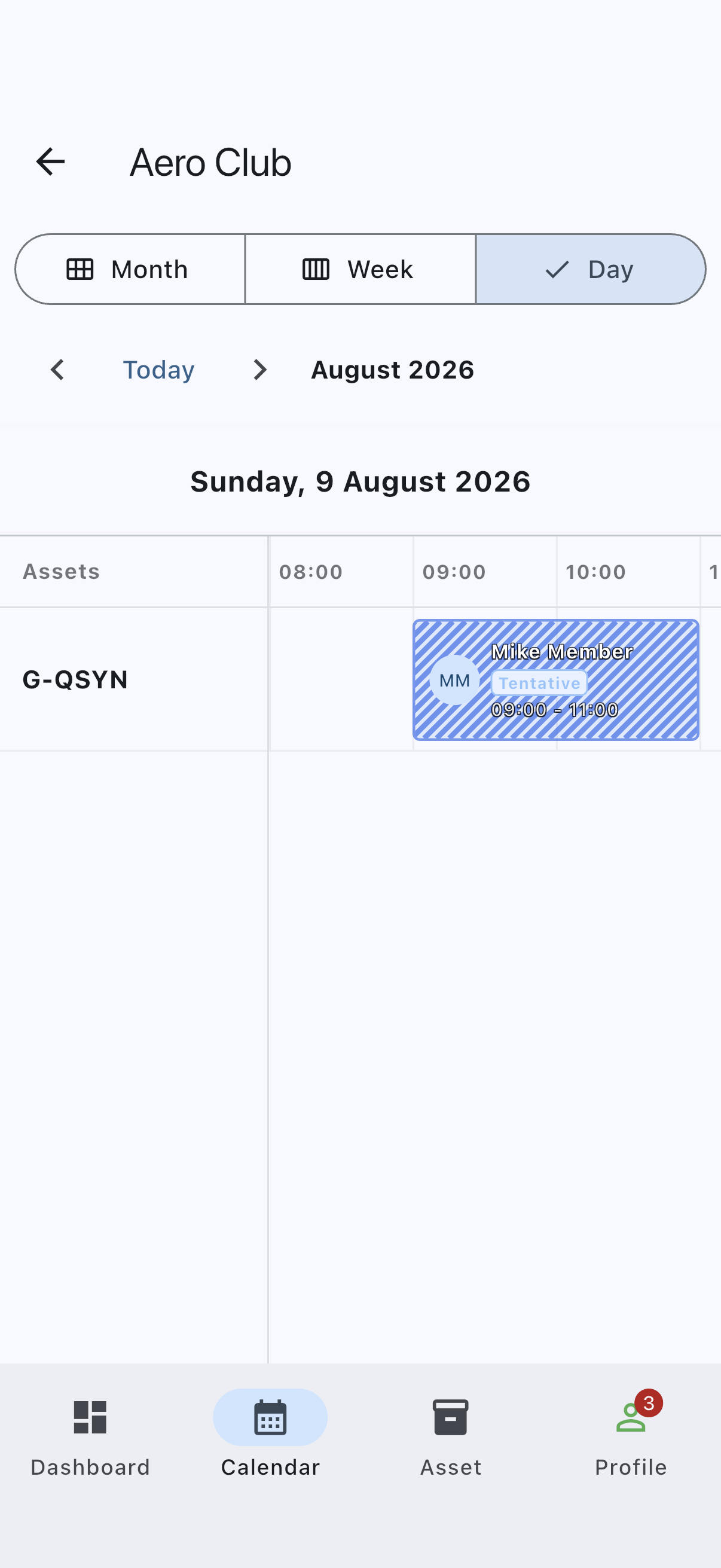
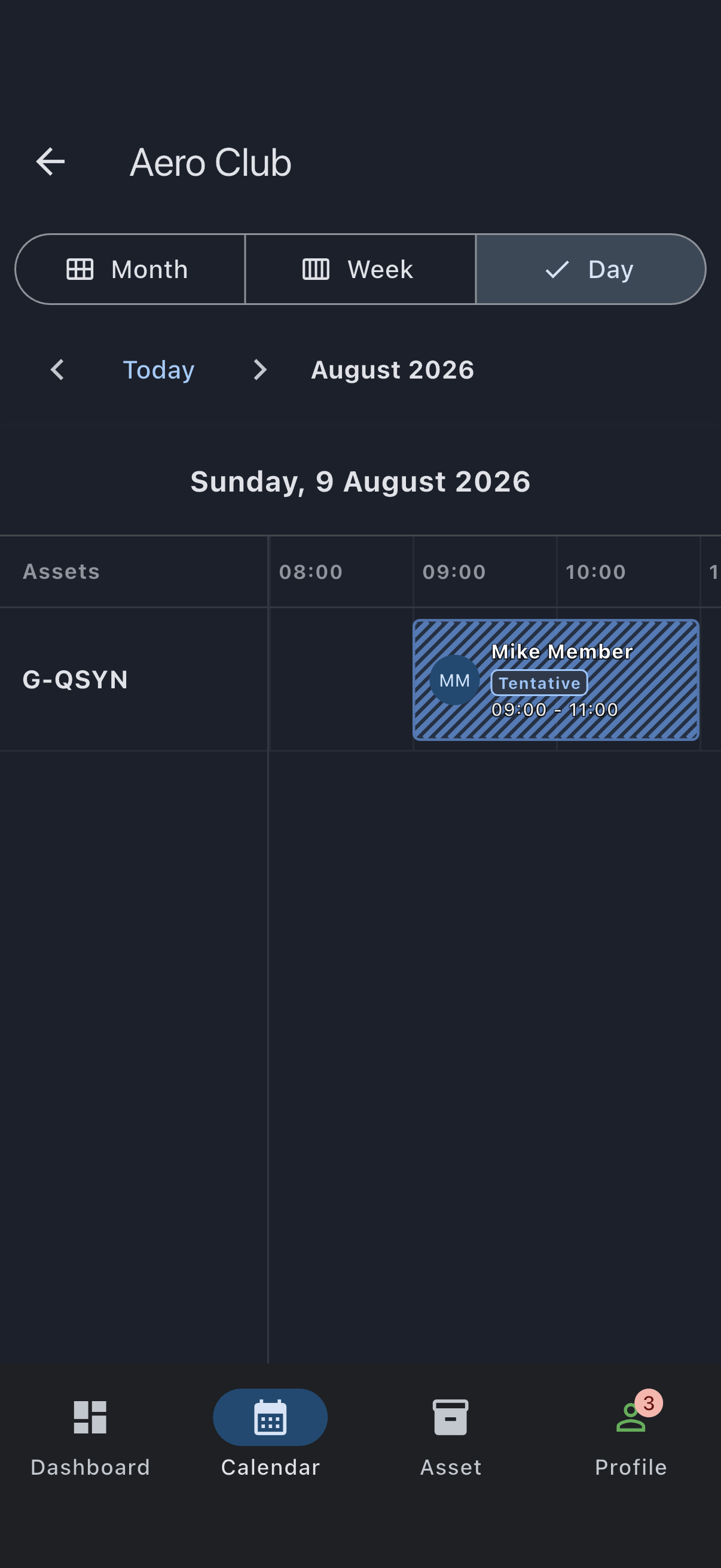
You’ll see the booking appear on the calendar with a diagonal-hatched pattern. Day view labels it Tentative, and so does the day’s booking list under Month view. Week view has room for that label only when the day columns are wide enough, so in a narrow window or on a phone you will see the hatched pattern on its own. Open the booking to check its status either way.
What a tentative booking does and doesn’t do
Section titled “What a tentative booking does and doesn’t do”- It shows up on the calendar so you and the rest of the syndicate can see you’re thinking about the slot.
- It does not reserve the slot. Anyone can still book over it, including with a confirmed booking.
- It does not auto-expire. It stays tentative until you confirm it or cancel it.
If it goes wrong
Section titled “If it goes wrong”- The Pencil in checkbox isn’t there: the dialog is set to Official mode (Maintenance or Event). Tentative is only available on the Personal segment. Tap Personal and try again.
- Confirming won’t go through later: by the time you try to confirm, someone else may have taken the slot with a confirmed booking. Tentative gives you no priority.