
Delete your account
Request deletion of your Syndik8 account. Once nothing is holding it up, you get 30 days to change your mind.
What can hold up your deletion
Section titled “What can hold up your deletion”You can request deletion at any time, but the 30-day countdown only starts once you have no outstanding responsibilities to any of your syndicates. Until then your request is recorded and put on hold, and a help page lists exactly what is left. The things that hold a deletion are:
- You are the only admin of a syndicate. A syndicate must always keep at least one active admin, so promote another member to admin first.
- You have an outstanding balance in a syndicate. Settle it first. An admin of that syndicate can record your payment if you have already paid outside the app. The help page names how much is due now and how much is a cash call not due until a stated date, so a deletion held up by a date is not mistaken for one you can clear today. A cash call that is not due yet still holds the deletion, even though it sits outside your headline balance, because the money is owed either way; you can pay one early from that syndicate’s balance screen.
- A payment of yours has not finished. A Direct Debit still clearing holds the deletion until the bank answers, which takes a few working days and needs nothing from you. A card payment you started and did not complete holds it too, and that one you can clear yourself: finish it from the syndicate’s balance screen, or leave it and it expires within a day.
- You have a future booking with usage already logged against it. Cancel the booking or remove the logged usage first.
- A booking of yours is under way with usage already logged against it. It stops holding the deletion once it has ended and been finalised.
- You have an unfinalised past booking. Ask an admin of the affected syndicate to finalise it.
These are the same responsibilities that stop you leaving a syndicate, so clearing them lets you either leave or delete.
- Open the Profile tab.
- Scroll to the bottom and tap Delete account (shown in red).
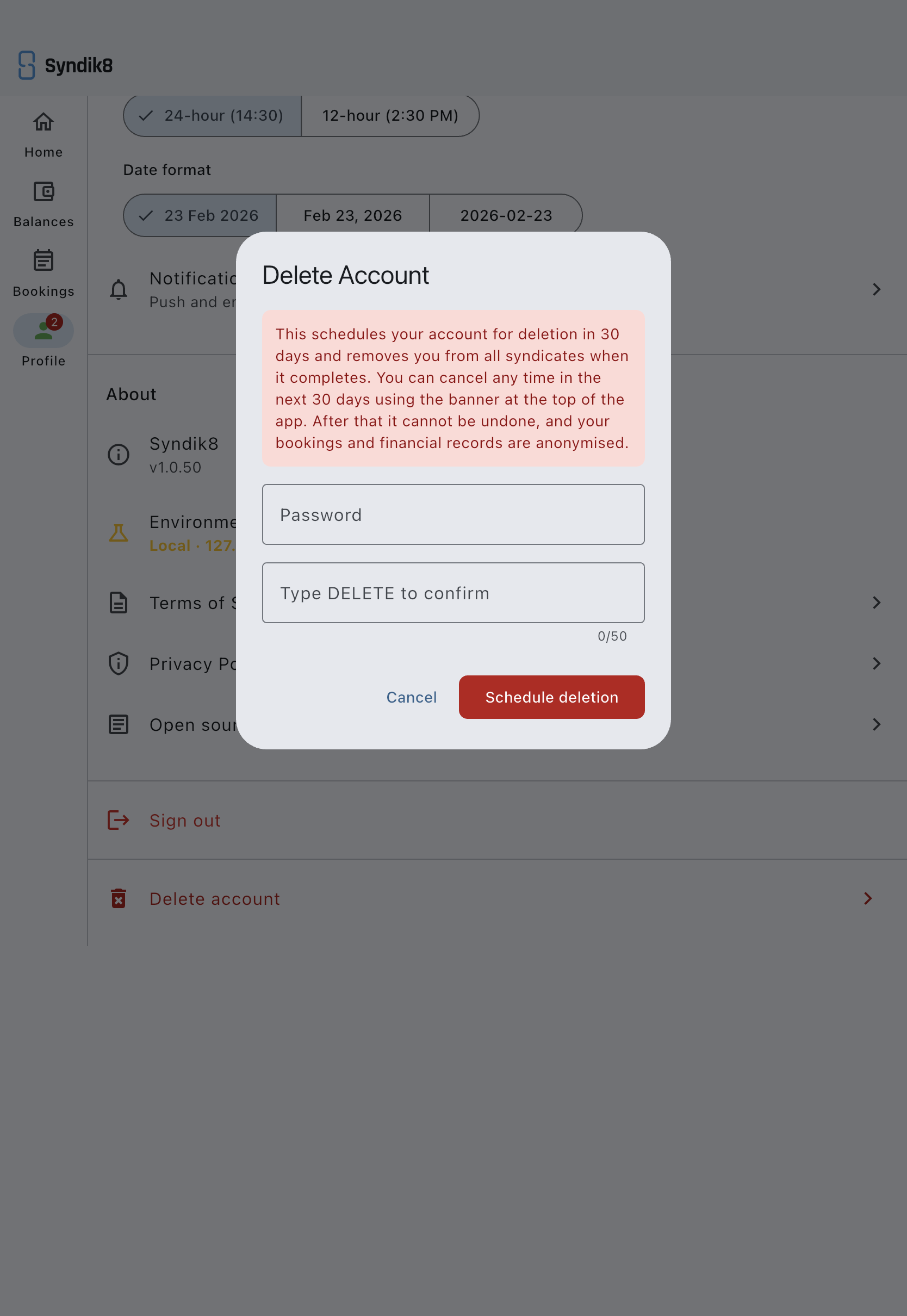
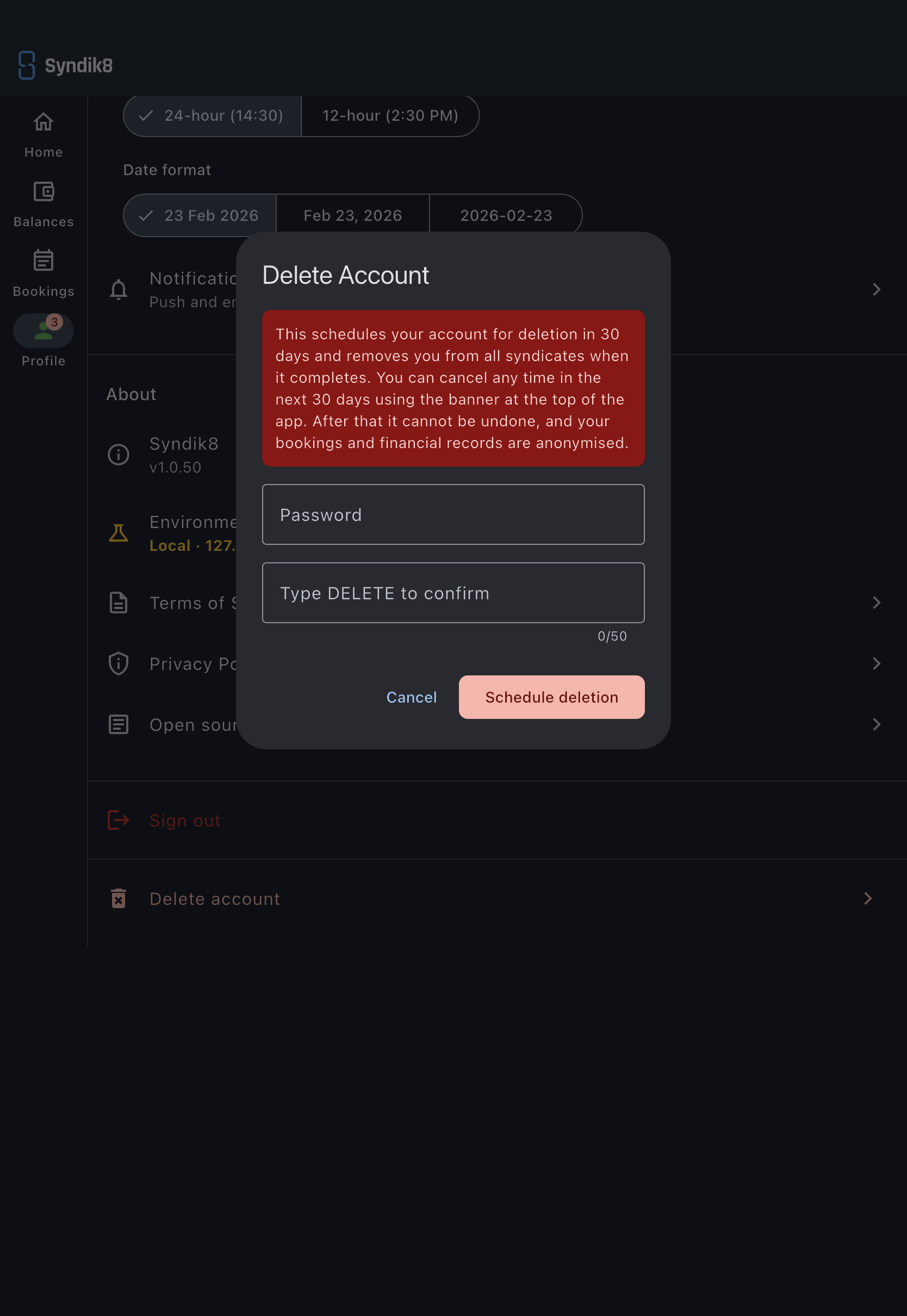
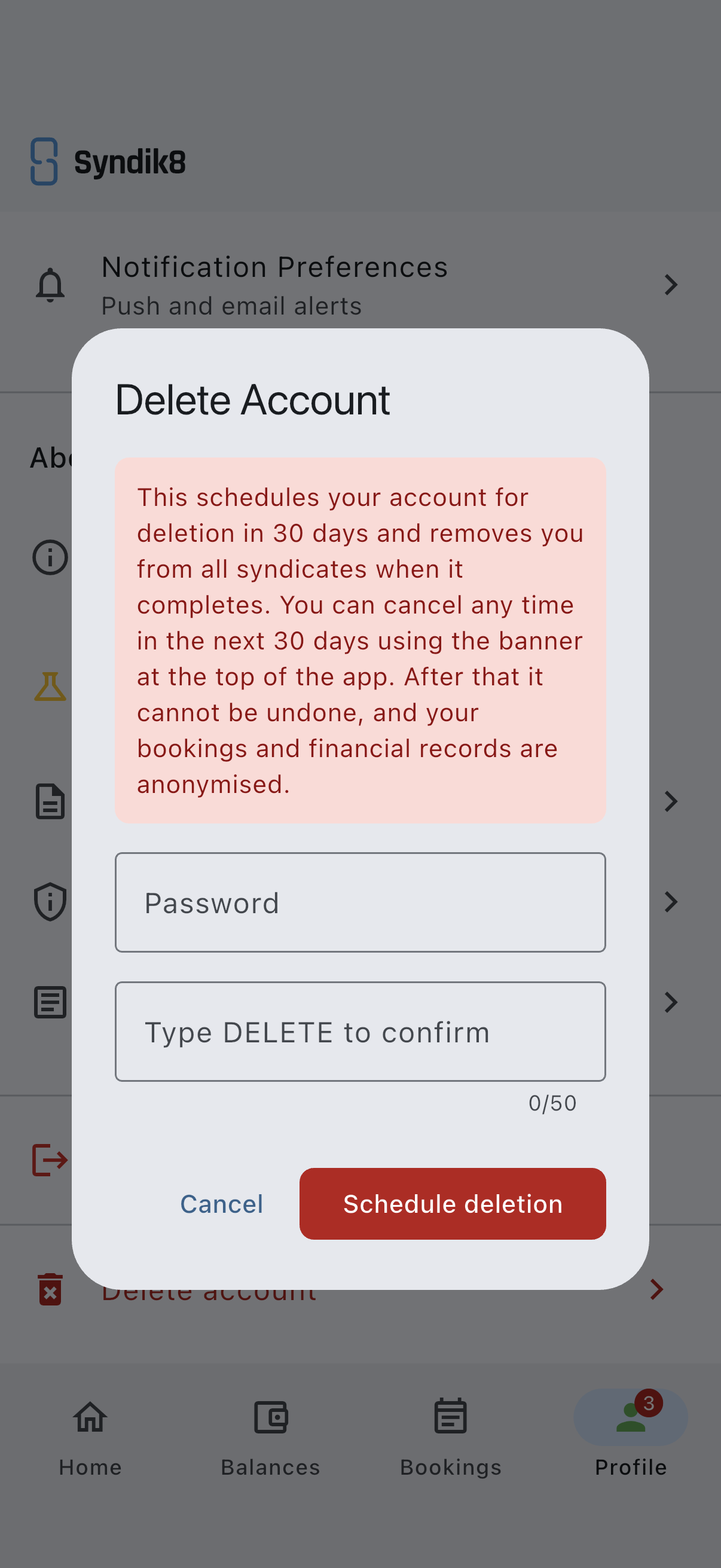
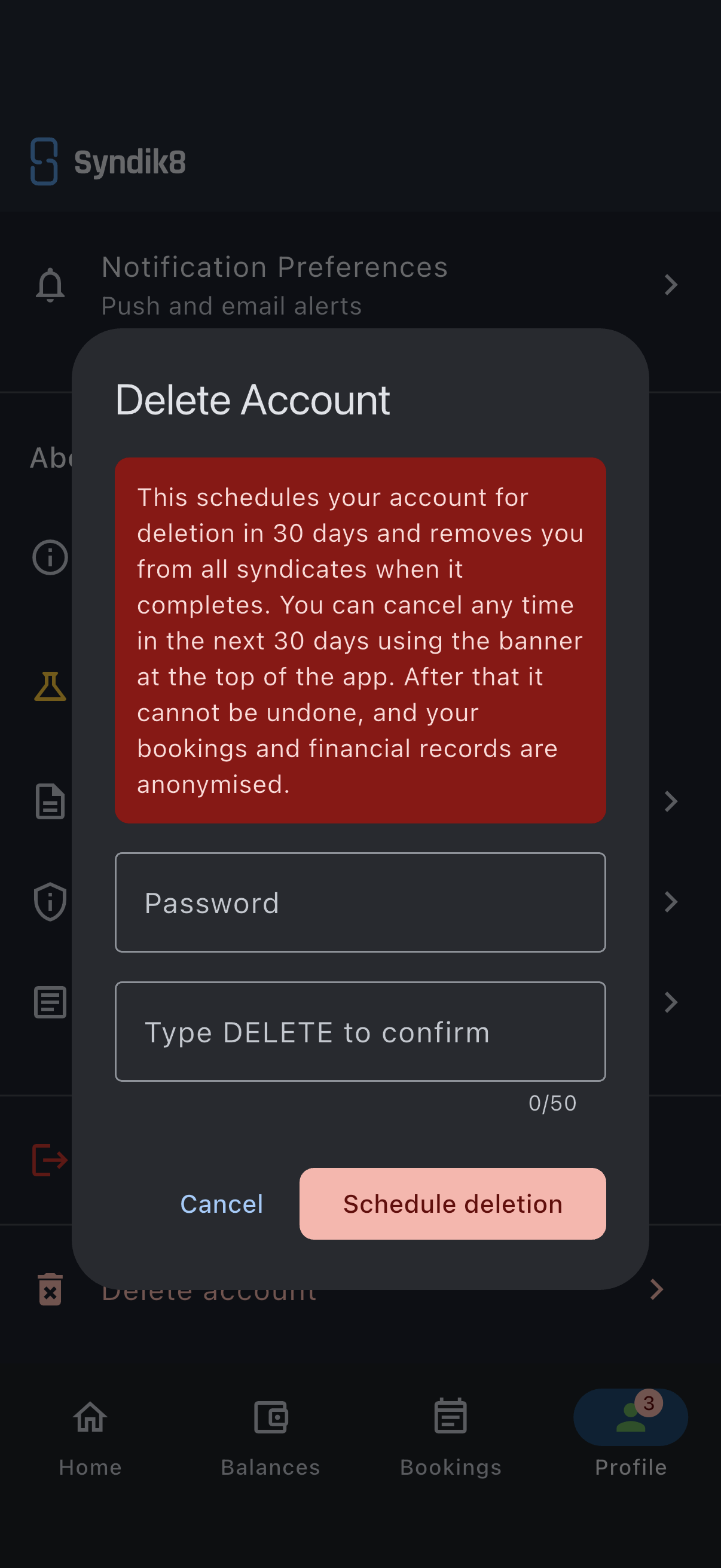
- Read the warning. It explains that deletion is scheduled 30 days out, that you can cancel any time in the next 30 days using the banner at the top of the app, and that once the window ends your bookings and financial records are anonymised, not removed. You will not need to go looking for the cancel button: while a deletion is pending, the banner described below carries it.
- Enter your current password in the Password field to re-authenticate.
- Type
DELETE(in capitals) into the Type DELETE to confirm field. - Tap the red Schedule deletion button.
What happens next
Section titled “What happens next”There are two outcomes, depending on whether anything is holding your deletion up.
- Nothing outstanding: your account is scheduled for deletion in 30 days and you are signed out. A banner across the top of the app counts down to the date and lets you cancel. Nothing is removed until the date arrives, and in the final week you get a reminder of the exact date, so the deadline never arrives unannounced. Once the deletion completes, a final confirmation is emailed to the address the account held.
- Something outstanding: your request is recorded but put on hold, and you stay signed in. An Account deletion on hold banner appears with a See what’s left link to a help page listing every requirement still to clear, with a direct link to fix each where one exists. You will also get an email confirming the request. The 30-day countdown starts automatically as soon as the last requirement is cleared, and reminder emails keep the request from being forgotten. Clear everything on the help page, and your deletion moves to the 30-day window on its own.
When you request deletion, you also get an email confirming it, so a request made from a device that is not yours does not go unnoticed.
Cancel a scheduled or on-hold deletion
Section titled “Cancel a scheduled or on-hold deletion”While a deletion is pending, a banner sits across the top of the app’s main screens, inside a syndicate and out: Account deletion scheduled with the date once the countdown is running, or Account deletion on hold while requirements are outstanding. Either way it carries a Keep my account button. Tap it any time to call the deletion off; an Account deletion cancelled confirmation appears and your account carries on as normal. You stay fully signed in throughout.
When the date arrives, Syndik8 re-checks all the same requirements before it removes anything, and cancels your syndicate Direct Debit mandates at your bank first. If a requirement has reappeared in the meantime (you have become the only admin of a syndicate again, taken on a new balance, and so on), the countdown is paused and your deletion goes back on hold until you clear it again, rather than deleting you into a broken state.
What gets removed
Section titled “What gets removed”Deleting your account removes your profile. Your past bookings and financial records are anonymised but kept for the syndicate’s audit trail, so co-members still see the booking history, just without your name attached. Identity details collected only for payment setup (such as date of birth and address) are scrubbed when you leave or are deleted.
Any bookings you still hold for a future date are cancelled, with the reason “Member left the syndicate” — exactly as they would be if you left the syndicate instead. The slots go back on the calendar for everyone else, and the cancelled bookings stay visible as part of the record. Bookings that have already happened are left alone.
If it goes wrong
Section titled “If it goes wrong”- You cannot see what is holding up your deletion. Open the Account deletion on hold banner’s See what’s left link. The banner stays put for as long as the deletion is on hold, so you can reopen the page whenever you like. It lists every outstanding requirement per syndicate, with a link to fix each one.
- “Password is incorrect.” Re-enter your current password. If you have forgotten it, cancel, use Reset your password, then try again.