
Unsubscribe from a notification type
Every silenceable notification email carries an unsubscribe link in its footer. Use it to stop emails of that one type without touching anything else.
Before you start
Section titled “Before you start”- Per-type only. Unsubscribing from one type does not affect other types.
- Email-only. Unsubscribing only turns off the email channel for that type. The in-app notification centre continues to record the notification, and push (if you have it enabled) continues to fire.
- No login required. The link is tokenised. The token is reusable, so the same link in last week’s email still works.
- Confirm-button gated. The page shows a confirmation prompt; the unsubscribe RPC only fires after you click. This is deliberate so that link-preview bots and security scanners cannot silently unsubscribe you.
- Always-on notifications do not have an unsubscribe link. Direct Debit notices, payment-account changes, syndicate deadlines, a platform fee change notice, and billing-accuracy alerts are sent by email regardless of any preference; see delivery channels: always-on tiers for the full list.
- Open the notification email you no longer want to receive.
- Scroll to the footer and tap Unsubscribe from [type name] emails.
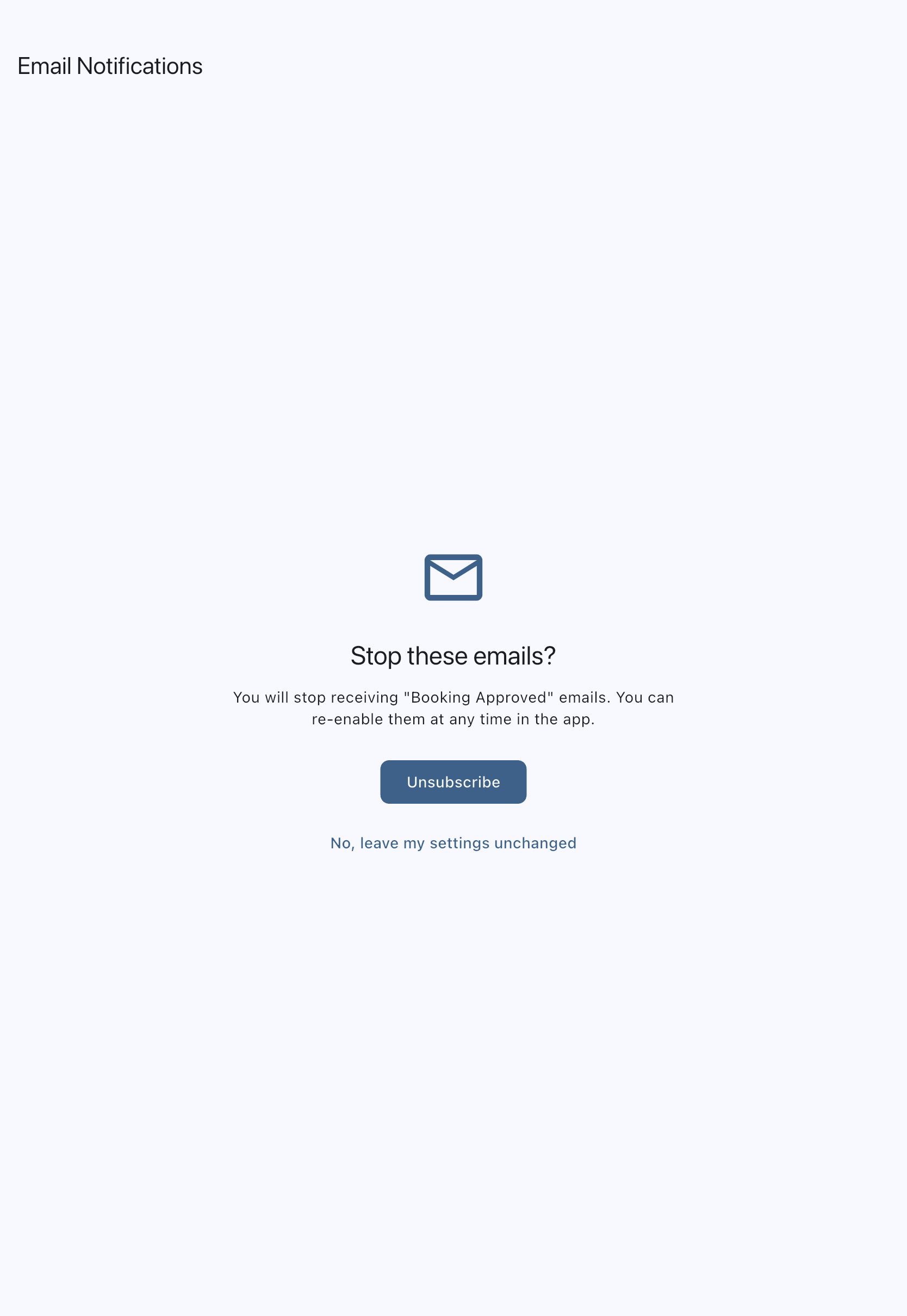
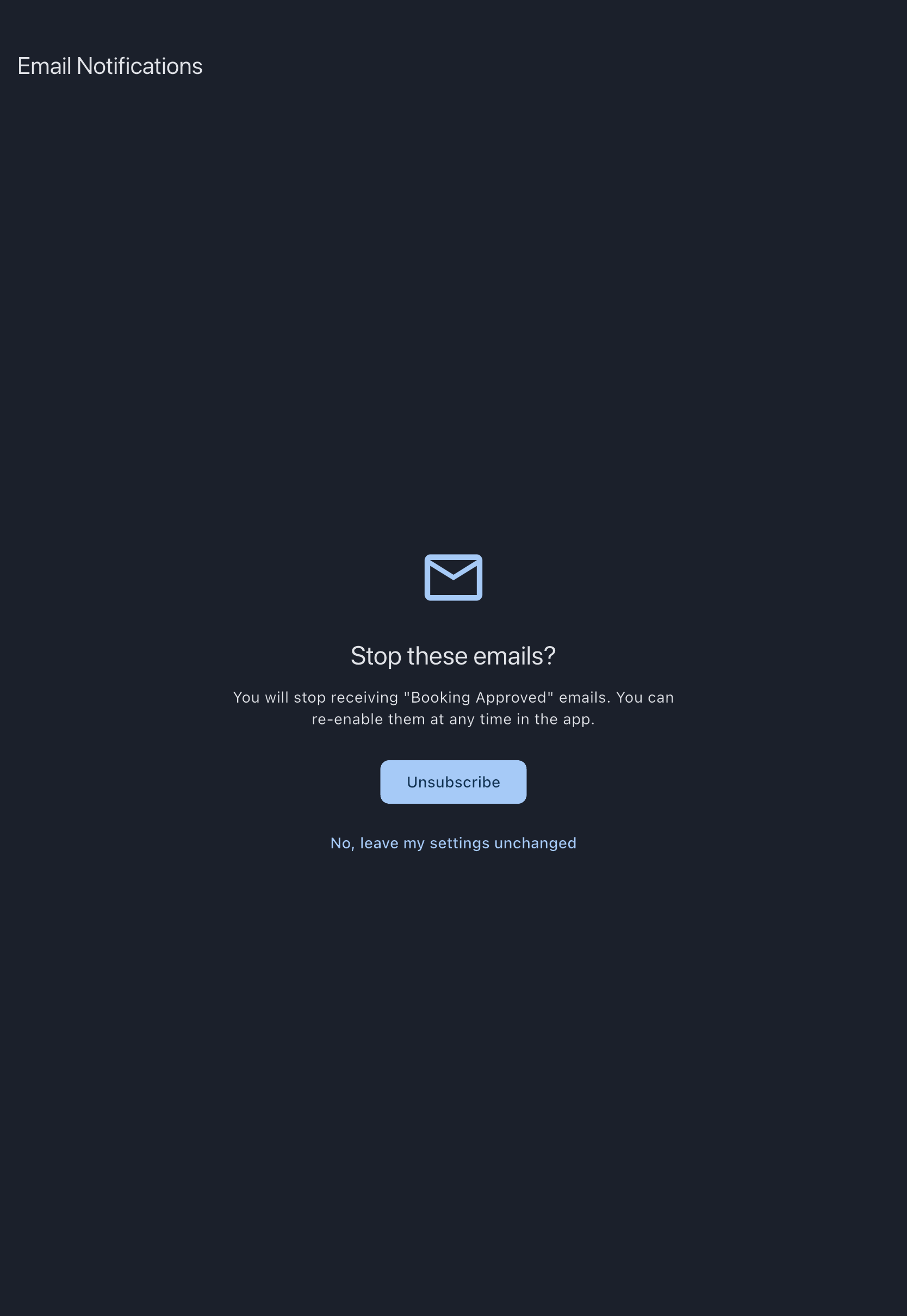
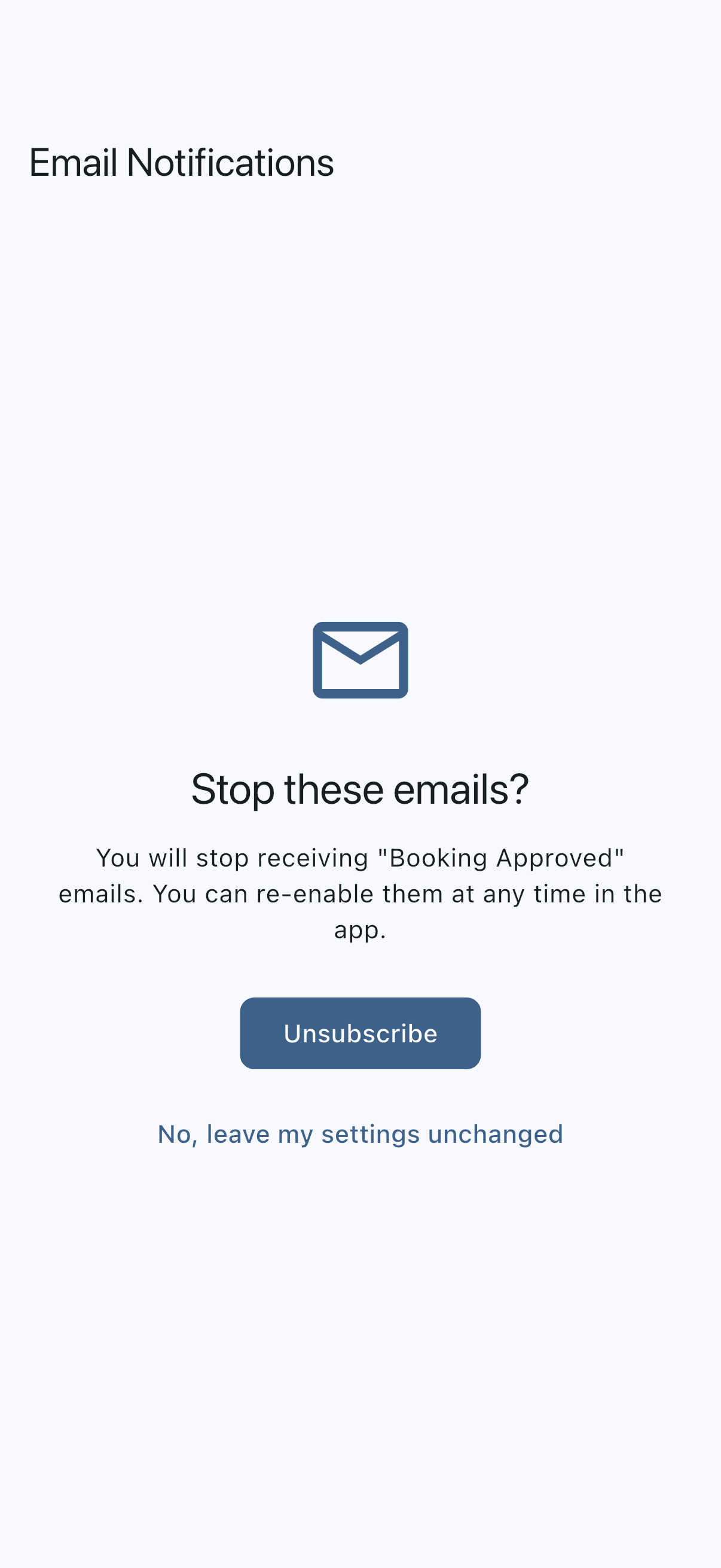
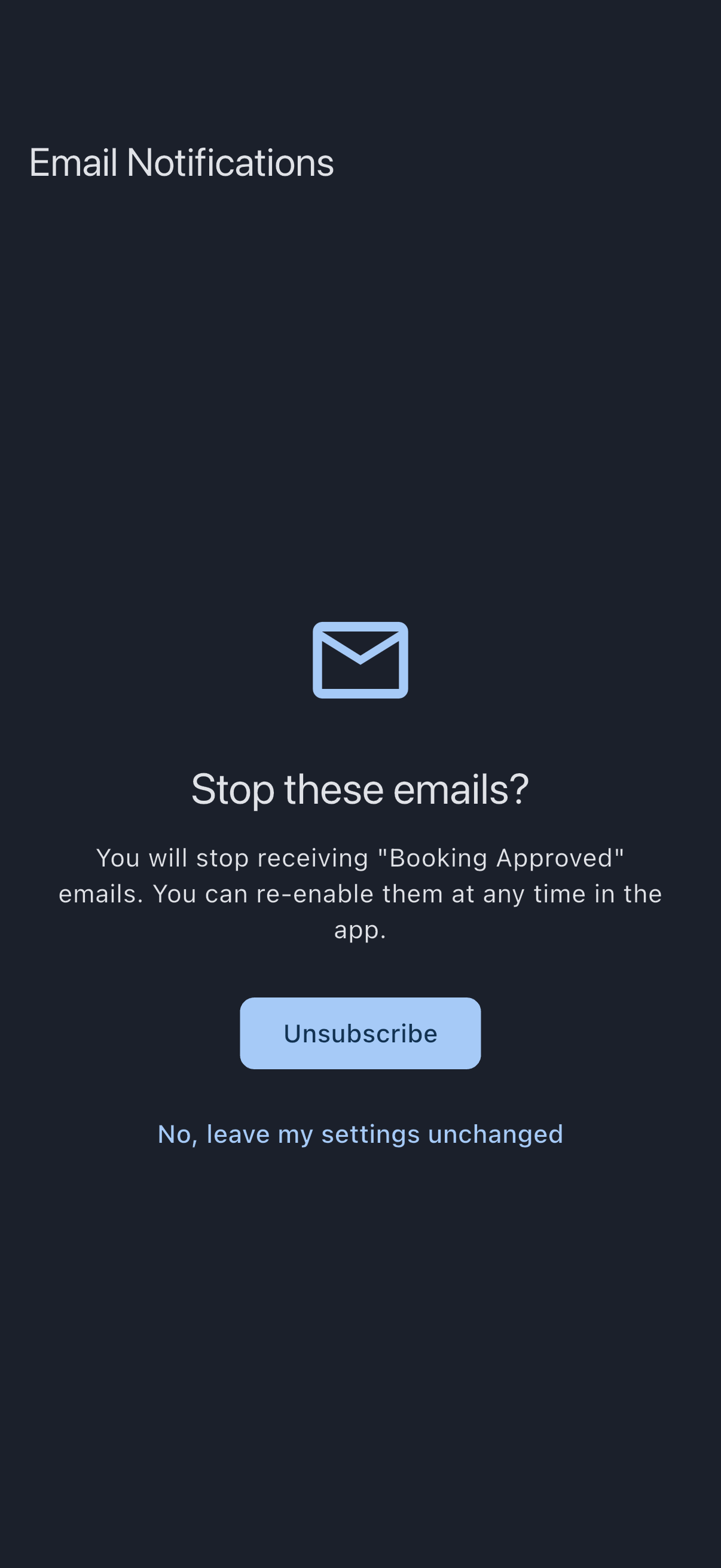
- The confirmation page opens in your browser. Read the summary and tap Unsubscribe to confirm. If you opened the link by mistake, tap No, leave my settings unchanged underneath: the page confirms that nothing has changed and your emails carry on as before.
- Success page: You’ve been unsubscribed. New notifications of that type stop immediately.
- To turn it back on later, open the app and go to Profile → Notification Preferences. Find the type’s category section (Squawks, Bookings, Assets, Maintenance, Documents, My documents, Finance, Governance) and toggle Email on for that row. This works the same way for every silenceable type. There is no Account section: the account-deletion notifications are always-on and have no per-type toggle.
You can also reach Notification Preferences directly from the success page: the Manage notification preferences link takes you there on desktop or opens the app on mobile.
RFC 8058 inbox-button
Section titled “RFC 8058 inbox-button”Most desktop and mobile email clients also show an Unsubscribe button at the inbox level (Gmail, Apple Mail, Outlook). Tapping that button fires a one-click POST directly without showing the confirmation page; it routes through Syndik8’s unsubscribe-one-click endpoint and turns off email for the same notification type as the in-body link would have.
If it goes wrong
Section titled “If it goes wrong”- Link not recognised. The page shows this if the URL is for an always-on type (advance notice, debit failed, mandate cancelled, payment account change, cash call deadline, vote-closing, tacho-discrepancy, platform fee change) or if the token is malformed. Always-on types are designed not to be silenceable; see delivery channels.
- Something went wrong. A server error prevented the unsubscribe from completing. Tap Retry on the page. If it keeps failing, open the app and toggle the type off from Notification Preferences instead.
- You meant to unsubscribe from all Syndik8 email. The links are per-type by design. To stop every silenceable type, open the app and toggle every Email column off in Notification Preferences.
- You still get emails for that type. An email already in flight before you unsubscribed may still be delivered. New notifications of that type stop immediately.
- You’re on a digest and the email’s footer has a different link. Digest emails carry a “Switch back to immediate emails” link instead of per-type unsubscribe; see Email digest. To silence a specific type from inside a digest, open the app and turn its Email toggle off.
- You want to mute a type from the notification centre instead of an email link. The notification centre offers the same per-type mute actions directly: swipe the tile (or long-press for the same menu) on mobile, or use the hover menu on web. Always-on types show a padlock on those actions and cannot be muted there either.
See also
Section titled “See also”- Delivery channels: how email, push, and the notification centre relate
- Notification types: the full list of types that can be unsubscribed per-type
- Choose what you get notified about: the full preferences screen in the app