
Override a rate for an asset
Override a rate for an asset
Section titled “Override a rate for an asset”A billing scheme’s modifier normally applies across every asset. If one asset should carry a different rate for members on a particular scheme, set a per-asset override that replaces the scheme’s modifier for that asset only.
Before you start
Section titled “Before you start”- You must be an admin.
- The Per-Scheme Rates section only appears once the syndicate has more than one billing tier. With just the default tier there is nothing to vary per scheme, so the section is hidden. Create a member rate first.
- For a single-asset syndicate, the Per-Scheme Rates table lives on the syndicate’s Asset rates screen. Edits there are overrides for that single asset.
- For a multi-asset syndicate, the Per-Scheme Rates table lives on each asset’s own Billing Settings screen.
- The override takes precedence over the scheme’s modifier; see the rate resolution chain: override → scheme modifier → base rate.
Steps for a single-asset syndicate
Section titled “Steps for a single-asset syndicate”- Open the syndicate.
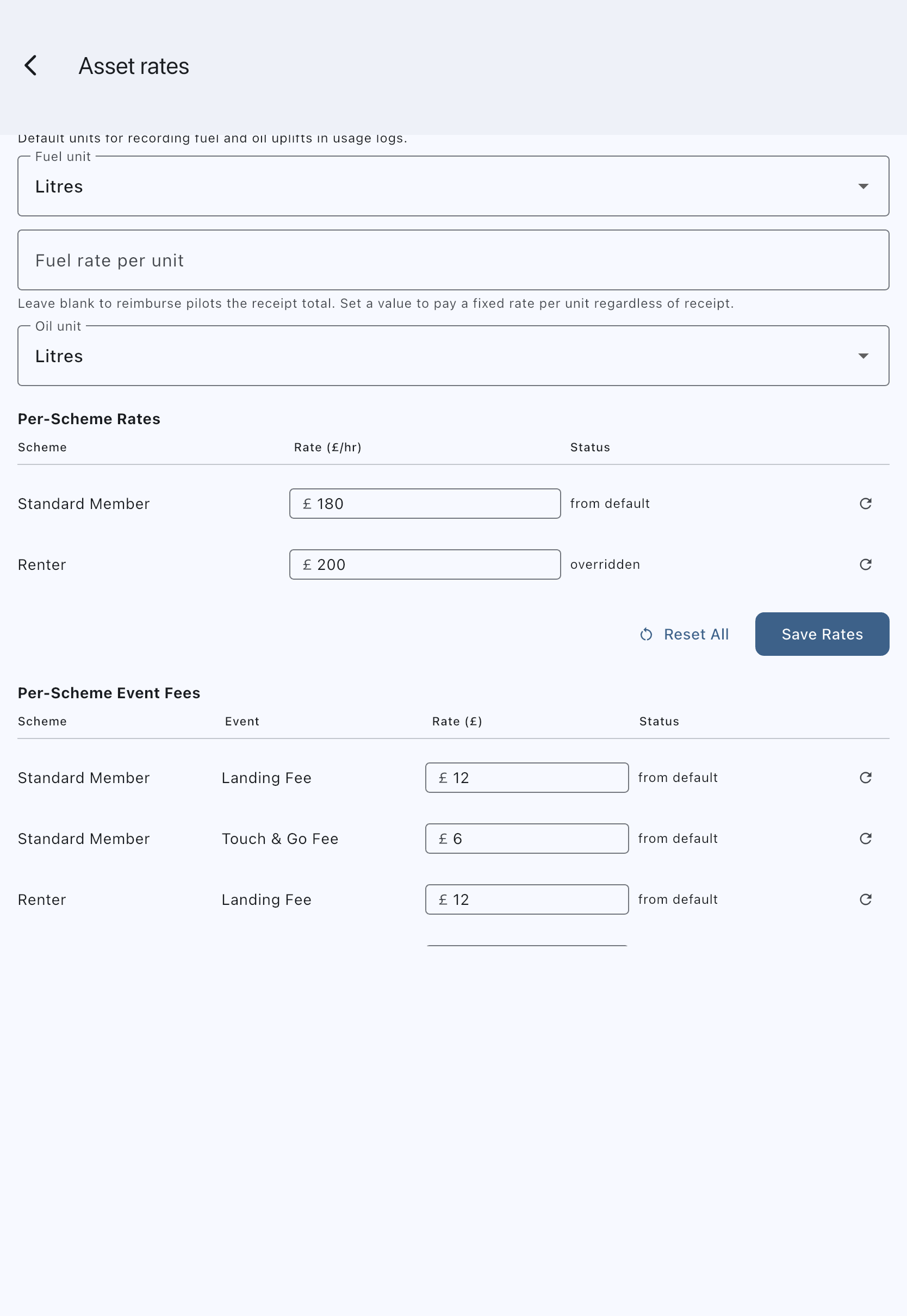
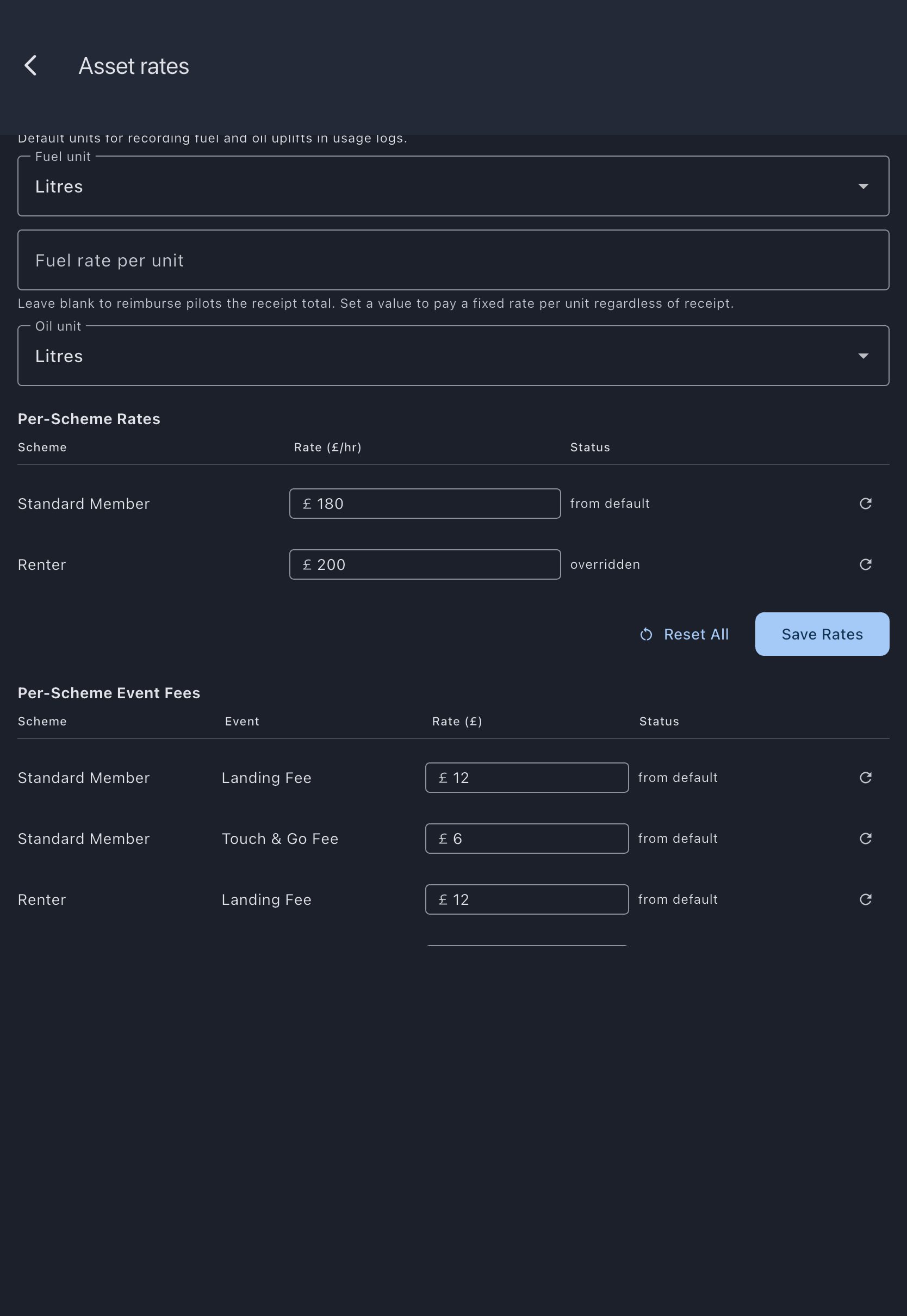
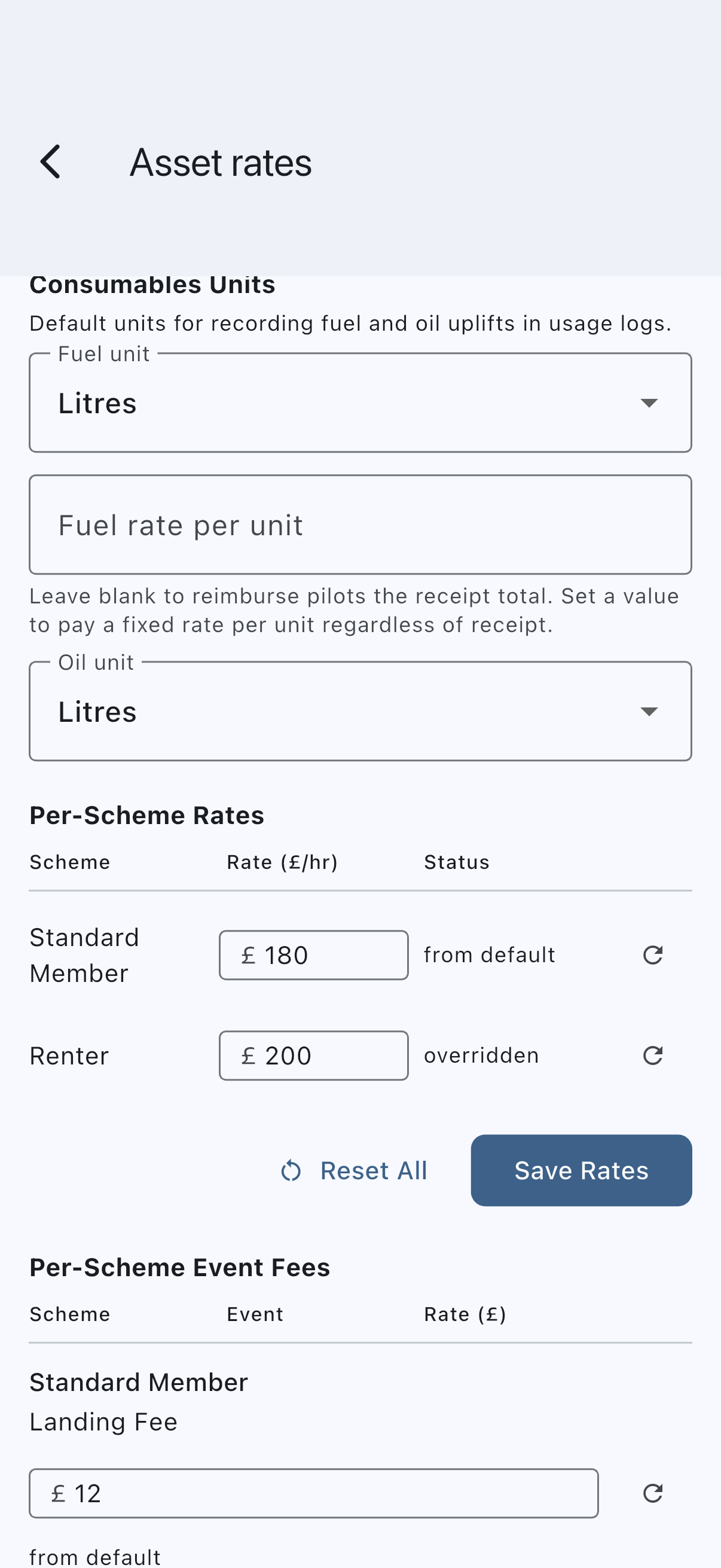
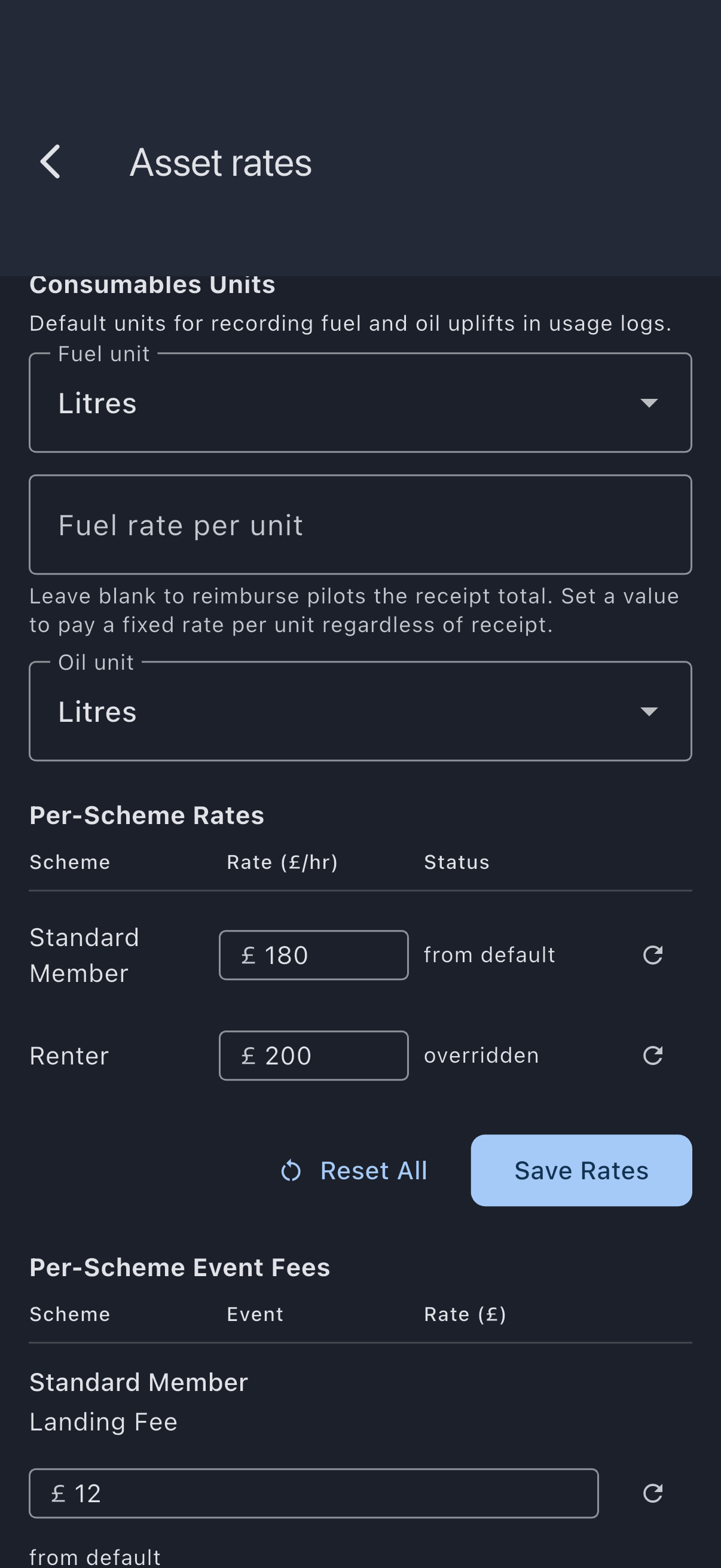
- Go to the Admin tab, then tap Asset rates.
- Scroll to the Per-Scheme Rates table.
- In the row for the scheme you want to override, enter the effective rate for this asset.
- Tap Save Rates.
Reset All puts every row back to the scheme’s computed rate. It asks Reset all rates? first: Keep my rates (the filled button, and what a tap outside the dialog does) backs out; Reset all rates reseeds the rows and stages the removal of every saved override, which still needs Save Rates to commit.
Steps for a multi-asset syndicate
Section titled “Steps for a multi-asset syndicate”- Open Syndicate → Assets → [asset] → Billing Settings.
- Scroll to the Per-Scheme Rates table.
- In the row for the scheme you want to override, enter the effective rate for this asset.
- To revert a row to the scheme’s computed rate, tap the reset icon on that row.
- Tap Save Rates.
Each row carries a tag showing where its rate came from: from default (the tier pays the default rate), from modifier (the scheme modifier produced it with no override set), or overridden (an explicit per-asset rate is pinned for that tier).
Example
Section titled “Example”A two-aircraft syndicate has a Cessna 172 (base £180/hr) and an SR22 (base £260/hr). Members on the Renter scheme pay £220 on the 172 via a scheme-level override = £220. For the SR22, set a per-asset override of £300 on the Renter row, leaving the Cessna row to use the scheme’s override.
Overriding event fees for a scheme
Section titled “Overriding event fees for a scheme”Event fees (landing fees, touch-and-go fees, and any other configured counter fees) have their own per-asset, per-scheme override. It works the same way as the usage-rate override on this page, but lives in a separate table below the landing and touch-and-go fee fields: Per-Scheme Event Fees on the Asset rates screen for a single-asset syndicate, or under Home airfield fees on the asset’s Billing Settings screen for a multi-asset one. The table only appears once the asset has a landing or touch-and-go fee, saved or just typed; until then the screen says Set a landing or touch-and-go fee above to configure per-scheme overrides. Use it to waive landing fees for a founder scheme (enter 0), raise them for a renter scheme, or do both at once.
- Open Syndicate → Assets → [asset] → Billing Settings (on a single-asset syndicate, Admin → Asset rates).
- Scroll to the per-scheme event-fee table below the landing and touch-and-go fee fields. It lists one row per
(scheme, counter)pair. - In the row for the scheme and counter you want to override, enter the effective fee.
0waives the fee for that scheme on that asset. - Tap Save Event Fees. Reset All asks Reset all event fees? first: Keep my fees (the filled button, and what a tap outside the dialog does) leaves everything as typed; Reset all fees stages a delete of every saved override and reseeds the fields with the asset’s base fees, and it still needs Save Event Fees to commit.
There is no modifier layer for event fees: either there is an override (used) or there isn’t (base fee from the asset applies). See Member rates, Example 5 for worked cases.
If it goes wrong
Section titled “If it goes wrong”- On a multi-asset syndicate, the Asset rates screen shows a note instead of the Per-Scheme Rates table. Configure the rate on each asset’s Billing Settings screen instead.
- A saved override does not change a past booking’s charge; rates are snapshotted at usage-log time. See Finalisation rules.
See also
Section titled “See also”- Rate resolution chain: the full precedence order, override → modifier → base rate
- Asset billing config: the underlying per-asset row
- Member rates (billing schemes): how the modifier works by default
- Default and per-asset settings: the cascade for all billing fields