
Set up billing rates for an asset
Set up billing rates for an asset
Section titled “Set up billing rates for an asset”Set the asset’s usage rate (the full rate per usage unit), shortfall rate (applied to under-use of minimum usage), weekday and weekend minimums, and event fees.
The screen you use depends on how many assets your syndicate has. See Default and per-asset settings for the cascade. Usage capture (which measures are recorded, the billed measure, taxi minutes, meter labels) is configured separately; see Usage capture.
Before you start
Section titled “Before you start”- You must be an admin (treasurer counts as admin).
- Currency is set separately on Payment account.
- Rates are entered without VAT.
Steps for a single-asset syndicate
Section titled “Steps for a single-asset syndicate”- Open the syndicate.
- Open the Admin tab, then under Money tap Asset rates.
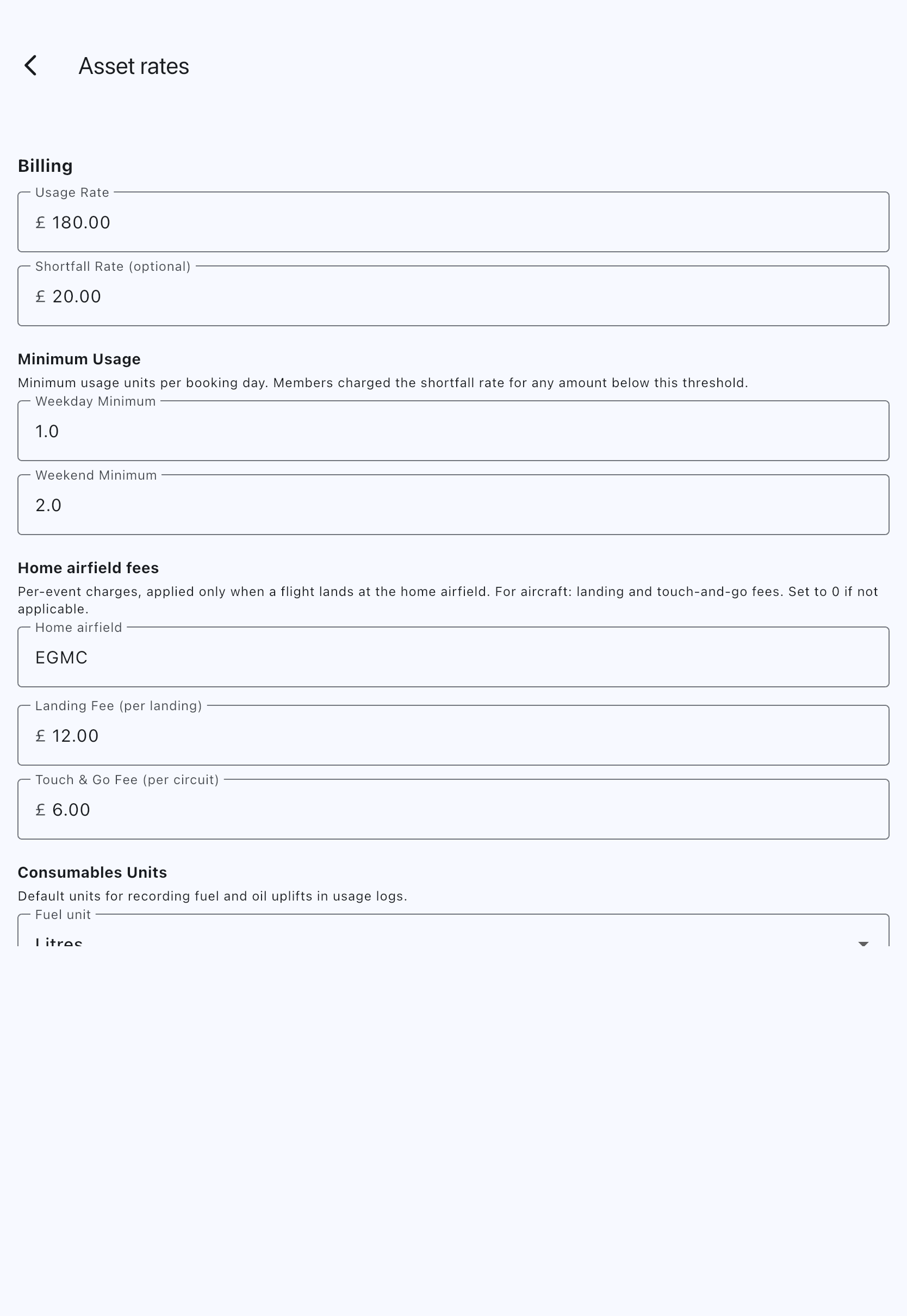
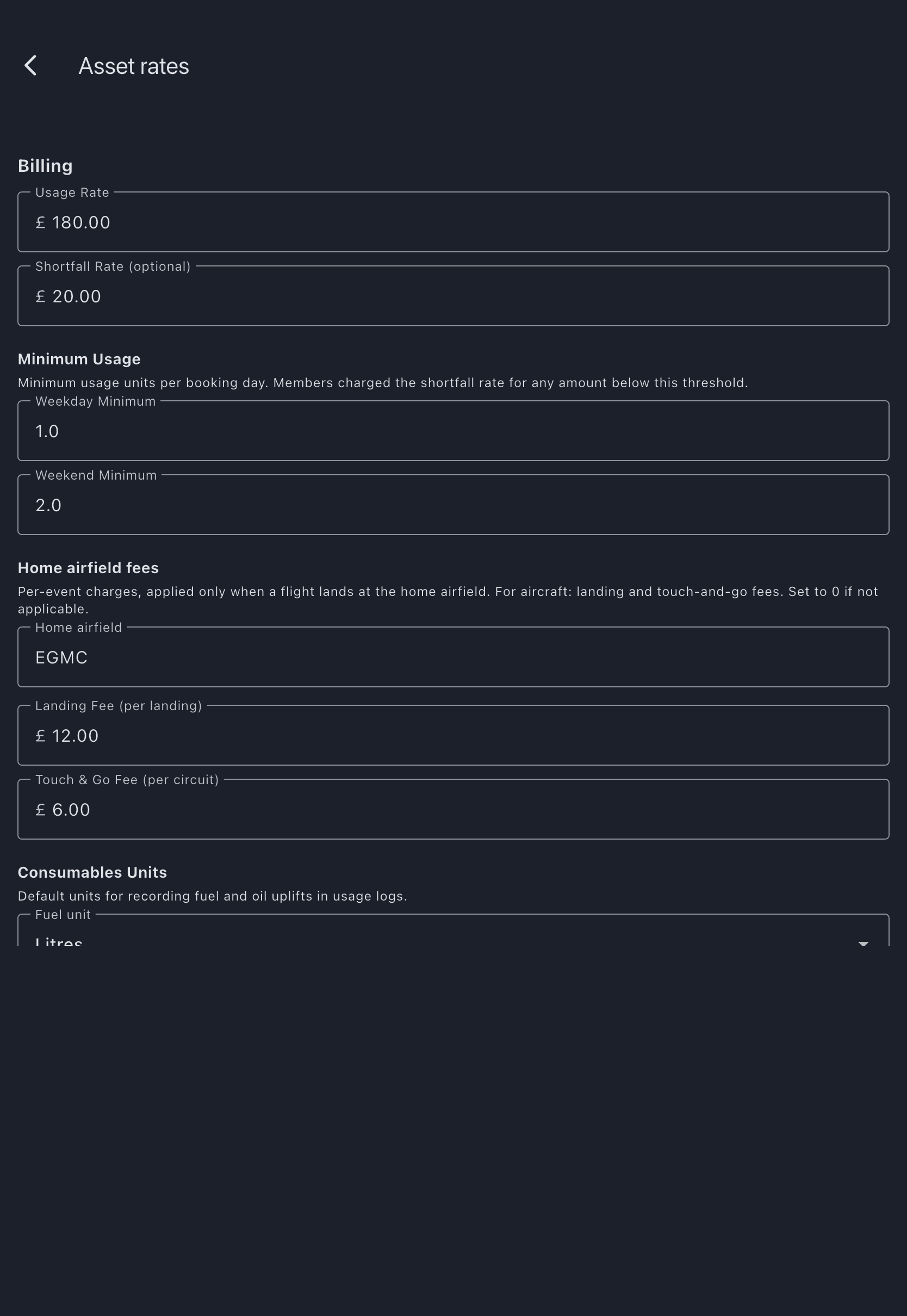
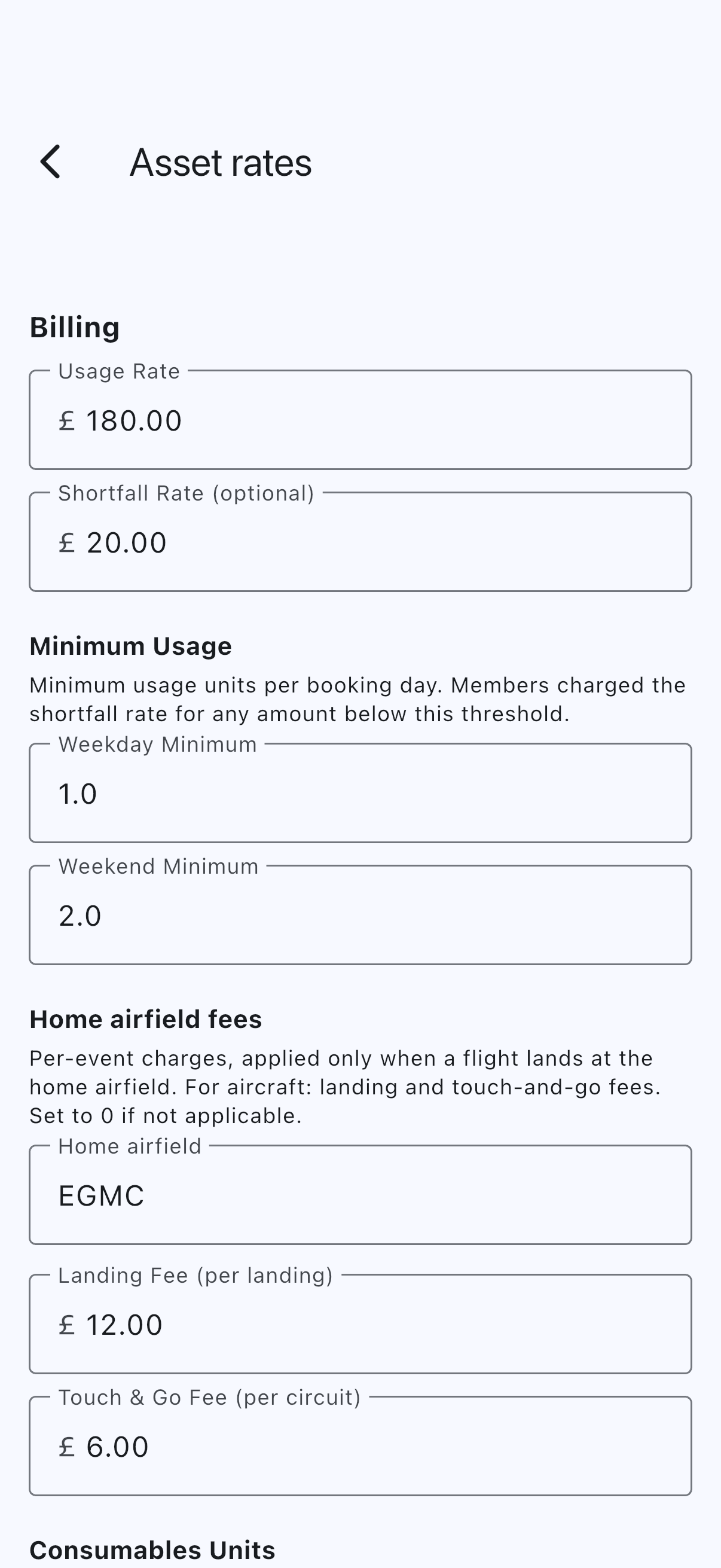
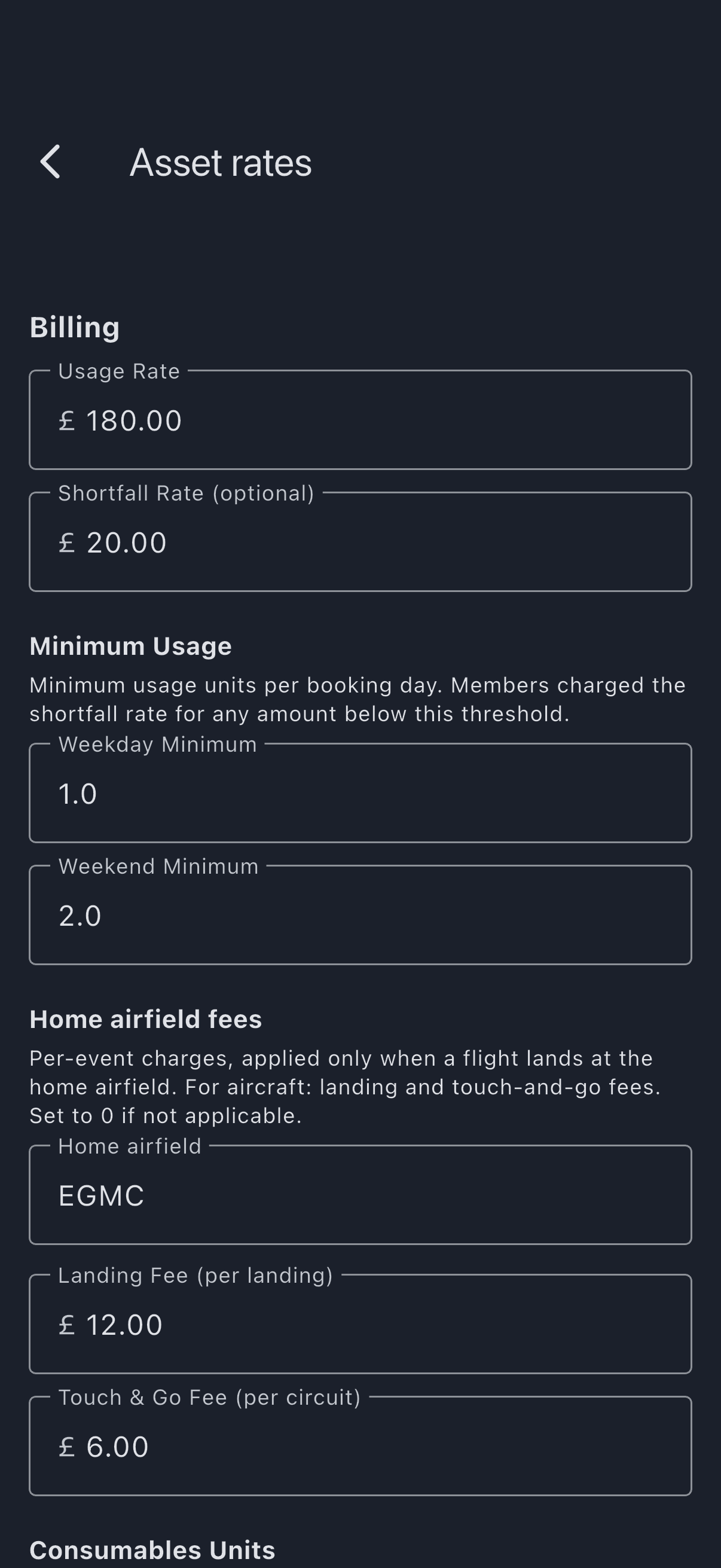
- Under Billing, enter:
- Usage rate: the full rate per usage unit (for example, £180 per hour for a wet-rate aircraft). This is the one figure the screen insists on.
- Shortfall rate (optional): usually lower than the usage rate, applied to the minimum-usage shortfall. Leave it blank and it saves as zero, which charges no shortfall at all — so if you set a minimum below, set a rate here too or the minimum costs an under-flying member nothing.
- Under Minimum Usage, enter Weekday minimum and Weekend minimum in usage units. Zero disables the shortfall for that day type.
- Under Home airfield fees, fill in Home airfield first: type the ICAO code of the field the asset is based at (for example, EGMC). The two fee boxes below it are greyed out until you do, because a fee with no home airfield could never charge. A line of hint text says so while the box is empty. The fields enable as soon as you type; you do not have to save first.
- Now enter the Landing Fee (per landing) and Touch & Go Fee (per circuit) if your asset incurs per-event charges. For aircraft, these are charged only when a flight’s arrival matches the asset’s home airfield.
- If the syndicate has more than one billing tier, a Per-Scheme Rates table appears at the bottom; set the effective rate for each tier on this asset and tap the table’s own Save Rates; the screen’s Save Settings below does not save the table. Its Reset All asks Reset all rates? before putting every row back to the computed rate, and Keep my rates backs out. With only the default tier, the usage rate above is the rate everyone pays and no table is shown.
- Tap Save Settings.
To set which measures the log records and their labels, use the separate Usage capture screen (Admin → Usage capture).
Steps for a multi-asset syndicate
Section titled “Steps for a multi-asset syndicate”The same screen is now labelled Default Billing, Default Minimum Usage, Default home airfield fees. These values apply to every asset unless overridden per asset.
- Open the Admin tab and tap Asset rates under Money, then set the defaults the same way as above.
- If the syndicate has more than one billing tier, the Per-Scheme Rates table is replaced with a note: per-scheme rates are configured on each asset. (With only the default tier, no per-scheme section appears.)
- Open each asset at Syndicate → Assets → [asset] → Billing Settings.
- Either leave a field empty to inherit the syndicate default, or enter a value to override it for this asset only. The hint text shows the inherited value.
- With more than one billing tier, set the Per-Scheme Rates table for this asset and tap its Save Rates; the asset’s Save button does not commit it.
- Tap Save on each asset.
If it goes wrong
Section titled “If it goes wrong”- Save is refused and the usage rate is marked. It is the only compulsory field on the screen. Fill it in and save again.
- Nobody was charged a shortfall. The Shortfall rate is optional, and blank does not mean the same thing on both screens. On Asset rates it saves as zero, and a zero rate raises no shortfall however large the minimum; on an asset’s own Billing Settings screen it means “inherit the syndicate default”, because there is a value above it to inherit.
- The landing and touch-and-go fee boxes are greyed out. No home airfield is set. Type an ICAO code into Home airfield, directly above them, and the fee boxes enable straight away. The per-asset Billing Settings screen has no such gate: its fee fields are always editable for an aircraft.
- The effective rate on a usage log looks wrong: trace the rate resolution chain: per-asset override → scheme modifier → base rate.
- Past charges don’t change when you save. Rates are snapshotted at usage-log time. See Finalisation rules.
See also
Section titled “See also”- Default and per-asset settings: the cascade this screen follows
- Asset rates screen: field-by-field reference
- Usage capture: captured measures, billed measure, taxi minutes, meter labels
- Asset billing config: the per-asset override row
- Override a rate for an asset: just the scheme-rate override