
Export a tech-log PDF
Produce a formatted tech-log report, or a spreadsheet-ready CSV of the same data, for one asset over a date range you choose.
Before you start
Section titled “Before you start”- You must be an admin of the syndicate. The export is hidden from regular members.
- The report combines usage logs, squawks, and logged maintenance completions for the chosen asset, in one chronological list. It covers exactly the date range you set.
- Open the syndicate and go to the Assets tab.
- Tap the aircraft you want to export.
- Scroll to the Activity card and tap Export Tech Log.
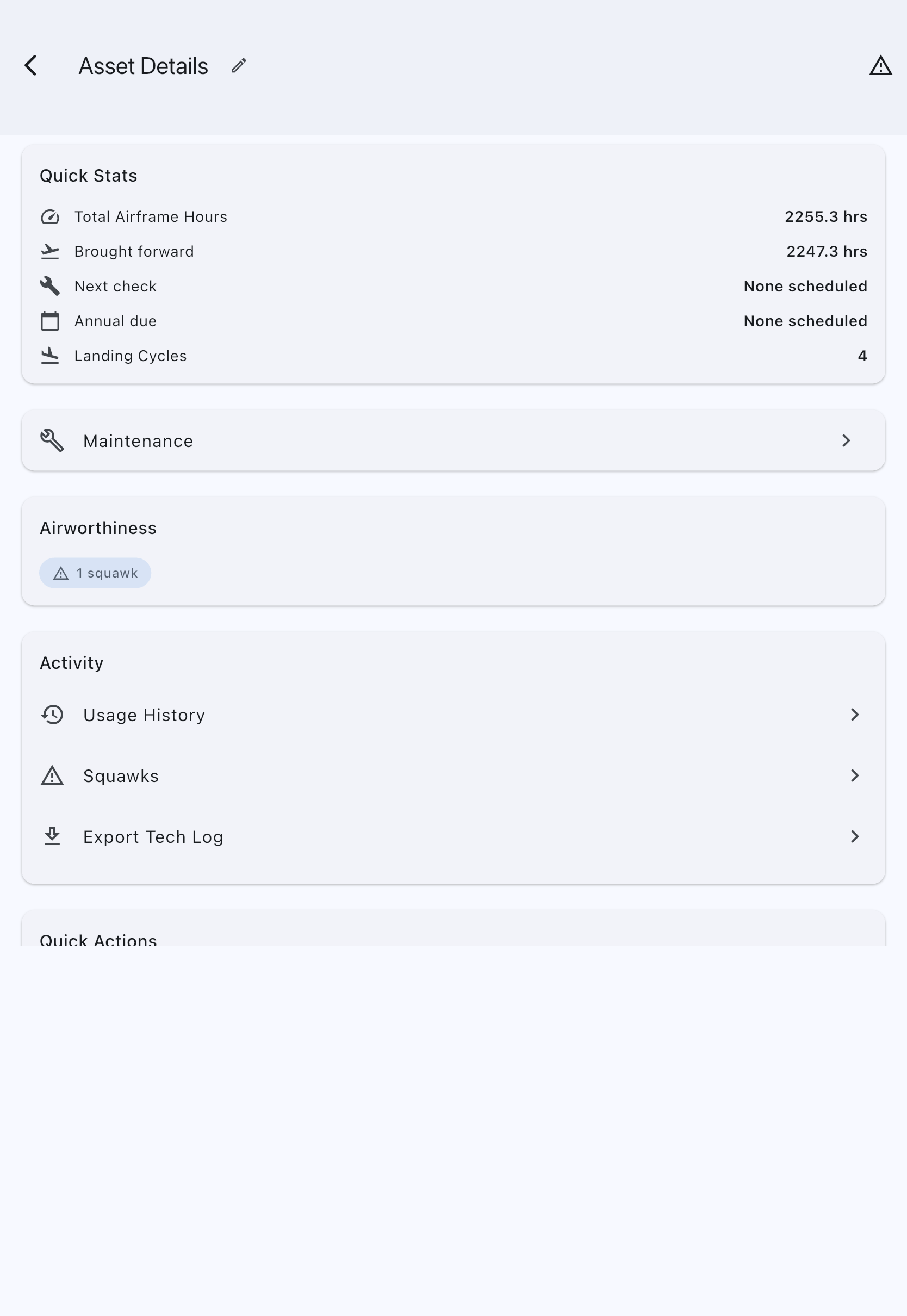
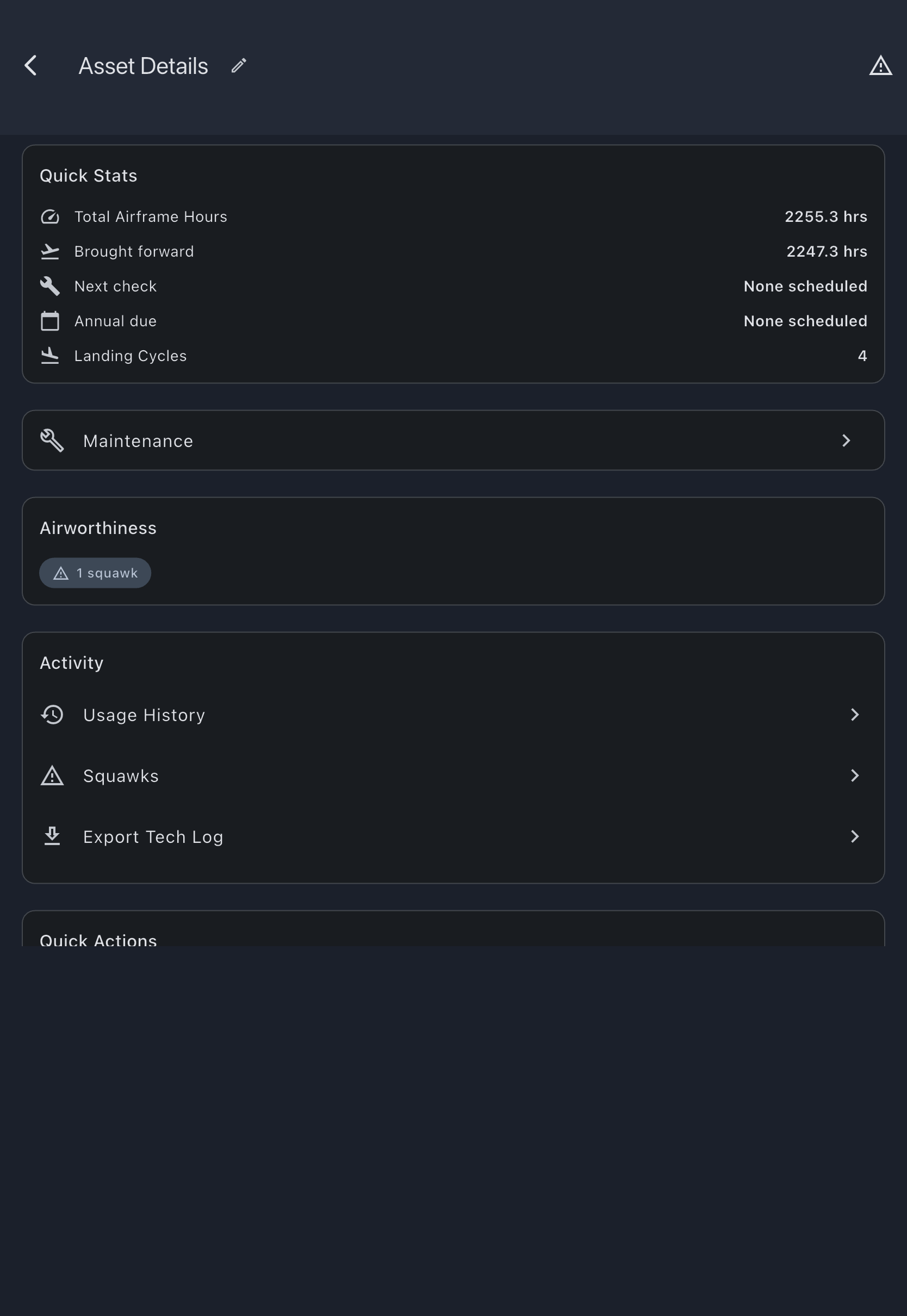
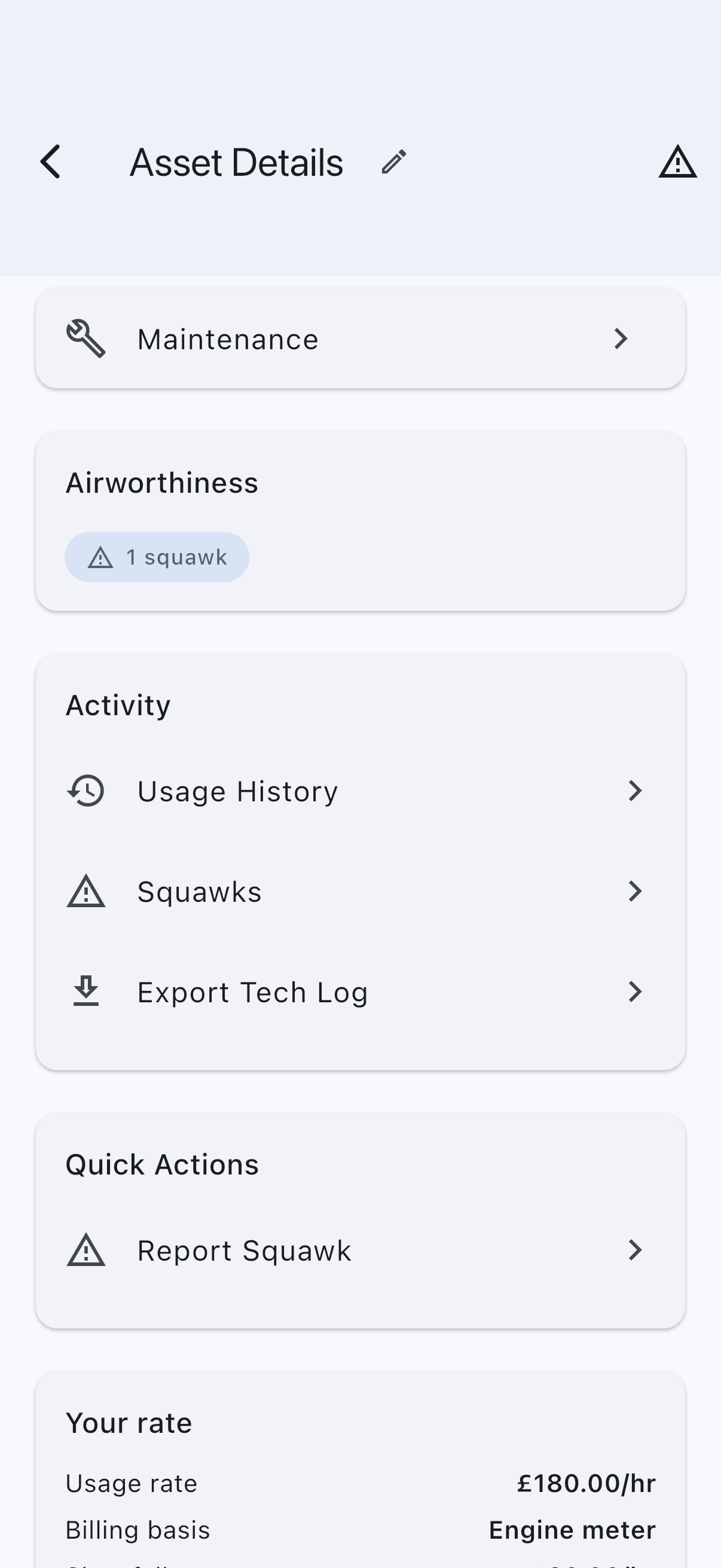
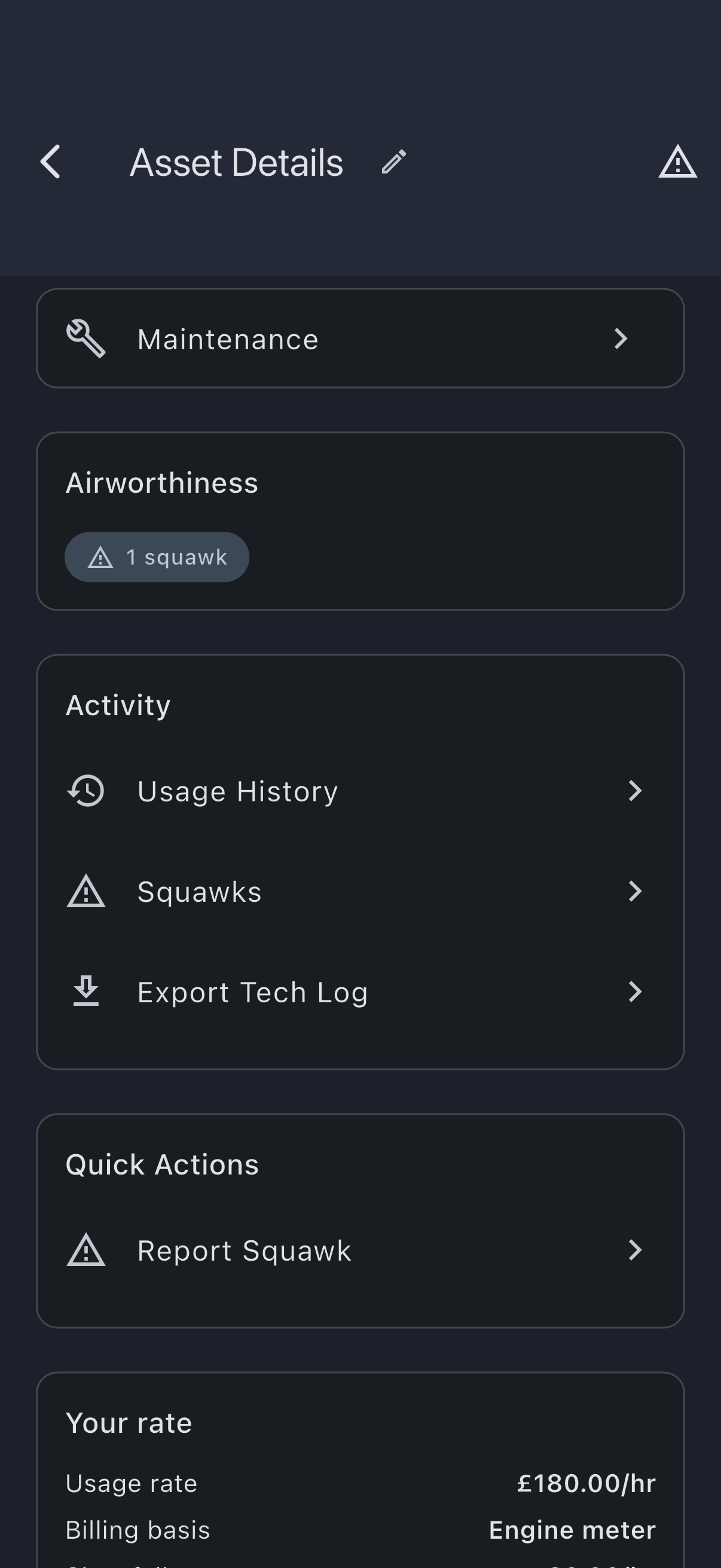
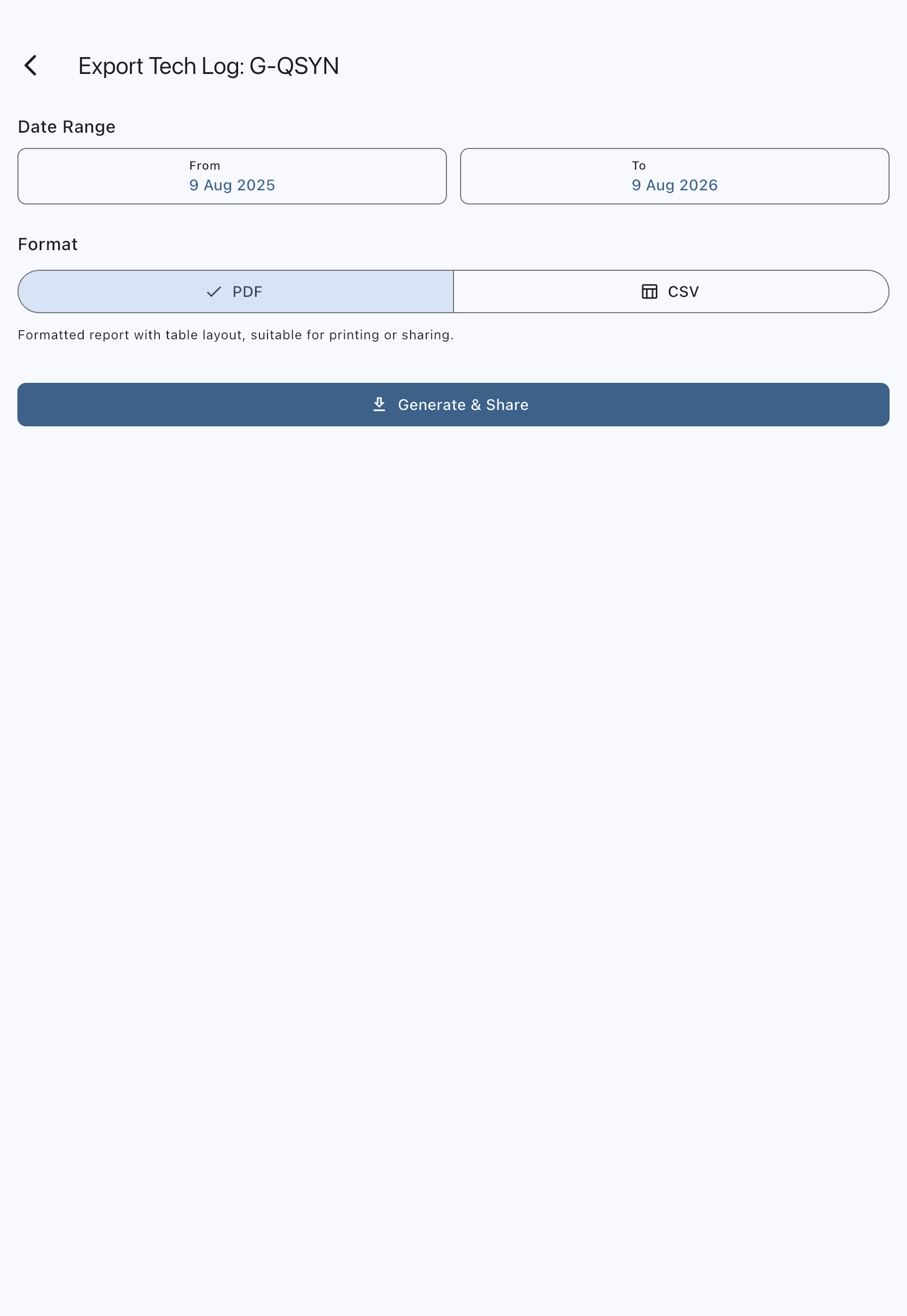
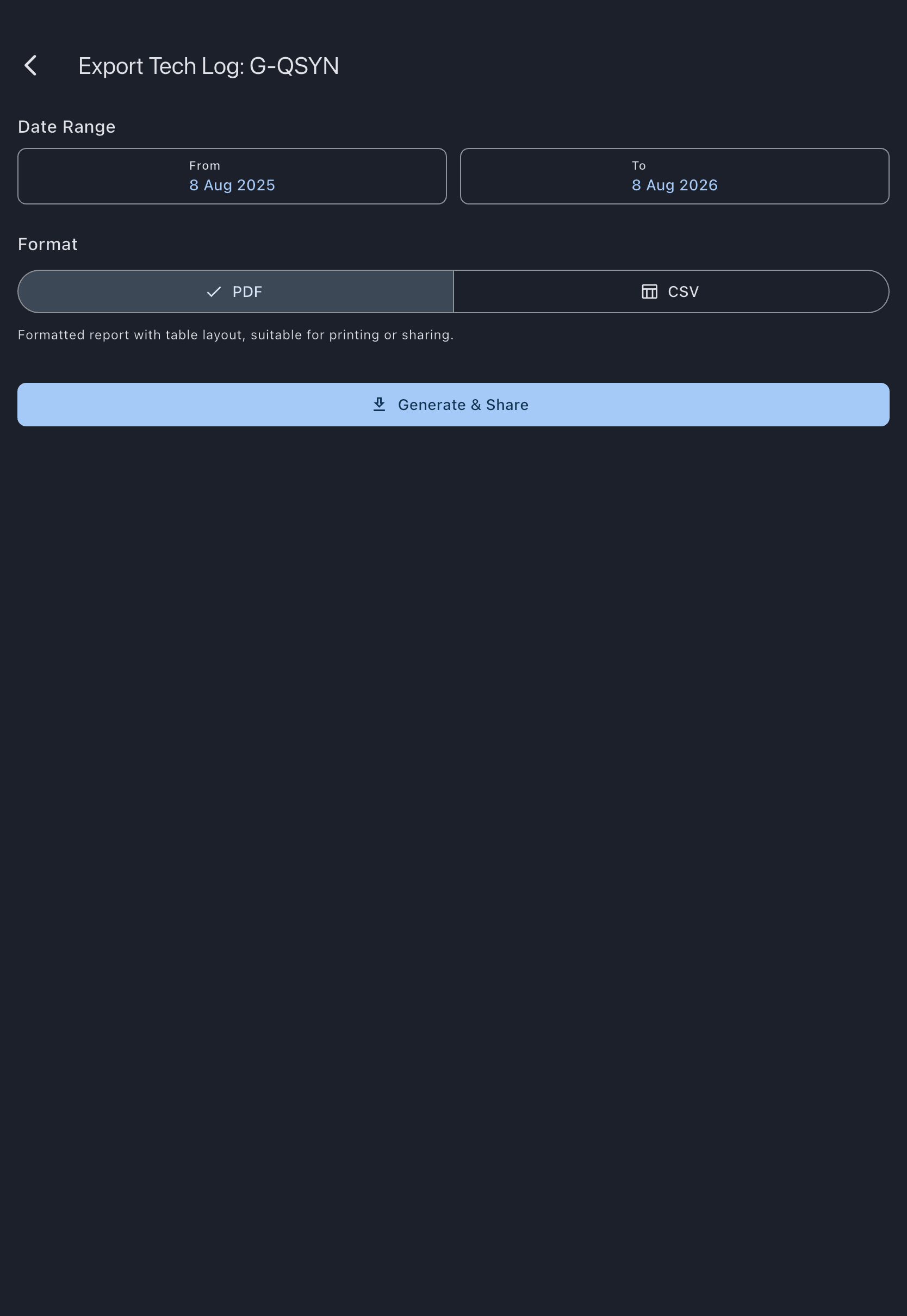
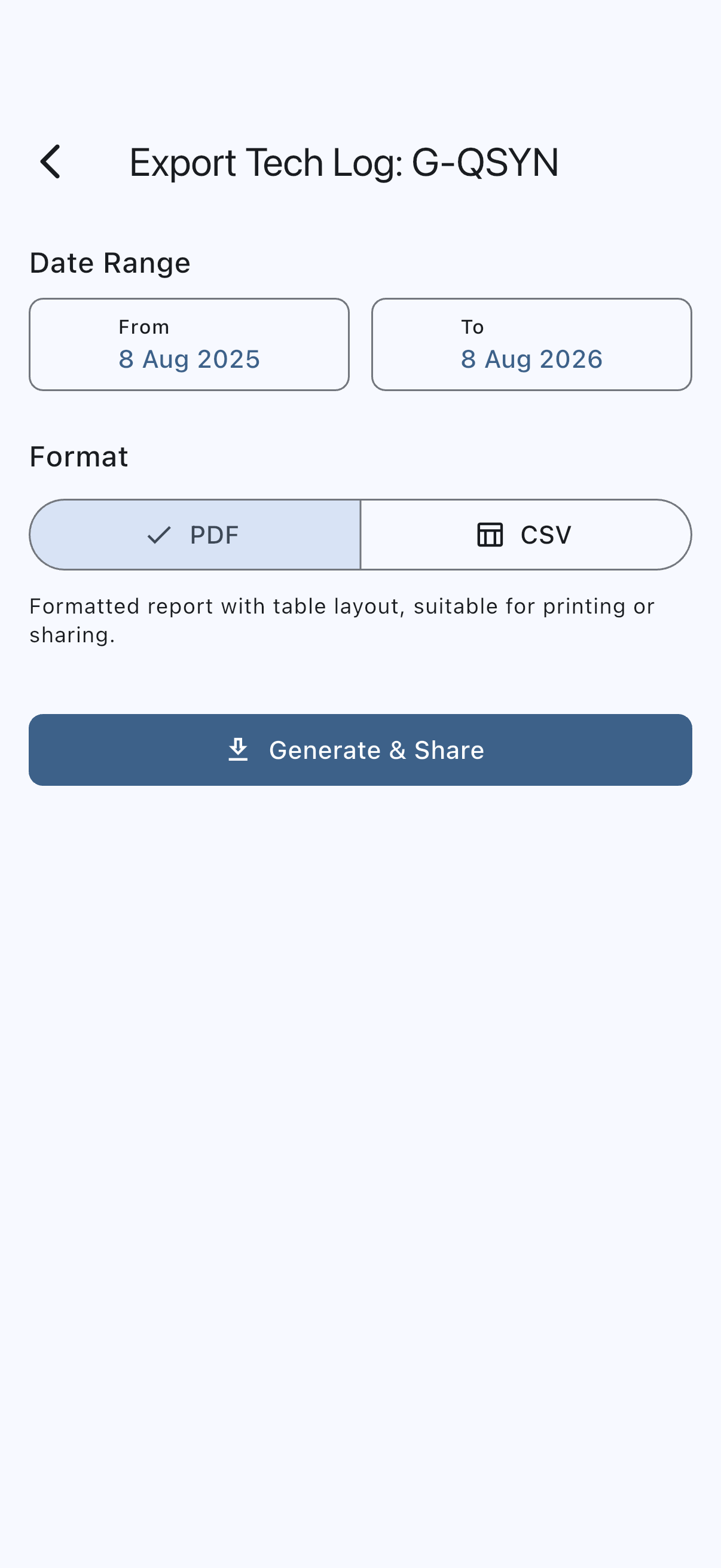
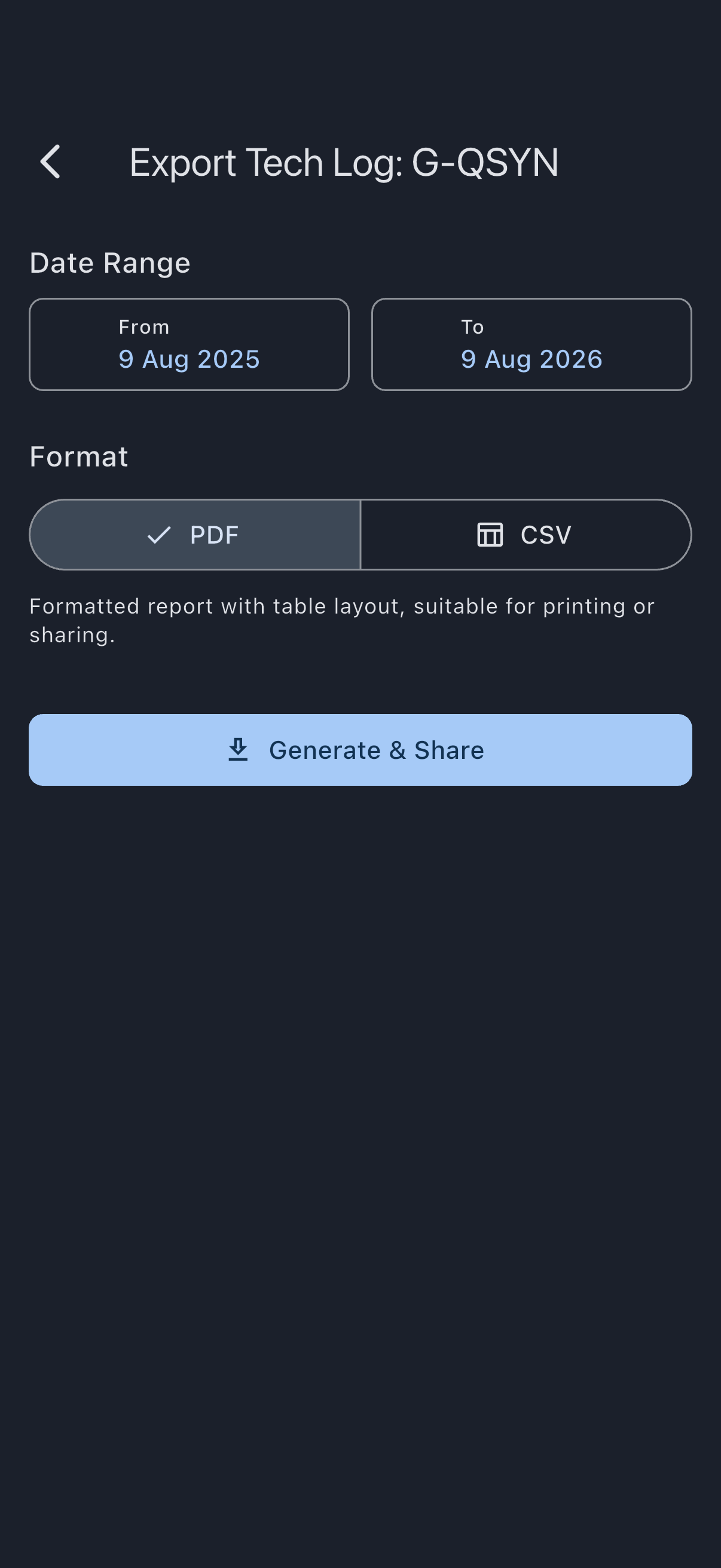
The export screen opens, titled Export Tech Log: {aircraft name}. That is the asset’s name as you set it, which may or may not be its registration; the registration appears in the filename, not the title. 4. Under Date Range, set the From and To dates. The defaults are one year back to today. Tapping either opens a date picker; the range auto-corrects if you set From after To. 5. Choose the Format: PDF for a formatted report suitable for printing or sharing, or CSV for a spreadsheet-compatible file. 6. Tap Generate & Download on web, or Generate & Share on mobile.
- On web, the file downloads directly. The filename looks like
techlog_G-QSYN_202504-202604.pdf. - On mobile, the system share sheet opens so you can pick email, AirDrop, a messaging app, or a file location.
Times on the export
Section titled “Times on the export”Every time on the export is UTC, and the document says so in its header, next to the period it covers. The From and To dates you pick are read as UTC days as well, so the same range produces the same tech log whoever runs the export and wherever they are.
This is deliberate: the tech log belongs to the aircraft, not to the person who exported it, and an engineer reading the page months later has no way to know what your phone’s clock was set to. It also means two admins in the same syndicate cannot produce two different logs for the same period.
One exception, and it is not a time: a flight date is the calendar day the flight is filed under, printed exactly as it was recorded. It is never shifted into any timezone.
If it goes wrong
Section titled “If it goes wrong”- Export Tech Log is not visible on the asset. You are not an admin in this syndicate: the row is hidden from members, so the Activity card shows only Usage History and Squawks. Ask an admin to promote you if you need the export.
- The date range has no data. The PDF or CSV generates anyway with empty sections. Widen the range and regenerate.
- The share sheet does not offer email. Email availability depends on the apps installed on your phone. Choose Save to Files (iOS) or Save to device (Android) and attach the file to an email manually.
- The PDF looks unformatted. Opening the file in a PDF viewer with strict rendering is the most reliable check. Preview apps on older devices sometimes drop table borders; the content is still correct.
See also
Section titled “See also”- Delivery channels: sharing exports over email uses your own inbox; Syndik8 does not email tech-log exports automatically
- Maintenance items: signing a check off is what adds it to this export