
Schedule a repair for a squawk
Schedule a repair for a squawk
Section titled “Schedule a repair for a squawk”When a grounding squawk is open, you can book the maintenance to fix it straight from the squawk. The booking is linked to the squawk, so the repair and the defect that prompted it stay tied together in the asset’s history.
Before you start
Section titled “Before you start”- You must be an admin.
- The squawk must be open and of grounding severity. The action is offered only on open grounding squawks.
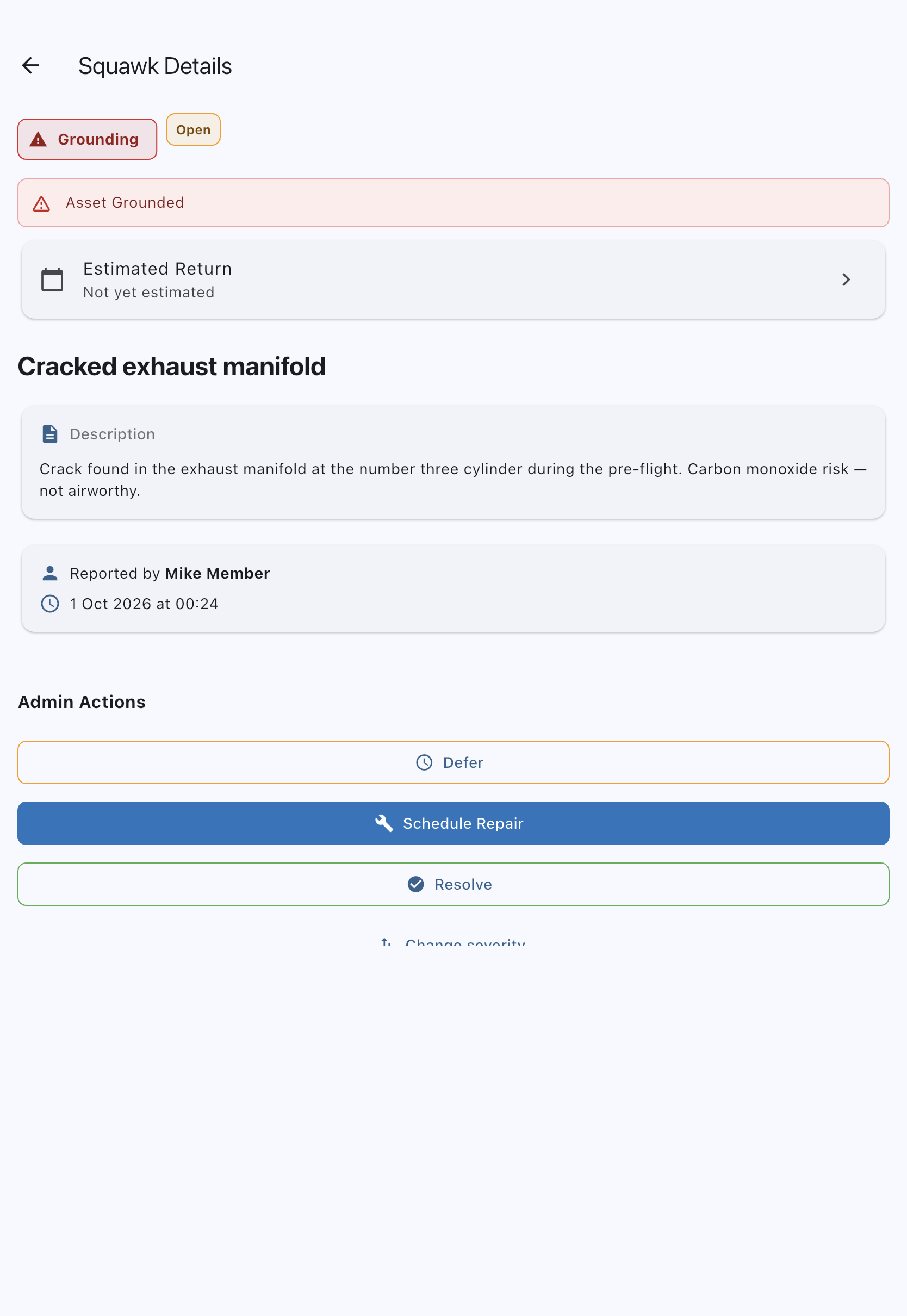
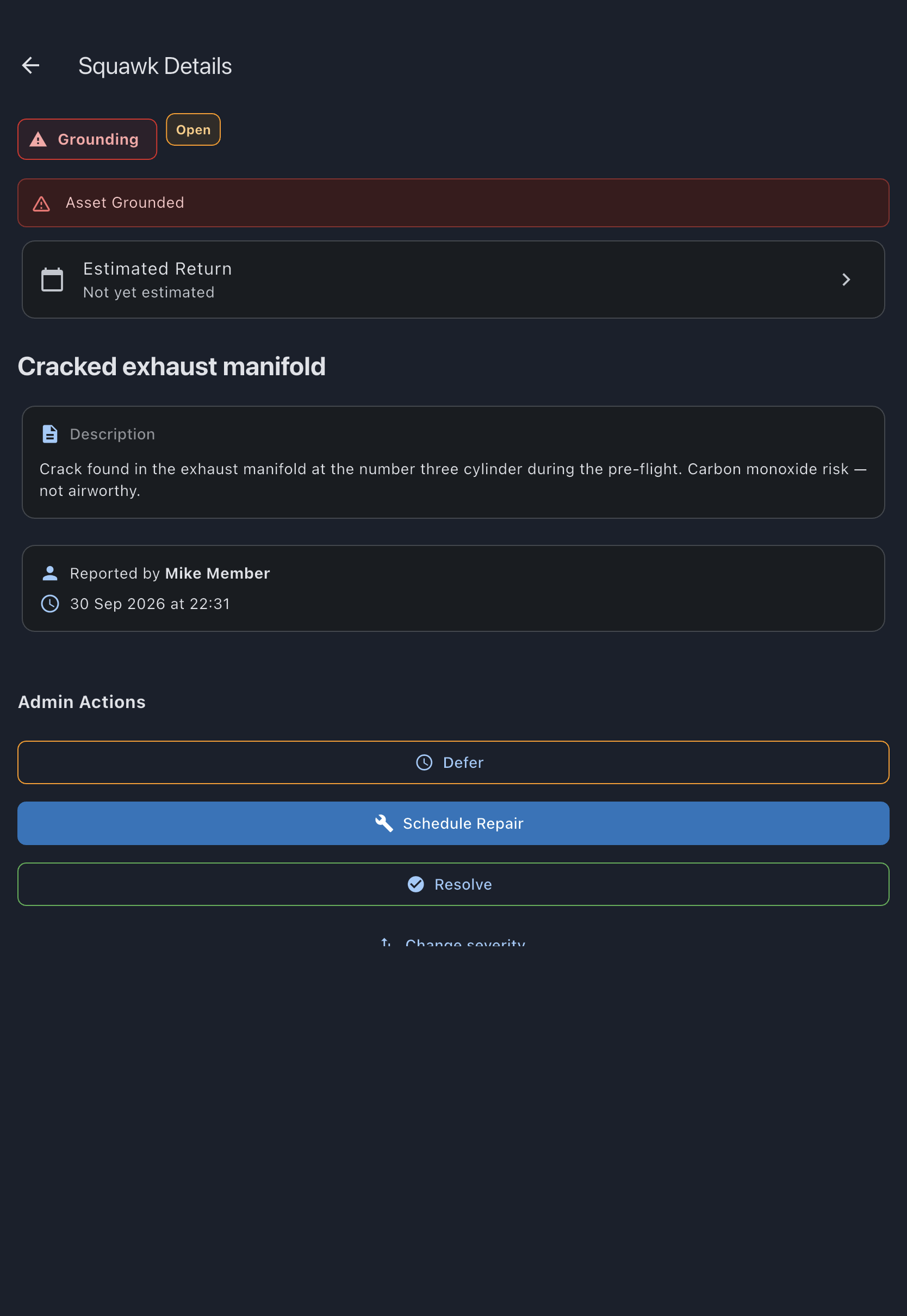
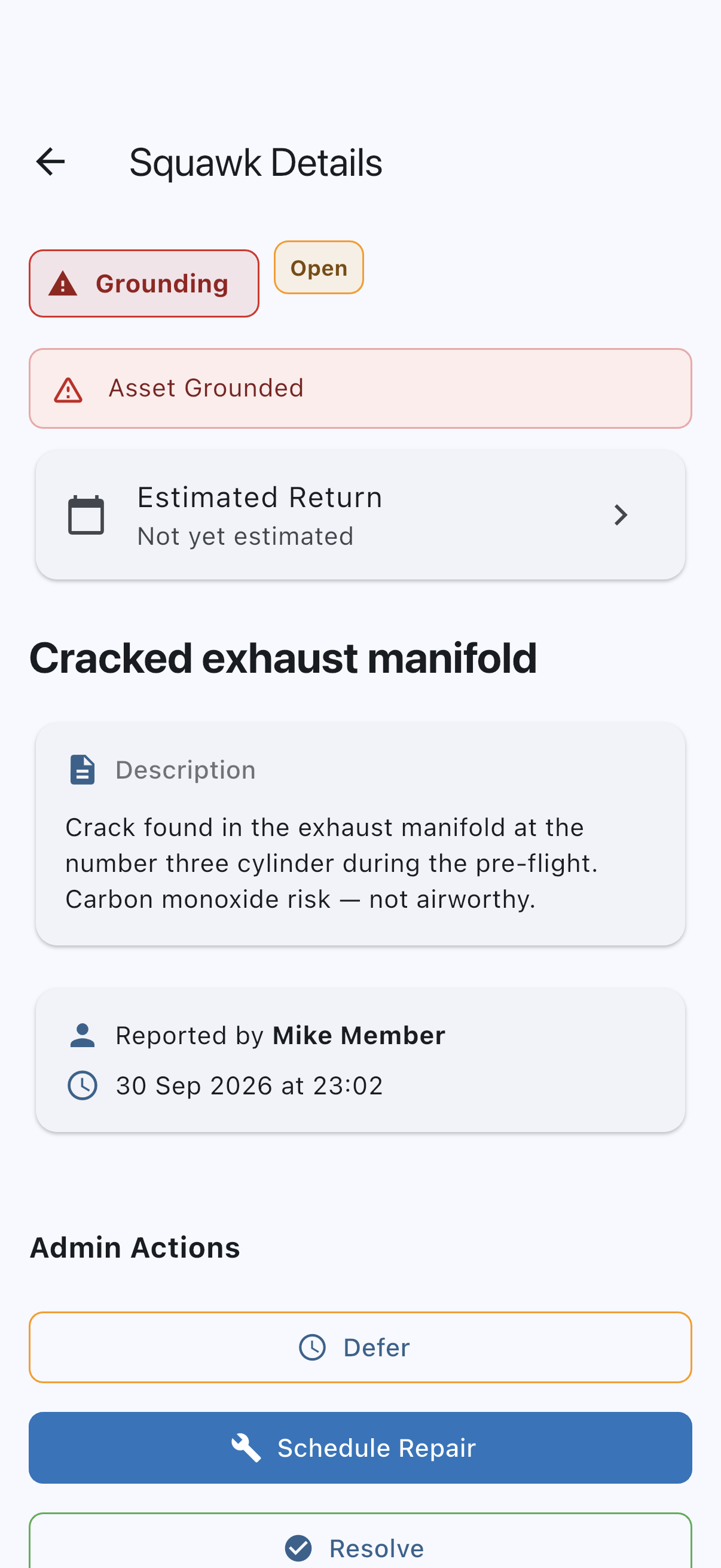
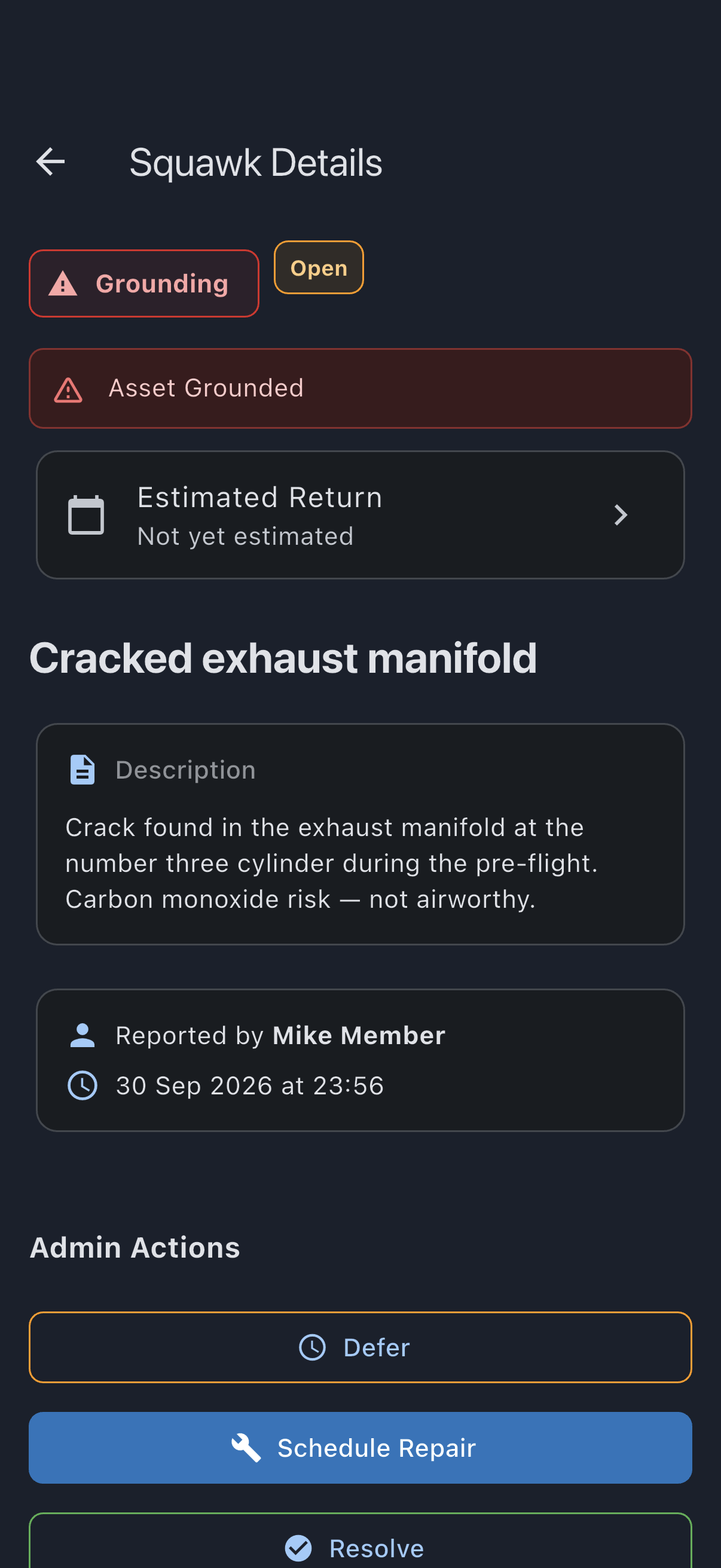
- Open the asset and tap the grounding squawk to open its detail screen.
- Under Admin Actions, tap Schedule Repair. The Schedule Maintenance dialog opens already set to a maintenance booking for this asset, with Maintenance Description pre-filled from the squawk title.
- If you have set an Estimated Return date on the squawk, the dialog proposes a working-day window, 08:00 to 17:00 on the day before it, so the work lands before the asset is due back. If that window has already begun, the start moves on to the next hour and the end follows it. Otherwise pick the window for the maintenance yourself.
- Adjust the window if needed and tap Create. The maintenance booking is created and linked to the squawk.
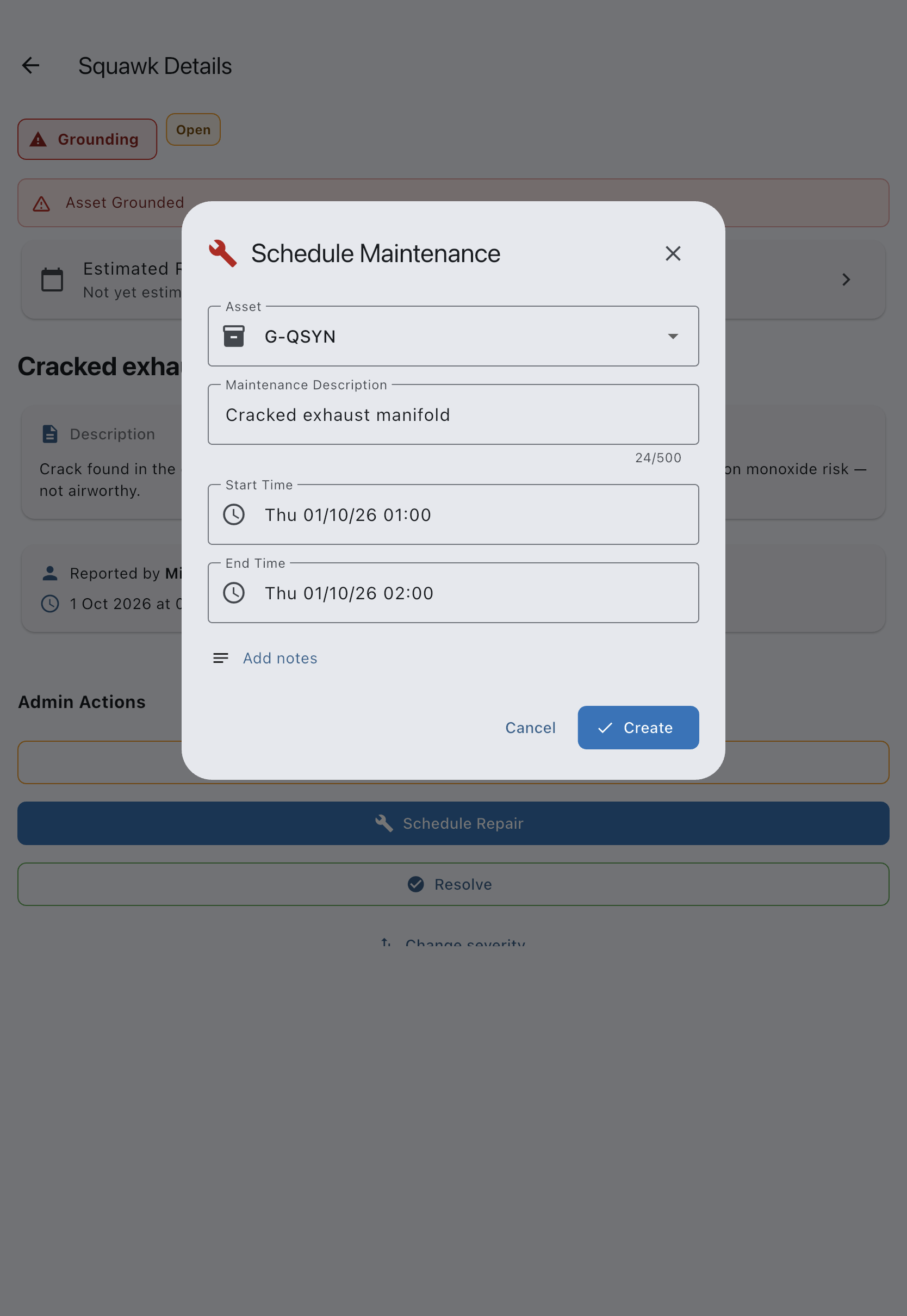
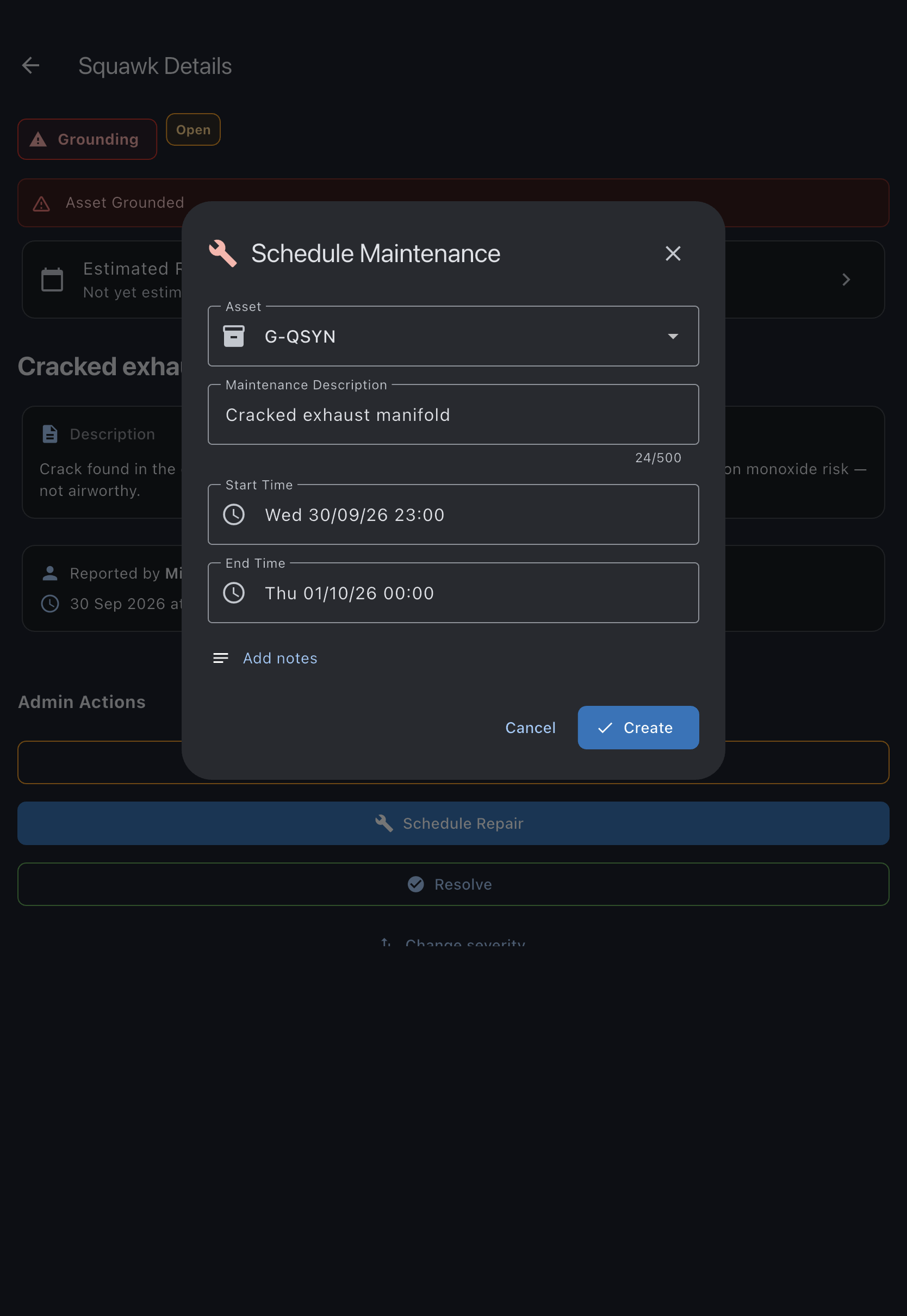
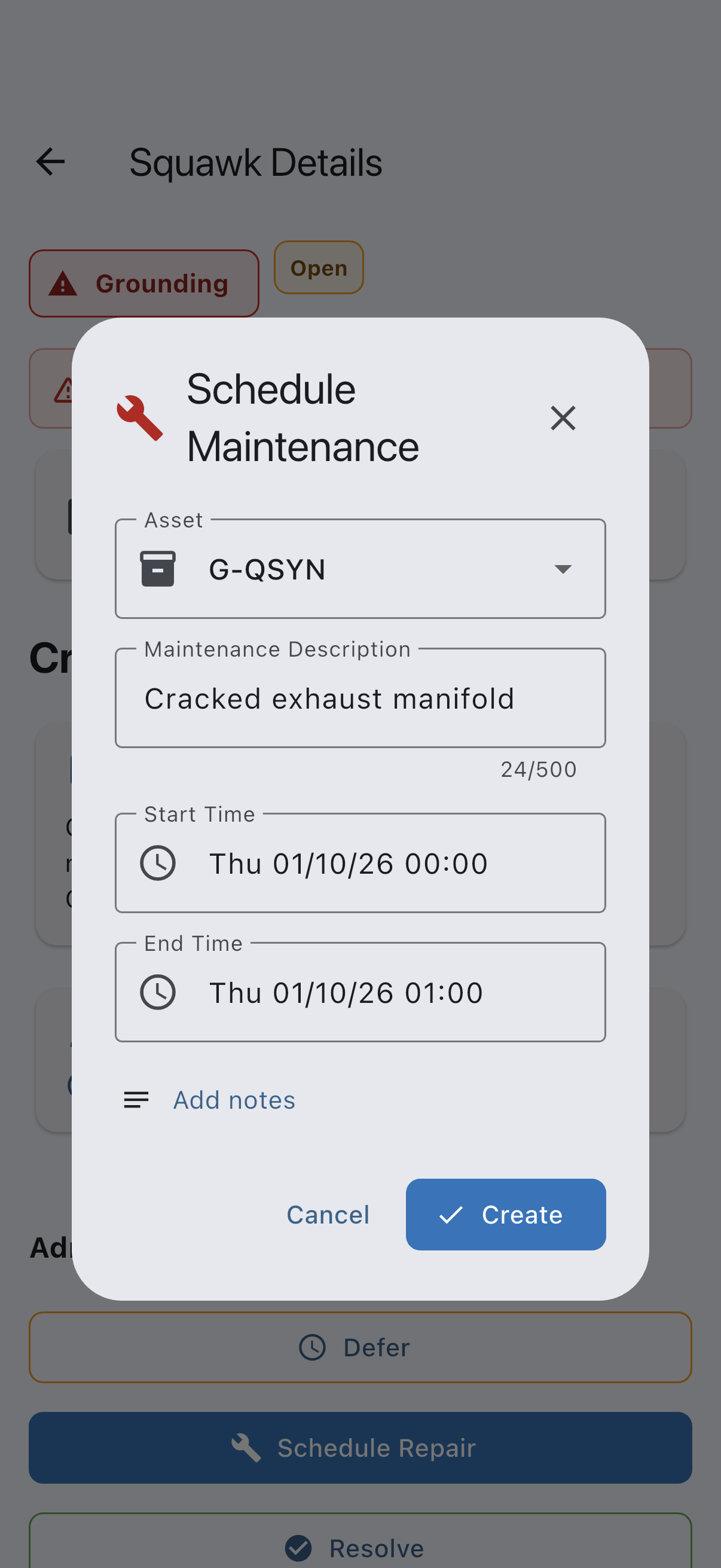
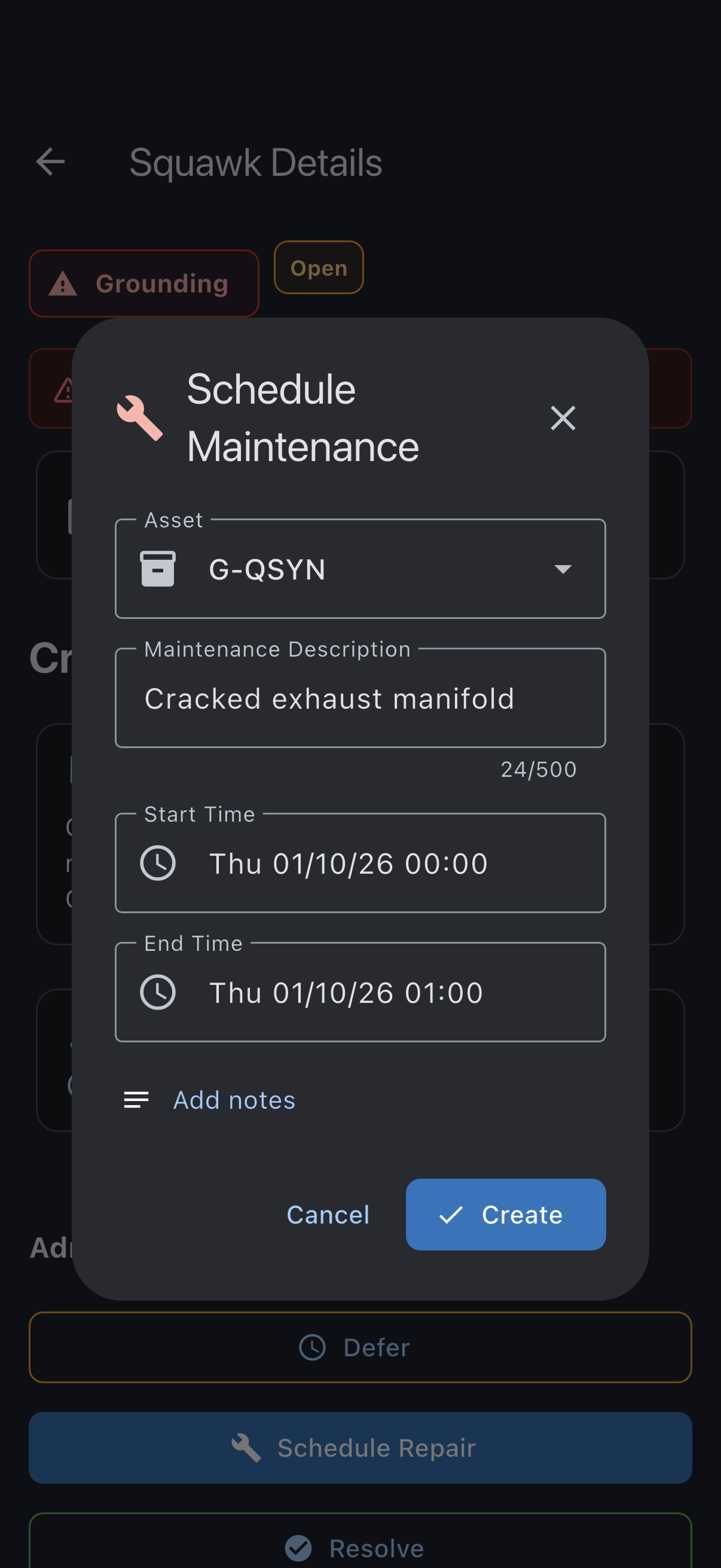
The squawk and the booking now reference each other: the booking’s detail screen shows a link back to the squawk, and the repair appears on the calendar as scheduled maintenance.
Booking restrictions before the repair
Section titled “Booking restrictions before the repair”Scheduling the repair does not change the squawk’s status or authorise flight. Any deferral must first be lawfully decided by an appropriately authorised person under the applicable aircraft and operation rules.
- Keep it grounded until fixed. Leave the squawk open. The asset stays grounded and its bookings stay suspended. When the work is done, resolve the squawk and its booking restriction clears if no other cause remains.
- Record a permitted deferral. If an appropriately authorised person has lawfully decided to defer the defect, record the deferral with their decision, basis/reference, conditions and authorised expiry date. Do not extend it simply to reach the workshop booking. This booking restriction clears until that date if no other restriction remains. On the repair day, do the work and resolve the squawk. If the deferral lapses before you resolve it, the asset is grounded again automatically.
Either way, the syndicate’s admins get a Squawk Needs Closing reminder when the repair booking finishes (or when a deferral is about to expire), to prompt admins to review the record. A reminder does not establish that the work is complete or that flight is permitted.
If it goes wrong
Section titled “If it goes wrong”- Schedule Repair is not shown. The squawk is not open, or not a grounding severity. Only open grounding squawks offer it.
- The asset is busy during the window. Another booking already covers the slot, so choose a different window.
See also
Section titled “See also”- Defer a grounding squawk to record a permitted deferral
- Resolve a squawk to close it out once the work is done
- Squawk statuses
- Airworthiness rules