
Cast your vote
Cast your vote
Section titled “Cast your vote”When an admin opens a vote you’ll get a Vote opened notification with a deep link straight to the question. Your ballot is weighted by your shares: your No counts as much as somebody’s Yes if you both hold the same shares.
Before you start
Section titled “Before you start”- You must be an active equity member (someone who holds a share) of the syndicate. Members with no shares never see the vote at all; it doesn’t appear on their dashboard or Votes list.
- You must be online. Cast ballots are written directly to the server; they can’t be queued offline.
- Tap the Vote opened notification, or open the syndicate dashboard and tap Votes.
- Open the vote you want to weigh in on.
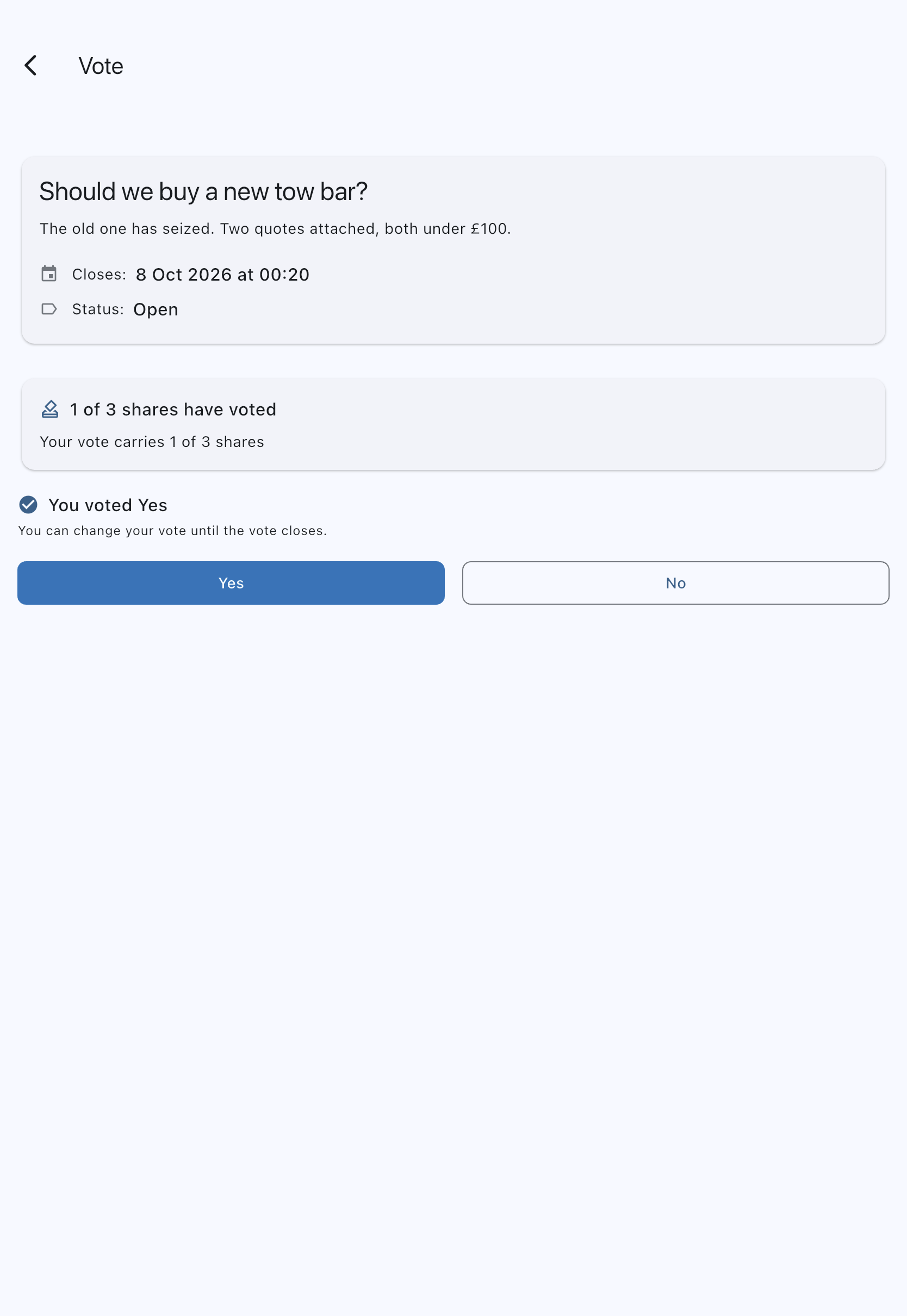
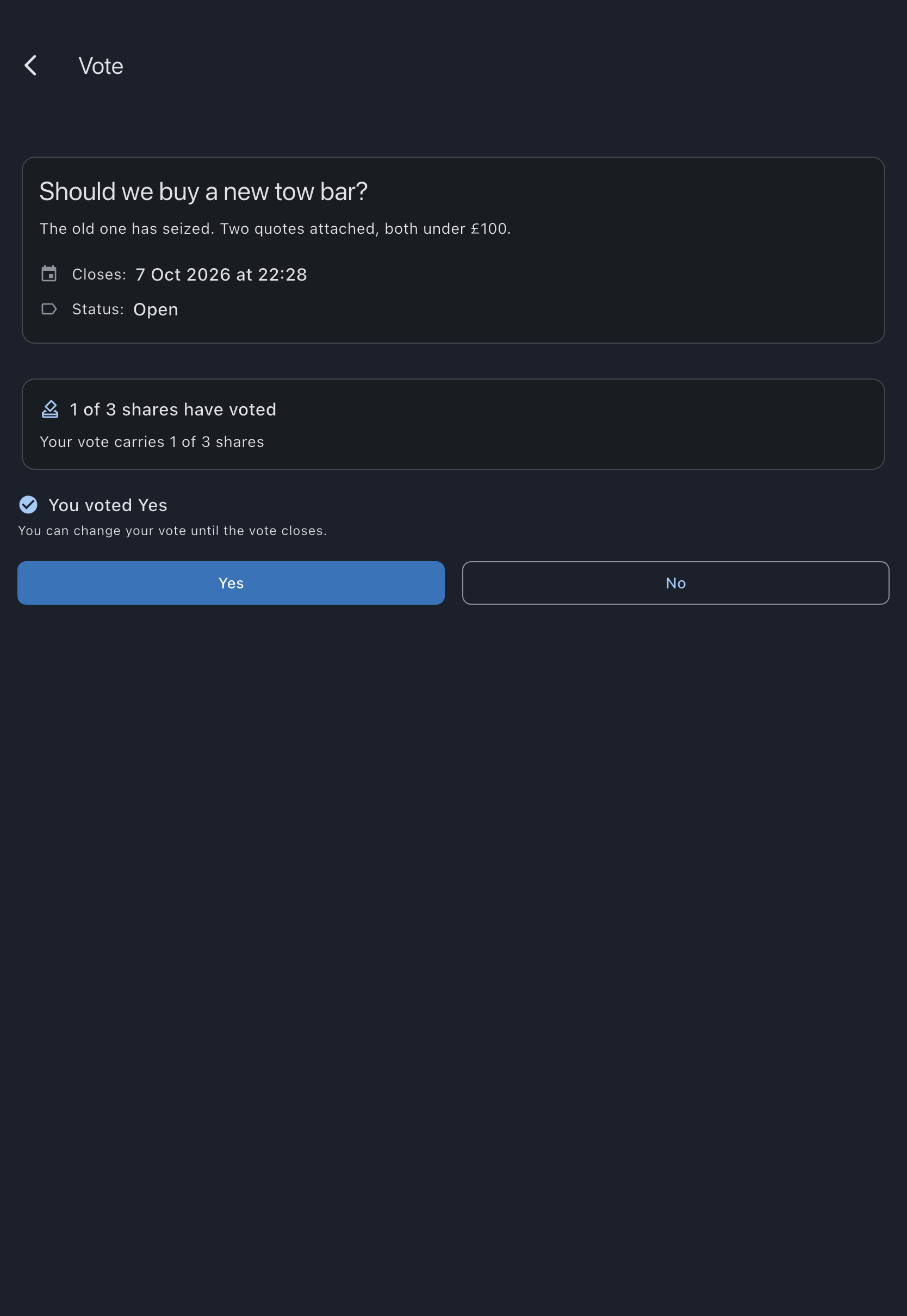
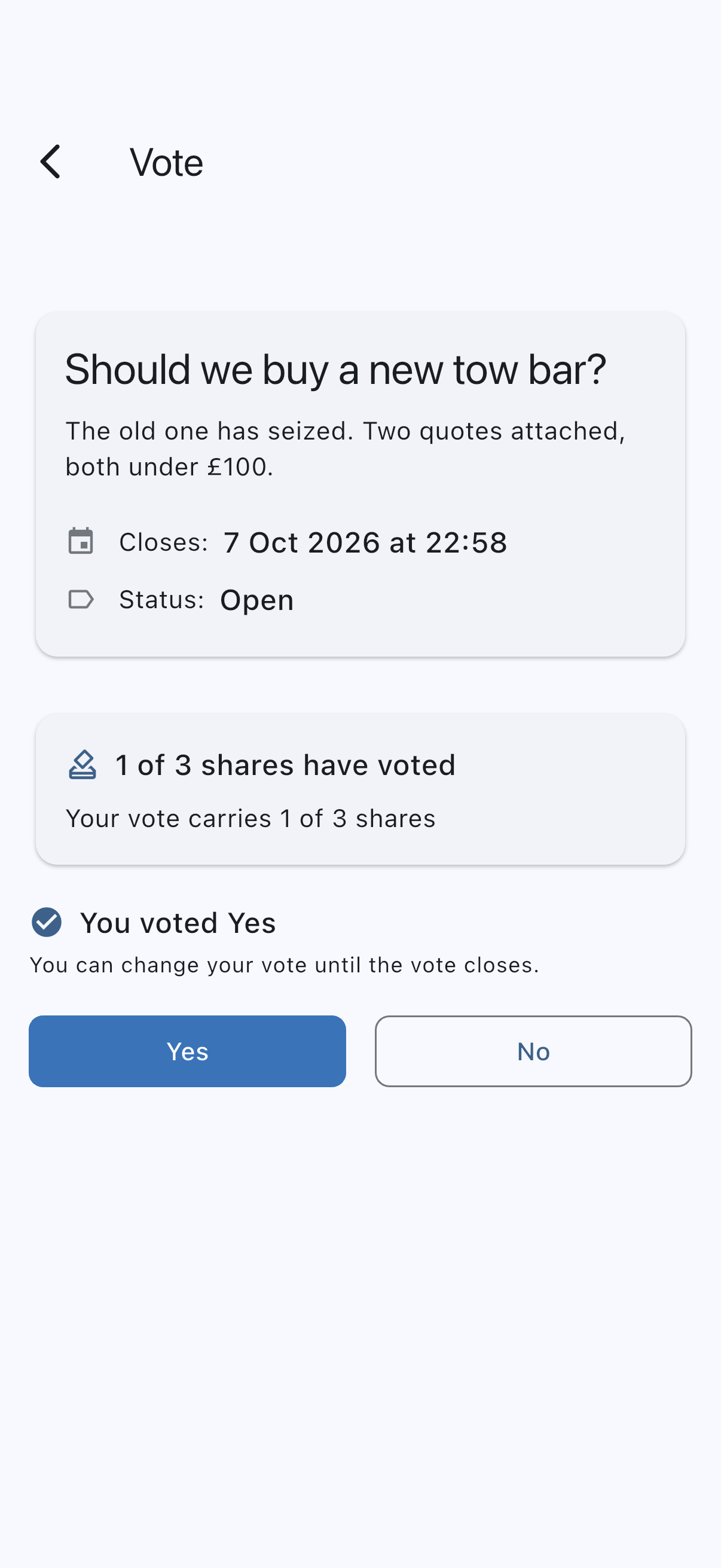
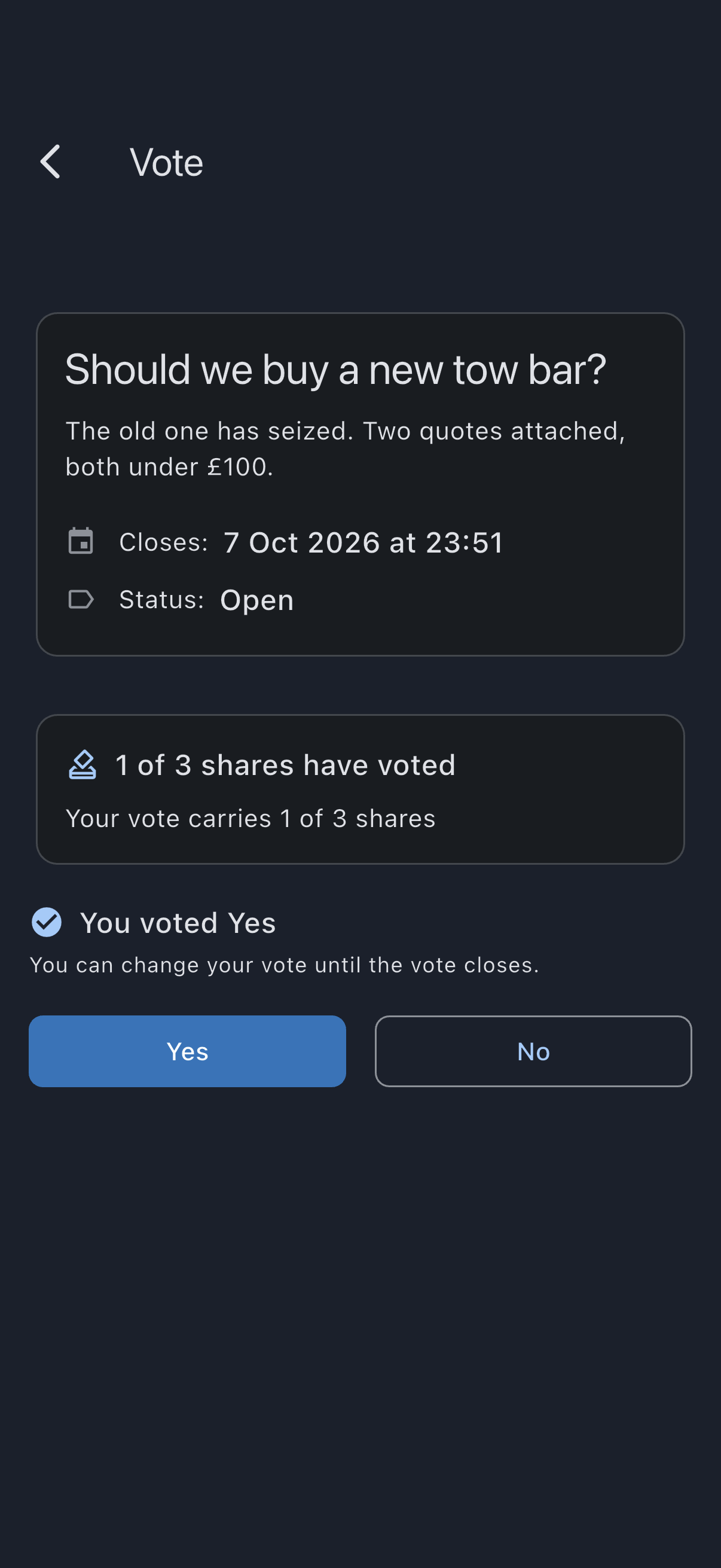
- Read the question and any description the admin attached. The Closes row gives the date and time the vote closes in your own timezone, the one set on your profile, which may be a different day from the admin’s.
- Tap Yes or No.
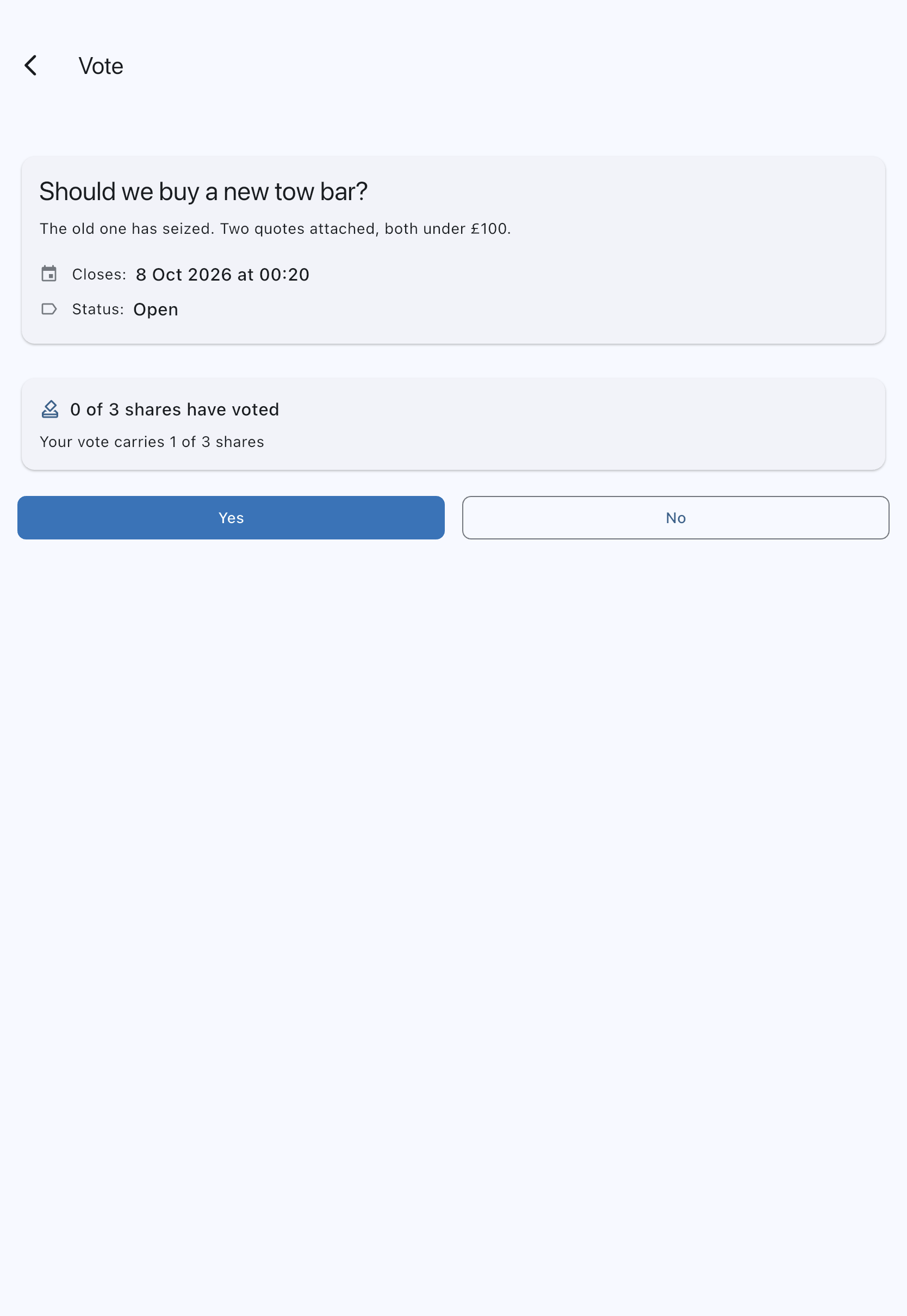
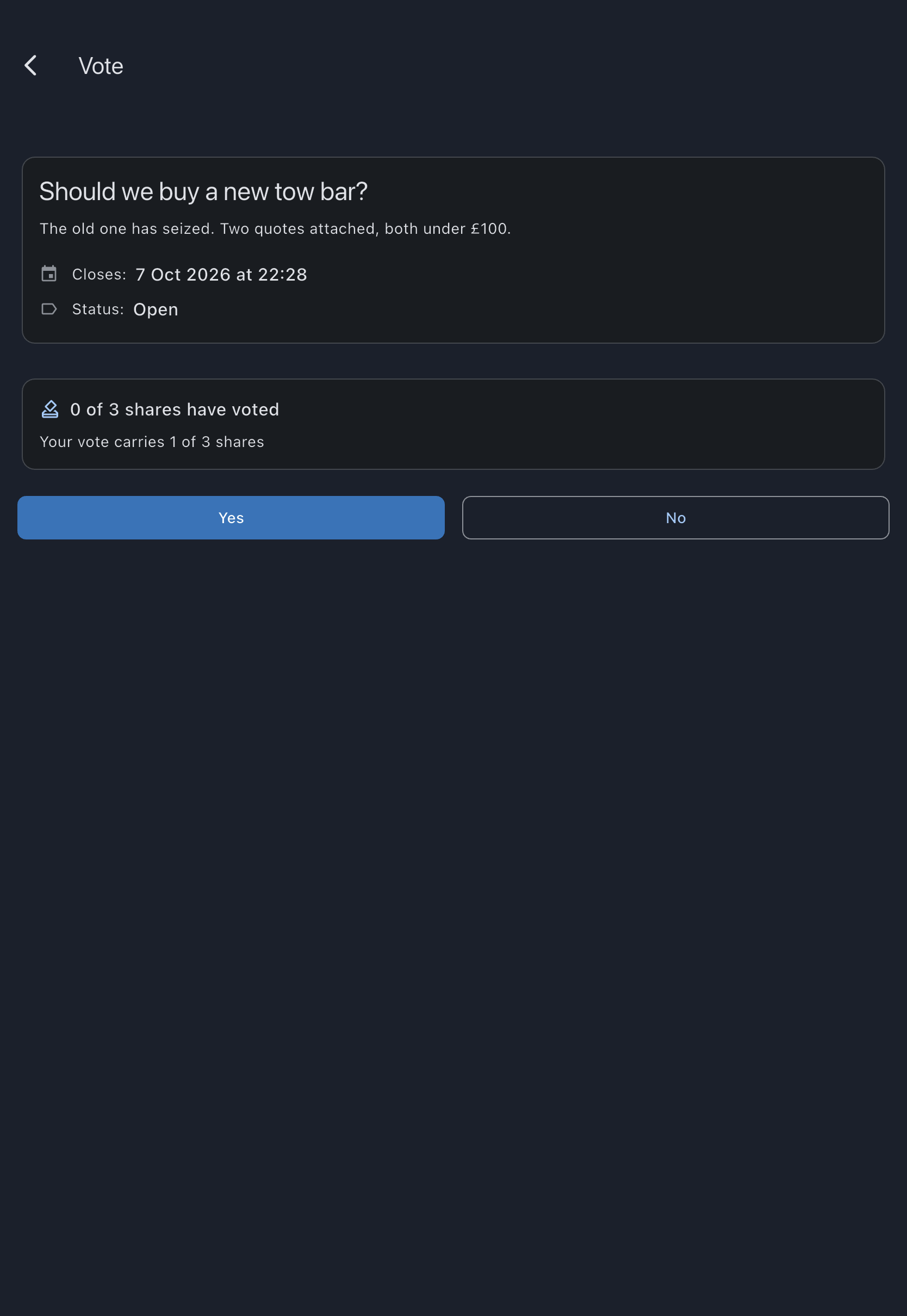
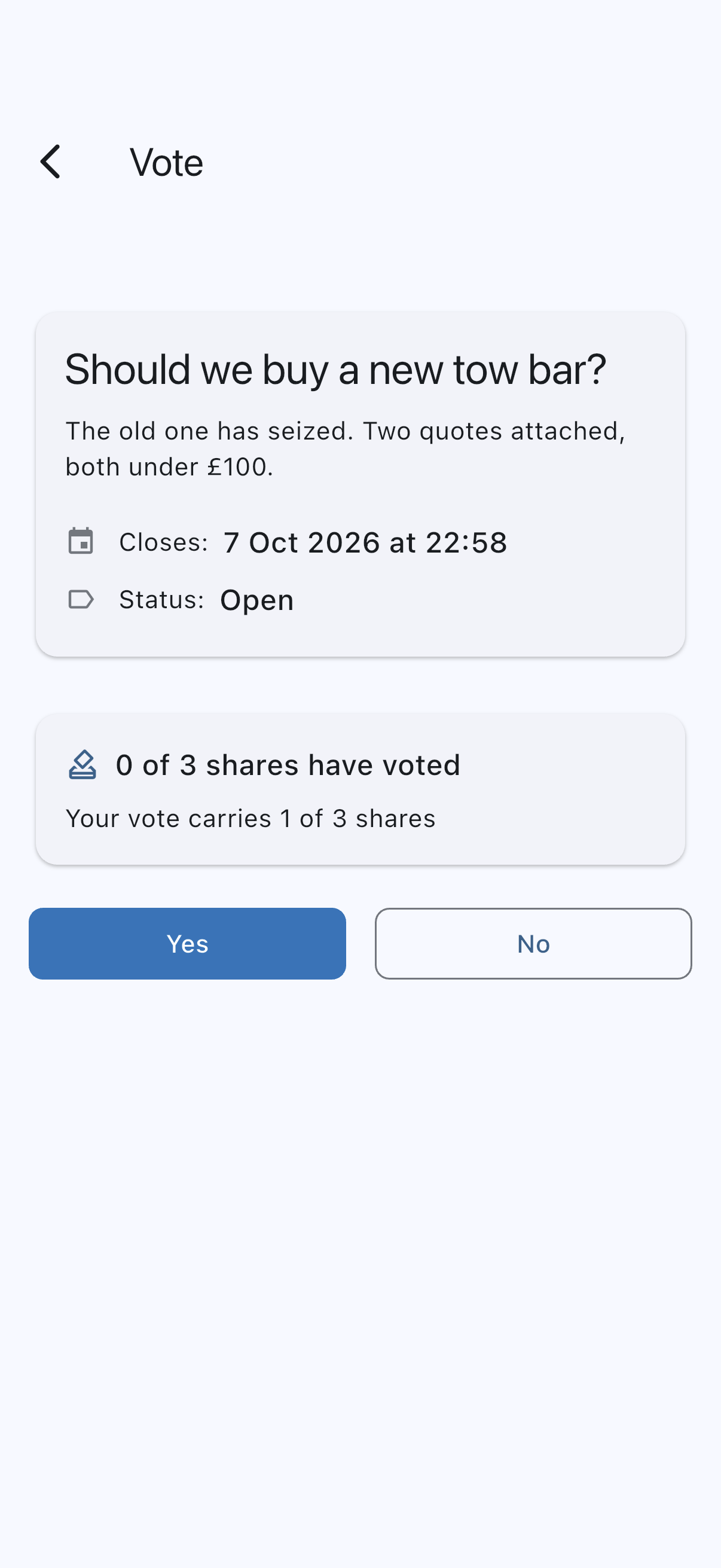
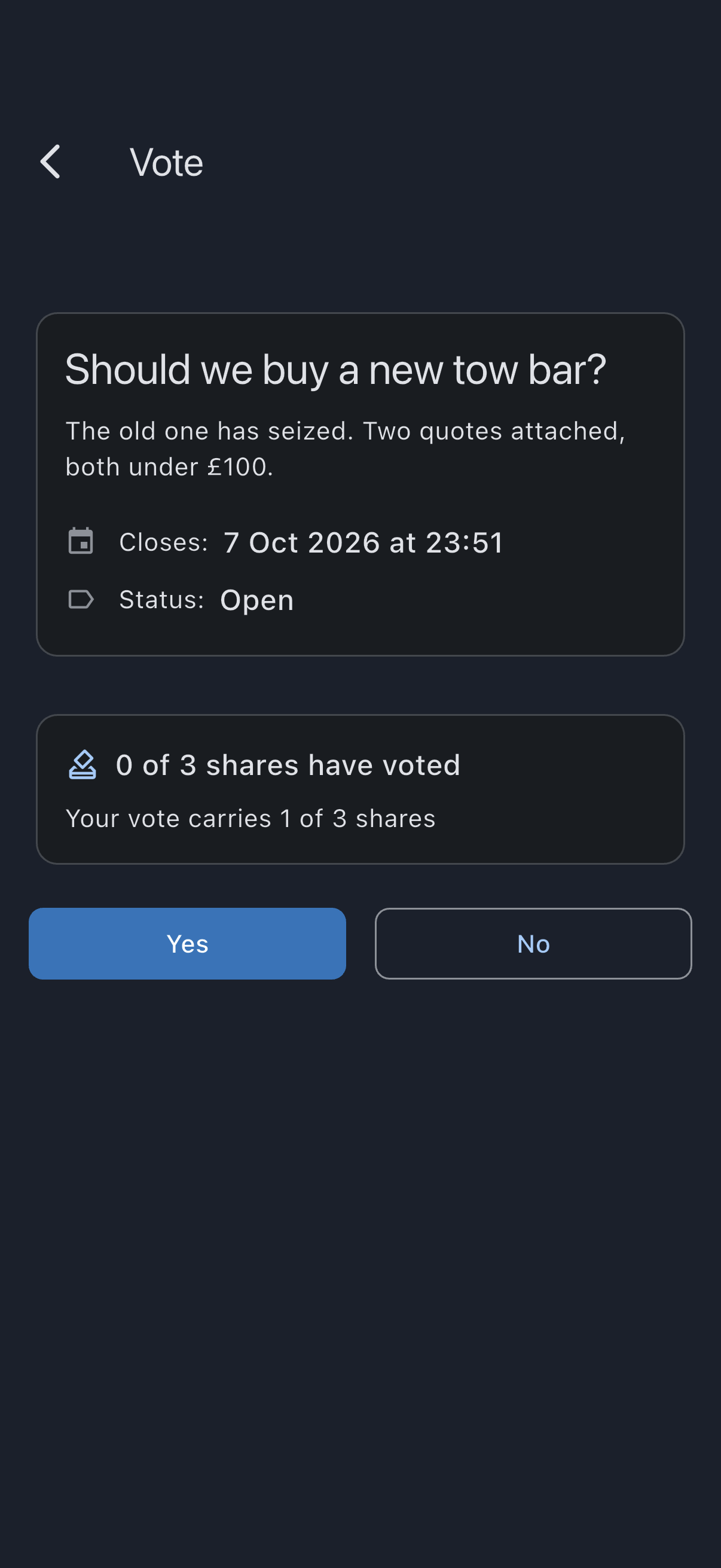
- The screen updates to You voted Yes (or No); your ballot has been recorded.
While the vote is open
Section titled “While the vote is open”Above the buttons, the screen shows the turnout, such as 1 of 3 shares have voted, and what your own ballot counts for, such as Your vote carries 1 of 3 shares. It doesn’t show how anyone has voted: the breakdown by answer appears only once the vote closes. A private vote shows the same turnout — how many shares have voted says nothing about which way they voted — and never a breakdown by answer, not even once it closes.
Changing your mind
Section titled “Changing your mind”You can re-cast any time before the vote closes; your previous ballot is overwritten by the new one.
Who can see your vote
Section titled “Who can see your vote”You always see your own ballot, and nobody else sees it. While the vote is open, the syndicate’s admins can see whether you have voted, but not how. By default a vote is public: once it closes, everyone sees how many shares voted each way. If the admin turned on Private vote when opening it, everyone sees only the final outcome (carried or not carried) and the turnout, never how many shares voted each way. Whether a vote is private is fixed when it’s opened and can’t be changed afterwards.
How the result works
Section titled “How the result works”Your ballot is weighted by your share count at the moment the vote closes, not at the moment you voted:
- If you lose shares (or become a former member) before close, your ballot drops out of the tally.
- If your shares change between cast and close, the new share count is used.
The vote passes if more than 50% of the total active equity shares are cast for Yes. Not casting is an implicit No: silence isn’t agreement.
Once the vote closes, its Share breakdown shows the share counts as they stood at the close, and they stay that way even if members join, leave or change their shares later. A private vote shows its Outcome and the turnout it closed with, such as 2 of 3 shares voted, but no breakdown by answer.
Offline behaviour
Section titled “Offline behaviour”The Yes and No buttons watch connectivity. When the device is offline, they disable and show an error if you tap them. They re-enable automatically when the connection returns.
If it goes wrong
Section titled “If it goes wrong”- The vote’s status reads Cancelled: an admin cancelled the vote. The buttons are gone and no result is recorded. There’s nothing for you to do.
- The screen says This vote no longer exists: the vote has been deleted as part of the syndicate’s lifecycle. There’s nothing for you to do.
- The buttons are missing and the vote shows its result instead: the vote has already closed. A Result row reads Carried or Not carried (on a private vote, the Outcome card says it), and you can no longer change your ballot. The Closed on row says when it closed, which is earlier than planned if an admin closed it early.
See also
Section titled “See also”- Open a vote — the admin-side flow
- Vote — share-weighting, auto-close, and how re-casting works