
Choose what you get notified about
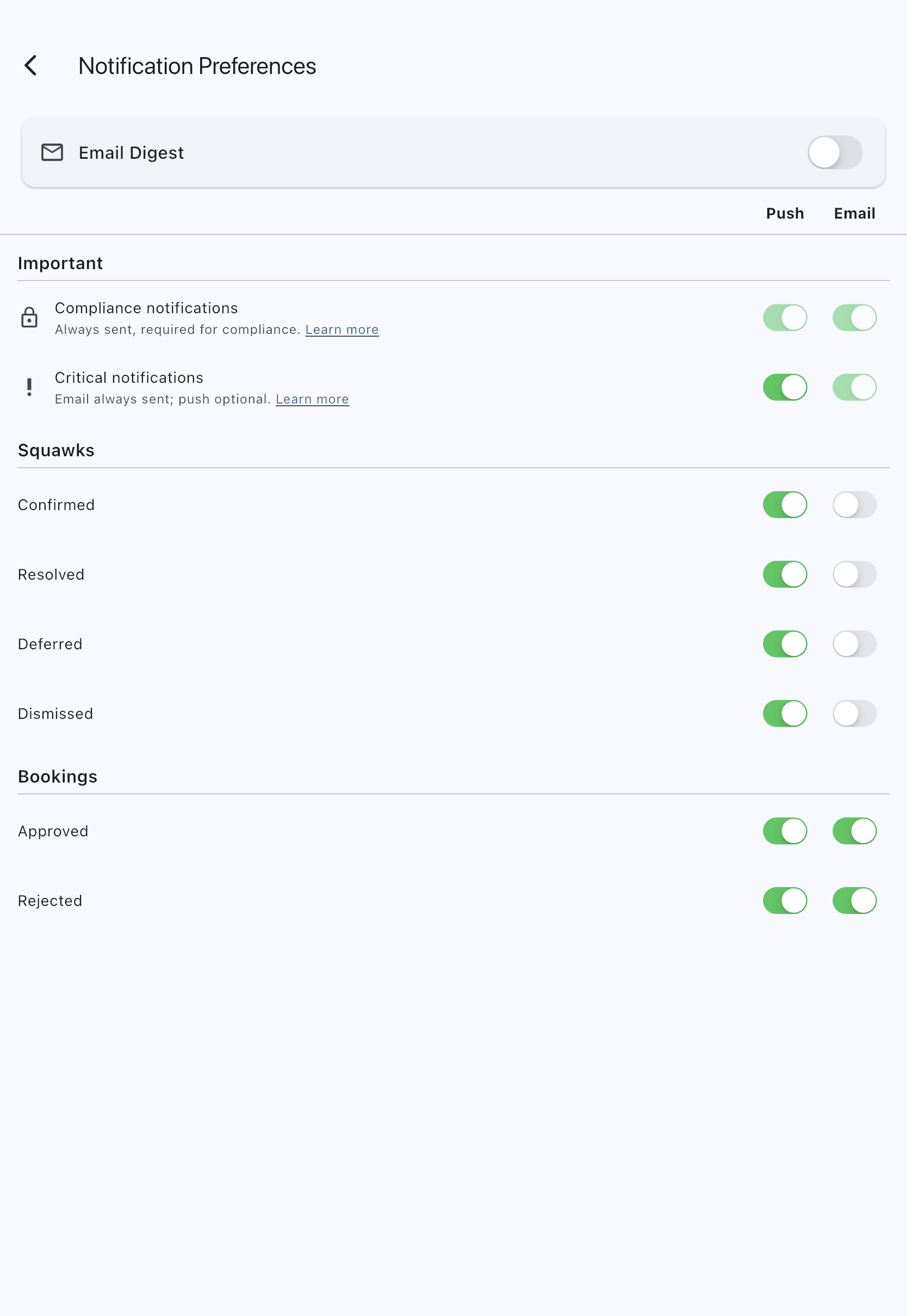
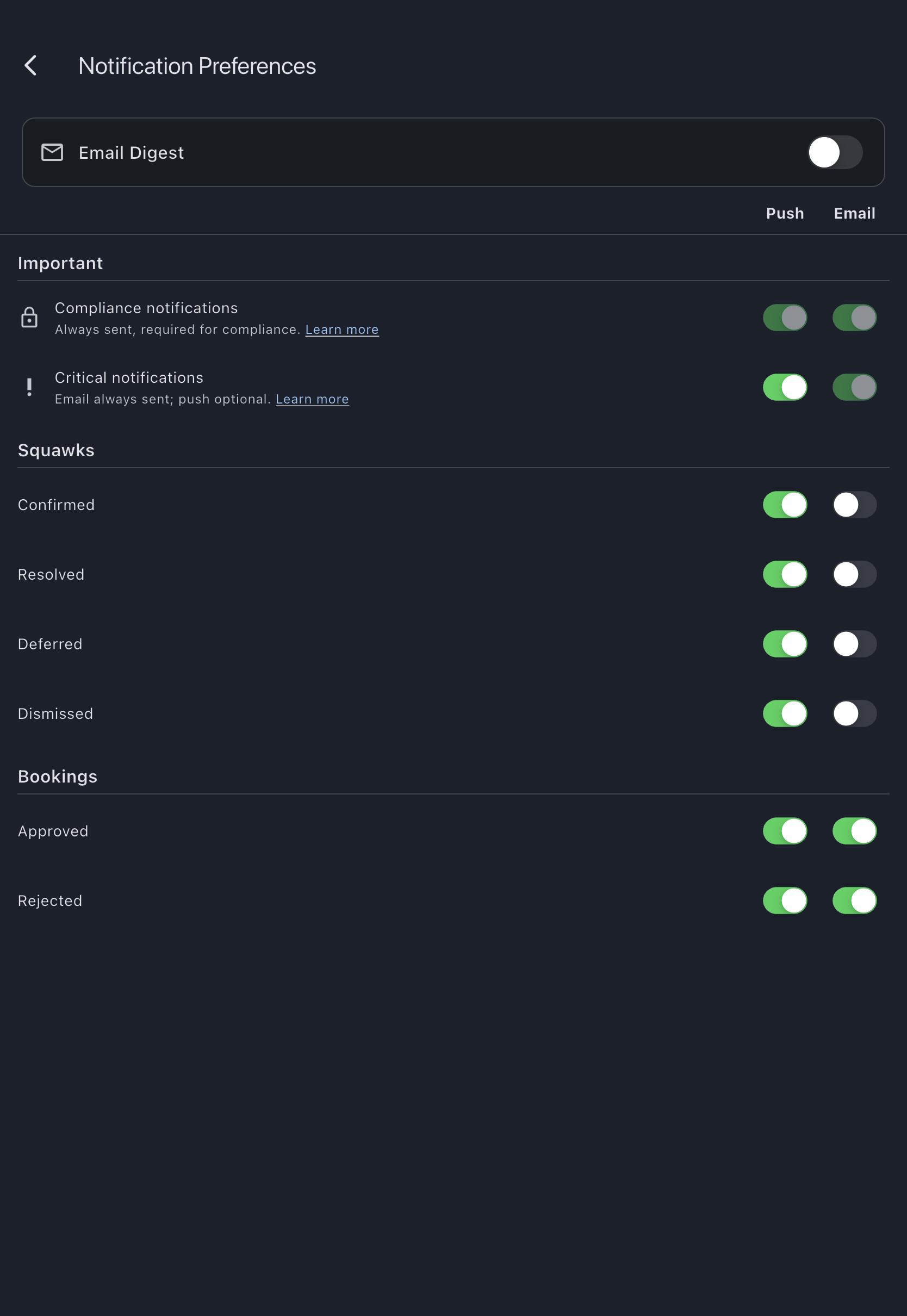
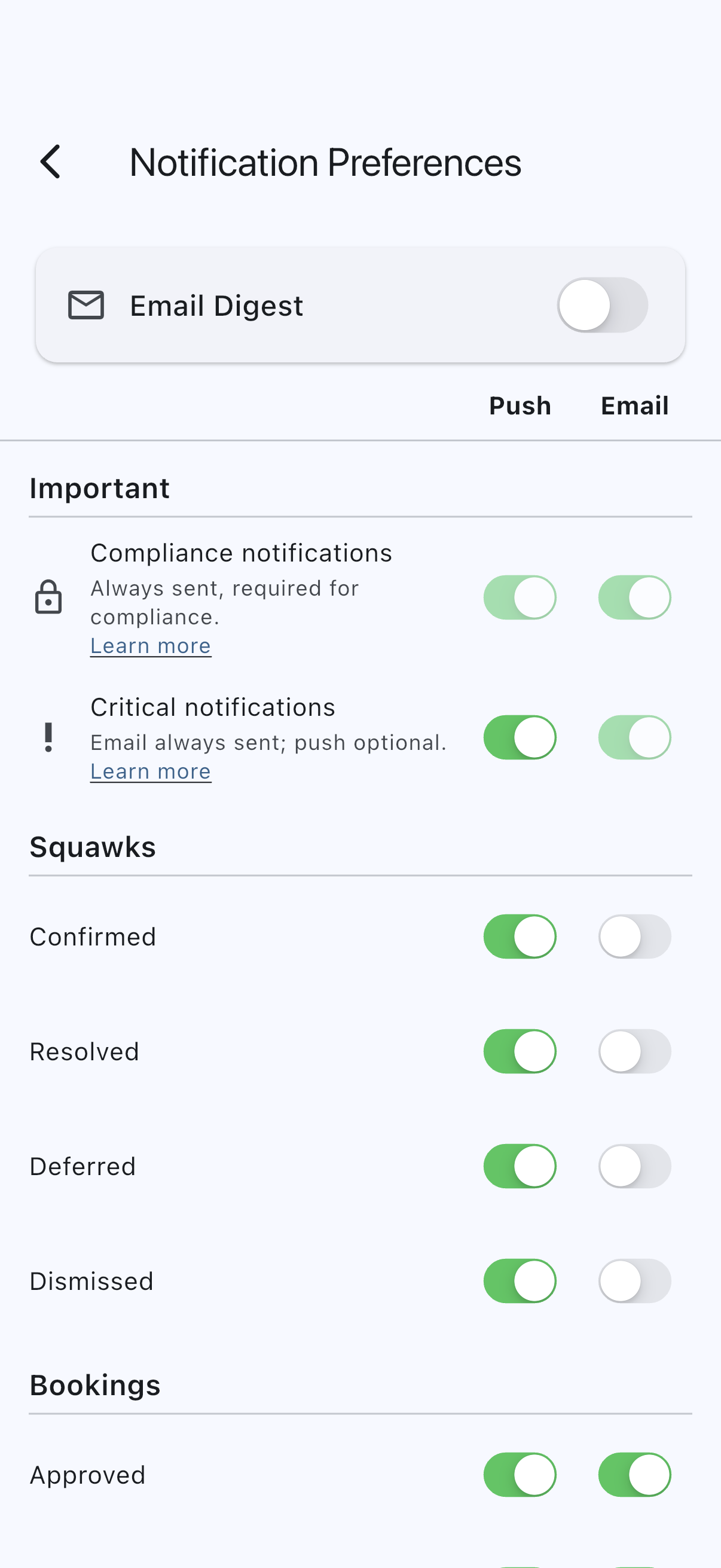
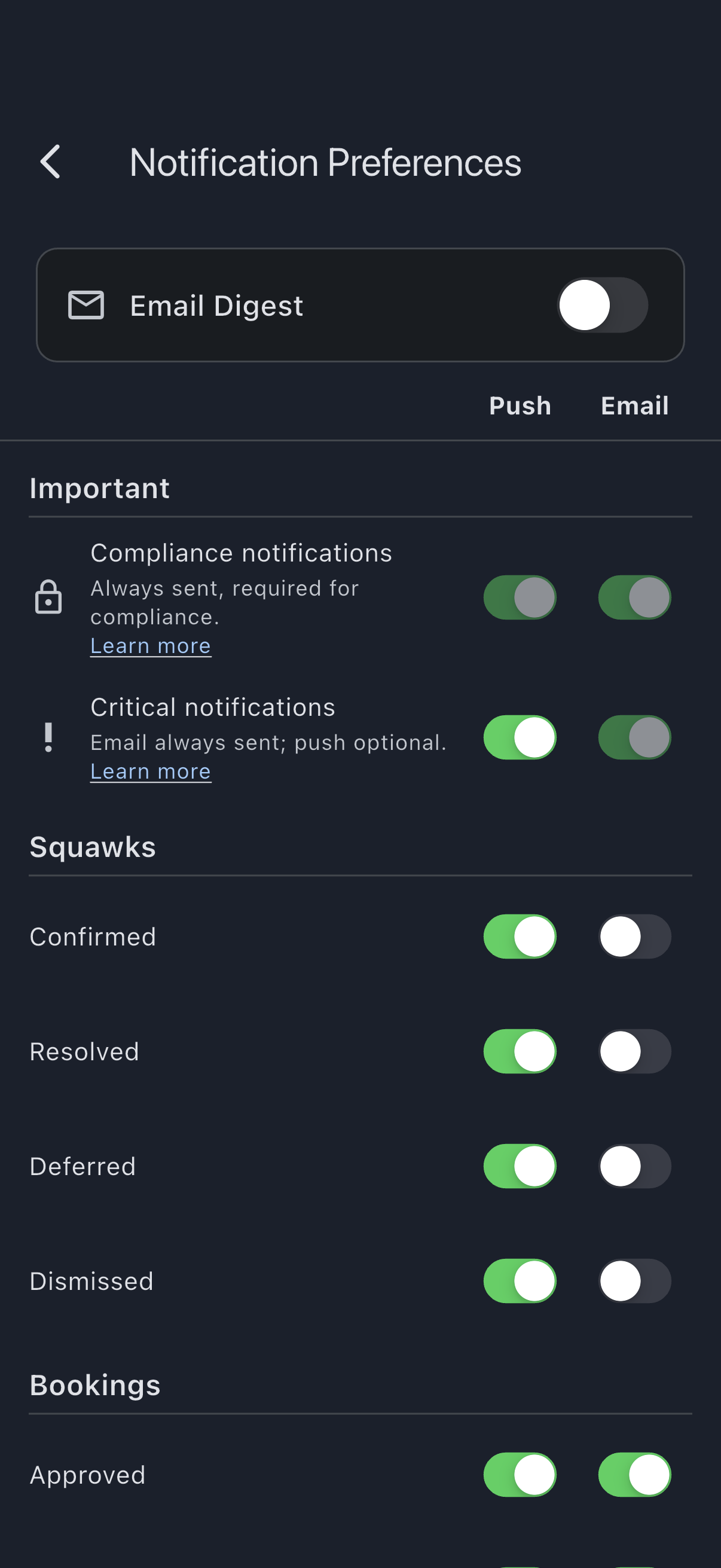
The Notification Preferences screen has three parts, top to bottom:
- Email Digest: turn batched delivery on or off and pick the cadence.
- Important: two summary rows covering the 11 always-on notifications you cannot fully silence.
- Notification types: every other notification, grouped by category, with per-type Push and Email toggles.
Before you start
Section titled “Before you start”- Preferences are per user, not per syndicate. If you belong to more than one syndicate, your settings apply everywhere.
- The in-app notification centre is always on. It is the record of what you have been notified about, regardless of push or email settings. Most types can be silenced on push and email, but a small Important set is always sent on at least the email channel; see Important: what’s always sent.
- Push is mobile-only. On web, the Push column is hidden everywhere on the screen.
- On mobile, push also depends on the OS-level permission. If you have denied push in iOS or Android settings, every Push toggle on the screen stays visible but is disabled until you grant permission in the device settings.
Email Digest
Section titled “Email Digest”By default, every email is sent immediately, one at a time as the notification fires. You can switch to a batched digest instead, sent at a fixed time:
- Open the Profile tab, then tap Notification Preferences.
- The Email Digest card is collapsed and off by default. Tap the on/off switch on the right of the card to turn the digest on.
- The card auto-expands and the cadence defaults to Daily digest. Tap Weekly digest or Monthly digest to change it. Each option shows when that digest goes out in your account’s timezone: “Sent at 07:00 (Europe/London)” for daily, “Sent at 07:00 Monday (Europe/London)” for weekly, “Sent at 07:00 on the 1st (Europe/London)” for monthly.
- Tap the card row to collapse it again. Your selection is preserved.
Turning the digest off (tap the switch again) reverts to immediate delivery and clears the cadence. The card collapses on every visit, even when the digest is on; tap the row to see the current cadence.
The Important notifications below ignore this setting and always fire by email immediately, regardless of digest mode. This is deliberate: a deadline reminder is no use if it arrives in tomorrow’s digest after the deadline has passed.
Important: what’s always sent
Section titled “Important: what’s always sent”The Important section contains two rows, both with a visual cue (a lock or priority icon) and a brief explanation:
- 🔒 Compliance notifications: Direct Debit advance notices, failed collections, and mandate cancellations. Email is always sent and the push toggle is always on (subject to your OS push permission). Direct Debit scheme rules require these to reach you. The advance-notice email itself is sent by the payment processor (Stripe) directly, under those scheme rules; Syndik8 sends the in-app record and the phone alert.
- ❗ Critical notifications: payment-account changes (for admins), syndicate deadline reminders (cash call due / overdue, vote closing within 24 hours), a platform fee change (for admins), and billing-accuracy alerts. Email is always sent (toggle locked on). Push is on by default via a single switch on the row; turning it off shows a confirmation dialog first, explaining what you’d miss, so you don’t do it by accident. Turning it on never prompts.
Tap Learn more on either row to open an in-app sheet explaining that tier: which types it covers and why they can’t be fully silenced.
Notification types: the per-type toggles
Section titled “Notification types: the per-type toggles”Below Important, every other notification type appears in a category group (Squawks, Bookings, Assets, Maintenance, Documents, My documents, Finance, Governance) with a row per type and Push / Email toggle columns. The sticky column header stays at the top of the screen as you scroll so you always know which toggle is which.
There is no longer an Account category. The account-deletion notifications that used to sit there are Critical-tier and are covered by the Critical notifications row in the Important section instead, so there are no per-type toggles for them. A group with no rows you can see is dropped entirely, so the Documents group is also absent unless you hold admin somewhere.
Finance groups together Direct Debit and expense-adjacent types (using full names like “Expense approved” rather than a shortened form, since the section mixes several domains), and Governance covers cash calls and votes that aren’t part of the always-on Critical tier (Cash call issued, Vote opened).
- Scroll to the row you want to change.
- Tap the toggle in the Push or Email column. Changes save immediately.
- If you have the digest on, email toggles you flip off here mean those types never appear in the digest either.
What you see depends on your role
Section titled “What you see depends on your role”- Members see member-facing rows only.
- Admins also see admin-only rows: for example Booking requested, Expense submitted, Maintenance due. Each admin-only row carries a small marker icon, and a one-line legend at the bottom of the screen explains what the marker means.
- If you hold admin in any syndicate, the admin-only rows appear for all syndicates, not just one.
- Enable all push (where offered) turns push on for every type you can control, including the Critical row.
If it goes wrong
Section titled “If it goes wrong”- Push toggles are greyed out on mobile. Push permission is denied at the OS level. Open your device settings, find Syndik8, and turn notifications on. When the app next resumes, it offers to bulk-enable push across categories.
- You don’t see the Push column. You are on the web. Open the app on iOS or Android to set push preferences.
- An admin-only row is missing. You do not currently hold admin in any syndicate. Ask an admin to promote you, or ignore the row, the notifications are not relevant to your role.
- Toggles don’t seem to save. The screen shows a brief message if a save fails. Check your connection and try again. If the failure is on first load, the screen shows a retry button; neither prefs nor digest mode silently falls back to a default any more.
See also
Section titled “See also”- Notification types: the full list of types with descriptions and tier
- Delivery channels: how push, email, and the in-app centre are delivered
- Unsubscribe from a notification type: using a per-type email link to turn off one notification