
Log a maintenance task
Log a maintenance task
Section titled “Log a maintenance task”Record that a maintenance item has been completed. If the item has an interval, Syndik8 also offers to schedule its next occurrence in the same step, worked out for you and editable.
Before you start
Section titled “Before you start”- You must be an admin.
- For usage-based (hours or cycles) items, the Completion Value must be greater than or equal to the previously logged value. Syndik8 rejects values that go backwards.
-
Open the asset: Syndicate → Assets → [asset].
-
Open Maintenance on the asset.
-
Tap the item you have completed.
-
Tap Log Completion.
-
Record the work. Every item asks for a Completed On date, chosen from a date picker: the day the work was actually carried out, which is not necessarily the day you are typing it up. Usage-based items ask for a reading as well:
- Usage-based items (hours or cycles) also ask for a Completion Value: the meter reading on the asset when the work was finished (for example, the current Hobbs reading). Here Completed On opens on today, which is usually right — change it if the work was done earlier.
- Calendar-based items (a day, month or year interval) ask for Completed On only, with nothing pre-filled.
On both, the date can be earlier than today, and the item is filed under that day rather than under the day you typed it in. It cannot be earlier than the item’s previous completion. It is also the date a usage item’s secondary calendar limit (“50 hours or 4 months, whichever comes first”) is counted from, and the date the sign-off carries into the asset’s tech log — so a record entered a fortnight late still reads correctly in both.
-
If the item has an interval, Syndik8 also shows an offer to schedule the next occurrence, switched on by default, with the next due point already filled in. A calendar item keeps its anniversary — its previous due date plus the interval — so signing off a few days early or late does not move next year’s date. A usage item counts from the reading you have just entered plus the interval. Leave it as it is, edit it (a workshop slot already booked, for example), or switch the offer off to leave the item completed with nothing scheduled, which is what completing an item always used to do.
-
Add optional Notes describing the work.
-
Tap Submit.
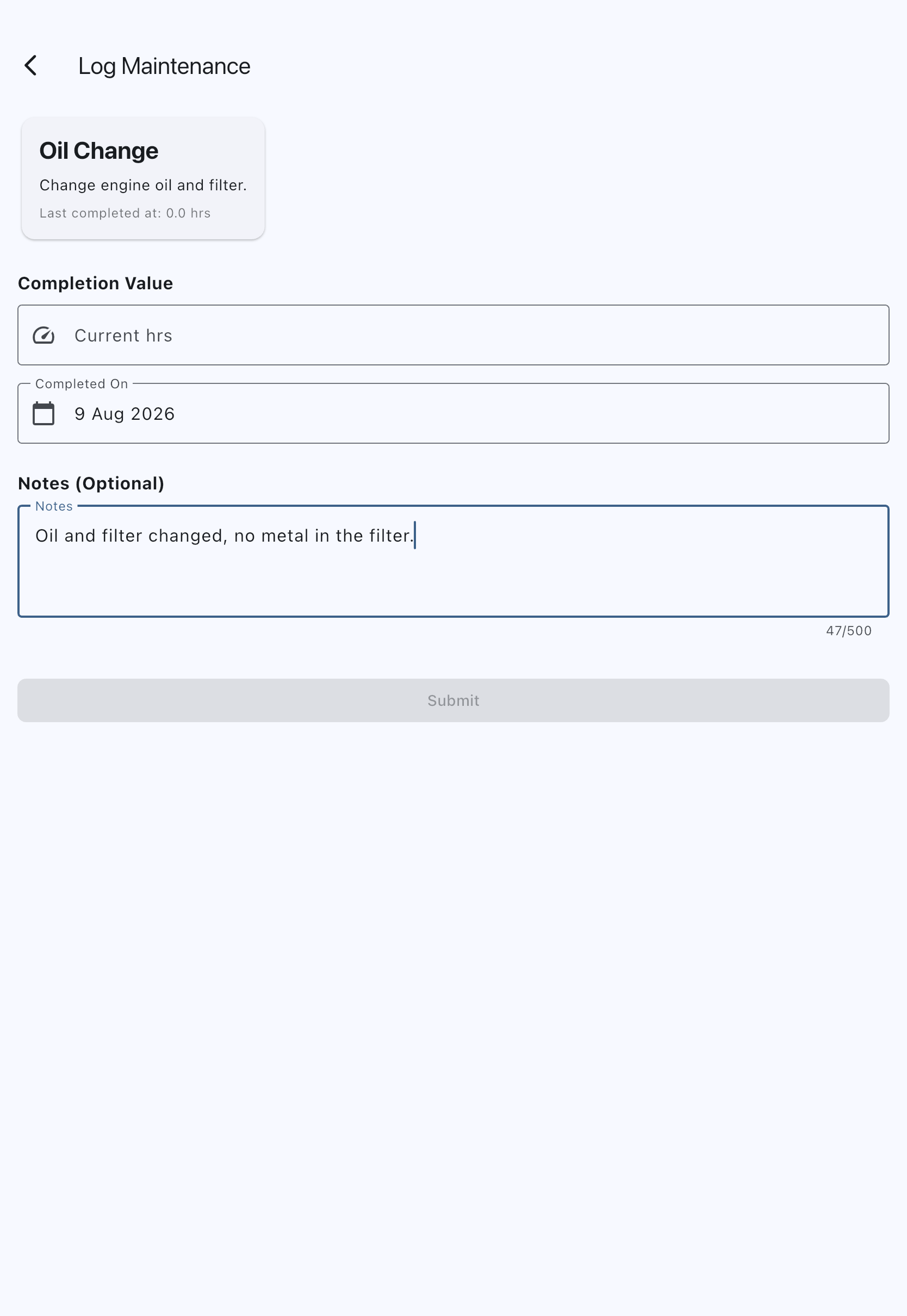
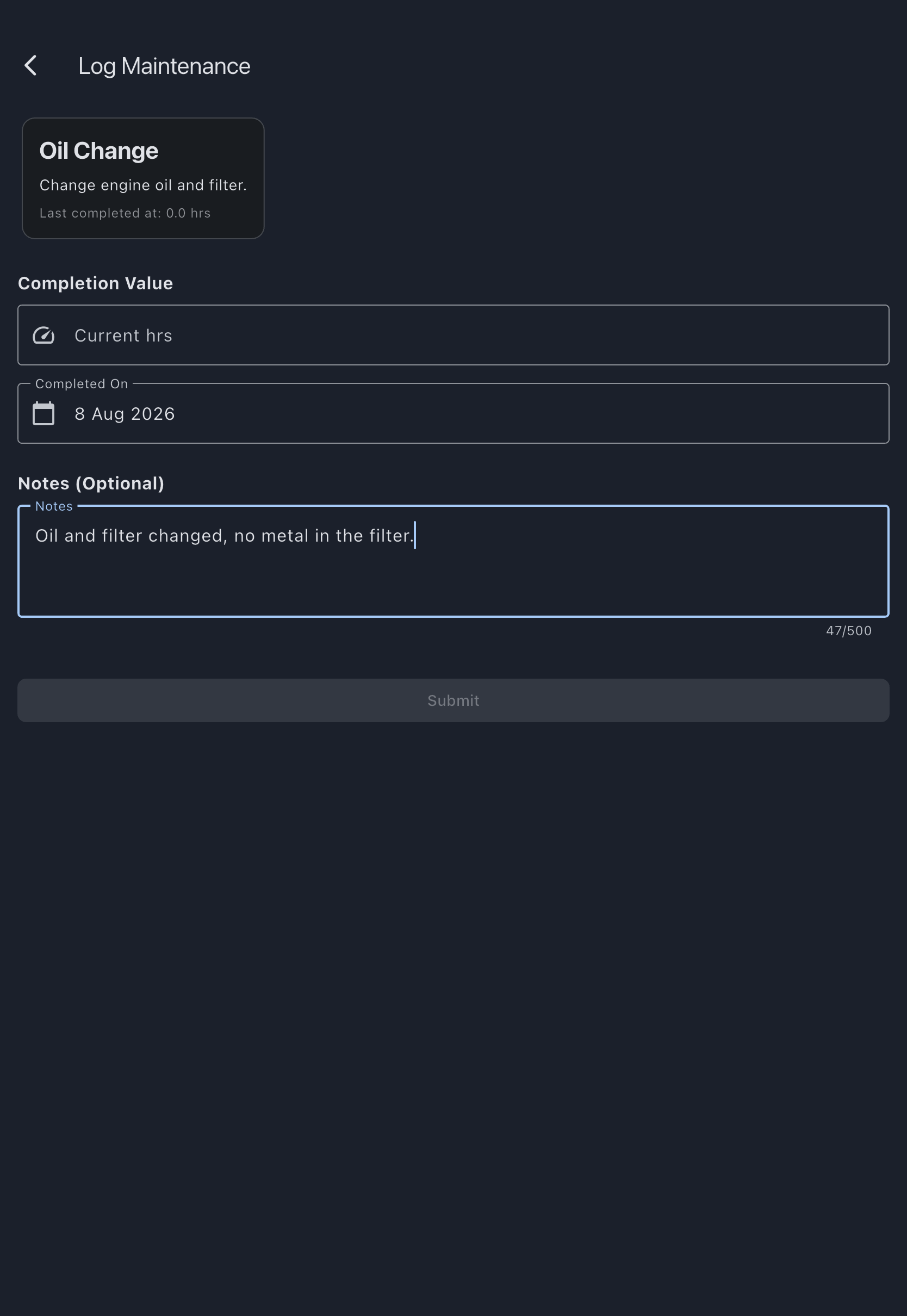
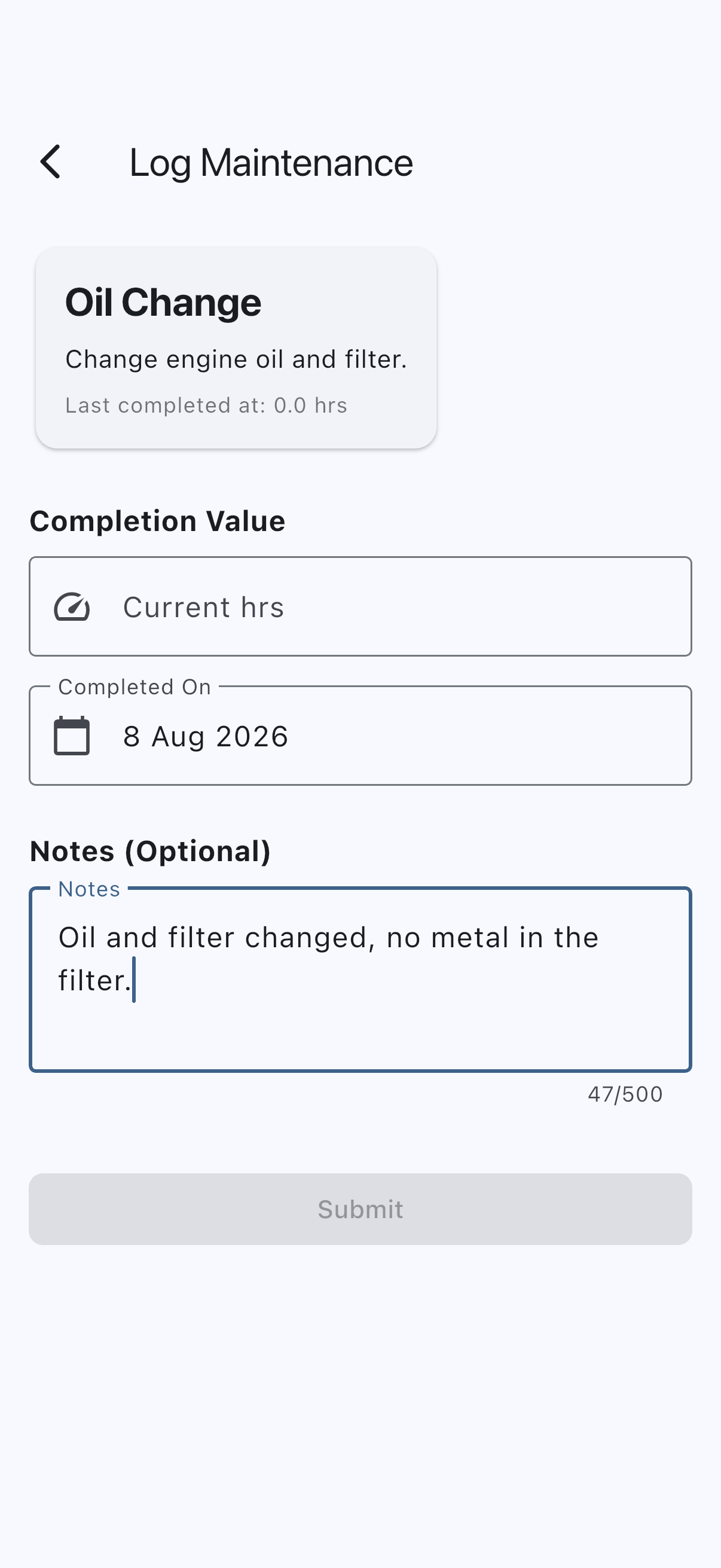
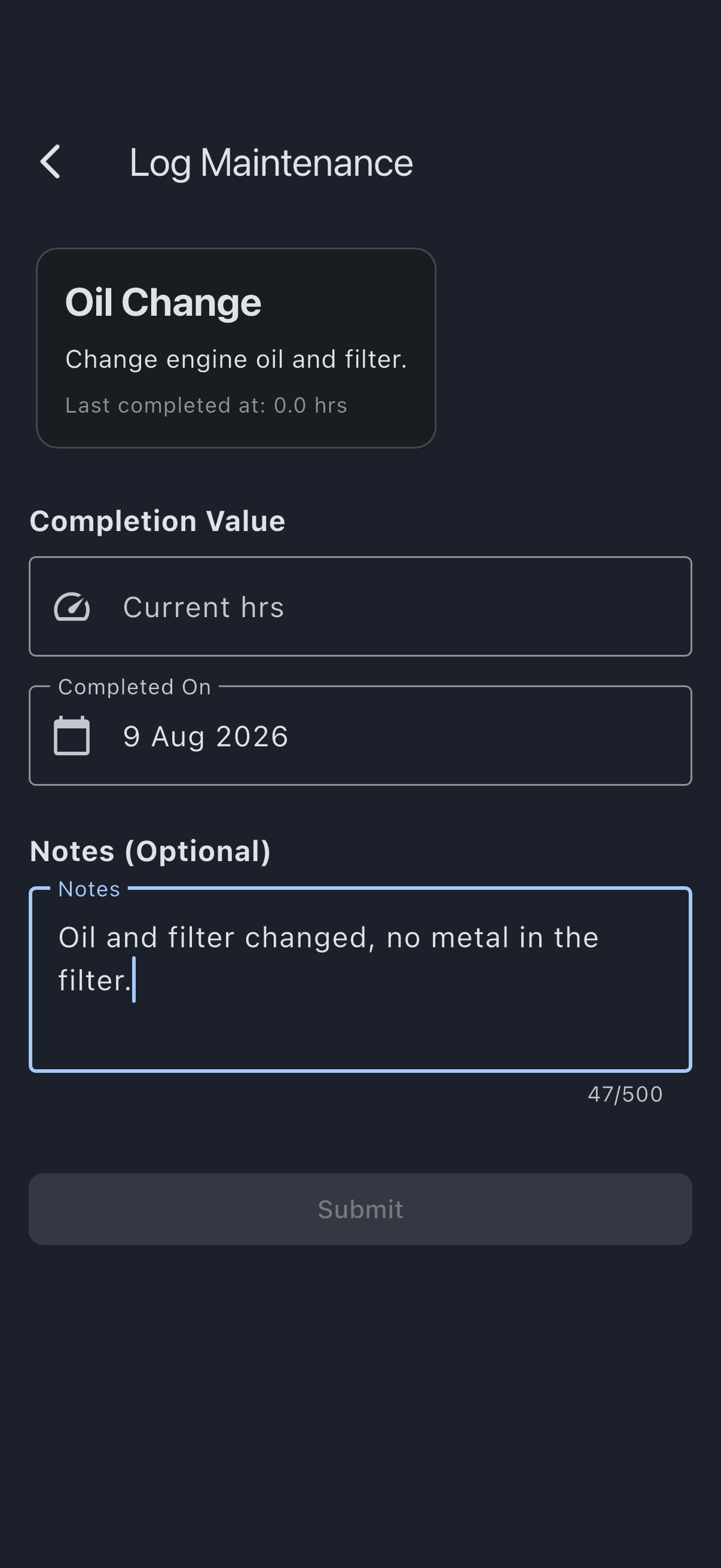
You see Maintenance logged successfully. The item’s last-completed reading is updated, and — unless you switched the offer off — the item is rolled forward to the next due point shown on the form, with its status recalculated instead of staying Completed. Signing off also clears every deferral on the item — both limits, where two were moved — and resets its secondary calendar limit if it has one, since all of them belong to the cycle that has just finished. The sign-off is added to the asset’s maintenance history, which appears in its tech-log export alongside flights and squawks.
If it goes wrong
Section titled “If it goes wrong”- “Value must be greater than N”: the new completion value cannot be less than the previous one. Check the meter reading and re-enter.
- “Please enter a valid number”: numeric characters only.
- “Please select a completion date”: on a calendar-based item the date field is required and starts empty, so Submit stays greyed out until you pick one.
- “This cannot be before the last completion on …”: the work cannot have been carried out before the previous time it was signed off. Check the date you picked. This applies to both kinds of item.
- “Enter where this next falls due, or switch off scheduling”: the next due point has been cleared, or holds something Syndik8 cannot read, while the offer to schedule the next occurrence is still switched on. It will not file a next occurrence against a limit nobody chose — put a due point back, or switch the offer off to leave the item completed with nothing scheduled.
- “This maintenance item was signed off by someone else while you were recording it”: the check’s limit moved while this form was open — usually another admin signing the same work off, but a deferral does it too. Nothing was recorded from this form. Close it, open the item again, and check where it now stands before entering anything: the work is already on record if somebody else signed it off, and a second entry would advance the check a second cycle and put a duplicate in the tech log.
See also
Section titled “See also”- Maintenance items: what the next-due fields mean, and how recurrence works
- Maintenance intervals: hours vs days
- Add a maintenance item: set one up before you can log against it
- Defer a maintenance limit: push a limit out instead of completing the work