
Create a member rate
Create a member rate
Section titled “Create a member rate”A member rate, labelled billing scheme throughout the app, is a named package of dues and a usage-rate modifier. Every syndicate starts with a default Standard Member rate; create more when you need different terms for different groups (for example, an equity member and a renter).
Before you start
Section titled “Before you start”- You must be an admin (treasurer counts as admin).
- A new syndicate already has a default Standard Member rate. You do not need to create one to start.
- “Renter” is a common rate label, not a role.
- Open the syndicate and go to the Admin tab.
- Tap Billing schemes (under Money).
- Tap the Add billing scheme button at the foot of the scheme list. On a syndicate with no schemes yet the same button sits in the middle of the empty screen.
- Enter the Scheme Name (the label members see; for example, Equity member, Renter, Founder).
- Enter the Amount (dues), the Every count (for example,
1), and the Unit (Day(s), Month(s), or Year(s)). Set the amount to0if this rate has no periodic dues. - Choose a Usage Rate Modifier type:
- None (base rate): this rate pays the asset’s base rate with no adjustment.
- Fixed offset: adds or subtracts a fixed amount (e.g.
+40or-20). - Percentage: scales by a percentage (e.g.
-25for a 25% discount). - Override: replaces the asset’s base rate outright.
- Enter the Modifier value required by the selected type.
- Tap Create Scheme.
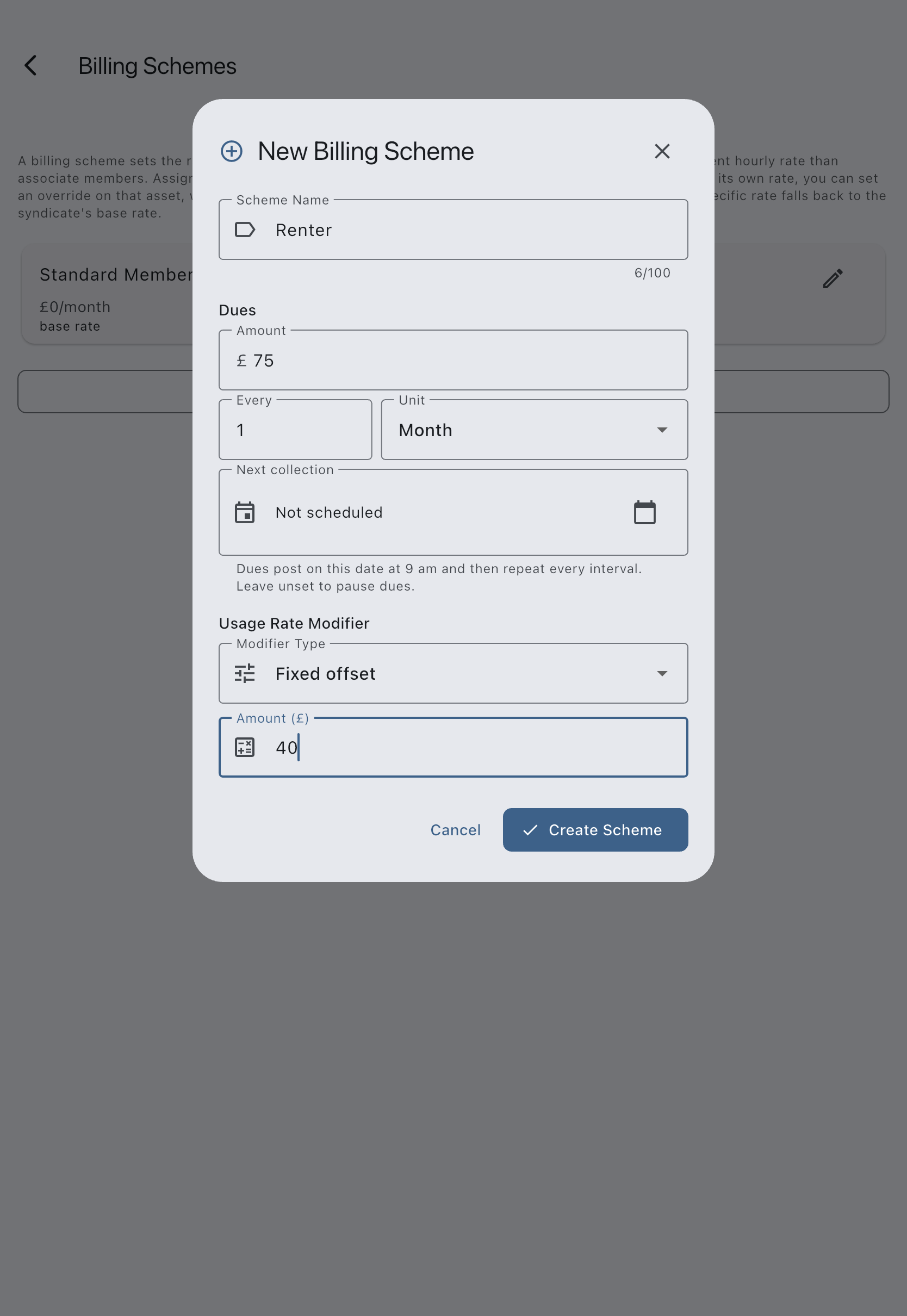
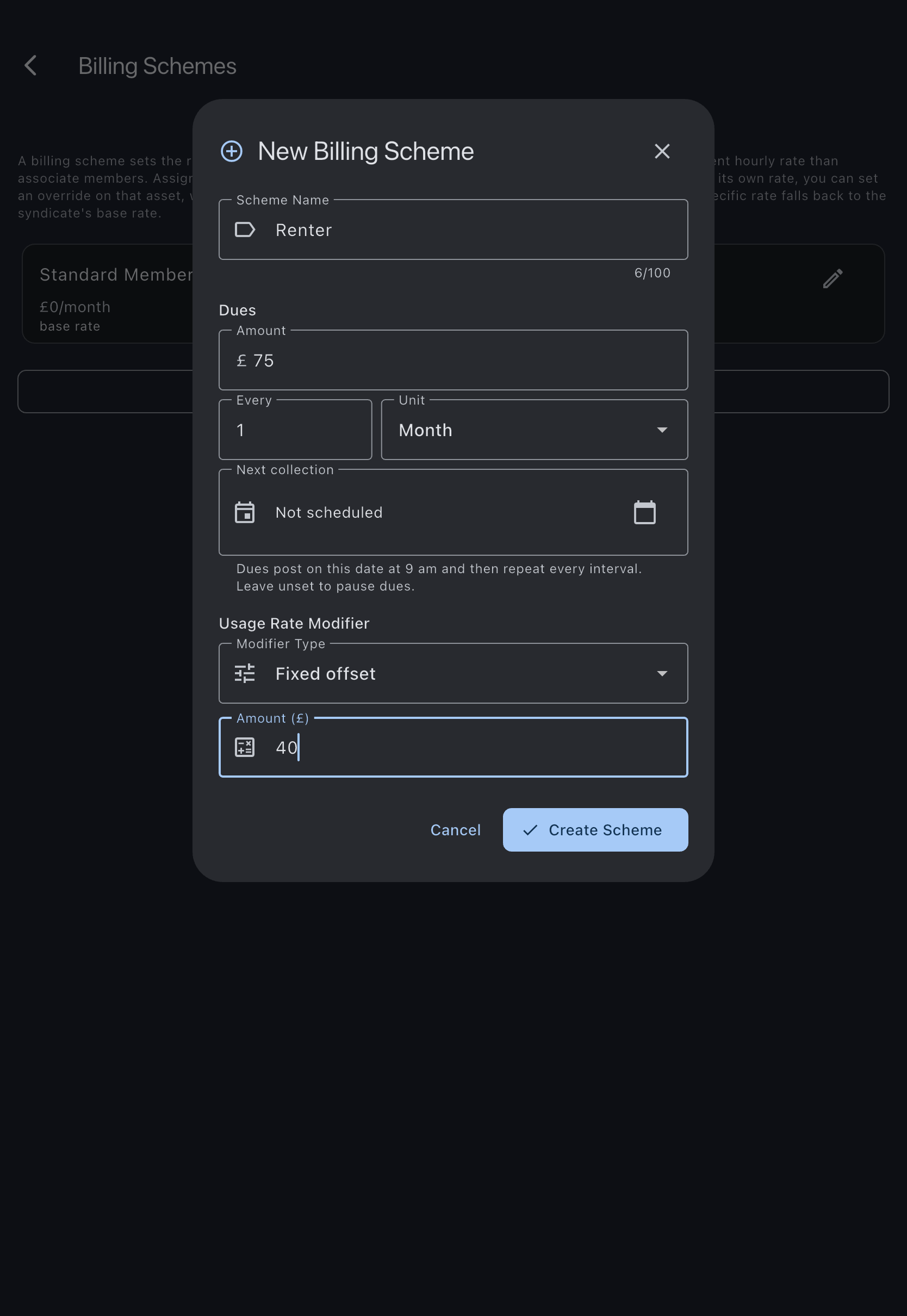
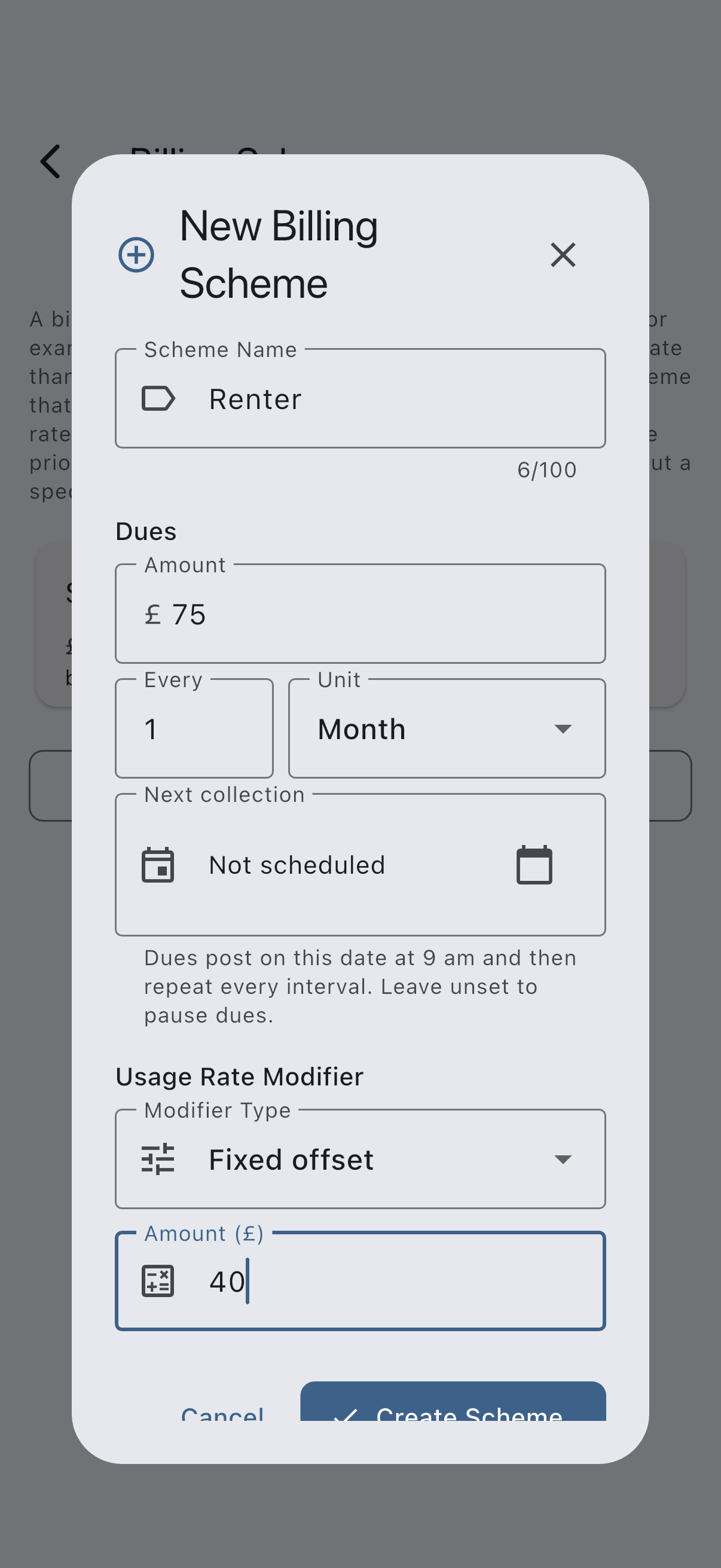
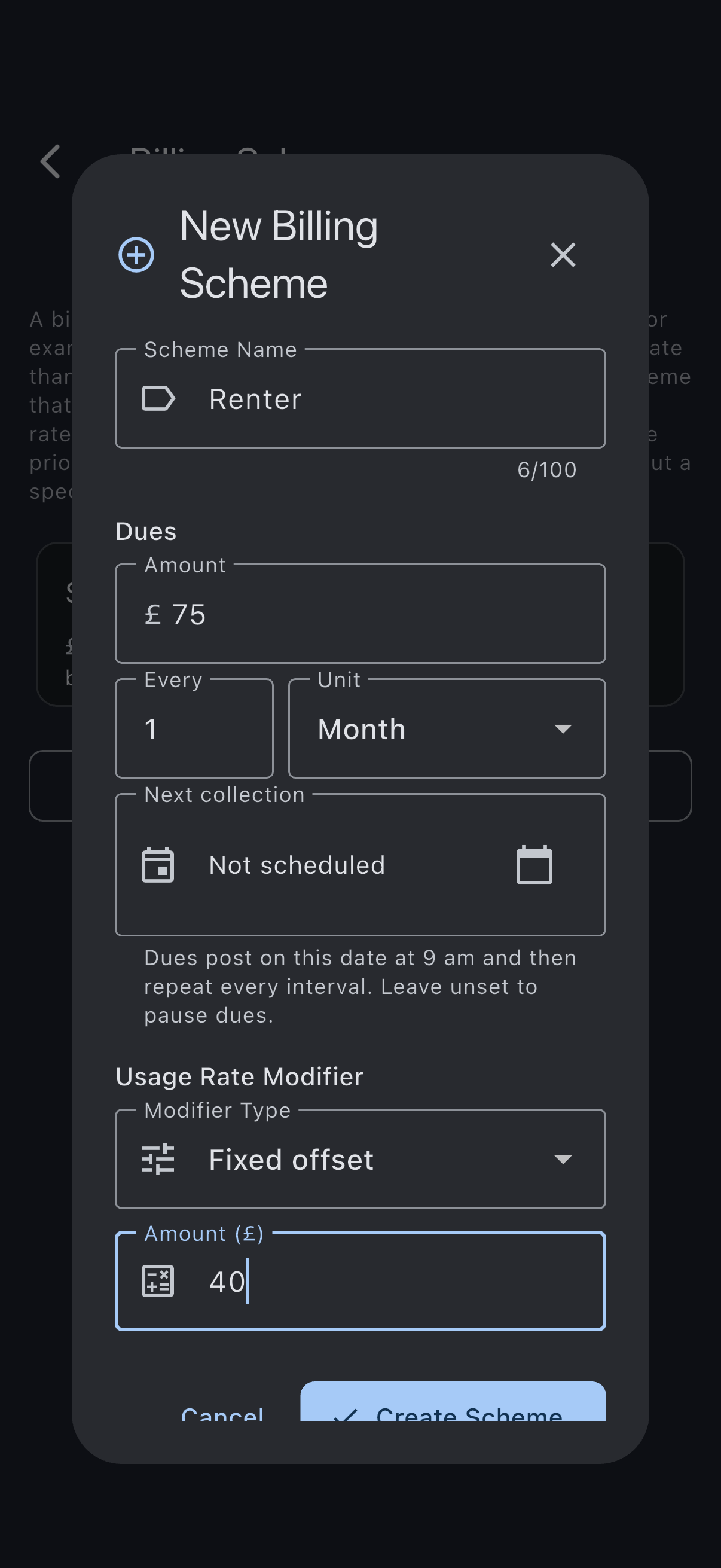
The scheme is saved. It appears on every member’s detail tile and on the Asset rates per-scheme rate table.
Make a scheme the default
Section titled “Make a scheme the default”New members are assigned to the default scheme automatically. To change which scheme is the default:
- Tap the Make default scheme icon on the scheme you want.
- Confirm in the dialog. The previously-default scheme loses its default badge.
If it goes wrong
Section titled “If it goes wrong”- You cannot delete a scheme that is currently the default. Use Make default on another scheme first.
- Deleting a scheme with members prompts to reassign them to the default scheme automatically.
See also
Section titled “See also”- Member rates (billing schemes): full semantics and worked examples
- Rate resolution chain: how modifiers combine with the asset base rate
- Payment account and Billing: the Billing screen this sits under
- Assign a member to a rate: next step