
Confirm or dismiss a reported squawk
Confirm or dismiss a reported squawk
Section titled “Confirm or dismiss a reported squawk”When the syndicate has turned on Require admin confirmation for squawks (off by default), member-reported squawks land in pending status. As an admin, you either confirm them (they become open and take effect) or dismiss them with a reason. Squawks reported by admins, and all squawks when the setting is off, skip this queue and open immediately.
Before you start
Section titled “Before you start”- You must be an admin.
- Only
pendingsquawks can be confirmed or dismissed here. A squawk that is alreadyopen,deferred,resolved, ordismisseddoes not appear on this queue.
- Open the syndicate.
- Tap the Admin tab, then tap Pending.
- Tap the Squawks row.
- Every squawk in the queue starts collapsed. A collapsed row shows only the asset name, the severity, who reported it, a one-line summary of the title, and a PENDING chip. There are no buttons at this stage.
- Tap a row to open it. Only then do you get the full detail (Description, Severity, Reported by, Date), a View Detail link to the squawk’s own screen, and the Dismiss and Confirm buttons. Both actions live inside the opened panel, so open the entry before you decide.
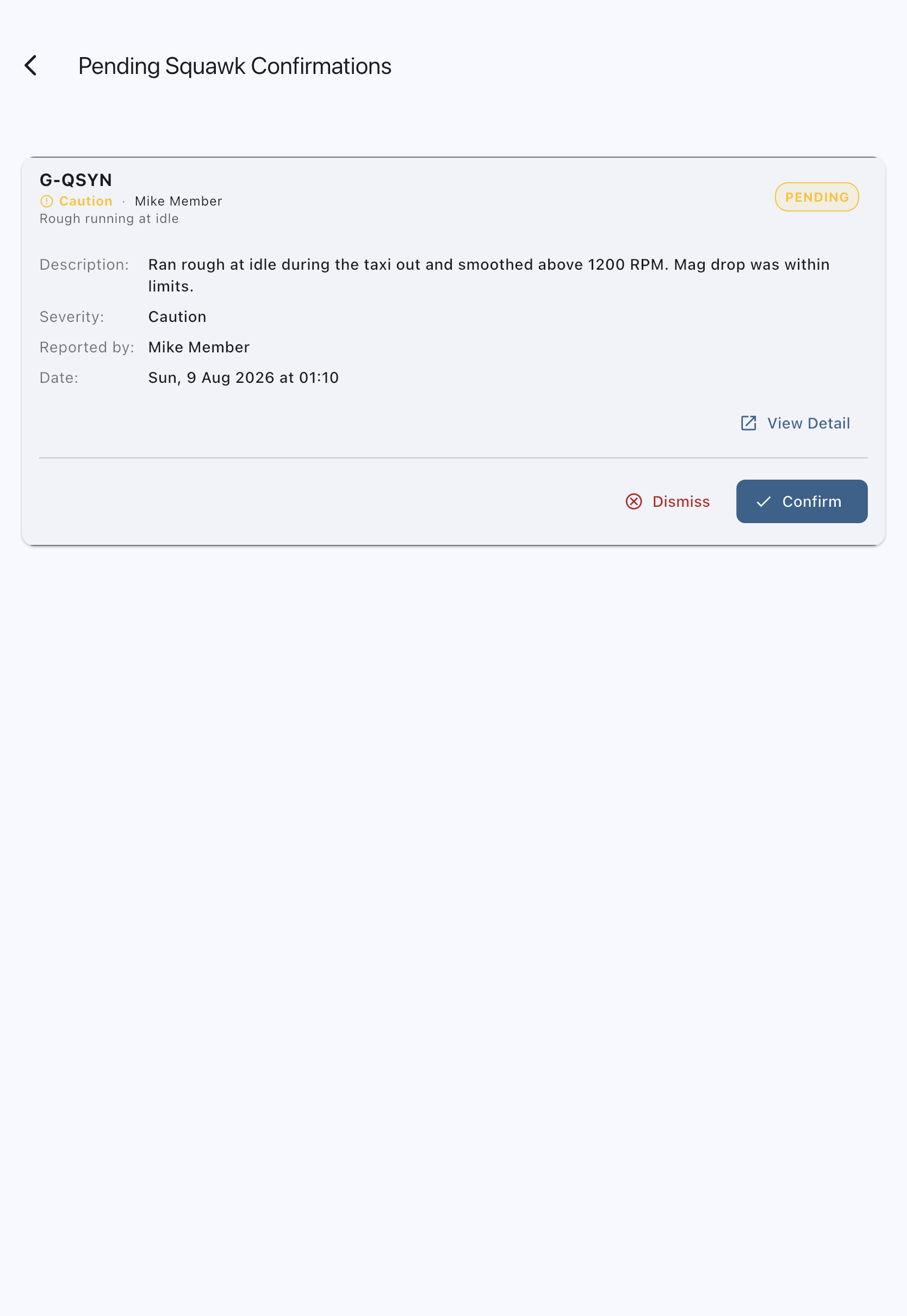
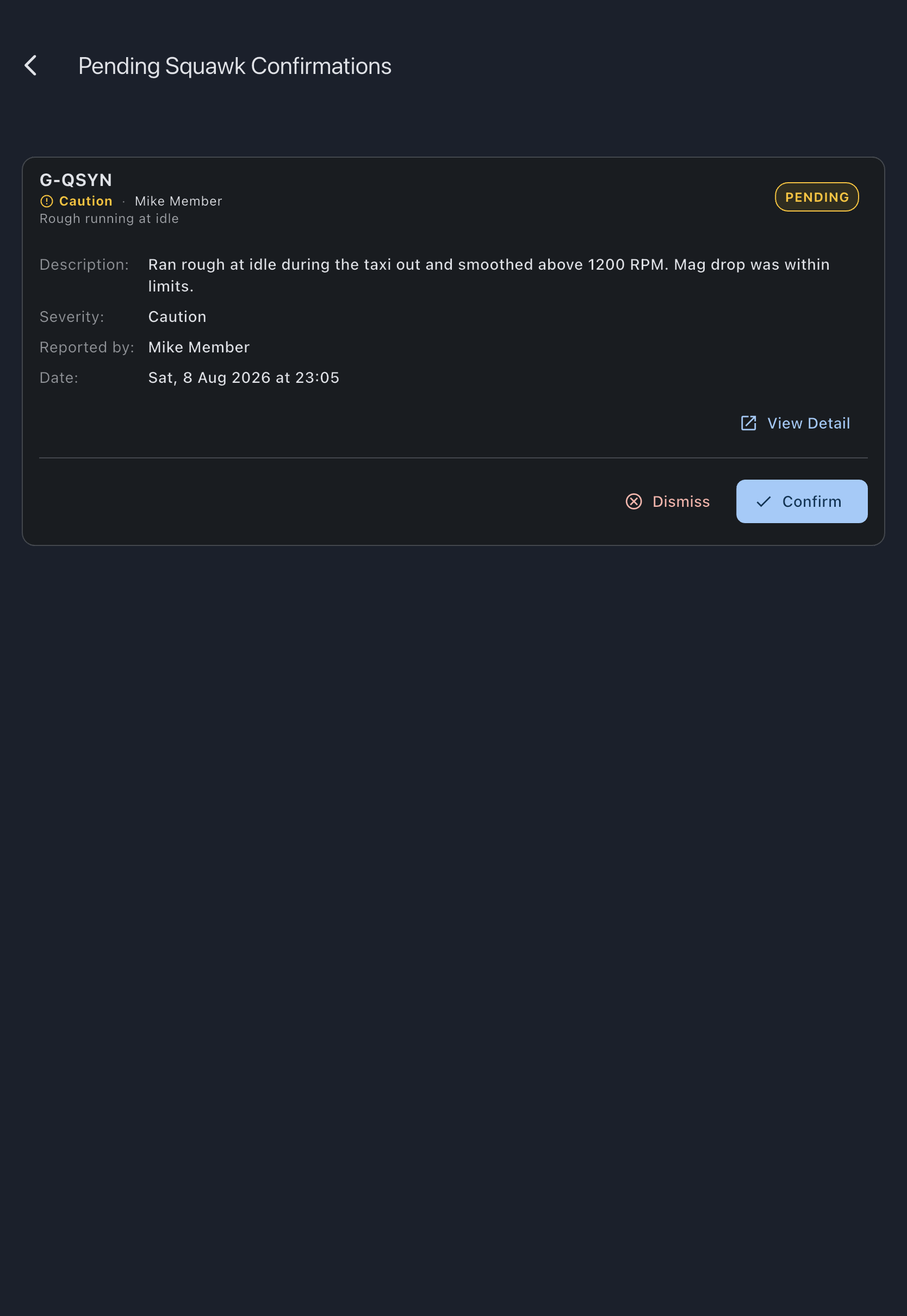
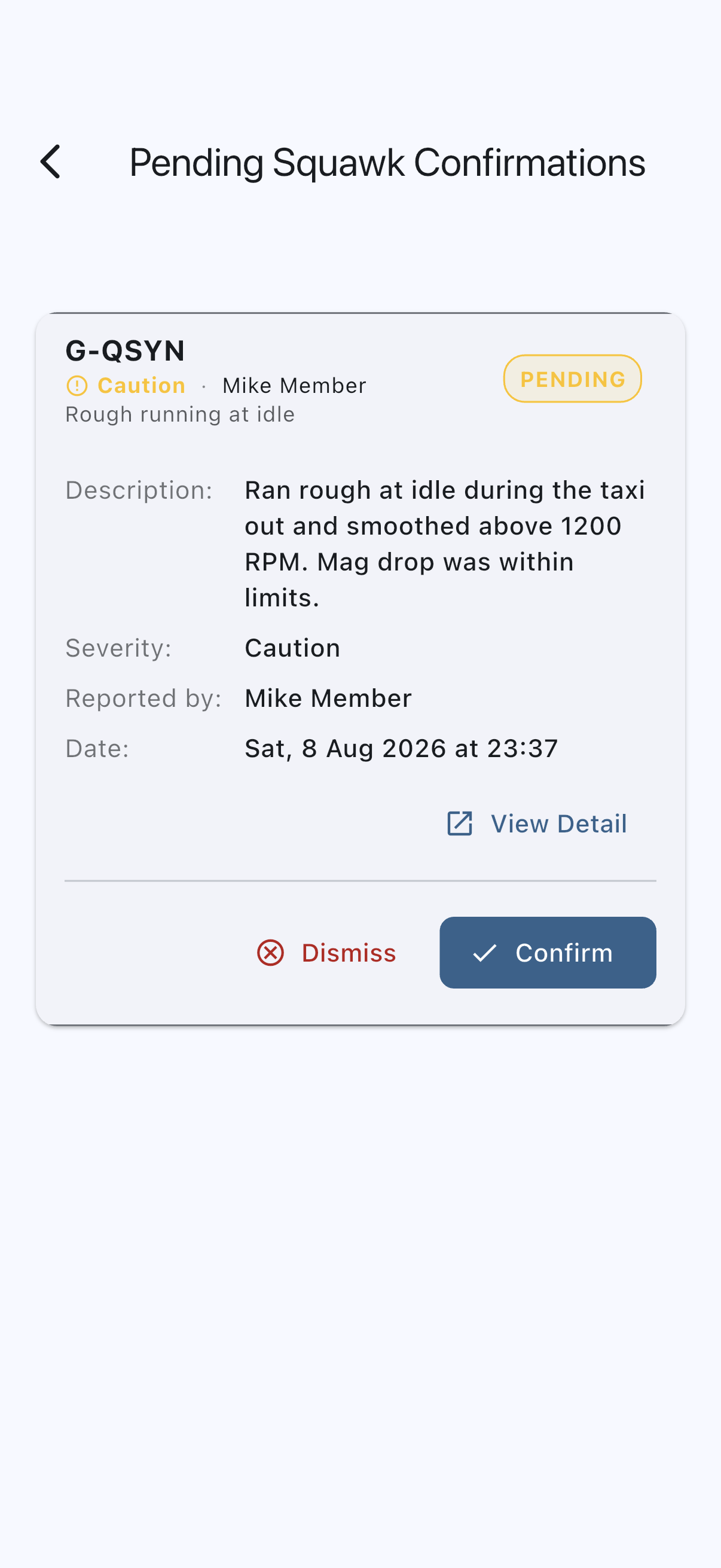
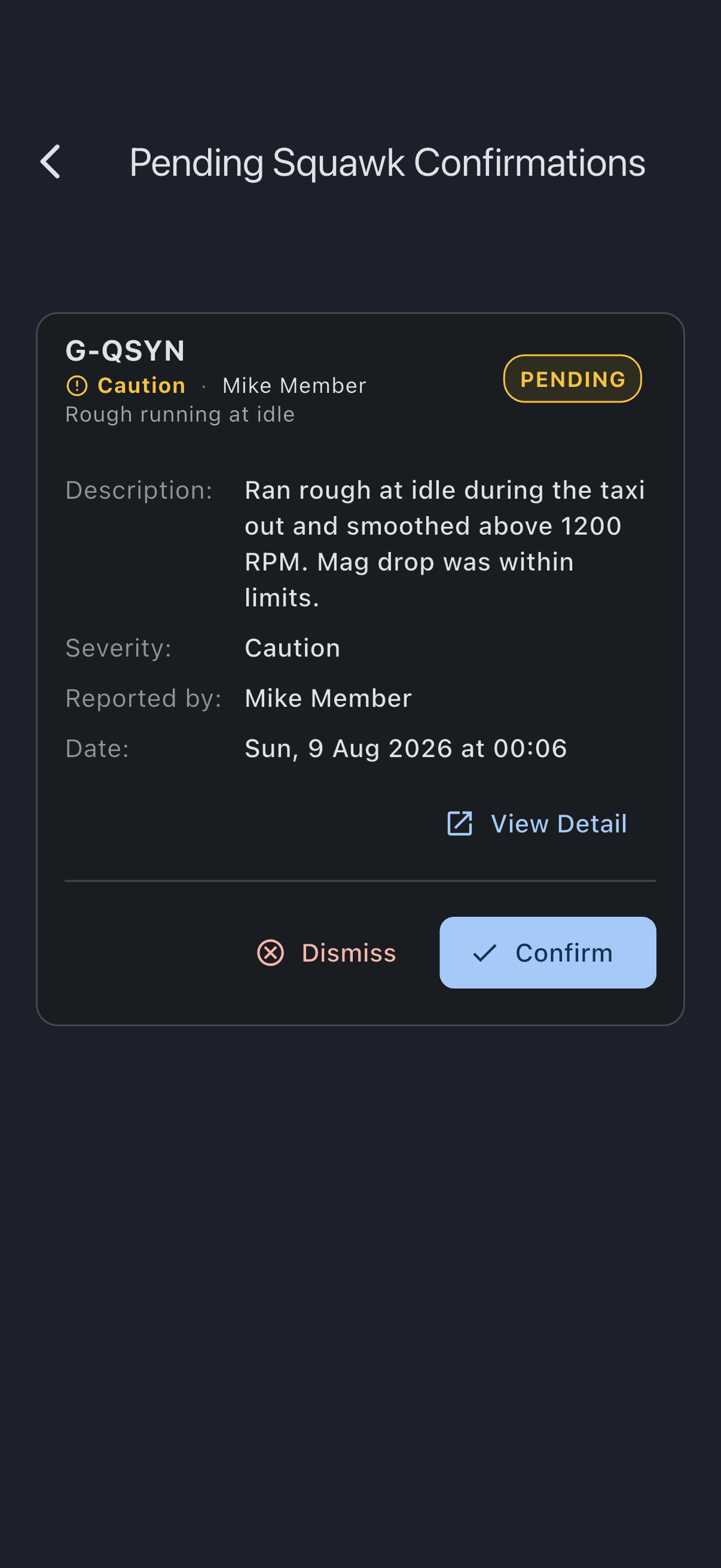
To confirm
Section titled “To confirm”- Tap Confirm in the opened squawk.
- You see Squawk confirmed. The squawk moves to
open. If the squawk is a grounding severity, confirming it grounds the asset and suspends future bookings.
To dismiss
Section titled “To dismiss”- Tap Dismiss in the opened squawk.
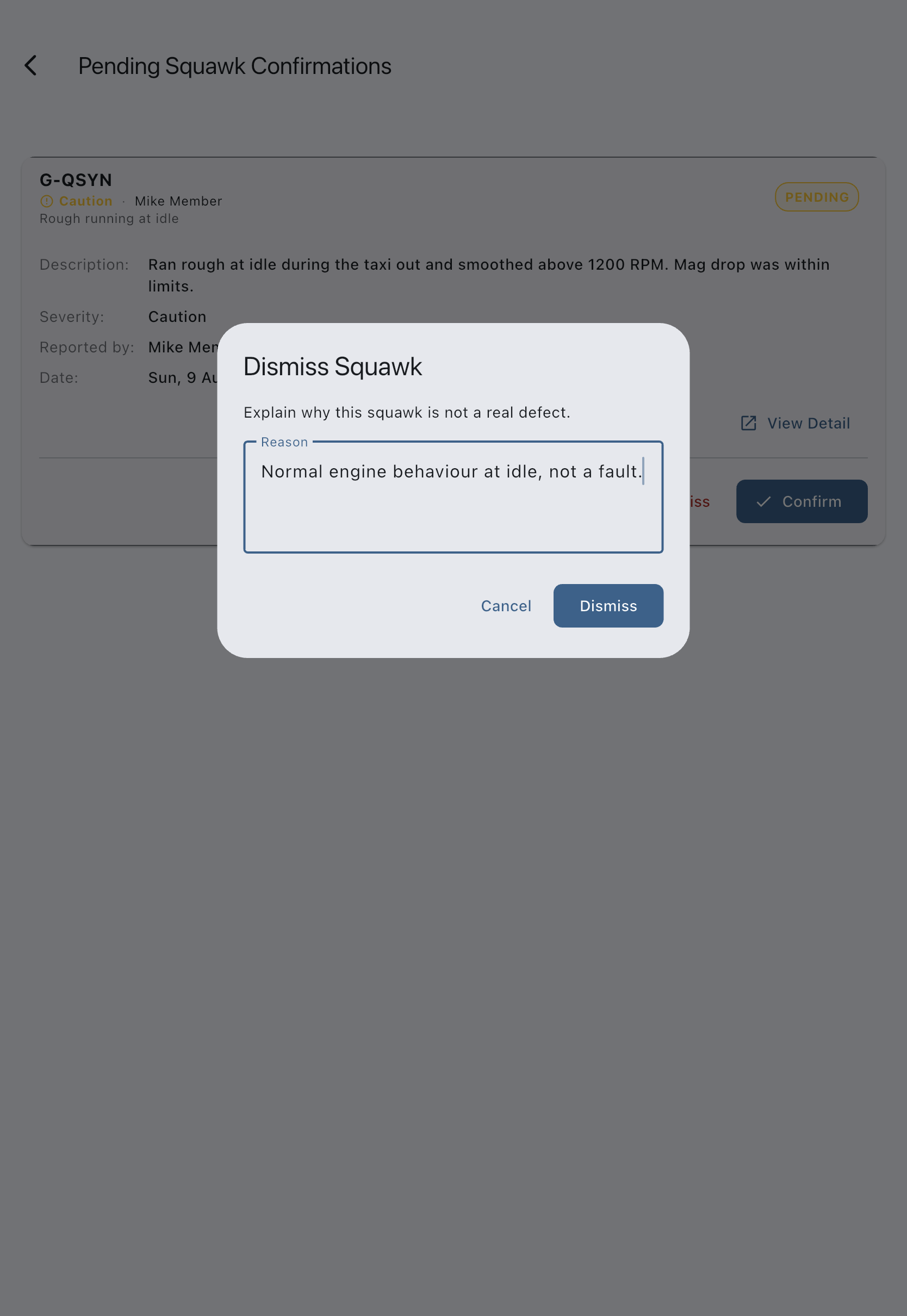
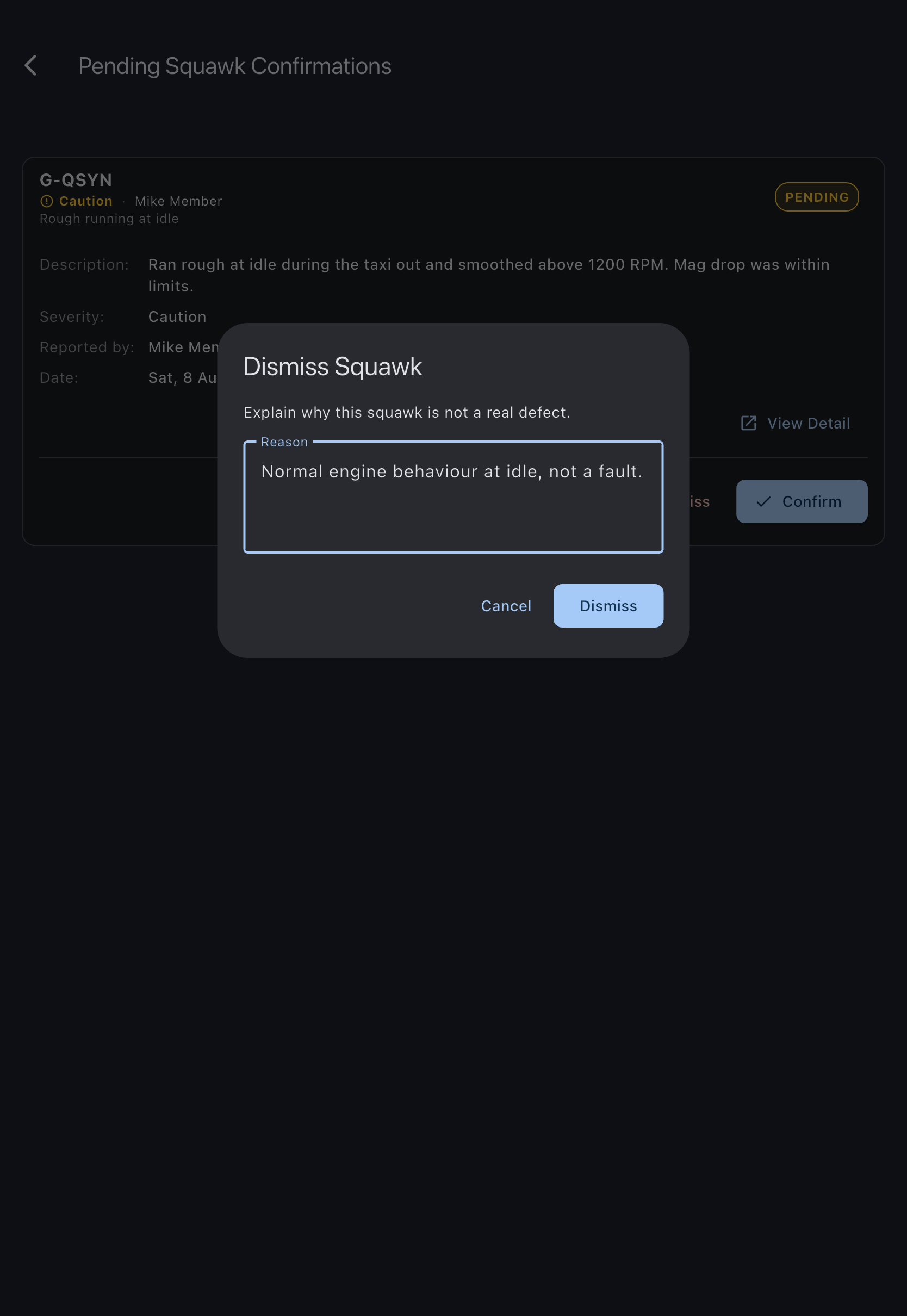
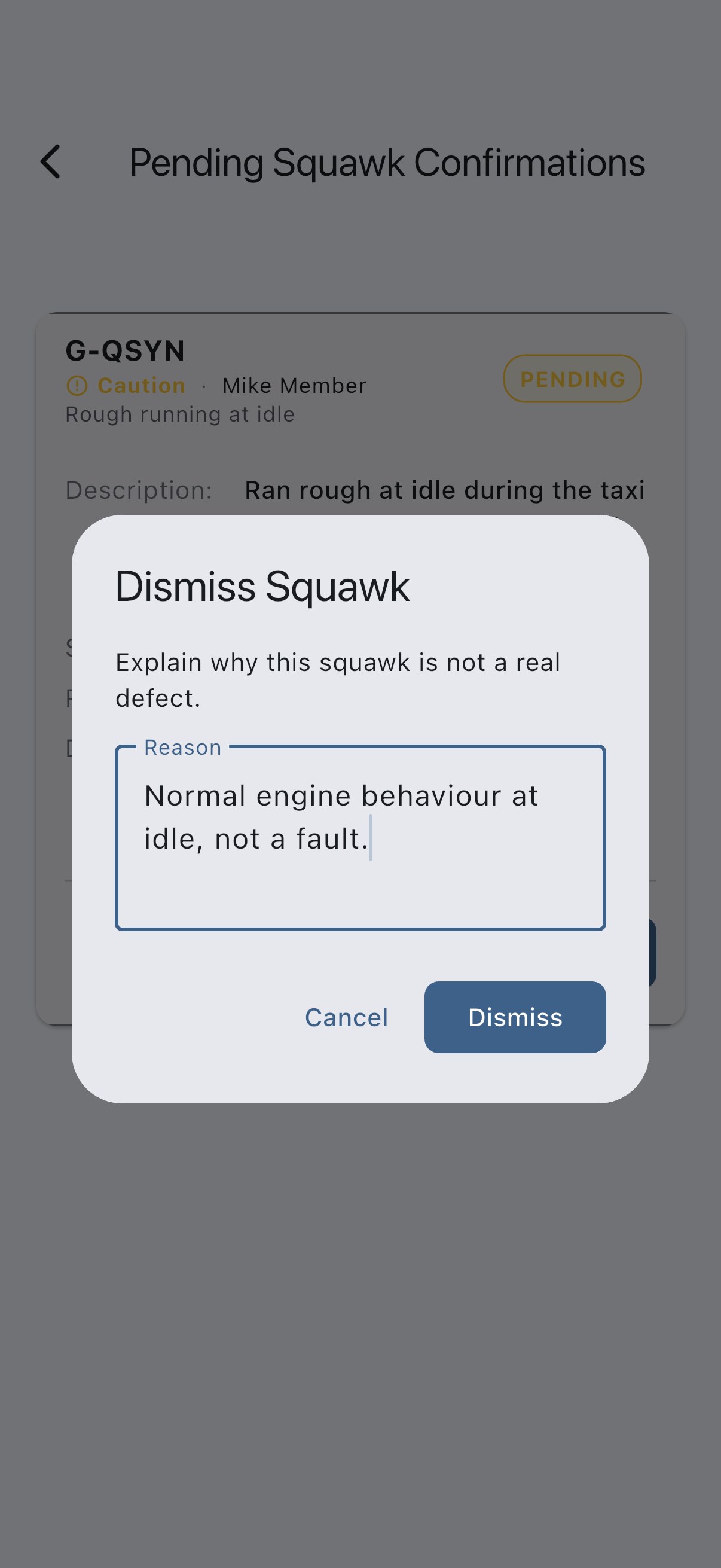
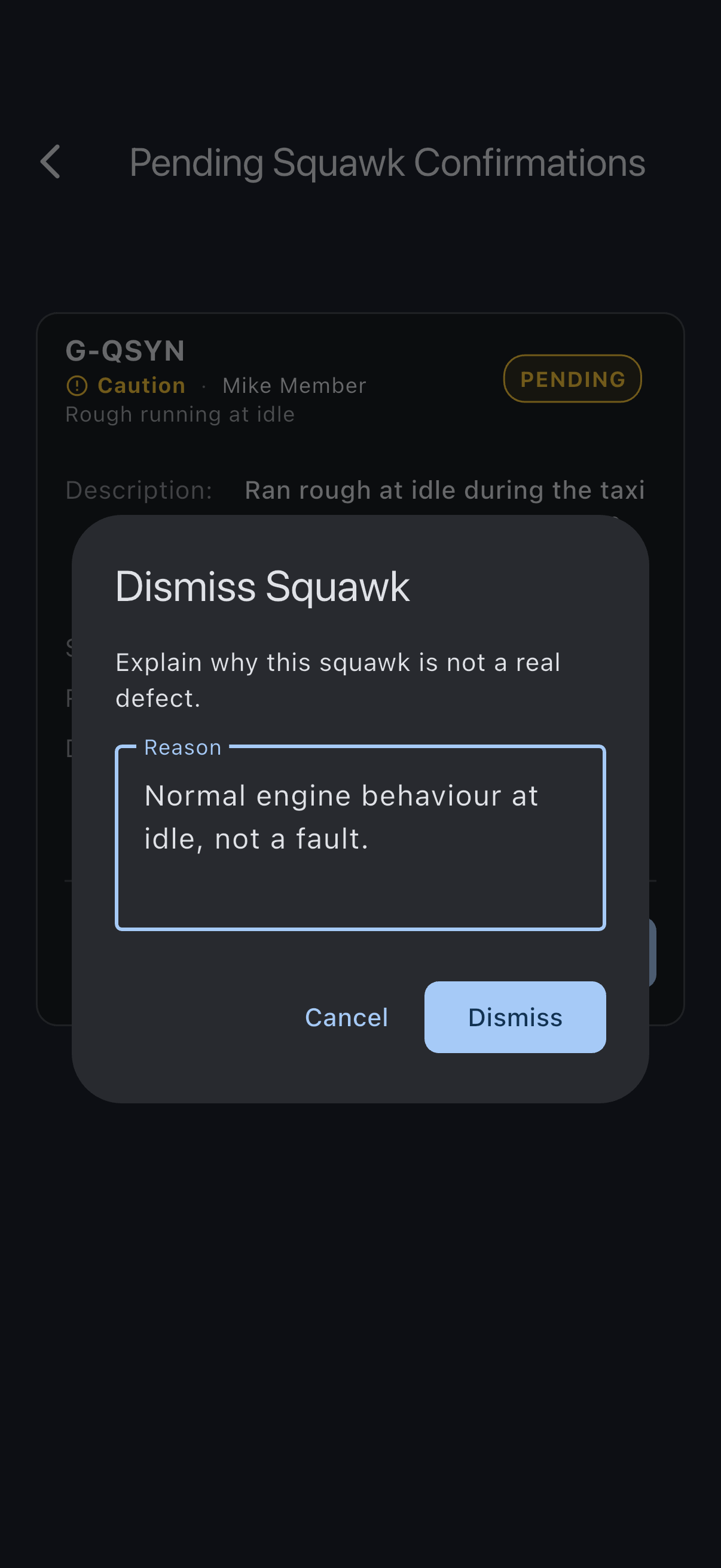
- The Dismiss Squawk dialog asks you to explain why this squawk is not a real defect. Enter a reason (for example, Normal engine behaviour, not a fault). The dialog’s Dismiss button stays greyed out until you type something.
- Tap Dismiss to confirm.
- You see Squawk dismissed. The squawk moves to
dismissedand does not affect the asset.
If it goes wrong
Section titled “If it goes wrong”- “Couldn’t confirm this squawk” or “Couldn’t dismiss this squawk”: nothing has changed. Check your connection and try again. If it keeps failing, reopen the squawk: another admin may have dealt with it already.
- No Confirm or Dismiss button on a row: the entry is still collapsed. Tap it to open it; the buttons are at the bottom of the opened panel.
- The queue is empty: there are no pending squawks. Squawks reported by admins skip this step.
See also
Section titled “See also”- Squawk statuses: the full lifecycle
- Squawk severities: what confirming each severity does
- Report a squawk: the member-side flow that produces
pendingsquawks - Resolve a squawk: next step after confirm