
Assign a member to a rate
Assign a member to a rate
Section titled “Assign a member to a rate”Change which member rate (billing scheme) applies to a specific member. This determines their dues and the modifier applied to the asset’s base usage rate.
Before you start
Section titled “Before you start”- You must be an admin.
- New members are assigned to the syndicate’s default scheme when they accept their invite. Use this procedure to change them to a different scheme.
- Rate changes affect future usage logs only. Logs already written carry the rates that were in force at the time.
- Open the syndicate.
- Go to the Admin tab, then tap Members.
- Tap the member whose rate you want to change. The edit-member screen opens.
- Under Billing Scheme, open the dropdown and pick the scheme (for example, Equity member or Renter).
- Save.
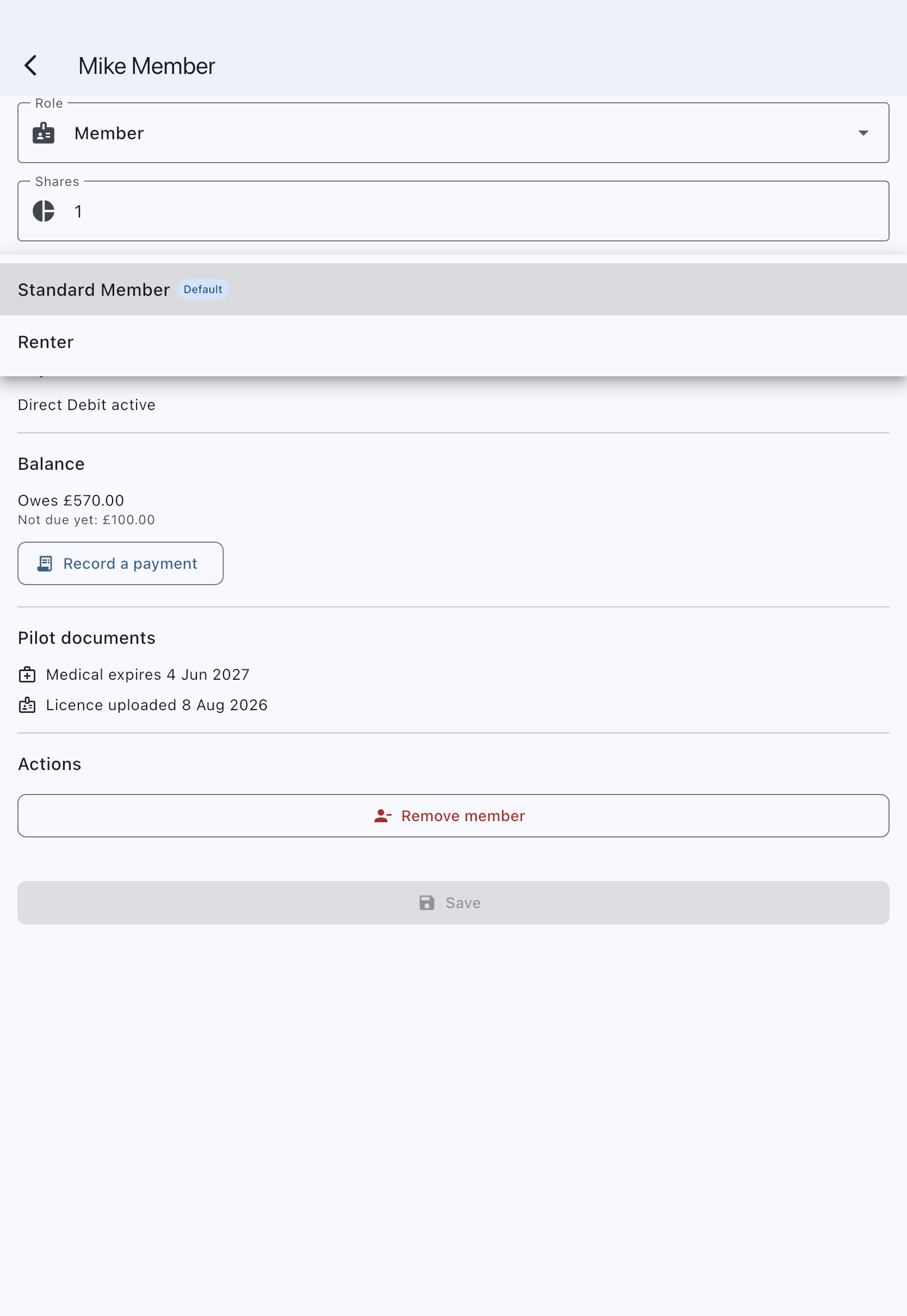
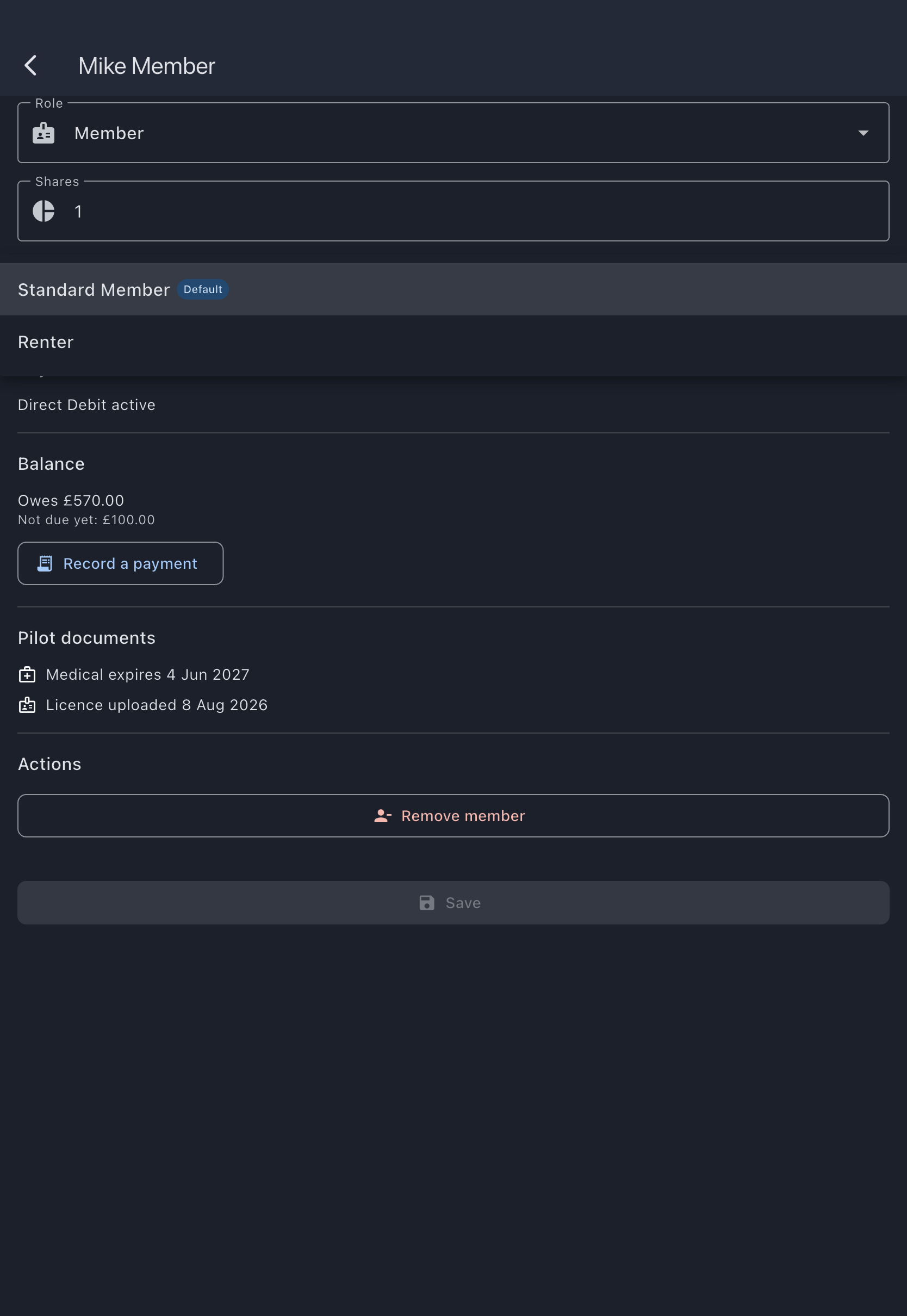
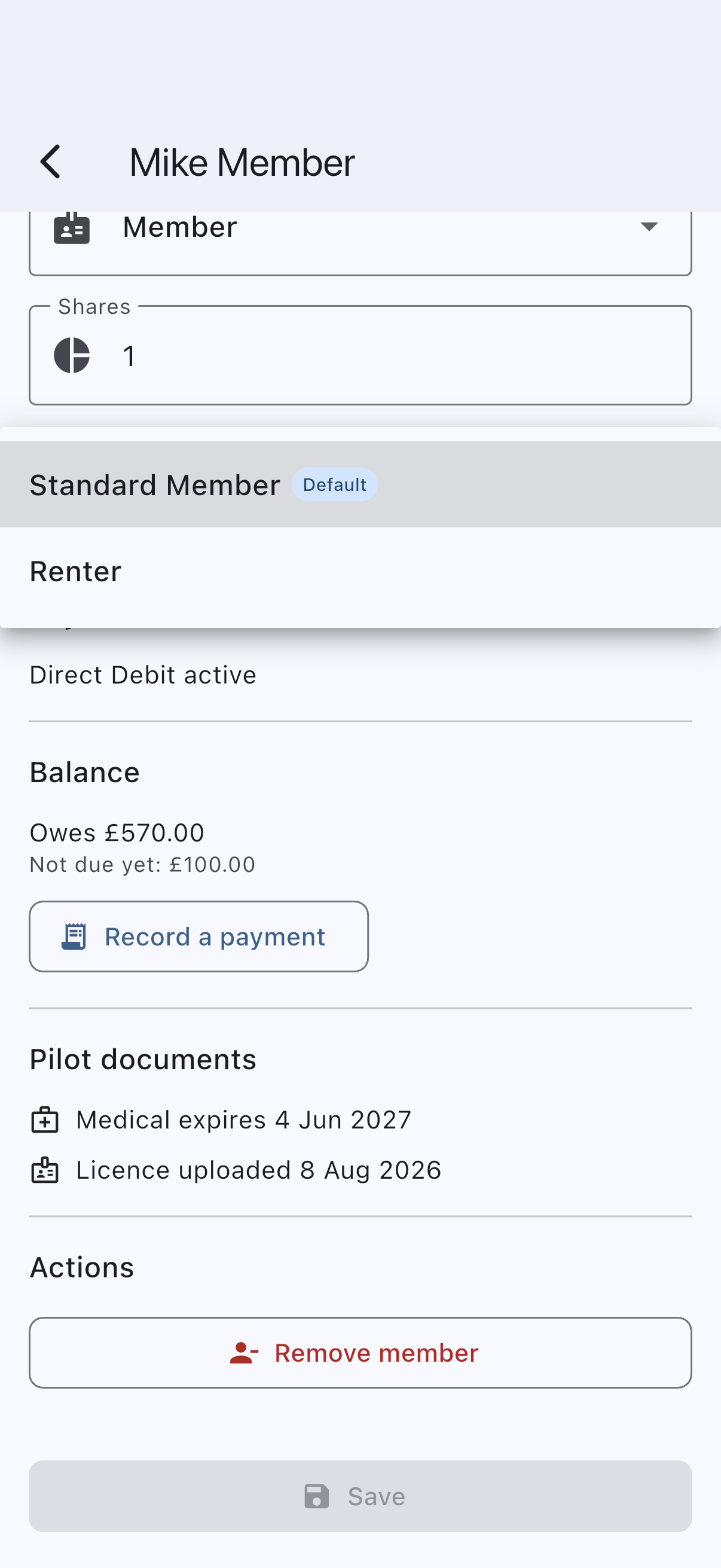
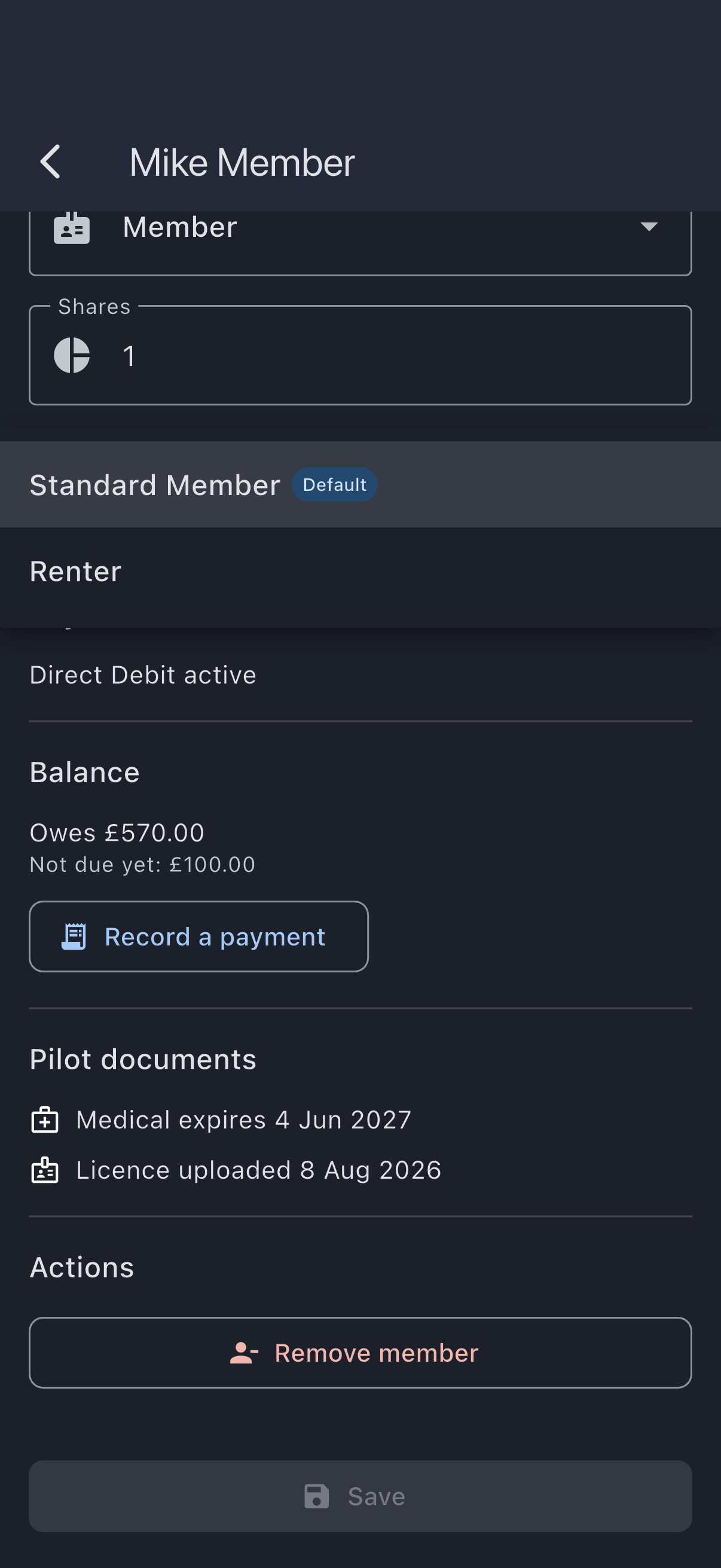
The member’s detail tile updates. Their next usage log and their next dues charge use the new scheme.
If it goes wrong
Section titled “If it goes wrong”- The Billing Scheme field is missing because the syndicate has no schemes defined yet. An admin must first create at least one member rate.
- You see No scheme was previously assigned, defaulted to [name]: the member had no scheme set; saving pins them to the syndicate default.
See also
Section titled “See also”- Member rates (billing schemes): what each modifier type means
- Rate resolution chain: how the scheme combines with the asset rate
- Create a member rate: define a new rate before assigning