
Try Syndik8 with demo data
Set up a disposable, fully-populated syndicate in one tap so you can click around Syndik8 without creating real data.
Before you start
Section titled “Before you start”- You need a Syndik8 account. If you do not have one, sign up first; you land in the onboarding wizard automatically.
- Demos are for brand-new accounts. If you already belong to a syndicate, the demo button is either hidden or will refuse with an error — leave your existing syndicate first, or sign up with a fresh account to try the demo.
- The demo counts as one syndicate on your account and respects the free-tier limits (one asset, three members).
- Demos are auto-cleaned 14 days after your last sign-in. You do not have to do anything yourself — but if you stay active, it sticks around.
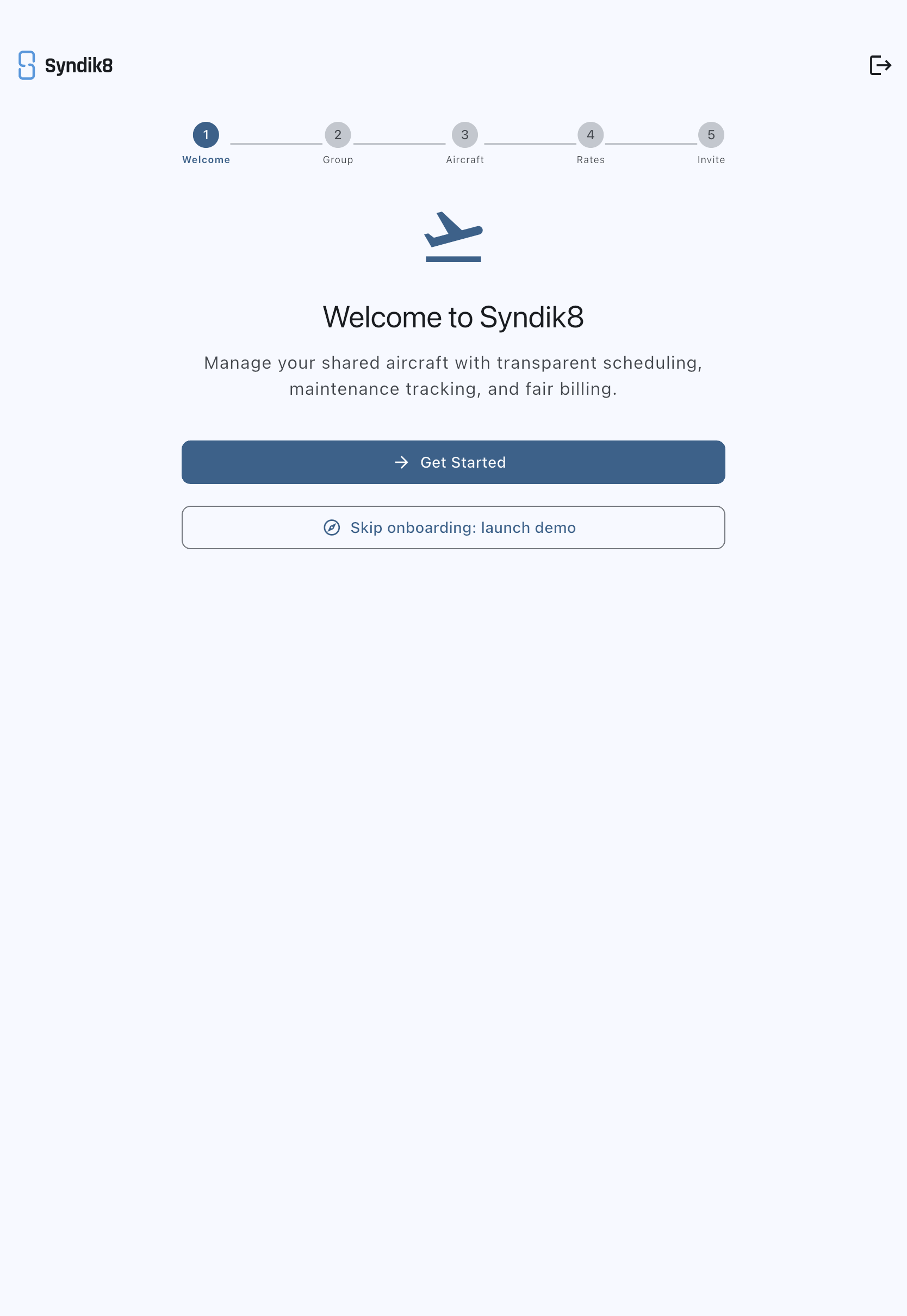
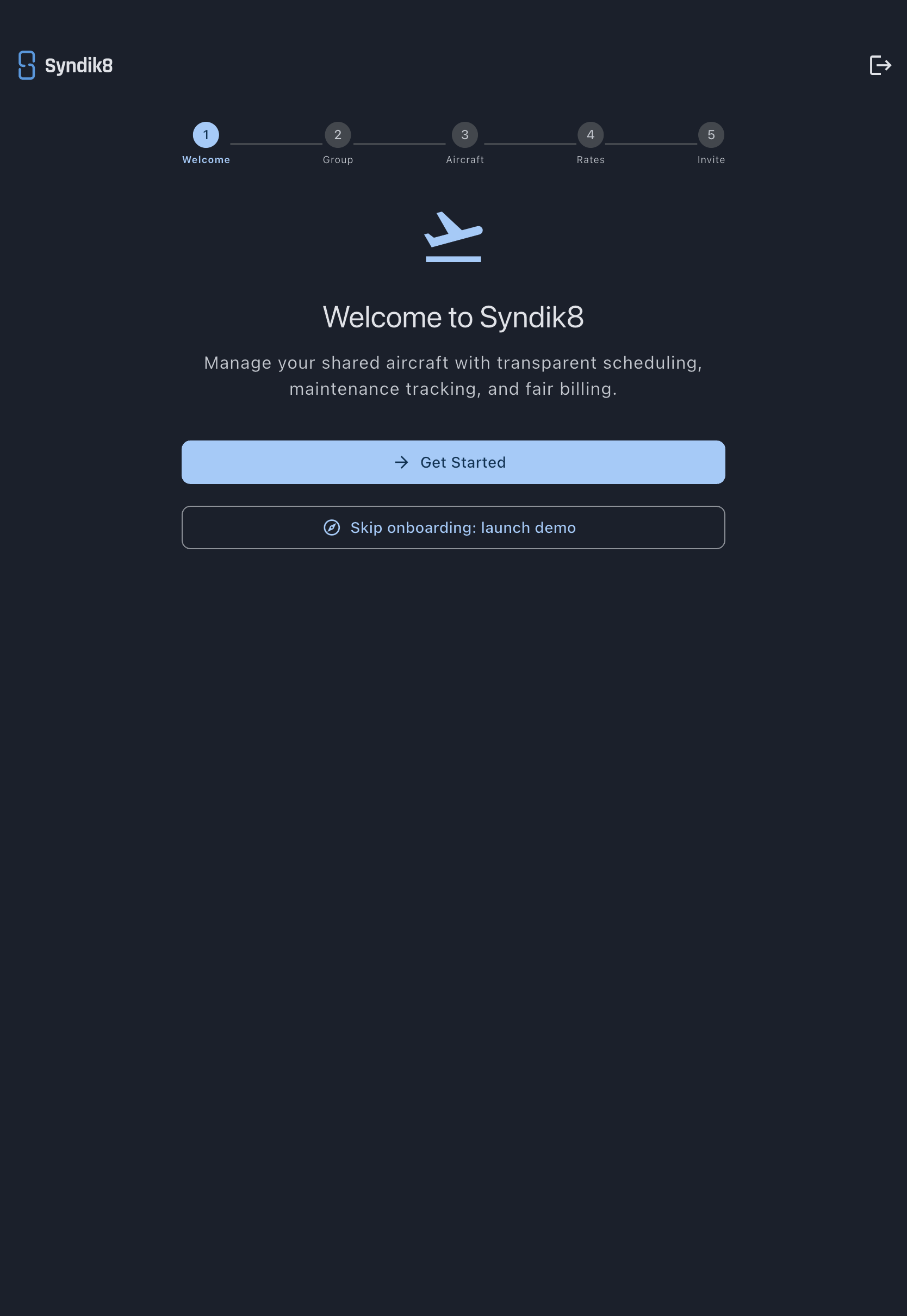
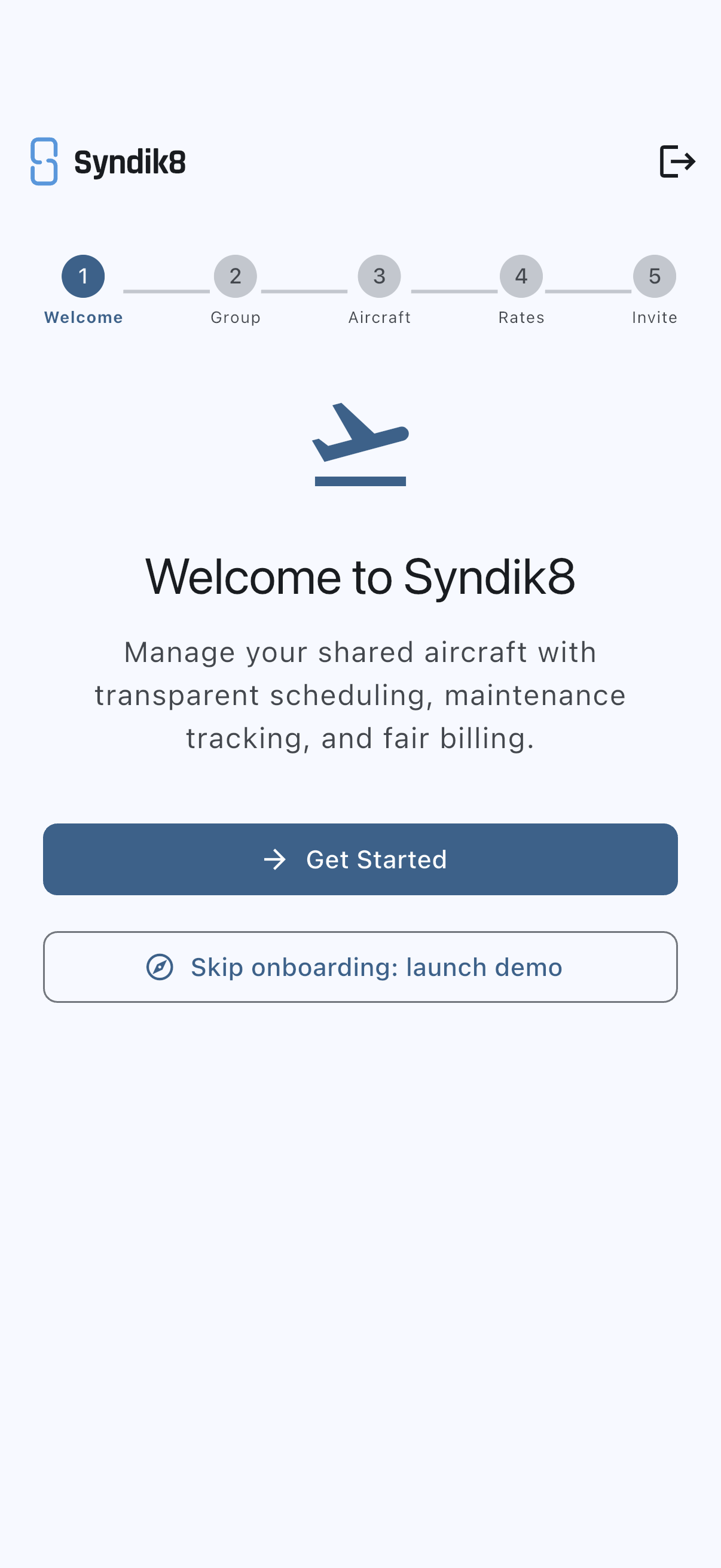
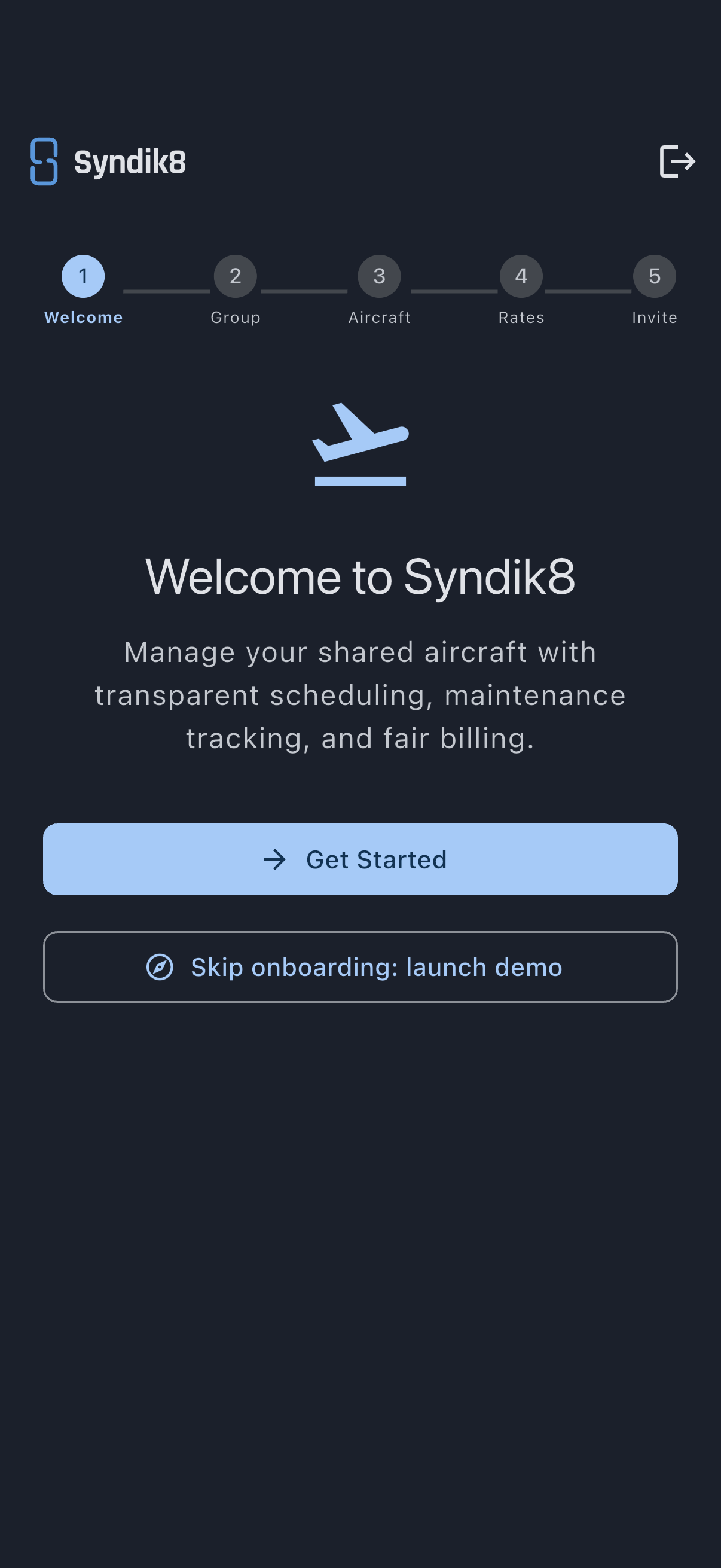
- Sign in (or sign up) and let the app land you on the onboarding Welcome step.
- Below the Get Started button, tap Skip onboarding: launch demo (note the colon). The button label changes to Setting up your demo… while the server seeds it, which takes a couple of seconds.
- The app navigates you straight to the new syndicate’s dashboard.
Your new syndicate has:
- One aircraft — a Cessna 172 with registration G-QSYN and a realistic photo.
- Two fake members — Amy Admin (admin role) and Mike Member (member role). Both use
@syndik8.appaddresses with notification emails fully disabled, so nothing they do generates real messages. - You as admin — the tutorial screenshots call this persona Owen Owner so that names match what you see.
- About thirty bookings spread across the last four weeks and the next eight weeks, with usage logs on past ones.
- Two open non-grounding squawks and two upcoming (but not overdue) maintenance items.
- One maintenance block in the future.
Most screenshots in this documentation are taken against this exact demo, so names, registration, and numbers will match what you see on screen. The setup tutorials are the exception: they show a syndicate being built from nothing, so they use an aircraft of their own.
How to know you are in the demo
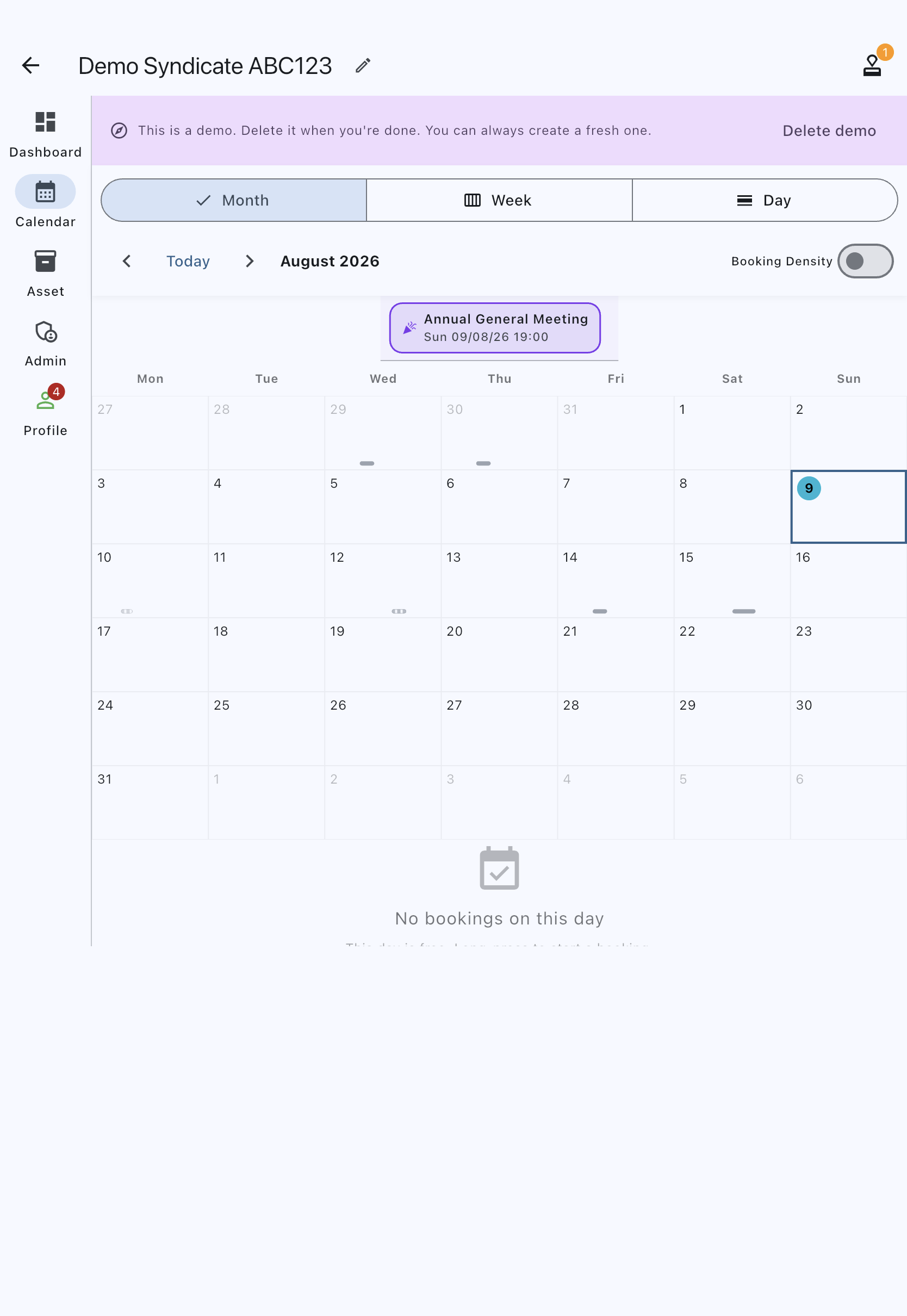
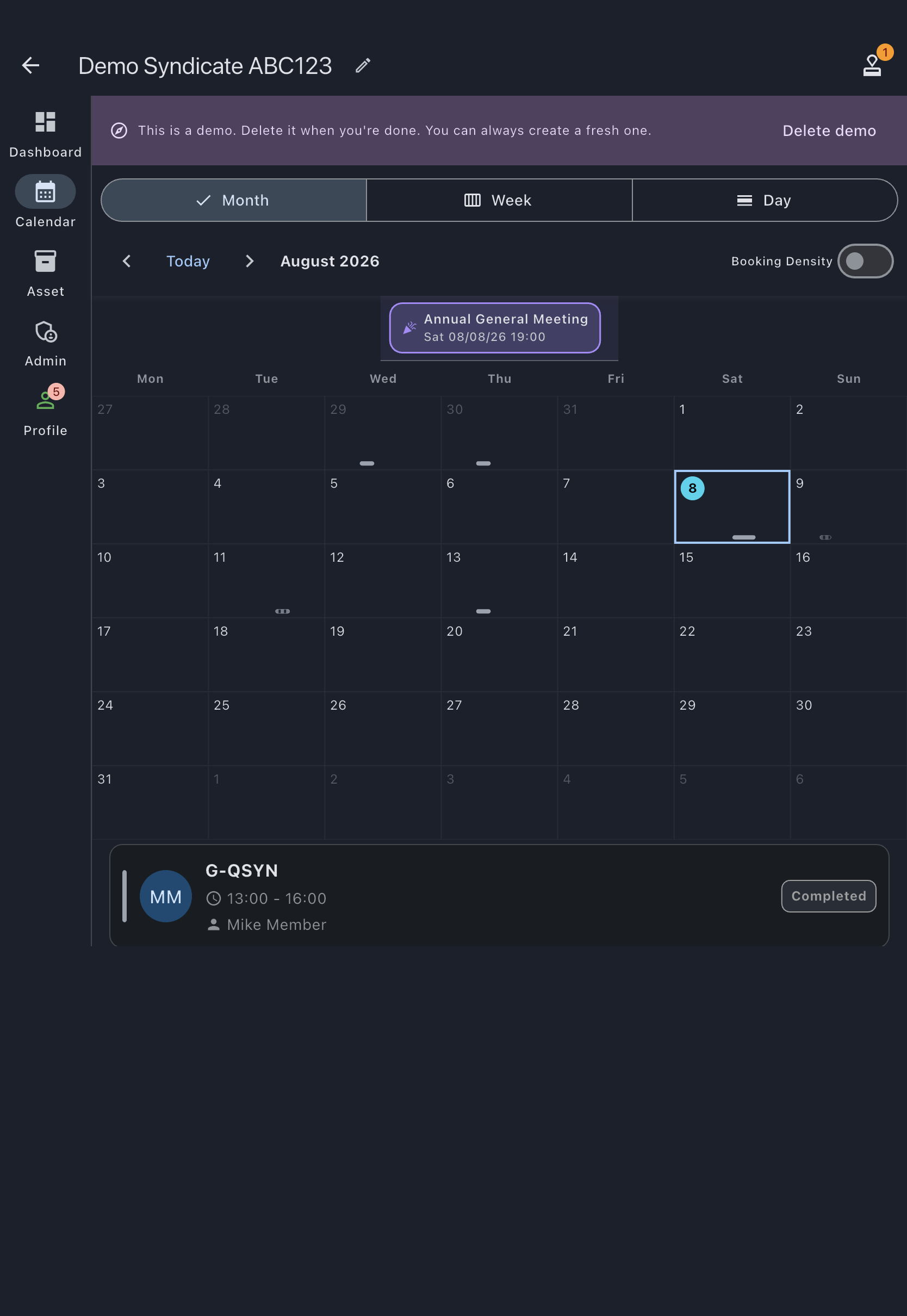
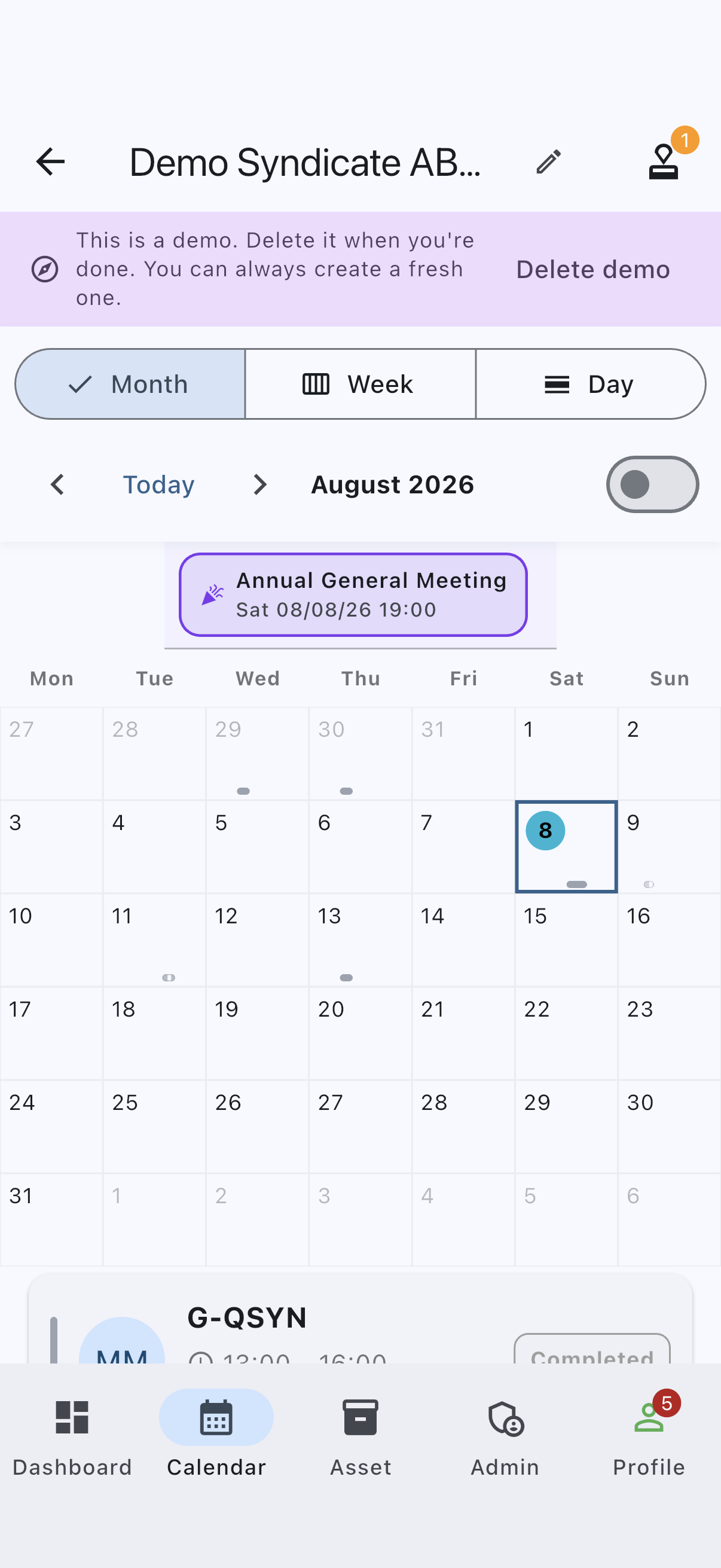
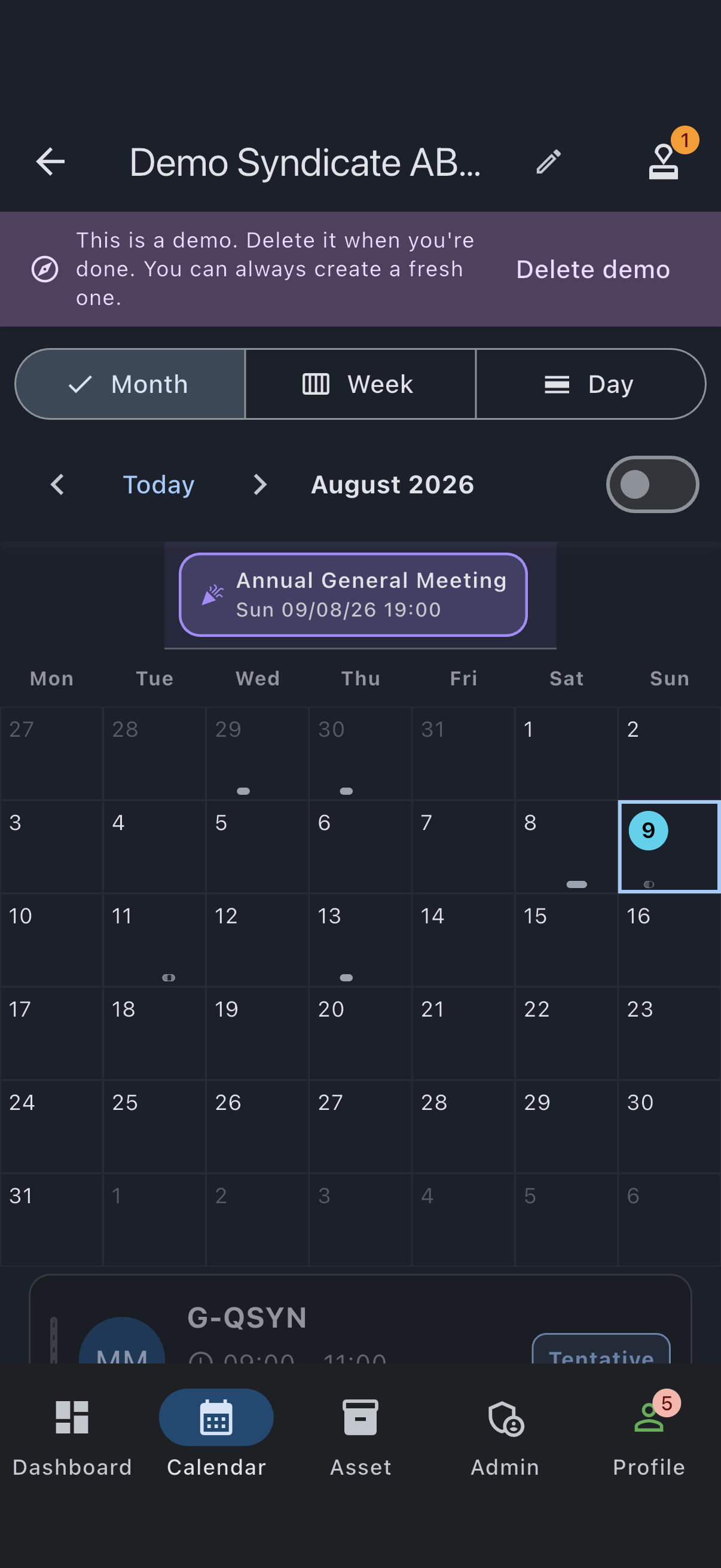
Section titled “How to know you are in the demo”The top of every demo-syndicate screen shows a persistent banner:
This is a demo. Close it when you’re done. You can always create a fresh one.
At its right-hand end is a Close demo button, which takes you to the Edit Syndicate screen where the closing is done.
To leave the demo
Section titled “To leave the demo”You have two options:
- Do nothing. The demo disappears on its own fourteen days after you last sign in.
- Close it now. Tap Close demo in the banner (or go to the Admin tab and open Edit syndicate), scroll to the Danger Zone, and tap Close syndicate. The app checks the syndicate can be closed, then asks you to confirm. A closed demo goes read-only and is permanently removed at the end of a 30-day retention window; you can reinstate it from the same screen before then.
A demo is closed, not deleted, because closing is the only thing Syndik8 does to a syndicate — the same reversible route a real group takes when it winds down. See Close a syndicate for the full flow.
If it goes wrong
Section titled “If it goes wrong”- The demo button did not appear on the welcome step. You already belong to a syndicate on this account. The demo flow is designed for first-time exploration and is hidden once you have any active membership.
- “User already belongs to a syndicate” error. Same root cause as above — the server refuses when you already have an active membership. Remove your existing membership, or use a fresh account.
- “Could not create demo: …” snackbar. A transient network or server error. Tap the button again. If it keeps failing, sign out and back in so you get a fresh auth token.
- The demo disappeared between sessions. Fourteen days of no sign-in triggers cleanup. Launching a new demo gives you the same shape with fresh data.
See also
Section titled “See also”- Demo syndicate — the fixed shape of the pre-populated syndicate, and the rationale for the member personas
- Close a syndicate — what closing does, what can block it, and how to reinstate