
Upload your pilot licence
Add your Part-FCL pilot licence to Syndik8 so your syndicate’s admins can see that one’s on file.
Before you start
Section titled “Before you start”- Have the licence on your device as a PDF, JPEG, PNG, or WebP file. Up to 20 MB.
- There is no expiry to fill in. Part-FCL pilot licences are indefinite; the ratings on them expire but Syndik8 does not track ratings.
- No consent screen is required. Your licence is ordinary personal data, not health data.
- You don’t need to be an admin of any syndicate.
- Go to the Profile tab, scroll to Pilot documents, and tap My documents.
- On the Licence tile, tap Upload.
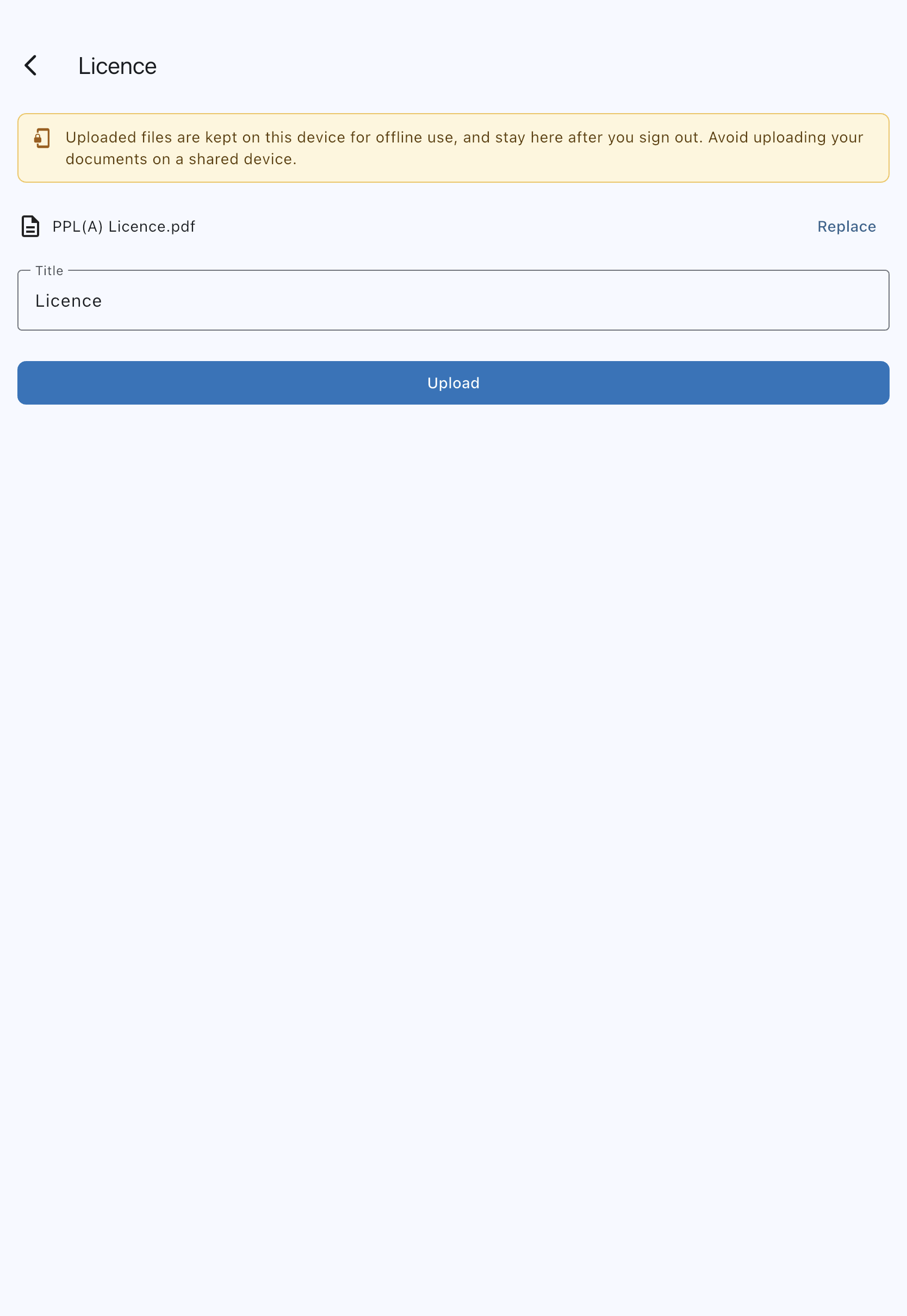
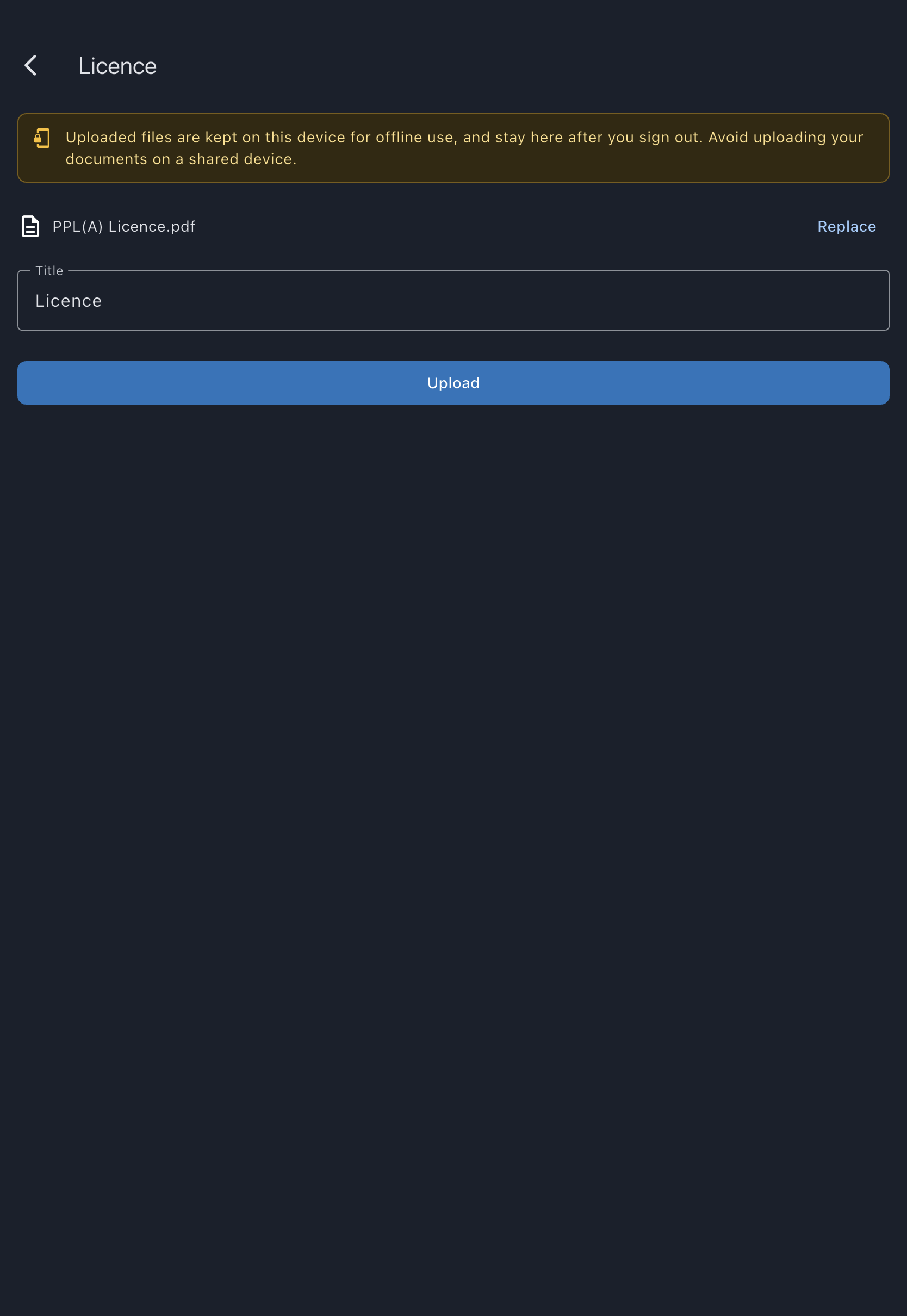
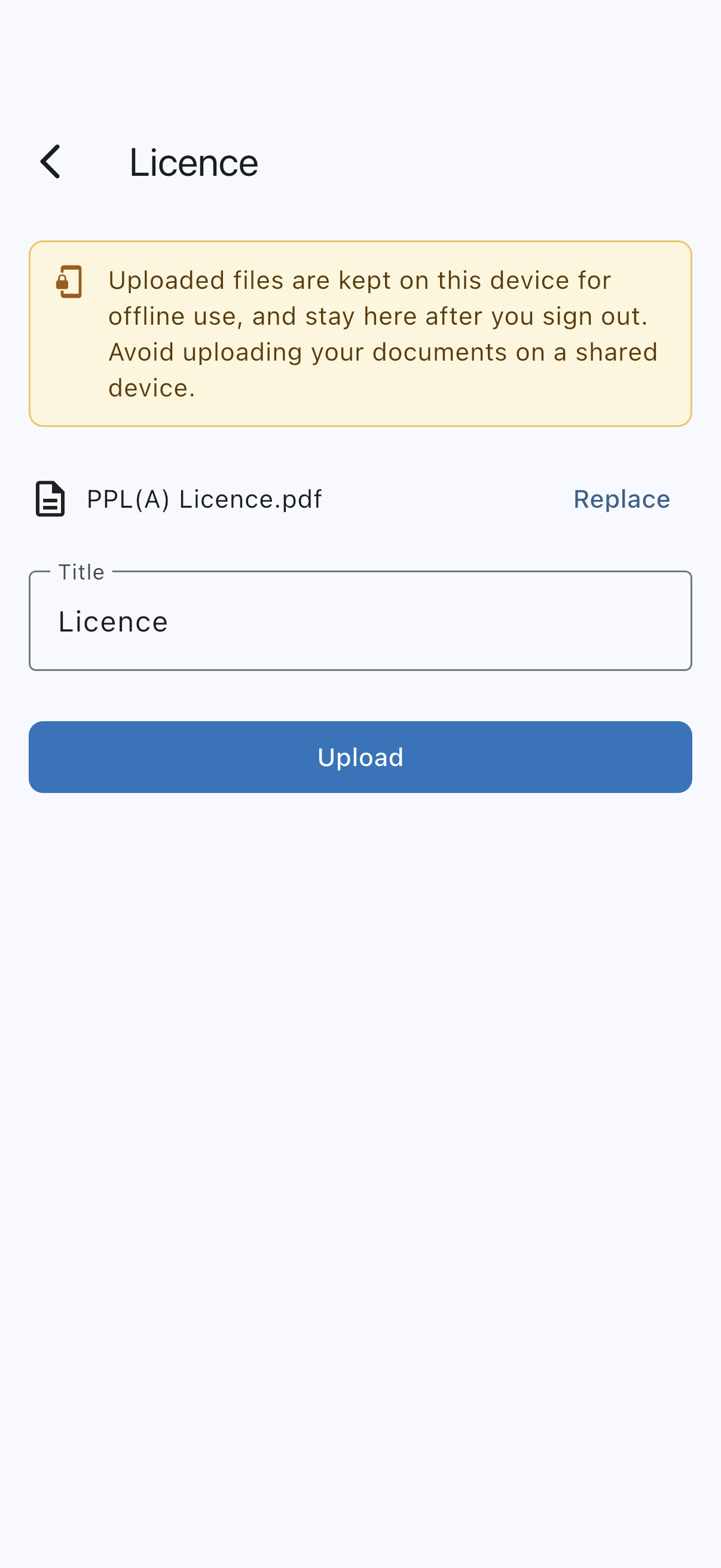
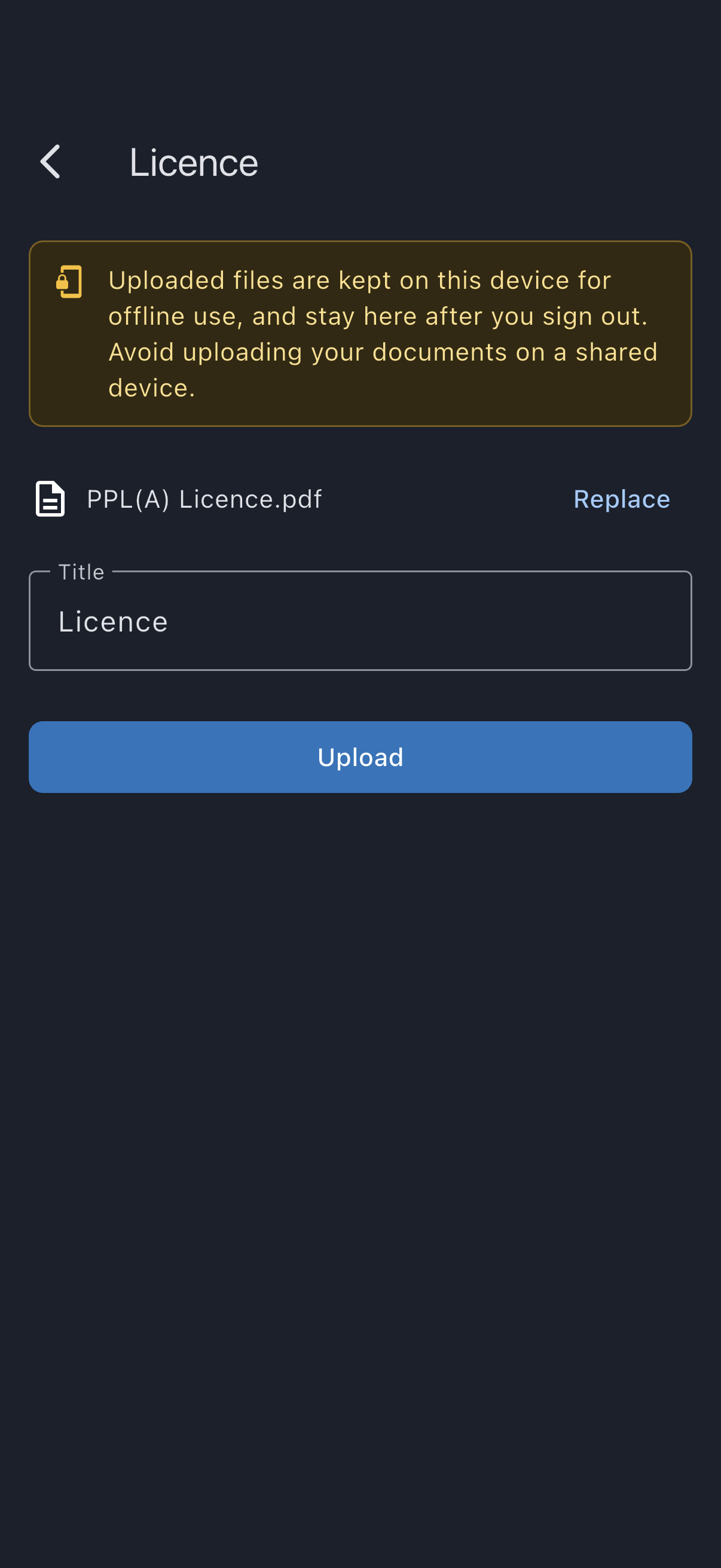
- Tap Choose file and pick your licence from the device. If the file is over 20 MB you’ll see “This file is over 20 MB. Save a smaller copy and try again.”; if it’s another format, “Syndik8 accepts PDF, JPEG, PNG or WebP files.” Either way the file isn’t added, so choose a different one. If the upload itself fails once you tap Upload, usually for want of a connection, you’ll see “Upload failed. Please try again.” and can tap Upload again.
- The Title fills in automatically as “Licence”. Edit it if you like, for example PPL (UK CAA, issued 2018).
- Tap Upload.
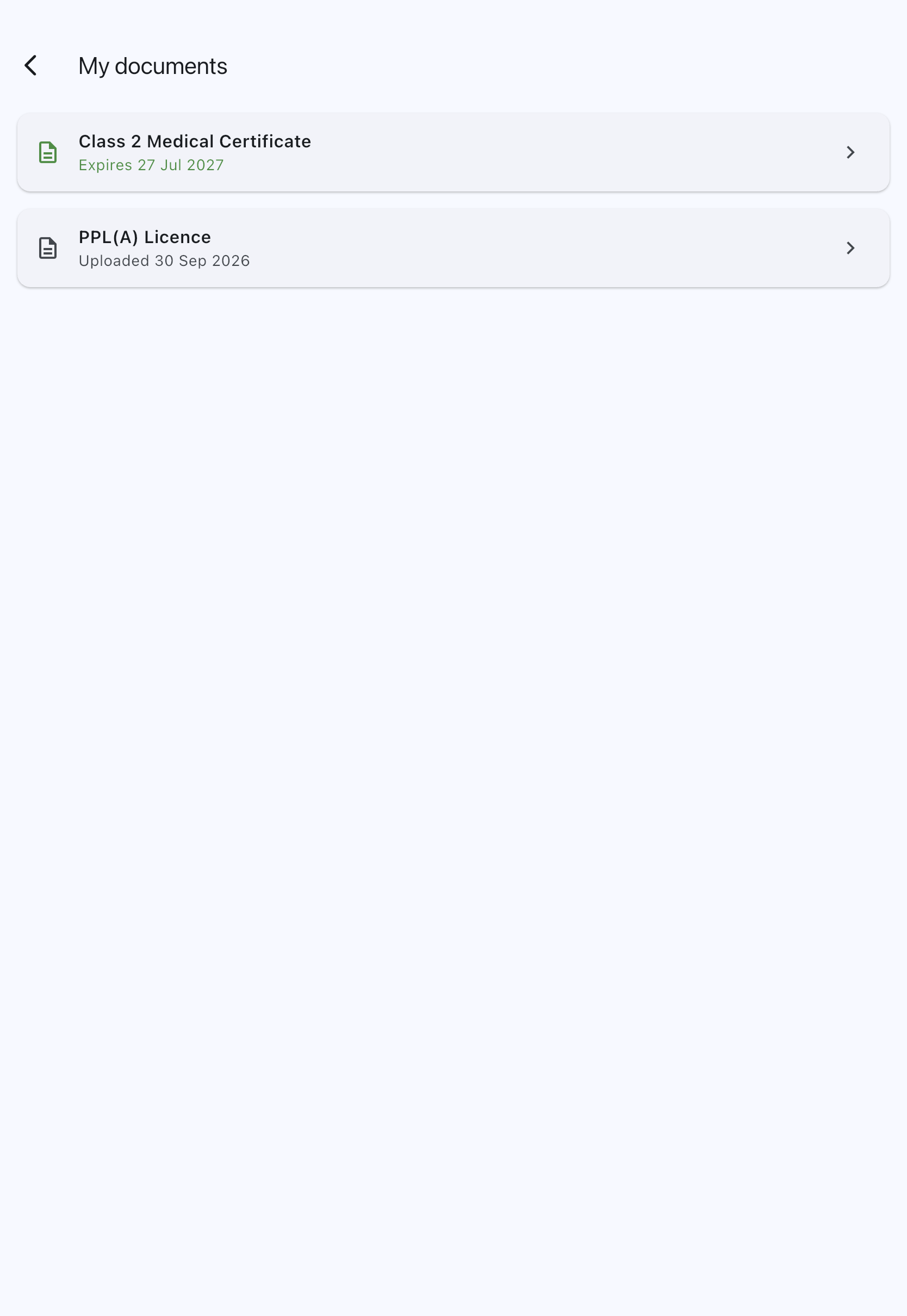
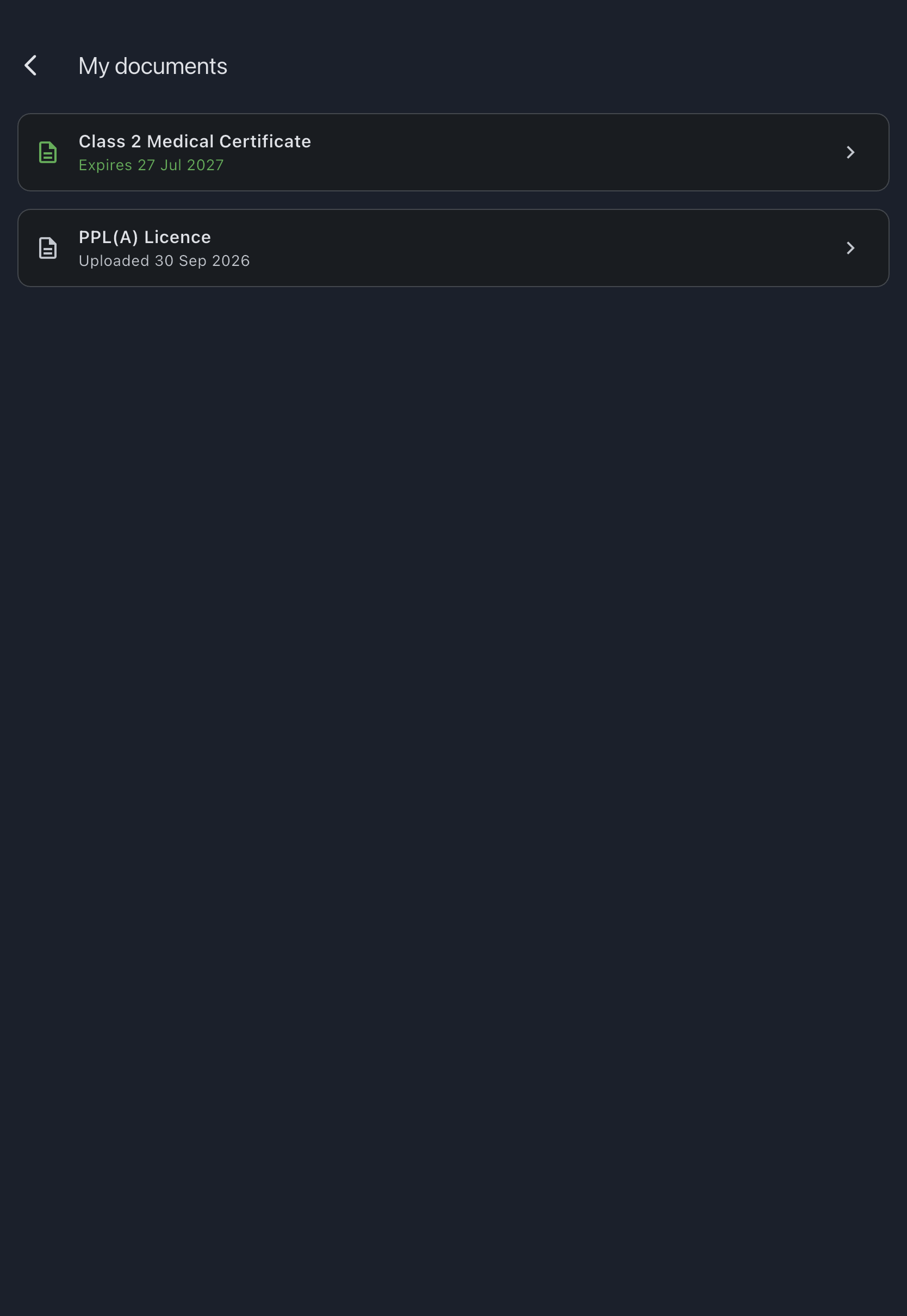
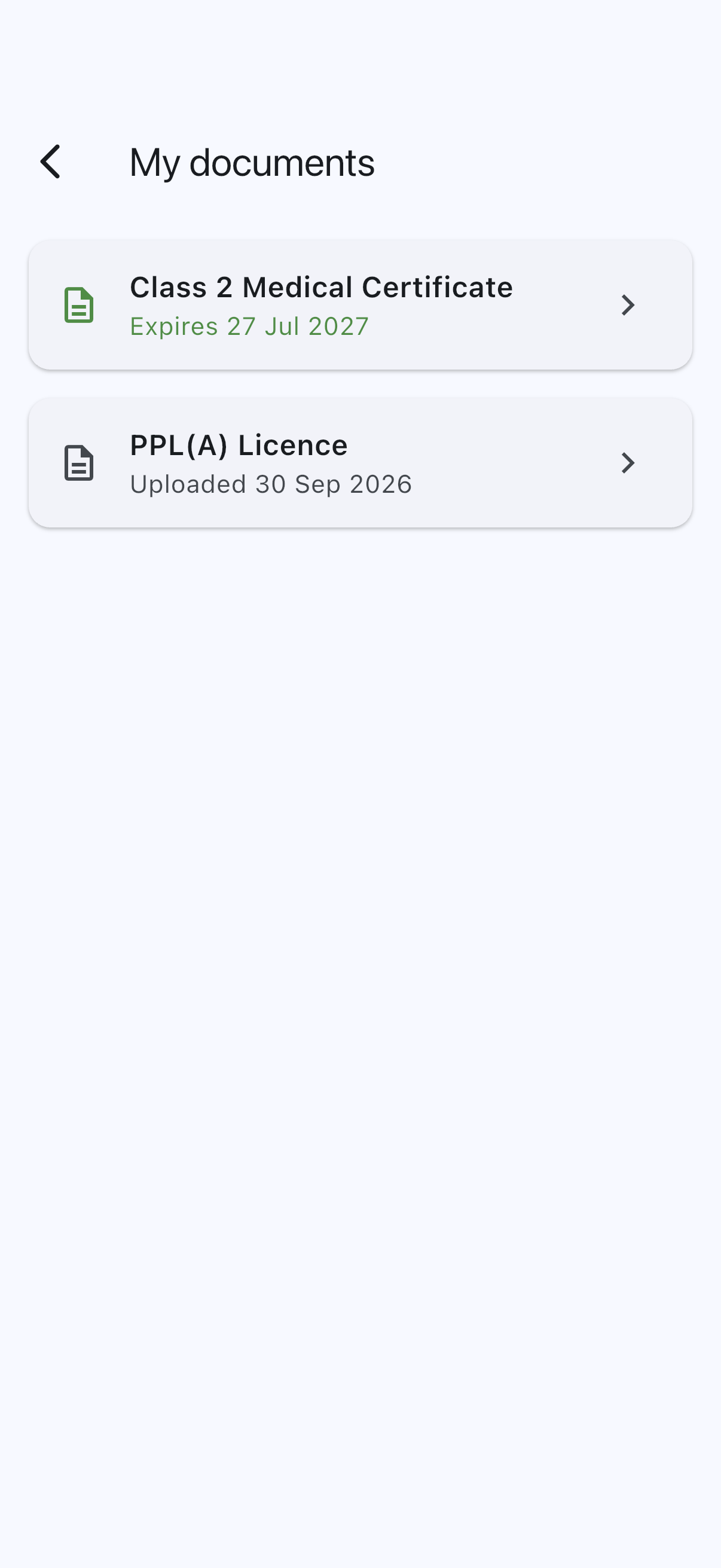
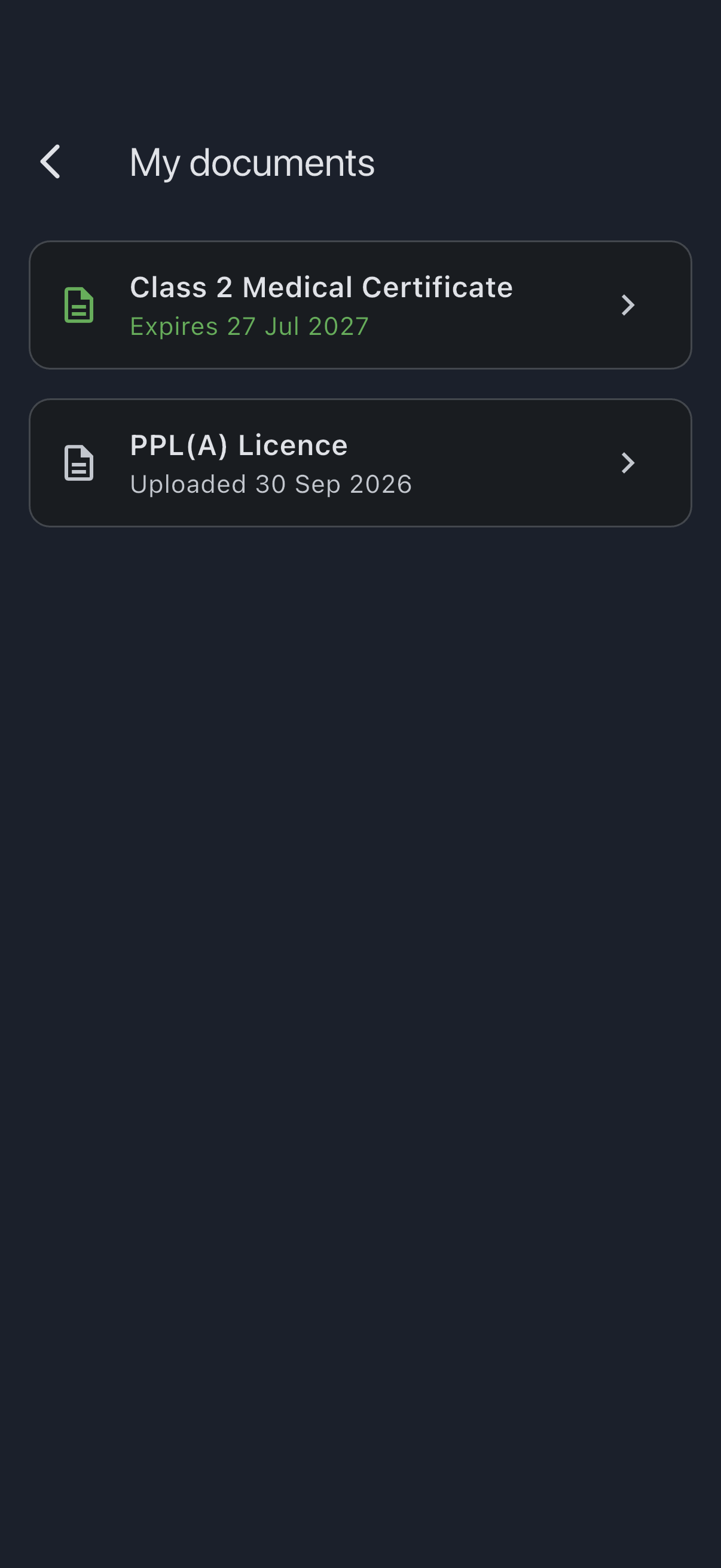
You’ll see a “Document uploaded.” confirmation and return to My documents. The Licence tile now shows the title, and beneath it “Uploaded” with the date. Tapping the tile opens the document; everything you can do to it afterwards lives in that viewer’s app bar.
What happens next
Section titled “What happens next”- Admins of every syndicate you’re in can see “Licence uploaded {your date}” in the Pilot documents section of your member detail screen. Nothing about licences shows on the Members list itself. They will not see the licence file or any of its content.
- If you join a new syndicate, that syndicate’s admins start seeing the same line on your member detail screen from the day you join.
Replacing your licence
Section titled “Replacing your licence”When you renew the licence card or re-issue it with a new rating endorsement, upload the new file the same way. Tap the Licence tile to open the document, then use the replace action in the app bar (the two-arrows icon, captioned Replace when you hover it) and choose the new file. The old file is replaced atomically. There is no version history.
Removing your licence
Section titled “Removing your licence”Tap the Licence tile to open the document, then use the bin icon in the app bar and confirm. The file and the metadata are cleared. (There is no consent record to clear; your licence is not Article 9 data.)