
Import bookings from Goboko
Move your booking history from Goboko into Syndik8 in one pass.
Before you start
Section titled “Before you start”- You must be an admin of the syndicate.
- Export the bookings from Goboko as a CSV. Goboko exports are UTF-16 encoded with a fixed 16-column header; Syndik8 recognises them automatically.
- Re-running the import is safe. Deduplication skips rows already imported, so you can export again after new activity and re-import without creating duplicates.
- Open the syndicate, go to the Admin tab, and tap Import data under the Syndicate heading. You can also tap Import your bookings on the Dashboard tab’s Switching from another system? card.
- On step Upload CSV File, tap Choose File and pick your Goboko export. The wizard moves on as soon as the file is read.
- Step Map Columns is skipped automatically — Goboko’s columns are fixed, so there is nothing to map. Landing straight on the next step is how you know the file was recognised as a Goboko export.
- On step Match Import Entries, which shows the number of rows found, check each unique person the CSV names. Syndik8 resolves them for you first — on the row’s email where Goboko recorded one, otherwise on their name — and shows you what it found. Each entry ends up as one of:
- An existing syndicate member, matched for you or picked from the dropdown.
- Someone to invite, marked with Invite (available where the row carries an email). Marking does not send anything: the marked people are invited together when you tap Invite N people, and on a paid syndicate that is where Syndik8 tells you what the whole batch adds to your subscription and asks you to agree. Declining sends nothing and keeps your marks, so you can drop a few and ask again. Inviting somebody does not import their bookings — they are not a member until they accept — so import the file again once they have joined.
- An aircraft maintenance booking — automatic when the CSV entry is
Maintenancewith no email. Custom labels such as50 hr checkare preserved.
- On step Match Aircraft, confirm each unique registration from the CSV maps to an existing asset. If the syndicate has only one asset, every row is auto-matched.
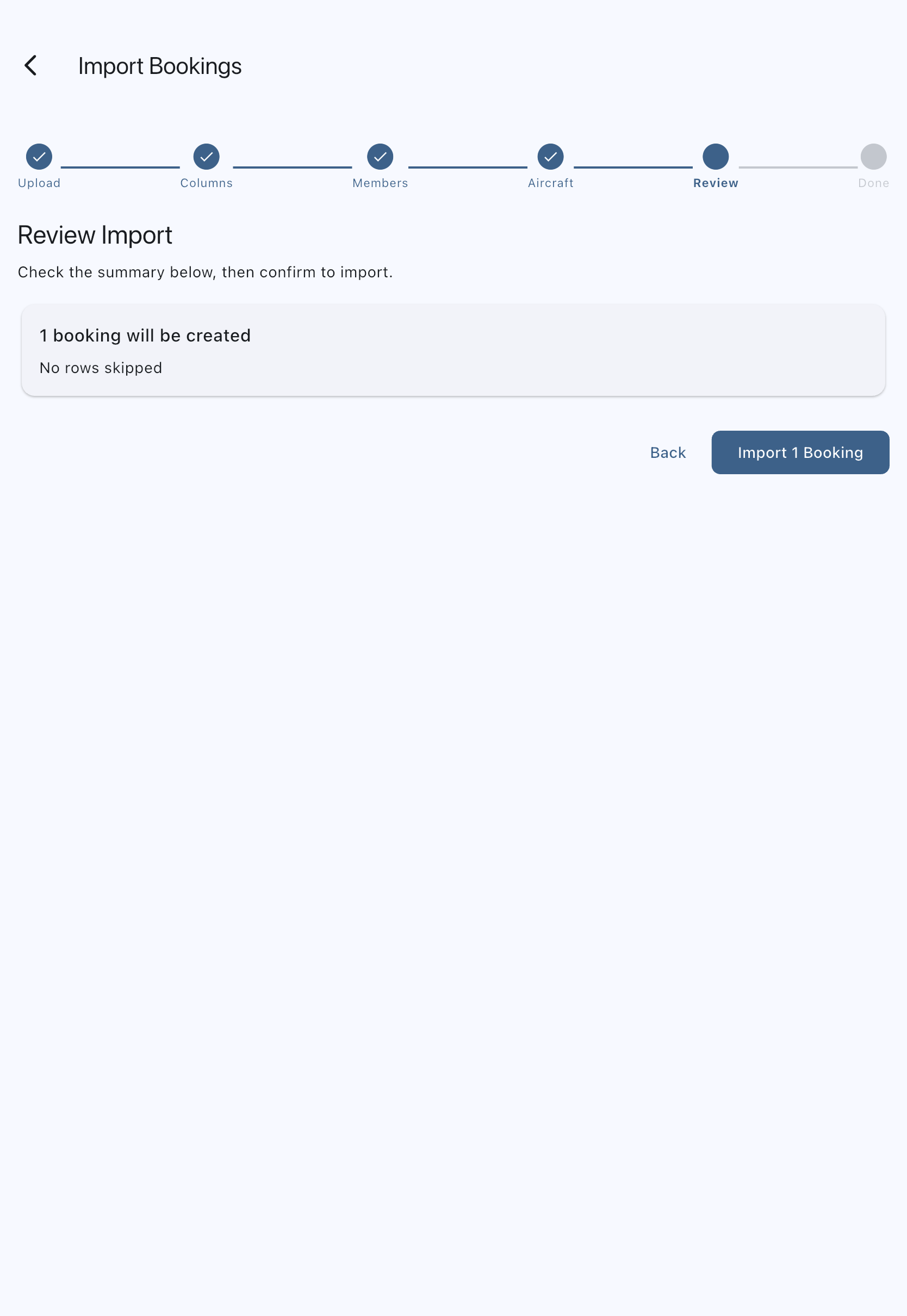
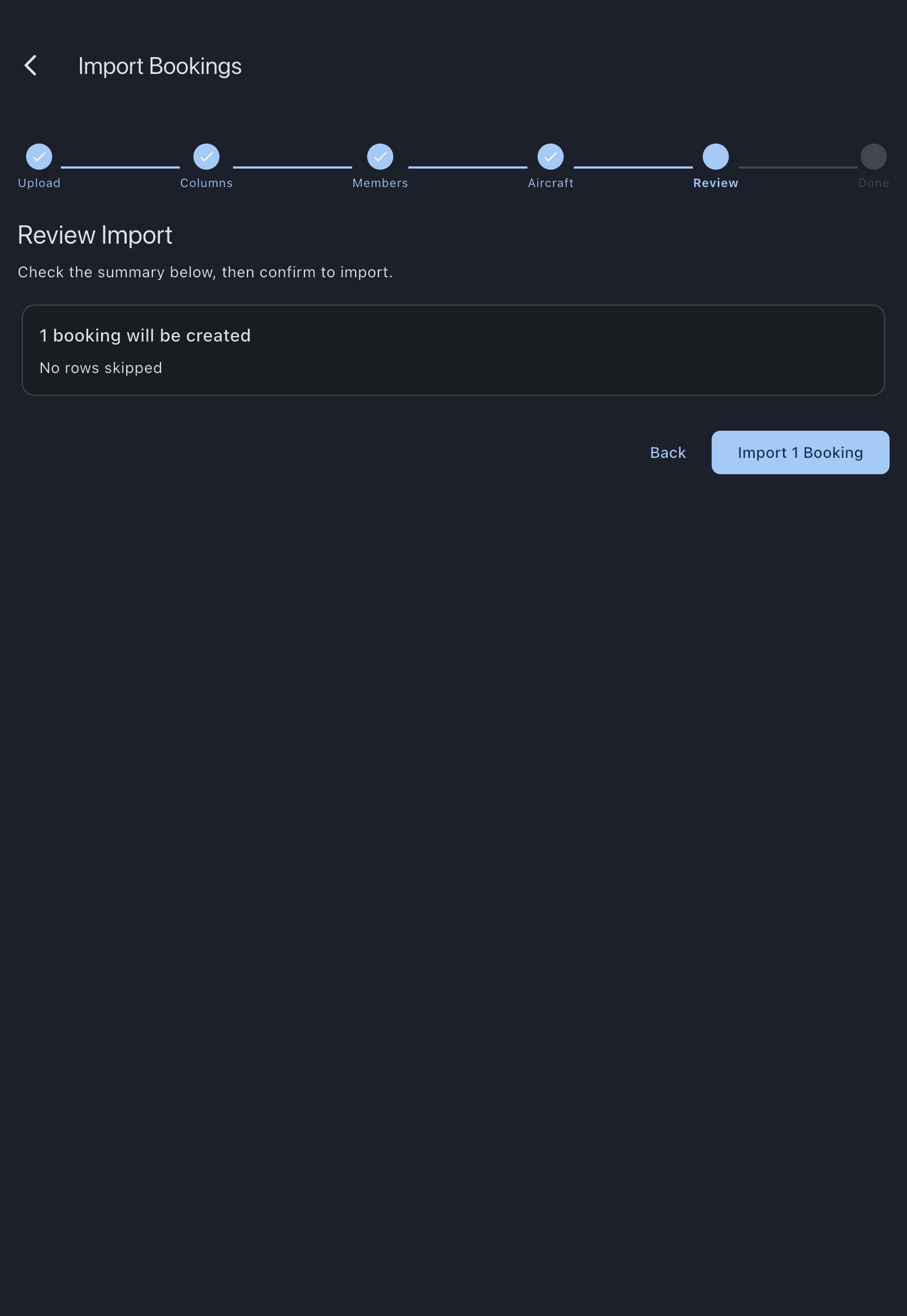
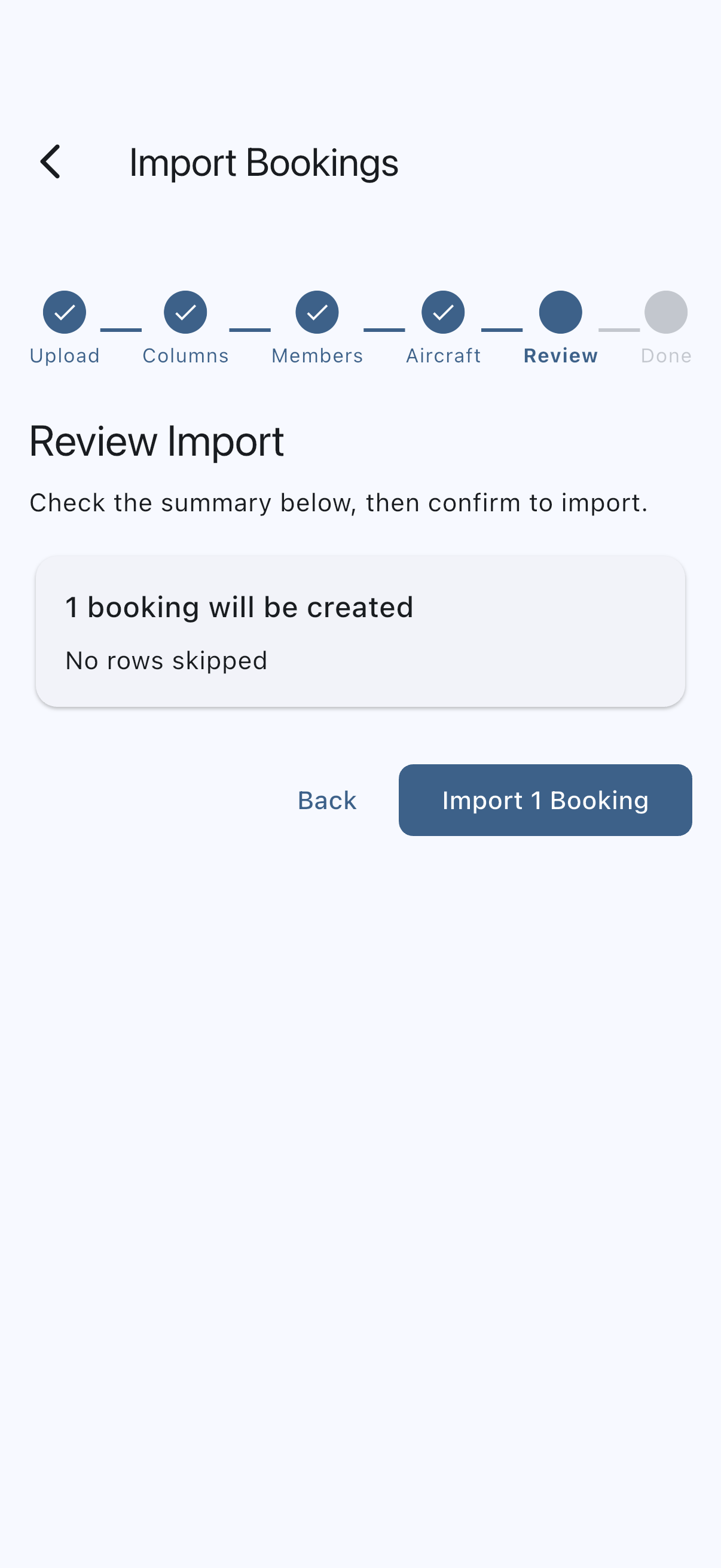
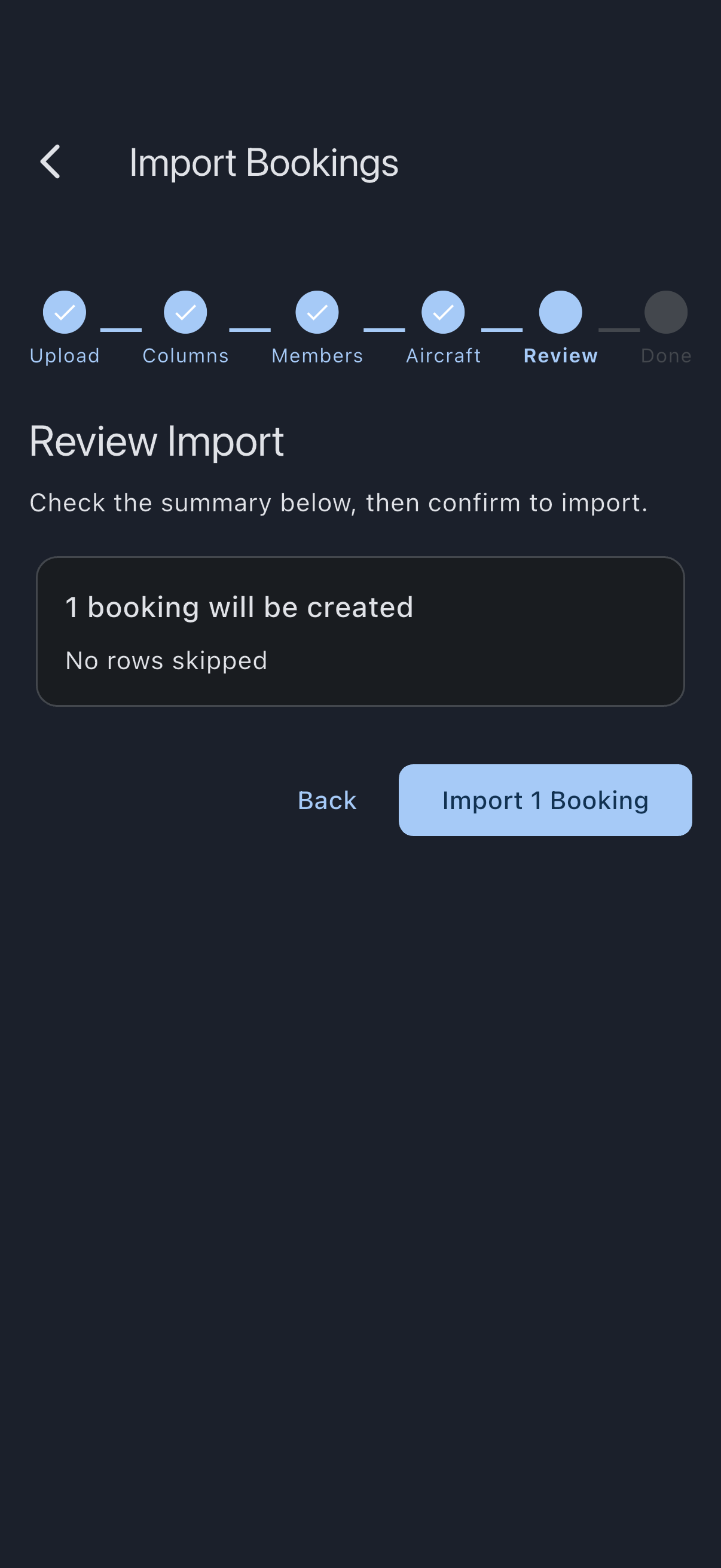
- On step Review Import, read the counts — bookings to create, rows to skip, duplicates already imported. Tap Import N Bookings to commit.
- The wizard runs the import and lands on Done. The new bookings appear on the calendar immediately.
If it goes wrong
Section titled “If it goes wrong”- “The file could not be read. Pick it again, or export a fresh copy.” Syndik8 could not open the file you picked, so nothing has been uploaded and no matching has started. This is about the file on your device rather than your connection: the export may have finished incompletely, the file may have moved or been deleted since you picked it, or a cloud-storage placeholder may not have downloaded yet. Pick the file again, and if it still will not open, export a fresh copy from your old system and use that.
- The file is not detected as Goboko. You will see this as a Map Columns step that is not skipped. The detection check requires both a UTF-16 byte-order mark and the exact header
#,Start Time,End Time,TimeZone. If either is missing, the file routes through the generic CSV path instead, which asks you to map columns. - A member shows “no match”. First check the dropdown — if they are already in the syndicate under a different name or email, pick them there. Otherwise mark them with Invite on the matching step and tap Invite N people to send the whole batch.
- Somebody I invited has no bookings. A booking has to belong to a member, and an invitation is not a membership until it is accepted, so rows naming somebody who has not joined are skipped. The Review Import step counts them and says so. Once they accept, import the same file again: deduplication skips everything already created, and their bookings are added.
- The matching step says it could not check email addresses. Nobody’s email is stored on anyone else’s phone, so Syndik8 asks the server for them while you are on that step, and only when your export actually carries an address to match against. If the request fails — you are offline, or you are not an admin of this syndicate — matching falls back to names alone and tells you so. Goboko names often differ from the ones people registered with, so reconnect and reload the file rather than inviting members who are already in the syndicate. An export whose Email column is blank throughout never triggers the request, so you will not see this message for one.
- Two members with the same name are both left unmatched. Syndik8 will not guess between them. Pick the right one from the dropdown on the matching step.
- An aircraft shows “no match”. Add the aircraft to the syndicate (or rename a registration) and restart the wizard. Rows with an unmatched aircraft are skipped.
- Times look wrong. Goboko rows carry their own timezone. If the timezone column holds a name Syndik8 does not recognise, the time is saved as if already in UTC — see Goboko CSV format for the exact rules.
- You imported the wrong file. There is no one-click undo. Use the affected bookings’ Delete action individually, or contact support with the date range if the volume is large.
See also
Section titled “See also”- Goboko CSV format — exact columns, detection checks, and conversion rules
- Deduplication — how rows already imported are skipped
- Import bookings from a CSV — the fallback path for any other booking system