
Add a maintenance item
Add a maintenance item
Section titled “Add a maintenance item”Create a scheduled maintenance item on an asset so Syndik8 can track when it is next due.
Before you start
Section titled “Before you start”- You must be an admin on the syndicate.
- Know the interval (for example, every 50 hours, every 1 year, or every 30 days) and either the reading at last completion or the last-completed date.
- For an hours item, know which measure the check counts — flying hours or your engine meter. Only the measures your syndicate records are offered.
- For an hours item on an aircraft you have just added, also know what that measure reads on the aircraft right now. Syndik8 asks for it if it does not have one yet. See If the aircraft has no reading yet.
-
Open the asset: Syndicate → Assets → [asset].
-
Open Maintenance on the asset.
-
Tap Add maintenance item.
-
Choose Custom item. (To pick from a preset, follow Use a maintenance template instead.)
-
Enter the Name (for example, 100-Hour Inspection).
-
Enter an optional Description of what the work involves.
-
Choose the Interval Type:
- Hours: usage-based.
- Day: calendar-based, counted in days (e.g. every 7 days for a weekly check).
- Month: calendar-based, counted in calendar months (e.g. every 4 months for an oil change).
- Year: calendar-based, counted in calendar years (e.g. every 1 year for an annual or an ARC).
Pick the unit the aircraft’s schedule is written in. An annual is a 1 year item rather than a 365 day one, so it lands on the same date each year instead of drifting a day earlier at every leap year.
-
For an Hours item, choose what it Counts against:
- Flying hours: accumulated time in service. The usual choice for inspections.
- Your meter’s own name, plus “hours” (for example, Tacho hours): the meter’s own reading. The usual choice for engine-life items such as an oil change.
Only measures your syndicate records appear. If you record just one, it is chosen for you.
If the aircraft has no reading for the measure you pick, a field for what it reads now appears here. Fill it in before you can continue — see If the aircraft has no reading yet. Change what the item counts against and the field asks again for the new measure, starting empty: a figure read off one meter is not a figure for another.
-
Enter the Interval Value (for example,
100for 100 hours, or1for a yearly item). A calendar interval must be a whole number — enter18months rather than1.5years. -
For an Hours item, you can also switch on Also limited by a calendar interval to add a secondary calendar limit alongside it — for example, every 50 hours or every 4 months, whichever comes first. Enter the interval and choose day, month or year. Leave it off if the item should only ever be judged on hours. Not offered for a calendar-based item, which already has only the one clock to run on. See Maintenance items: Secondary calendar limit.
-
Record the last time this item was completed:
- For Hours, check the Last Completed At reading. It opens on what the aircraft reads for the measure you chose above, which is what you want when you are setting the check up as of today: the first cycle then falls due one interval ahead of the aircraft. Type over it if the work was done a while ago — for example
1200on a meter that now reads1250. It follows the measure, so changing what the item counts against re-opens the field on that measure’s reading; a figure read off one meter is not a figure for another. If the aircraft has no reading for the measure, the field opens empty and you enter the figure yourself. If you switched on a secondary calendar limit, also pick a Last Completed On date — the calendar limit needs a date to count from, even though the item’s own interval is hours. - For Day, Month or Year, tap the date field and pick the Last Completed On date.
- For Hours, check the Last Completed At reading. It opens on what the aircraft reads for the measure you chose above, which is what you want when you are setting the check up as of today: the first cycle then falls due one interval ahead of the aircraft. Type over it if the work was done a while ago — for example
-
Tap Create Maintenance Item.
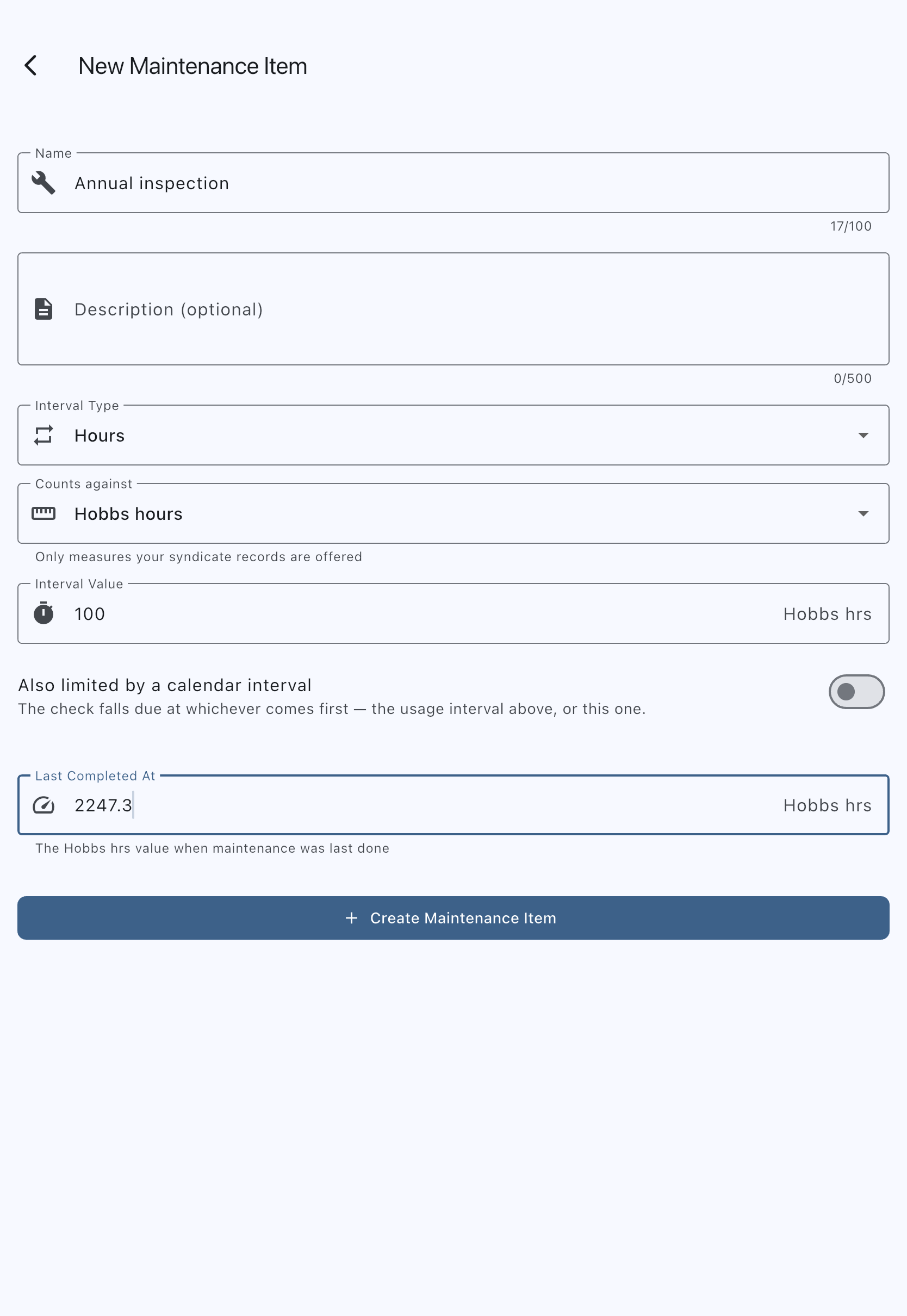
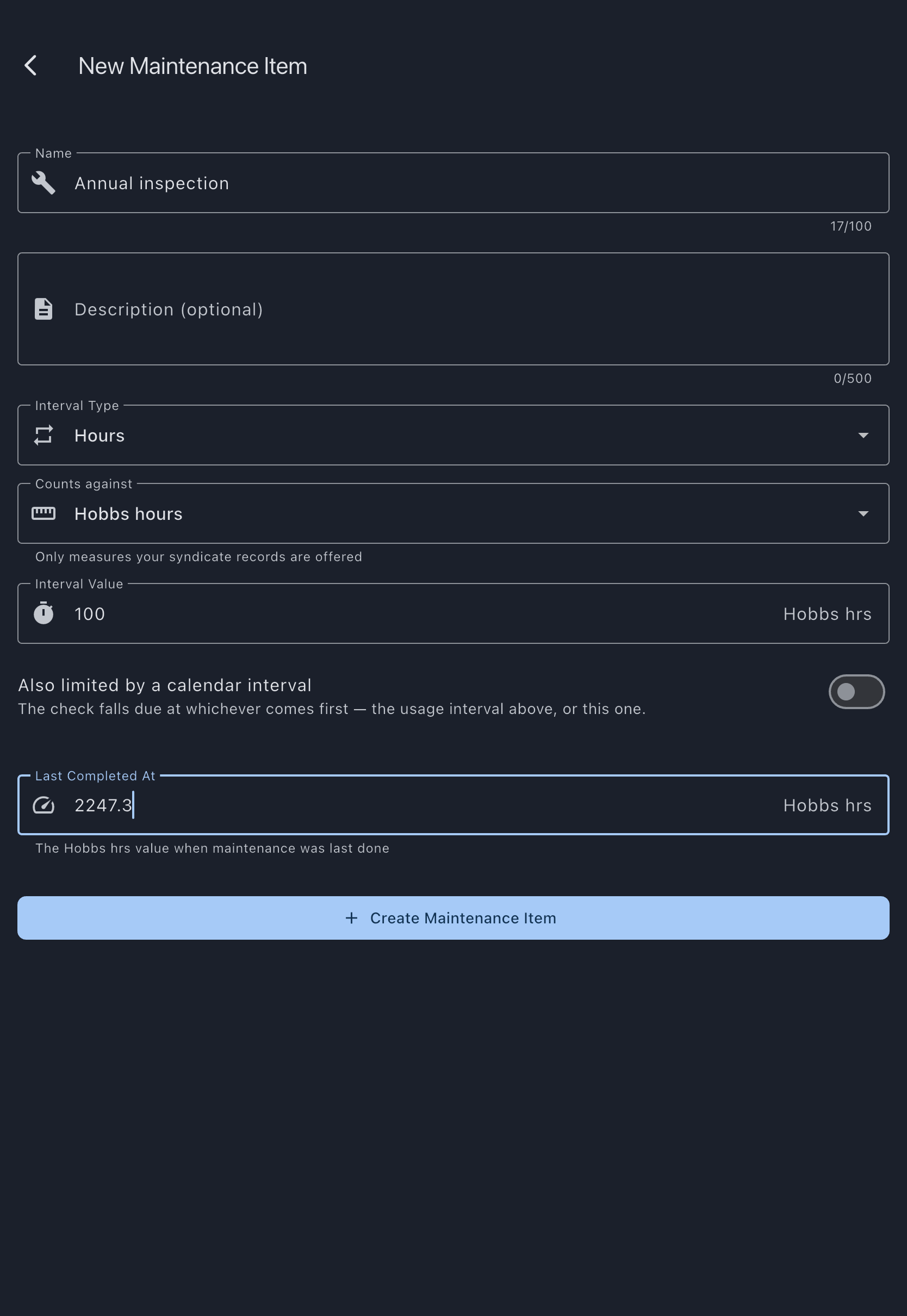
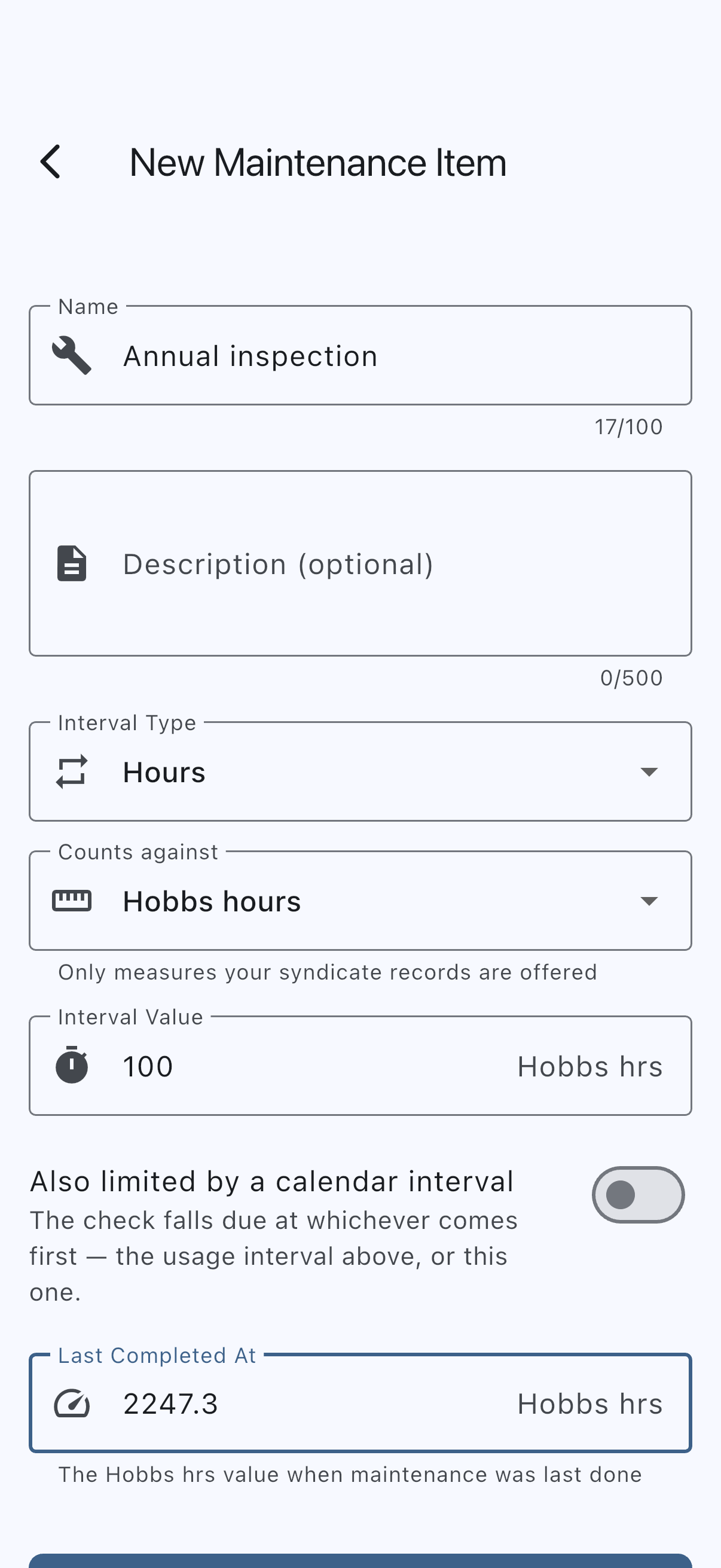
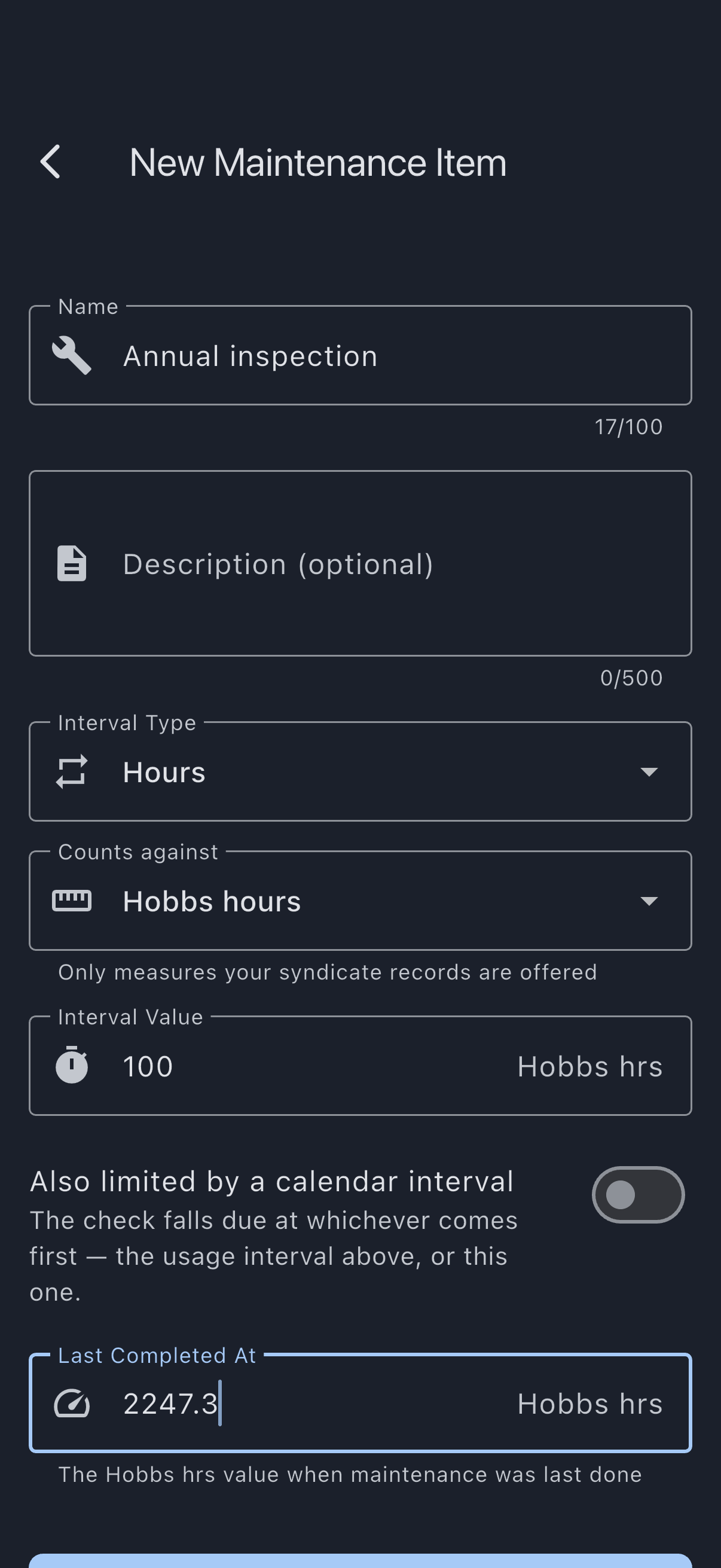
Syndik8 computes the next-due value or date and adds the item to the asset’s maintenance list. A secondary calendar limit, if you switched one on, is saved as a second step right after the item itself — if that part fails, the item still exists and you can add the limit afterwards from the item’s own screen.
If the aircraft has no reading yet
Section titled “If the aircraft has no reading yet”An hours item is judged by comparing the measure it counts against the aircraft’s current figure for that measure. Until the aircraft has that figure, there is nothing to compare against: the check would sit in the list looking healthy and would never come due.
A new aircraft usually has no figures. Flying hours and landings only start once a flight has been logged, and the engine meter only exists once somebody has entered its reading.
So when you pick a measure the aircraft has no figure for, the form says No [measure] reading yet and shows a [measure] now field. Enter what the aircraft reads at this moment (enter 0 if it genuinely is zero) and carry on. Tap Create Maintenance Item without it and the field shows an inline error instead of saving. If you would rather not enter it, cancel and either pick a measure the aircraft already has a figure for, or record the aircraft’s readings first on Syndicate → Assets → [asset] → Edit.
The figure you enter is recorded against the aircraft, not just against this check, and it shows on the aircraft’s own screen. You do not need to work backwards to what the aircraft read before it joined Syndik8: enter the reading as it stands. Everything flown up to that moment is already inside it, including flights entered late, and only flying dated afterwards is added on top. It is kept as an audited change, the same as one made on the aircraft’s edit screen. It is a separate figure from Last Completed At, which is what the measure read when the work was last done.
This step needs a connection. If it fails, nothing is created and you can retry.
If it goes wrong
Section titled “If it goes wrong”- “Please enter a valid positive number”: the interval value must be greater than zero.
- “Enter a whole number of days, months, or years”: a calendar interval cannot be a fraction. Express it in a smaller unit instead —
18months rather than1.5years. - “Please enter a valid number”: the reading at last completion must be a number.
- “Enter the aircraft’s current figure to continue”: the aircraft has no reading for the measure you picked. See If the aircraft has no reading yet.
- “Couldn’t record the opening reading, so the check was not created”: recording the aircraft’s reading needs a connection. Nothing was saved; reconnect and tap Create Maintenance Item again. If the message says the engine meter cannot read back past a logged flight, a flight has already been recorded with a higher reading on the face of the meter; enter the figure the aircraft actually shows, or correct that flight.
- Create Maintenance Item stays greyed out on an hours item: either the Counts against field has not been filled, or the aircraft’s details have not reached the device yet. Both populate once your syndicate’s settings and aircraft have synced; if Counts against stays empty, check the aircraft’s usage capture settings.
- “The item was saved, but its calendar limit was not”: the item itself was created; only the secondary calendar limit failed to save, usually a connection problem. Open the item from the maintenance list and add the limit again from there.
- “Nothing was saved — the calendar limit could not be recorded: …”, when adding or changing the limit on an existing item: if the message goes on to say the item moved while you were setting its limit, another admin signed the check off while this form was open. The limit you entered counts from the completion that sign-off replaced, so it would have fallen due before the work was even done. Nothing at all was saved, including the other fields on the form. Open the item again and set the limit against the new cycle. Signing the check off or deferring it yourself, from the item’s own screen, does not cause this — the form keeps up with your own changes.
- “The calendar limit was saved, but the rest of your changes were not: …”, when changing the limit on an existing item: the limit is written first, so this is the one case where part of an edit lands. The new limit is on the check; the other fields are not. Usually a connection problem — tap Save Changes again to apply the rest.
- “This check has a live deferral on its calendar limit. Use Change deferral to put the limit back before changing it here.”: shown before anything is saved, when switching the secondary calendar limit off — or lengthening it — would push the due date past a deferral already riding on it. Open Change deferral on the item’s own screen to put the limit back, then make the edit here.
See also
Section titled “See also”- Maintenance items: the fields on a maintenance item
- Maintenance intervals: how hours and days differ
- Use a maintenance template: start from a preset
- Log a maintenance task: record completion